

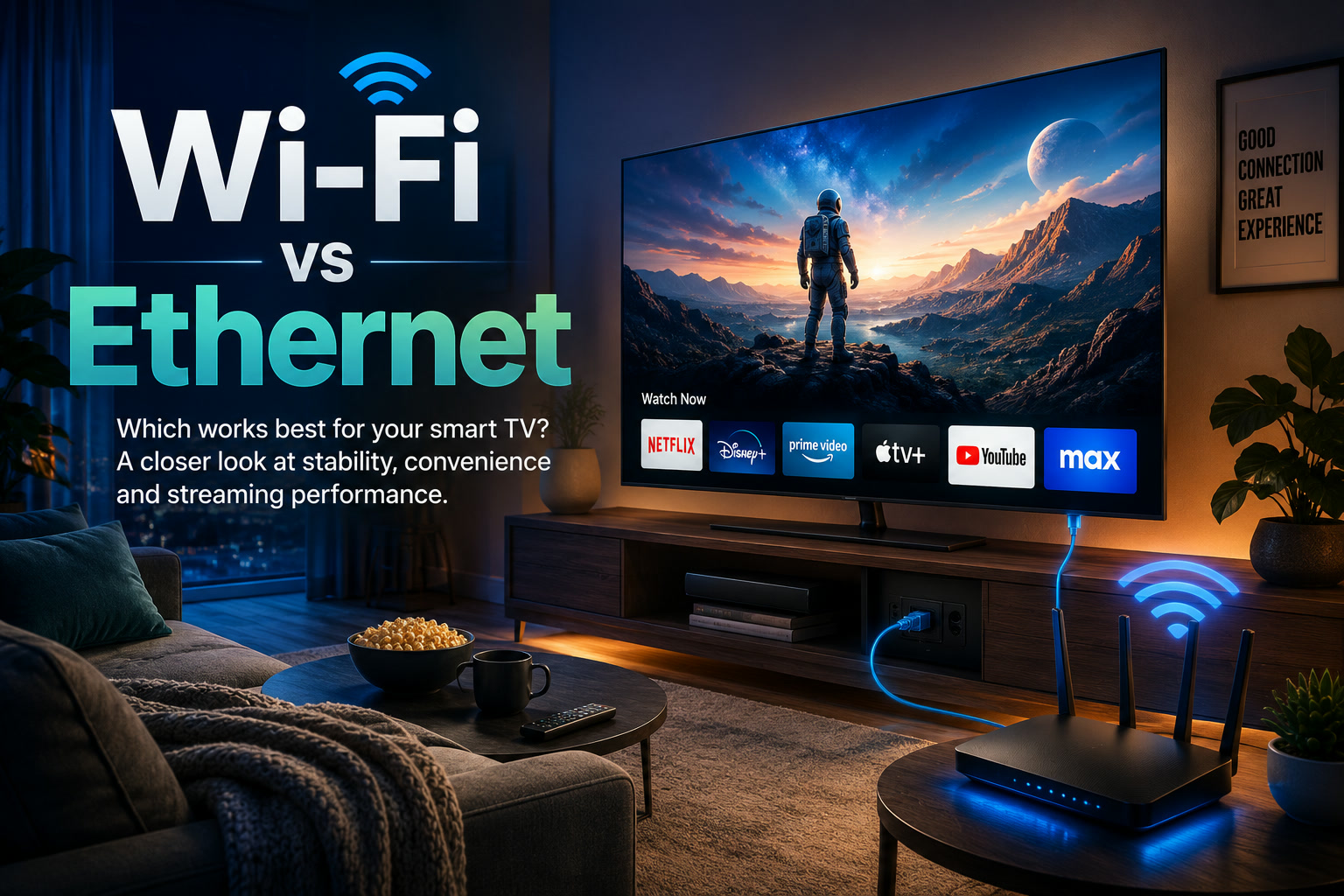
Few things are more frustrating than reaching an important scene in a movie only for the picture to freeze, drop in quality or display a loading symbol. When that happens, the streaming service is often blamed first, but the real problem may be the connection between the television and the home network.
Both Wi-Fi and Ethernet can provide a good streaming experience. The better option depends on the television's location, the layout of the home, network congestion and how reliably the wireless signal reaches the room.
For most fixed home-entertainment setups, Ethernet remains the more dependable option. Wi-Fi, however, is far more convenient and may work perfectly well when the router and television are positioned appropriately.
Why Ethernet Is Usually More Reliable
Ethernet connects the smart television directly to the router or network switch using a cable. Because the data travels through a physical connection, it is less affected by many of the problems commonly associated with wireless networks.
Wi-Fi performance can fluctuate because of walls, floors, furniture, distance and interference from nearby devices. Several phones, laptops, tablets, cameras and smart-home products may also be sharing the same wireless connection.
Ethernet largely avoids these issues. Once the television is connected, the network performance is generally more consistent, particularly during long streaming sessions.
This does not necessarily mean Ethernet will always provide dramatically higher speeds. Streaming platforms usually compress their video, and even 4K content may not require the full capacity of a modern broadband connection. The real advantage is often stability rather than maximum speed.
A stable 50Mbps connection can provide a better viewing experience than a wireless connection that repeatedly jumps between much faster and much slower speeds.
Ethernet Can Reduce Buffering and Quality Drops
Streaming services automatically adjust video quality according to the available connection. When Wi-Fi becomes unstable, the application may lower the resolution to keep the programme playing.
This can result in:
Connecting through Ethernet will not solve every possible streaming problem. Congestion from the internet service provider, overloaded streaming servers, router problems or a slow smart TV can still affect playback.
However, Ethernet removes one major source of uncertainty: the wireless link between the router and the television.
When Wi-Fi Is the More Practical Choice
Despite Ethernet's reliability, running a network cable across the house is not always realistic.
The router may be located in another room, the television may be wall-mounted or the homeowner may not want visible cables running along the floor. Renters may also be unable to drill walls or install permanent network cabling.
In these situations, Wi-Fi is the obvious choice.
A good wireless connection can handle ordinary HD and 4K streaming without difficulty, especially when:
For users who watch streaming content occasionally and do not experience buffering, there may be little reason to change an already reliable Wi-Fi setup.
The Fastest Connection Is Not Always the Best Connection
Home internet packages are often advertised according to their maximum download speeds, but those numbers do not describe the quality of the connection inside the home.
A household may have a very fast fibre plan while the television receives a weak Wi-Fi signal from a router located several rooms away. In this situation, upgrading the internet package may make little difference because the bottleneck remains the local wireless network.
It is also worth remembering that speed tests provide only a snapshot. A television may show strong results during one test but still experience interruptions when other household members begin downloading files, joining video calls or streaming on additional devices.
For smart televisions, consistency, latency and signal quality can be just as important as raw download speed.
Choosing the Right Wi-Fi Band
Many modern routers provide both 2.4GHz and 5GHz Wi-Fi.
The 2.4GHz band generally reaches farther and passes through walls more effectively, but it is often more crowded and may provide slower performance. It is commonly shared by smart-home devices, older equipment and neighbouring networks.
The 5GHz band usually offers faster speeds and less congestion, but its signal weakens more quickly over distance and through solid walls.
A television close to the router will often perform better on 5GHz. A television located farther away may receive a more reliable connection through 2.4GHz, even though the maximum speed is lower.
The correct choice is therefore not always the band with the largest advertised number. It is the one that provides the most stable connection at the television's actual location.
MoCA Can Deliver Wired Networking Through Coaxial Cabling
Running a long Ethernet cable is not the only way to create a wired connection.
A Multimedia over Coax Alliance, or MoCA, adapter can carry network traffic through the coaxial cables traditionally used for cable television. One adapter connects to the router, while another is installed near the television.
This can provide a stable wired-style connection between rooms without installing new Ethernet cabling, provided the home already has suitable coaxial wiring.
MoCA can be especially useful in larger homes where the router and television are separated by several rooms or floors. The installation is more involved than joining a Wi-Fi network, but the result can be more dependable than relying on a weak wireless signal.
Compatibility with the home's existing coaxial setup should be checked before purchasing adapters.
Powerline Adapters Use Existing Electrical Wiring
Powerline networking offers another alternative.
These adapters plug into electrical wall outlets and send network data through the home's electrical wiring. One adapter is placed near the router, while the second is connected near the smart television.
This can be convenient where Ethernet cabling is difficult and coaxial connections are unavailable. Performance, however, varies significantly between homes.
Electrical noise, old wiring, different circuits, extension leads and certain appliances can reduce reliability. Powerline adapters should generally be connected directly to wall outlets rather than power strips, which may weaken or block the network signal.
They can work well in the right environment, but their actual performance is difficult to predict until they are tested in the property.
Mesh Wi-Fi Is Better for Larger Homes
A mesh Wi-Fi system uses several connected units positioned around the home. Together, they create broader wireless coverage than a single router can usually provide.
Devices can connect through the nearest or strongest mesh unit rather than attempting to reach one router from the opposite side of the building.
This makes mesh networking particularly helpful in:
For a television located far from the main router, installing a mesh unit nearby may provide a substantial improvement.
Some mesh nodes also include Ethernet ports. In that arrangement, the television can be connected by cable to the nearby node, while the node communicates with the rest of the mesh network. This may be easier than running a cable all the way back to the main router.
Wi-Fi Extenders Are Useful, but Have Limitations
A Wi-Fi extender receives an existing wireless signal and rebroadcasts it into an area with poor coverage.
Extenders are relatively affordable and may solve a simple problem, such as one bedroom having a weak connection. However, they are not always the ideal solution for demanding streaming.
Because the extender must receive and retransmit the wireless data, performance can drop. The device may also create a separate network name, requiring users to manually switch connections when moving around the home.
Placement is important. An extender installed inside the dead zone may simply repeat an already weak signal. It should be positioned somewhere that still receives a good connection from the main router.
For one isolated coverage issue, an extender may be sufficient. For several weak areas or a large home, a properly designed mesh system will usually provide a more consistent experience.
Simple Ways to Improve Smart TV Wi-Fi
Before buying additional networking equipment, several basic adjustments may improve performance.
Restarting the router and television can clear temporary connection problems. Moving the router away from cabinets, floors and large electronic devices can also help the wireless signal travel more effectively.
Users should also check whether the television is connected to the intended Wi-Fi network and frequency band. In homes with several similar network names, the television may have joined an older router, extender or weaker access point.
Updating the television's software, router firmware and streaming applications may resolve compatibility or performance problems as well.
It can also help to temporarily disconnect unused devices or pause large downloads. If streaming improves immediately, network congestion is likely contributing to the problem.
Which Connection Is Best for Gaming and Cloud Streaming?
For ordinary movie streaming, occasional fluctuations may be hidden by buffering. Interactive services are less forgiving.
Cloud gaming, game streaming and other real-time applications are sensitive to delay and inconsistent network performance. A small interruption that would barely affect a film could cause delayed controls or a temporary loss of image quality during a game.
Ethernet is therefore strongly preferred when a television is used for cloud gaming or game-streaming services. A strong mesh network may also perform well, but a direct wired connection remains the simpler way to reduce wireless instability.
So, Should You Use Wi-Fi or Ethernet?
Choose Ethernet when the router is close enough to the television, cabling can be installed neatly and reliability is the main priority. It is particularly worthwhile for frequent 4K viewing, large households, cloud gaming and entertainment systems that remain in one permanent location.
Choose Wi-Fi when installing a cable is inconvenient and the television already receives a strong, stable signal. For many apartments, bedrooms and casual streaming setups, Wi-Fi will be more than sufficient.
Consider MoCA, powerline networking or mesh Wi-Fi when the television is too far from the router for either a direct cable or a dependable wireless connection.
Final Thoughts
There is no single connection method that is best for every smart television. Ethernet provides the most predictable performance, but Wi-Fi offers flexibility and a much cleaner installation.
The best approach is to focus on the actual viewing experience rather than chasing the highest speed-test result. When a television streams smoothly, maintains its picture quality and responds quickly, the connection is doing its job.
When buffering becomes frequent, switching to Ethernet—or improving the home network through mesh, MoCA or another suitable solution—can make a much bigger difference than simply upgrading to a faster internet plan.











Comments 0