

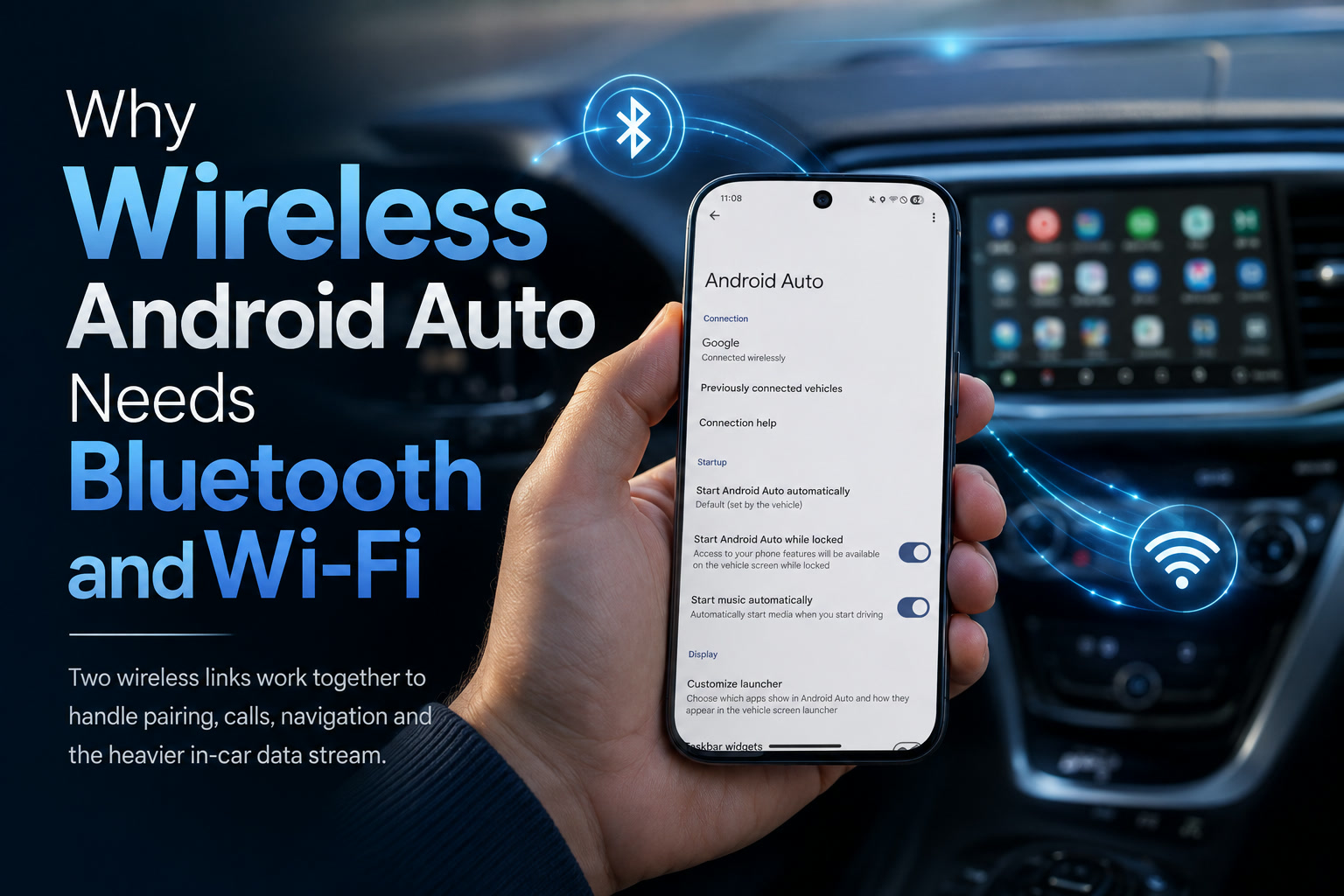
Wireless Android Auto can feel almost effortless when everything behaves properly. You start the car, your phone connects automatically, and the infotainment screen begins showing navigation, music and communication apps without needing a cable.
Behind that convenience, however, Android Auto is doing more than simply pairing through Bluetooth. A wireless connection actually depends on Bluetooth and Wi-Fi working together, with each technology handling a different part of the experience.
That also explains why Wi-Fi may switch on automatically, why the phone can become warm during longer journeys and why occasional wireless interference can cause Android Auto to stutter or disconnect.
Bluetooth Starts the Conversation
When the vehicle is started, Bluetooth normally handles the initial discovery and connection process.
It allows the phone and infotainment system to recognise one another, confirm that they have previously been paired and exchange the information needed to begin an Android Auto session.
Bluetooth is well suited to this role because it uses relatively little power and can remain active in the background. It is also commonly used for hands-free calling, contact synchronisation and basic audio functions inside vehicles.
However, Bluetooth does not have enough bandwidth to carry the entire Android Auto experience efficiently.
Once the initial handshake is completed, the system establishes a faster local Wi-Fi connection between the phone and the vehicle.
Wi-Fi Handles Most of the Heavy Work
The Wi-Fi connection carries the more demanding parts of wireless Android Auto.
This includes the projected interface shown on the dashboard, high-quality audio, navigation graphics, touch commands, voice interactions and information being exchanged between the phone and the vehicle.
A typical wireless Android Auto session uses a direct peer-to-peer connection, usually operating over the 5GHz Wi-Fi band. The vehicle does not necessarily connect to the internet through this link. Instead, the phone and infotainment system communicate directly with one another.
Your phone may continue using mobile data for online services such as live traffic information, streaming music and destination searches. At the same time, its Wi-Fi radio is occupied by the local connection to the car.
This distinction is important. The Wi-Fi connection is primarily the high-speed bridge between the phone and the infotainment display, while mobile data provides internet access when required.
Why Bluetooth Alone Is Not Enough
Bluetooth is excellent for lightweight tasks, but it was not designed to continuously transmit an interactive graphical interface at high quality.
Android Auto needs to update the display, play audio, respond to touches, process microphone input and exchange navigation information with very little delay. Attempting to perform all of that through Bluetooth would likely produce a slower and less responsive experience.
Wi-Fi provides substantially greater bandwidth, making it much better suited to screen projection and high-quality media transfer.
A useful way to think about the arrangement is that Bluetooth introduces the two devices and helps them establish the session. Wi-Fi then becomes the main communication channel for nearly everything that follows.
Neither connection completely replaces the other because they are performing different jobs.
Why Your Phone May Become Warm
Wireless Android Auto can place a noticeable load on a phone.
The device may be running Google Maps or another navigation application, processing GPS information, maintaining a mobile-data connection, streaming audio and communicating with the infotainment system through Wi-Fi. Bluetooth remains active as well, particularly for calling and session management.
The screen may be turned off, but the phone is still performing considerable work in the background.
During a long journey, this combination can increase power consumption and generate heat. Placing the phone inside a closed compartment, under direct sunlight or on a wireless charger may make the temperature problem more noticeable.
Wireless charging can be especially inefficient when the phone is already working hard. It produces additional heat while trying to replace the energy being consumed by navigation and wireless communication.
In some cases, the phone may charge slowly, remain at roughly the same battery percentage or even continue losing power despite being placed on a wireless charger.
The Battery-Life Trade-Off
The main benefit of wireless Android Auto is convenience. There is no need to connect a cable every time the driver enters the vehicle.
That convenience comes with increased battery use because the phone must maintain Bluetooth, Wi-Fi, GPS and often mobile data simultaneously.
A wired connection avoids some of this burden because the USB cable carries the Android Auto data and supplies power to the phone at the same time. The charging speed may not be particularly fast in some vehicles, but it can still help prevent the battery from draining during a journey.
Wireless Android Auto is therefore most convenient for shorter drives where battery consumption is not a major concern. On a long trip, plugging the phone into a charger may still be sensible—even when the Android Auto connection itself remains wireless.
Wireless Connections Can Introduce Instability
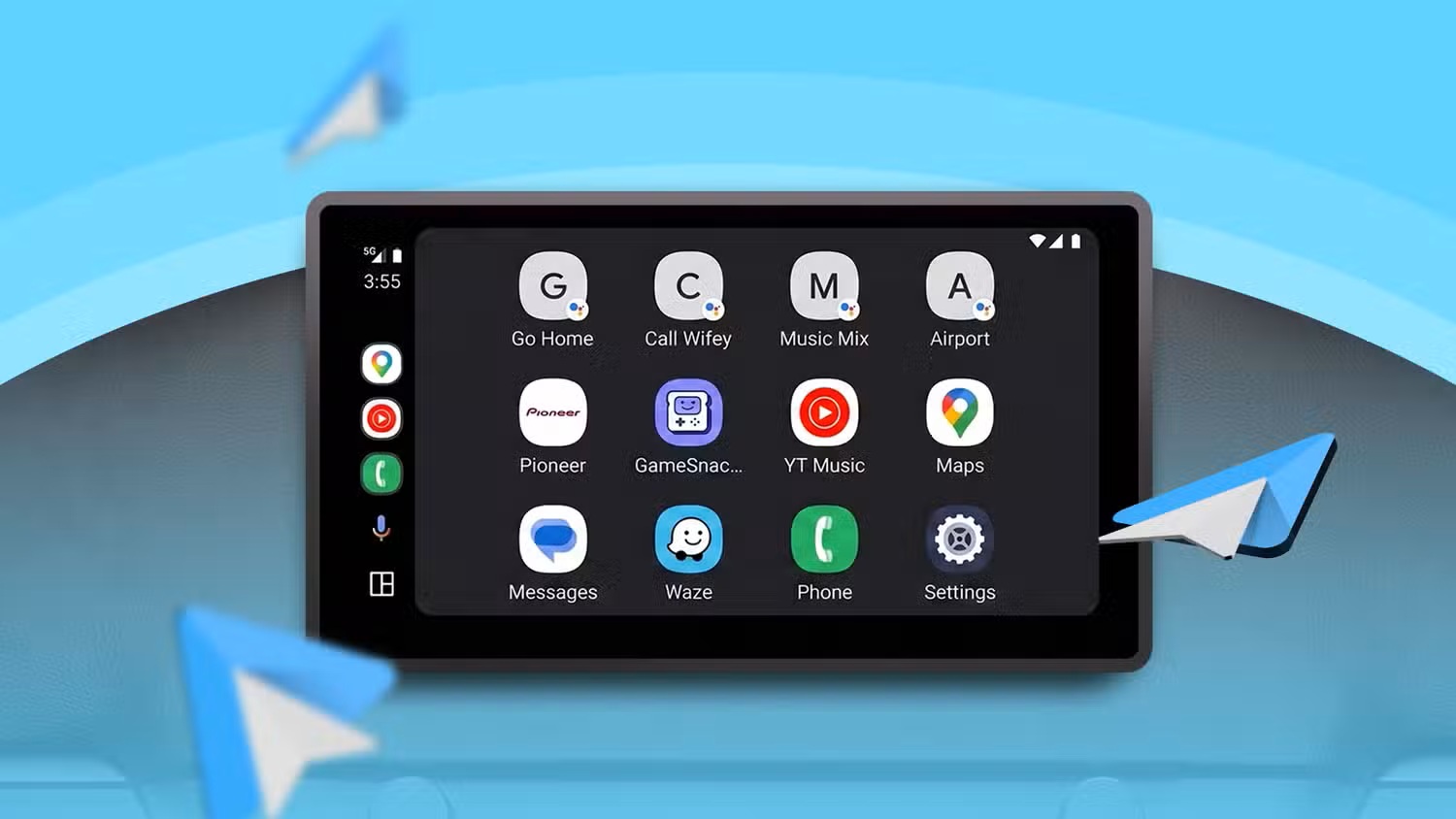
Wireless Android Auto can occasionally hesitate, freeze or disconnect when either Bluetooth or Wi-Fi encounters interference.
Bluetooth is widely used by wireless headphones, smartwatches and other nearby devices. The 5GHz Wi-Fi band can also become crowded, particularly in urban environments with many wireless networks.
A brief interruption may not always end the entire session, but it can cause delayed audio, an unresponsive interface or temporary navigation problems.
Compatibility also varies between vehicles, aftermarket head units and phones. Some combinations connect almost instantly every time, while others require repeated pairing, restarting the infotainment system or toggling wireless settings.
Wireless adapters introduce another component into the chain. These devices can be useful when a vehicle supports only wired Android Auto, but their performance depends on the quality of the adapter, its software and the vehicle's USB implementation.
The Car's Wi-Fi Hotspot May Become Unavailable
Another possible limitation appears when the vehicle provides its own Wi-Fi hotspot.
Because the phone's Wi-Fi connection is already being used to communicate directly with the Android Auto system, it may not be able to join the vehicle's separate hotspot at the same time.
The exact behaviour depends on the phone, vehicle and network configuration, but users should not assume that wireless Android Auto and the car's internet hotspot will always work together without restrictions.
For many people, this does not matter because the phone already has a mobile-data plan. It could be more relevant for users who depend on the vehicle hotspot because it has a stronger antenna, a separate data plan or better coverage.
Older Vehicles Can Gain Wireless Android Auto
Vehicles that support wired Android Auto can often be upgraded through a wireless adapter.
The adapter connects to the USB port normally used for wired Android Auto. The phone then communicates wirelessly with the adapter, while the adapter presents itself to the vehicle as a conventional wired Android Auto device.
This can be a convenient option for older vehicles that lack built-in wireless support. It also avoids replacing an otherwise functional infotainment system.
However, adding an adapter creates another device that must boot, connect and remain stable. A well-designed model may work almost invisibly, while a poor-quality one could introduce longer startup times, audio delays or random disconnections.
Before buying one, it is worth checking whether the adapter receives firmware updates and whether other users have successfully tested it with the same vehicle or head unit.
Personally, I Dislike Using Android Auto
Personally, I do not enjoy using Android Auto. I have disabled it on my device and strongly prefer having everything run natively on my Android-based car player.
I understand why Android Auto appeals to many drivers. It provides a familiar interface, keeps navigation history and preferences connected to the phone, and makes it easier to move between different vehicles.
For me, however, it feels unnecessary when the head unit already runs Android and can install applications directly.
Rather than connecting the phone every time I enter the car, I prefer opening navigation, music and other applications directly from the Android player itself. The vehicle system remains independent, and I do not need to worry about Bluetooth handshakes, Wi-Fi connections, phone heat or battery drain.
Why Native Apps Make More Sense to Me
A proper Android head unit can run applications such as Google Maps, Waze, Spotify, YouTube Music or other services without projecting them from a phone.
That gives the infotainment system more control over its own functions. Navigation can remain active even when the phone is not present, and music playback does not need to stop when someone takes the phone out of the vehicle.
It also reduces the number of wireless connections involved. The head unit can use its own internet connection through a SIM card, a dedicated hotspot or another network source.
From my perspective, that is a cleaner arrangement. The car's display behaves like an independent device rather than simply becoming a remote screen for the phone.
There is also less dependence on Android Auto compatibility. An application either runs directly on the player or it does not, without an additional projection layer between the user and the software.
Native Android Players Have Their Own Weaknesses
Running everything directly on an Android head unit is not automatically better in every situation.
Many inexpensive units use slow processors, limited memory and outdated versions of Android. Some receive few or no security updates, while others may have questionable firmware or unnecessary pre-installed applications.
GPS quality can vary, and an integrated microphone may produce poorer call quality than the microphone system used by the vehicle's original equipment.
Native applications can also be less optimised for driving. Android Auto deliberately limits the interface and presents large buttons to reduce distraction. A regular Android application may contain small controls, advertising or complex menus that are unsuitable for use while the vehicle is moving.
There is therefore an important difference between a high-quality Android automotive system and a cheap generic tablet fitted into the dashboard.
I still prefer the native approach, but the experience depends greatly on the quality of the player and how carefully it is configured.
Android Auto Offers a More Consistent Experience
One of Android Auto's strongest advantages is consistency.
Whether a user is driving their own vehicle, renting a car or using another compatible system, the familiar applications and preferences come from the phone. Saved destinations, playlists, contacts and recent searches remain available without manually configuring the vehicle.
Updates are also handled through the phone. A vehicle's built-in infotainment software may receive fewer updates and eventually become outdated, whereas the applications on a modern phone continue to improve.
Android Auto can therefore extend the useful life of an older infotainment system. The screen and controls remain in the car, but most of the computing and application support come from a newer phone.
That is valuable for people who keep vehicles much longer than they keep smartphones.
The Best Choice Depends on the Driver
Wireless Android Auto is ideal for drivers who want immediate access to their phone's apps without connecting a cable.
Wired Android Auto suits those who prioritise stability and charging during longer journeys. A native Android player may be better for users who want the vehicle to operate independently from the phone.
There is no single correct approach for everyone.
A person who frequently changes vehicles may appreciate Android Auto's consistency. Someone with a well-equipped Android head unit may see little reason to project the same applications from another device.
The important thing is that the interface should remain simple, stable and safe to use while driving.
Final Thoughts
Wireless Android Auto requires both Bluetooth and Wi-Fi because the two technologies perform different roles.
Bluetooth handles discovery, initial pairing and functions such as hands-free calling. A direct 5GHz Wi-Fi connection carries the demanding parts of the experience, including the projected interface, navigation graphics, audio and user input.
This combination provides far more bandwidth than Bluetooth alone, but it also increases battery consumption, generates heat and creates additional opportunities for interference or connection problems.
Personally, those compromises are among the reasons I have disabled Android Auto on my device. I strongly prefer running navigation, music and other applications natively on my Android player instead of relying on my phone to power the dashboard experience.
Android Auto remains useful and convenient for many drivers, especially when the vehicle's built-in software is limited. For my own setup, however, a capable standalone Android head unit feels simpler, more independent and better suited to how I want the system to work.











Comments 0