

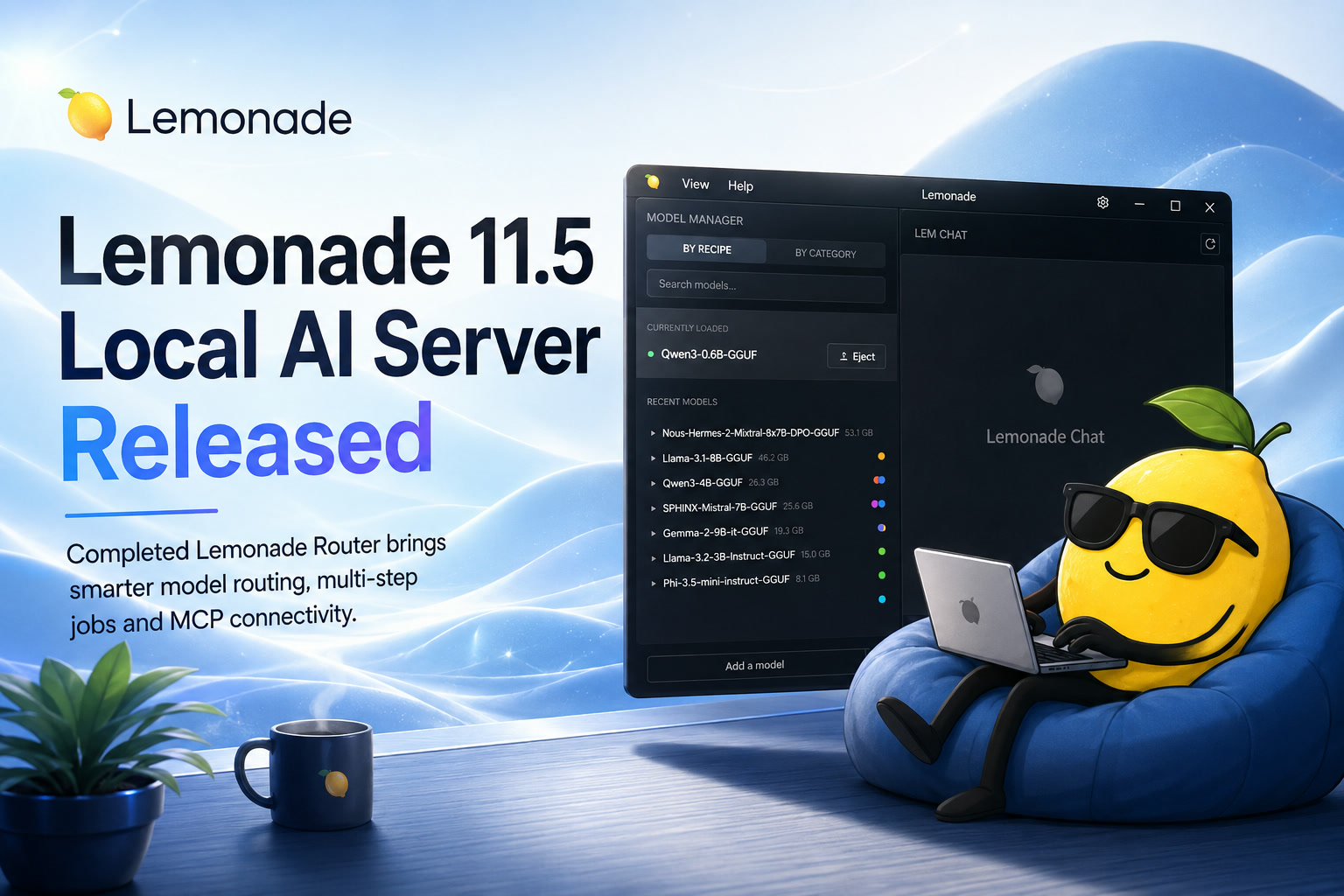
Just one week after the arrival of Lemonade 11.0, the team behind the open-source local AI platform has released Lemonade 11.5. Although the version number suggests a relatively modest update, this release introduces several important capabilities that move Lemonade beyond simply hosting AI models on a local computer.
The main highlight is the completed Lemonade Router, which can automatically decide which installed AI model should handle each request. The update also adds a server-side job engine, external Model Context Protocol support, improved model discovery and more secure remote connectivity. Lemonade 11.0 was released on July 15, followed by version 11.5 on July 22.
What Is Lemonade Local AI Server?
Lemonade is designed to make local AI models easier to install, manage and connect to applications. Instead of sending every request to a remote cloud service, users can run supported AI workloads directly on their own hardware.
The platform supports AI processing across CPUs, GPUs and NPUs, with particular optimizations for systems using AMD Ryzen AI processors, Radeon graphics and Strix Halo hardware. It also provides interfaces compatible with commonly used OpenAI, Anthropic and Ollama APIs, making it easier for existing AI applications to connect to a locally hosted model.
This approach can be useful for developers, businesses and advanced users who want greater control over their data, lower dependence on cloud services or the ability to operate AI tools without paying for every individual request.
However, local AI introduces its own challenge: different models are good at different jobs. A small model may be fast enough for simple questions, while coding, reasoning, classification or long-document analysis may require something more capable.
That is where the new Lemonade Router becomes particularly valuable.
The Lemonade Router Is Now Complete
The most significant addition in Lemonade 11.5 is the completed routing system.
Instead of forcing an application to use one fixed model for every request, developers can define a collection.router model. Incoming prompts are then evaluated and directed towards the most appropriate candidate model based on the selected policy.
Lemonade supports four main routing approaches:
The release also adds decision traces for individual model candidates, a graphical interface for creating and editing routers and a new /v1/classify endpoint powered by an ONNX Runtime classification backend.
Why Automatic Model Routing Matters
Imagine running several AI models on the same local server.
One model may be optimized for programming. Another could be better at general conversation, while a smaller model may be sufficient for sorting messages or identifying the subject of a request.
Without a router, the application developer must manually decide which model to call. That logic usually needs to be written into the application itself.
With Lemonade Router, the selection process can instead be handled by the local AI server.
A request asking for help debugging JavaScript could be directed to a coding-focused model. A request asking whether an email looks suspicious could be sent to a classification model. A basic factual question might be handled by a smaller, faster model rather than loading the most demanding model available.
This can improve efficiency because the most powerful model does not need to process every task. On systems with limited RAM or video memory, choosing the right model can also make the difference between a responsive local AI setup and one that constantly struggles with model loading.
Different Policies for Different Requirements
Rule-based routing is the most predictable option. A developer can define clear conditions, such as sending prompts containing certain commands or keywords to a particular model.
Classifier routing uses a classification model to identify what kind of request has been submitted. It could determine that a prompt relates to programming, security, customer service or another defined category before selecting the appropriate model.
Semantic-similarity routing looks at the meaning of the prompt rather than relying only on exact words. This can be more flexible when users describe the same type of task in different ways.
The most advanced option is LLM-as-a-router. Under this arrangement, a smaller language model first examines the request and decides which larger or specialized model should respond.
Using another LLM for routing requires some additional processing, but it can handle more complicated decisions than a fixed keyword rule. It may be useful when the correct destination depends on the user's intent rather than a simple phrase.
Routing policies can be stored in JSON configuration files or created through Lemonade's graphical interface, giving developers both code-based and visual ways to manage the system.
A New Job Engine for Multi-Step AI Workflows
Lemonade 11.5 also introduces a server-side job engine.
Clients can submit multi-step recipes to the server and manage them through the new /jobs endpoints. Once submitted, a job can be paused, interrupted, resumed or deleted.
This is important because more advanced AI workloads are rarely completed through a single prompt.
A local AI workflow might need to:
- Transcribe an audio recording.
- Summarize the transcript.
- Extract important actions.
- Classify the subject.
- Save the result in a structured format.
Previously, the client application would generally need to manage the entire sequence and track the state of each step. A server-side job system allows more of that responsibility to be handled within Lemonade itself.
It also makes longer-running tasks easier to control. Rather than abandoning an entire process when something changes, a client may be able to pause the job and continue it later.
Lemond Can Now Connect to External MCP Servers
The lemond daemon can now operate as a Model Context Protocol client host.
MCP is increasingly being used to connect AI systems with external tools and data sources through a common interface. In Lemonade 11.5, the daemon can connect to external MCP servers that communicate through standard input and output, discover their available tools and make them accessible through administrator-protected internal endpoints.
In practical terms, this creates a foundation for local models to work with capabilities beyond text generation.
Depending on the connected MCP server, an AI application could potentially interact with files, developer tools, databases or other internal services. Access still needs to be designed carefully because connecting a model to tools gives it the ability to perform actions, not merely generate text.
GitHub's release notes indicate that the related /internal/mcp/* endpoints are protected by administrative controls, reflecting the greater security sensitivity of functionality that can launch or communicate with external processes.
ModelScope Joins Hugging Face in the Model Manager
The Model Manager can now search ModelScope alongside Hugging Face.
Users can discover, download and register models while retaining information about which source each model came from.
Adding another model repository gives users a wider selection and may be especially useful for finding models that are primarily distributed through ModelScope.
For a local AI platform, easier model discovery is an important part of the experience. Installing the server is only the first step; users also need an accessible way to locate models that are compatible with their hardware and intended workload.
Secure Remote Connections Through HTTPS
The Lemonade command-line interface now understands HTTP and HTTPS schemes in the LEMONADE_HOST setting. This allows the CLI to connect to local or remote Lemonade servers through encrypted TLS connections.
This will matter most when Lemonade is running on another machine, such as a dedicated workstation or local network server.
A related security change means the server no longer permits every browser origin by default. Remote and LAN-based browser clients must now be explicitly added to the LEMONADE_ALLOWED_ORIGINS configuration. Requests from unapproved non-loopback origins will otherwise receive a 403 response.
That is a breaking change administrators should check before upgrading, particularly when Lemonade is accessed through another computer, a web interface or a custom frontend on the local network.
Available Across Windows, Linux and macOS
Lemonade 11.5 is available through a Windows installer, Ubuntu packages, Debian packages, Fedora packages and a macOS installer. The project also provides portable embeddable builds for Windows, Ubuntu and Apple Silicon Macs, allowing developers to package the Lemonade runtime inside their own applications.
Hardware acceleration varies depending on the operating system, selected backend and available processor. Lemonade's supported configurations include CPU inference, Radeon and other GPU backends, and compatible Ryzen AI NPU options. Users can run the lemonade backends command to see what is available on their particular system.
Final Thoughts
Lemonade 11.5 feels less like a routine update and more like another step towards turning Lemonade into a complete local AI orchestration platform.
The completed router is the standout feature because it allows several models to operate as a coordinated system rather than as separate endpoints. Lightweight models can handle simpler work, specialized models can take over relevant requests, and larger models can be reserved for tasks that genuinely require them.
The new job engine and MCP client support extend that idea further. Lemonade is no longer concerned only with loading a model and returning a response; it is beginning to manage multi-step processes, external tools and more complex local AI applications.
For developers experimenting with private AI assistants, automated workflows or multi-model systems, Lemonade 11.5 provides considerably more control without requiring every orchestration component to be created from scratch.











Comments 0