

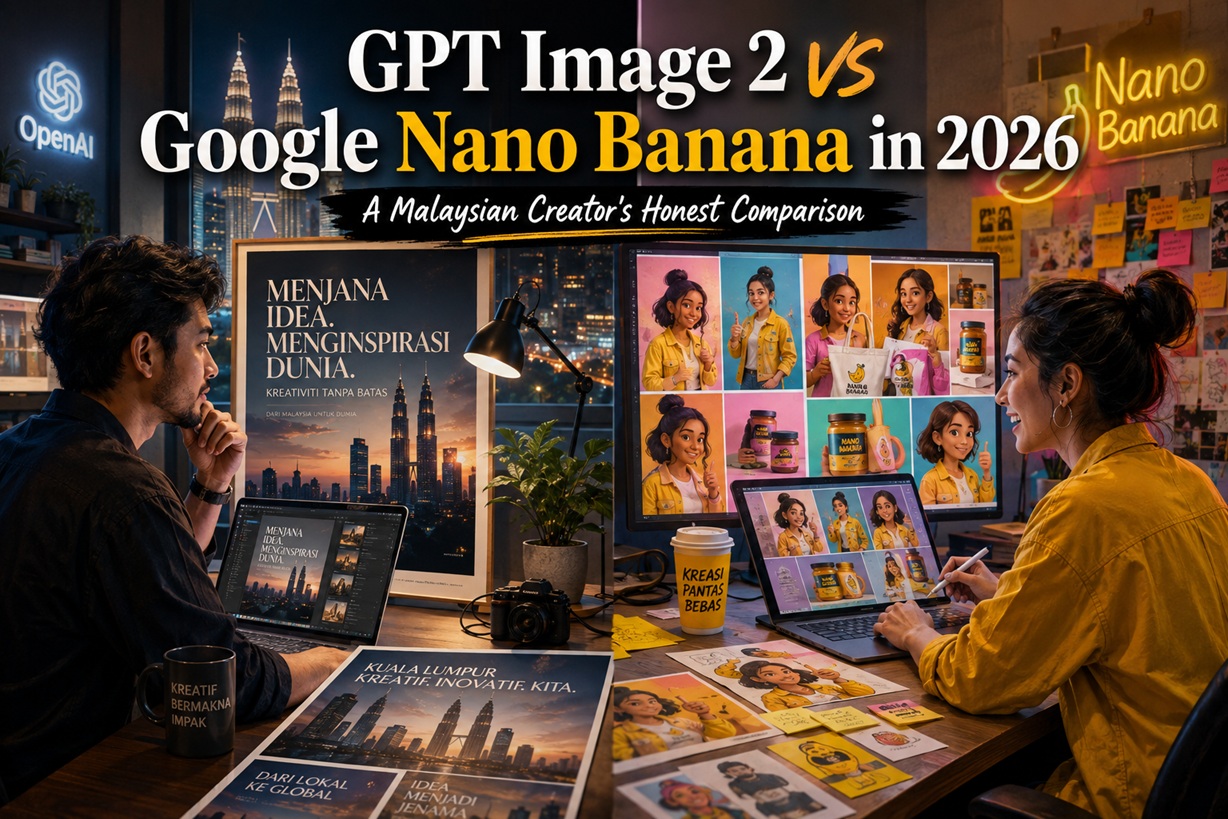
AI image generation has matured dramatically, and in 2026 two platforms are appearing repeatedly in the workflows of marketers, designers and content creators: OpenAI's GPT Image 2 and Google's Nano Banana. Both can generate impressive images from ordinary language, edit existing artwork and turn rough ideas into usable creative assets. Yet they have developed noticeably different strengths. GPT Image 2 tends to shine when a brief requires careful instruction-following, typography and contextual reasoning, while Nano Banana has built a strong reputation around speed, consistency and targeted image editing.
That makes the question less about which model is universally "better" and more about which one fits the job you are trying to complete.
GPT Image 2 Is Particularly Strong When Text Matters
One of the most noticeable advantages of GPT Image 2 is its ability to understand complicated creative instructions and reproduce text inside generated artwork more reliably.
That matters considerably for marketing work. Posters, thumbnails, event artwork, promotional banners, packaging concepts and social advertisements often need more than an attractive photograph. They also need readable headlines, sensible spacing and a composition that leaves room for additional information.
Tell GPT Image 2 to place three products on a marble surface, use soft window lighting and keep the upper third relatively empty for a headline, and it generally understands that the empty space is an intentional part of the design rather than an area that needs filling.
Typography is another area where it has improved substantially. AI image generators historically struggled with text, frequently producing random letters or almost-readable words. GPT Image 2 is considerably better at rendering short titles and labels correctly, making it especially useful when creators want a strong article image or advertisement without rebuilding every piece of text manually afterwards.
Its Connection To ChatGPT Adds Another Advantage
GPT Image 2 is also useful because image generation happens inside the same conversational environment used for research, writing and reasoning.
That means the model can work with more than a visual description. You could provide information from a report, explain what the data means and then ask for a visual representation that reflects the underlying context.
Likewise, editing becomes conversational. Instead of rebuilding a prompt from scratch, you can ask for relatively specific changes such as making the lighting warmer, adding more negative space, changing the clothing colour or introducing a subtle Malaysian-inspired visual pattern while preserving the overall composition.
This interaction makes GPT Image 2 particularly appealing for users who do not want to learn complicated image-generation parameters. The creative process becomes closer to working with an assistant: generate, review, describe what needs changing and continue refining.
Nano Banana Takes A Different Approach
Google's Nano Banana, associated with Gemini's image-generation capabilities, has become especially popular because of how well it handles consistency and controlled editing.
The difference becomes obvious when working with the same subject repeatedly.
Imagine creating an advertising campaign containing ten images of the same product or mascot. You want different backgrounds, camera angles and scenarios, but the product itself should remain recognisable in every image.
This is where Nano Banana can be particularly effective. It is generally better at preserving the appearance of a character, object or product across repeated edits and variations rather than gradually transforming it into something slightly different with each generation.
For brands producing campaign variations, that consistency can save significant amounts of manual correction.
Photo Editing Is Another Area Where Nano Banana Feels Very Natural
Nano Banana also performs well when the job is not to create an entirely new image but to change one particular thing in an existing photograph.
You might ask it to remove an unwanted object, change the colour of a shirt, replace the background or adjust the lighting while leaving everything else untouched.
The important part is that the unmentioned areas tend to remain relatively stable. That makes the workflow feel less like regenerating an image and more like performing a directed edit.
This is extremely useful for product photography and campaign adaptation. A brand could start with one approved product shot and generate different environments, seasons or marketing variations without recreating the asset from zero every time.
Multi-Image Composition Is Particularly Useful For Marketing
Another advantage of Nano Banana is the ability to combine several visual references.
For example, a marketer could provide a product photograph, a lifestyle background and another reference for the overall mood. The AI can then attempt to merge those ingredients into one coherent scene.
This makes it practical for producing concept artwork before a proper campaign shoot or for rapidly testing different advertising directions.
Instead of asking a designer to manually composite multiple sources for every early-stage idea, teams can generate several visual concepts first and then decide which ones are worth polishing professionally.
Where GPT Image 2 And Nano Banana Differ Most
The two models overlap considerably, but their strengths become clearer when you look at the actual workflow.
| Task | Better Fit |
| Posters and thumbnails containing readable text | GPT Image 2 |
| Complex prompts with multiple instructions | GPT Image 2 |
| Reasoning-driven visual concepts | GPT Image 2 |
| Maintaining the same product or character | Nano Banana |
| Precise edits to an existing photograph | Nano Banana |
| Producing many variations quickly | Nano Banana |
| Combining several reference images | Nano Banana |
| Conversational creative development | Both, with different strengths |
In practical use, the distinction is quite straightforward. GPT Image 2 feels more like a creative model that thinks carefully about the brief, while Nano Banana often feels more like a very fast visual editor that tries hard to preserve what you already have.
Consider A Malaysian Marketing Poster As An Example
Suppose a local bubble-tea company wants a launch poster featuring a smiling barista holding its new drink. The cafe should feel warm and inviting, the upper portion of the image should remain uncluttered, and the words "GRAND OPENING" need to appear prominently.
GPT Image 2 would probably be the first model I would reach for when typography and layout are critical. It is more likely to respect the requested negative space and produce usable headline text directly inside the artwork.
Now imagine that the company approves the character and product but needs five campaign versions using different background colours and promotional themes.
That is where Nano Banana becomes attractive. Maintaining the same barista, cup and visual identity while changing the surroundings is precisely the sort of consistency-oriented workflow where Google's model can be very useful.
The most efficient approach may therefore involve using both rather than forcing one model to handle everything.
Speed And Cost Matter When Producing At Scale
For an individual creator making a handful of hero images, generation cost may not matter much. For an agency or marketing department producing hundreds of variations, it becomes far more important.
Nano Banana has generally positioned itself as the faster, high-volume option, which makes it attractive for experimentation. Teams can create multiple concepts, compare different backgrounds or test campaign variations without treating every generation as a premium asset.
GPT Image 2 is better suited to situations where the brief is more complicated and getting the composition right matters more than producing dozens of images quickly.
This suggests a practical workflow: use the faster model for exploration and variation, then use the stronger instruction-following model when the creative direction becomes more specific.
Image Provenance Is Becoming More Important Too
Another consideration is identifying AI-generated content after it has been produced.
Google uses SynthID technology to add machine-detectable provenance information to supported AI-generated content, while OpenAI supports standards such as C2PA metadata for identifying the origins of generated images.
For everyday personal artwork this may not feel particularly important, but it becomes relevant for corporations, public-sector organisations and regulated industries.
As generative content becomes more common, organisations will increasingly need policies covering when AI imagery can be used, how it should be reviewed and whether generated material needs to be disclosed.
The technology used to create the picture may therefore eventually become part of the organisation's governance process.
Neither Model Replaces Canva Or Photoshop
One mistake creators continue to make is expecting AI image generators to deliver the final production file.
They can get surprisingly close, but professional finishing tools still matter.
Brand fonts, official logos, precise spacing, legal disclaimers, colour standards and export specifications are usually better handled in applications such as Canva, Photoshop or Illustrator.
A productive workflow is therefore to treat AI as the creative starting point rather than the entire production pipeline.
Generate the scene with AI, refine the concept, then move it into a proper design environment for the final brand treatment.
Don't Force One AI Model To Do Everything
The biggest productivity mistake is loyalty to a single tool.
If Nano Banana repeatedly struggles with an elaborate text-heavy poster, there is little value in generating it another 20 times hoping everything eventually lines up. Likewise, if GPT Image 2 keeps slightly altering a product between campaign variations, it may make more sense to move that part of the job to a model designed around stronger visual consistency.
The real skill in 2026 is becoming less about writing enormous prompts and more about understanding which model should handle which stage of the workflow.
That applies beyond image generation as well. Modern creative teams increasingly move between ChatGPT, Gemini, Canva, Photoshop and other specialised tools depending on what needs to happen next.
Human Review Is Still Essential
AI image quality has improved enormously, but creators should still inspect everything before publishing.
Hands can still look strange. Reflections may not make physical sense. Brand marks can become distorted. Product dimensions may subtly change between images, and text that appears correct at first glance may contain a small error.
These problems are especially important in commercial work because audiences will associate mistakes with the brand rather than with the AI model that produced them.
AI can dramatically accelerate production, but quality assurance remains a human responsibility.
So Which One Should Malaysian Creators Choose?
If your work frequently involves article artwork, posters, advertisements, thumbnails or designs containing headline text, GPT Image 2 is an excellent choice. Its ability to understand complicated instructions and integrate typography into the composition makes it particularly useful for marketing-oriented creative work.
If your priority is fast variations, product consistency, character continuity and precise editing of existing images, Nano Banana becomes extremely compelling.
For many Malaysian marketers, designers and content teams, the most practical answer will therefore be using both.
Create the right visual with the right AI model, then bring the final asset into Canva or Photoshop for branding and production.
Final Thoughts
The GPT Image 2 versus Nano Banana debate is ultimately much less dramatic than it sounds because they solve slightly different creative problems.
GPT Image 2 excels when language, layout and visual reasoning are central to the brief. Nano Banana shines when speed, consistency and controlled editing matter most.
Rather than asking which platform will replace the other, creators should ask a more useful question: which tool gets this particular job done with the least amount of correction afterwards?
That ability to move comfortably between different AI tools may end up being far more valuable in 2026 than becoming an expert at prompting only one of them.











Comments 0