

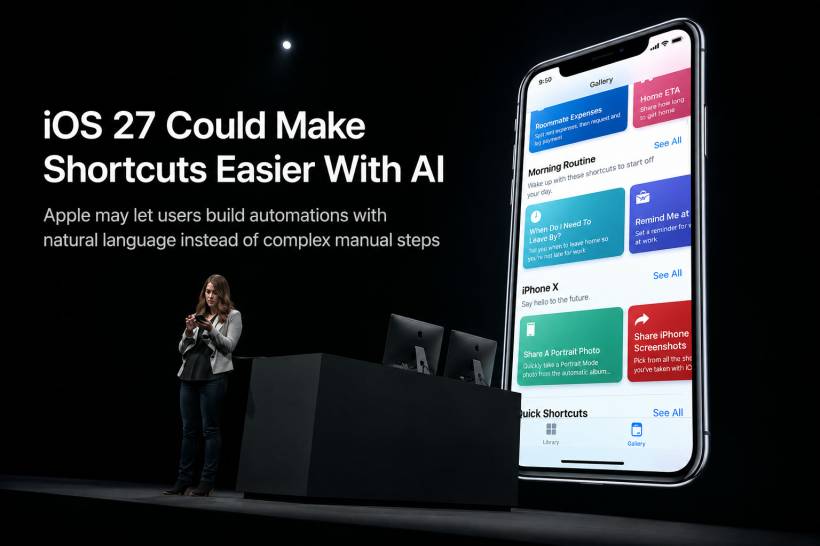
Apple's Shortcuts app has always been one of the most powerful tools on the iPhone, but also one of the most underused. On paper, it sounds brilliant. You can automate tasks, connect different apps together, create custom actions, and make your iPhone behave more like a personal assistant. In reality, many users open Shortcuts once, feel overwhelmed, and never touch it again.
That could finally change with iOS 27. According to reports, Apple is testing a major AI-powered upgrade for Shortcuts that would allow users to create automations simply by describing what they want in normal language. If Apple gets this right, it could turn Shortcuts from a feature mostly loved by power users into something ordinary iPhone users can finally understand and enjoy.
Why Shortcuts Has Always Had Huge Potential
Shortcuts first arrived with iOS 12, and from the beginning, it had the kind of potential that made tech enthusiasts excited. It allowed users to create custom workflows on the iPhone, combining actions from Apple apps, third-party apps, web services, system settings, and device features.
For example, a Shortcut could help you send a message when you leave work, resize an image, log expenses, turn on focus mode, open navigation, start a playlist, or prepare a morning routine with just one tap. The possibilities are wide, and that is exactly what made the app so interesting.
But that flexibility also became its biggest weakness. Shortcuts can do a lot, but building one properly often feels too technical. You need to understand actions, variables, conditions, app permissions, inputs, outputs, and sometimes even scripting-style logic. For casual users, that is already too much before the automation even starts working.
The Problem With Shortcuts Today
The current Shortcuts experience is not exactly beginner-friendly. Apple gives users the tool, but not always enough guidance to use it confidently. When you create a new Shortcut, you are mostly expected to know what action to add next, how each step connects, and how to troubleshoot when something does not behave as expected.
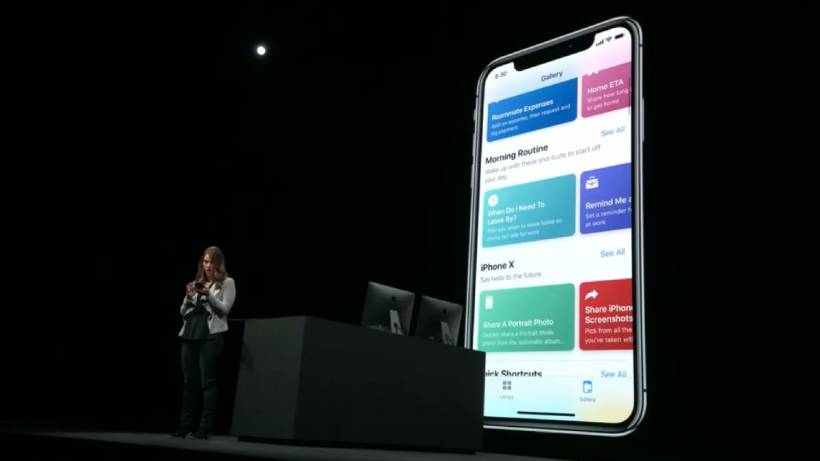
That is why many users depend on ready-made Shortcuts from Apple's gallery or from other users online. There is nothing wrong with that, but it also means people are not really building their own automations. They are downloading someone else's idea and hoping it fits their own needs.
This is where Shortcuts feels like a missed opportunity. The app is powerful enough to make the iPhone feel more personal and more useful, but the learning curve stops many users before they can experience that benefit.
How AI Could Change The Shortcut Creation Process
The reported iOS 27 upgrade could change the entire process. Instead of manually adding each step one by one, users may be able to tell Shortcuts what they want it to do using natural language.
In other words, the app could ask something like, "What do you want your shortcut to do?" The user could then type a simple request, and Apple Intelligence would build the workflow automatically.
That sounds like a much better direction for Shortcuts. Instead of forcing users to understand the structure of automation first, Apple could let users start with the outcome they want. The AI would then handle the difficult part by selecting actions, arranging steps, and creating the Shortcut in the background.
For many users, that could be the difference between abandoning the app and actually using it every day.
A More Apple-Like Way To Automate
This kind of AI-powered Shortcuts experience would fit very naturally with Apple's usual design philosophy. Apple has always preferred technology that feels simple on the surface, even if there is a lot happening behind the scenes.
That is why this idea feels promising. The user does not need to learn every hidden mechanic of the Shortcuts app. They only need to explain what they want. If the system can turn that request into a working automation, it would make Shortcuts feel much closer to the classic Apple idea of "it just works".
It would also make automation less intimidating. Many users are not against automation. They just do not want to build workflows like they are solving a programming puzzle. AI could make the process feel more like asking for help, rather than configuring a complicated tool.
Why This Could Make Shortcuts More Mainstream
If Apple successfully brings AI into Shortcuts, the app could become far more mainstream. Instead of being a feature mainly used by advanced users, creators, developers, and automation fans, it could become useful to anyone who wants to save time.
A student could ask for a Shortcut that starts a study timer, turns on focus mode, and opens notes. A parent could create a Shortcut that sends an estimated arrival time when leaving school pickup. A worker could automate a daily check-in routine. A content creator could build quick image or text workflows without manually configuring every action.
The real value is not just automation itself. It is personal automation. Everyone uses their phone differently, and AI-generated Shortcuts could help people shape the iPhone around their own routine.
There Are Still Big Questions
Of course, this depends heavily on how well Apple's AI actually works. Creating a Shortcut sounds simple, but automations can become complex very quickly. The system needs to understand the user's request, choose the right actions, avoid mistakes, respect privacy, and explain what it has created clearly enough for the user to trust it.
There is also the issue of reliability. If an AI-generated Shortcut works only sometimes, users may lose confidence quickly. Automation is only useful when it is predictable. If it triggers the wrong action, misses an important step, or misunderstands the request, it could create frustration instead of convenience.
Apple may also label some AI features as beta when iOS 27 is introduced, which suggests the company may still be refining its broader Apple Intelligence experience. That does not mean the feature will be bad, but it does mean expectations should be realistic.
Apple Needs To Make It Understandable, Not Just Powerful
One of the most important things Apple must get right is transparency. If AI builds a Shortcut, users should still be able to understand what it created. A generated workflow should not feel like a black box.
Ideally, Shortcuts should show the steps clearly, explain what each part does, and allow users to edit the automation easily. That way, AI becomes a helpful starting point instead of a hidden system that users blindly trust.
This could also help people learn Shortcuts naturally. Instead of reading a tutorial first, users could generate a Shortcut, inspect the steps, and slowly understand how the app works. That would be a much better learning experience than being dropped into an empty workflow screen with little direction.
Final Thoughts
An AI-powered upgrade to Shortcuts could be one of the most practical Apple Intelligence features yet. While many AI features sound impressive in demos, this one directly solves a real problem: Shortcuts is powerful, but too complicated for many people to use confidently.
If iOS 27 really allows users to build Shortcuts simply by describing what they want, it could finally unlock the app's full potential. It would make automation easier, more personal, and more approachable for everyday iPhone users. The idea still depends on execution, and Apple will need to make sure the feature is reliable, understandable, and safe to use. But if it works as intended, this could be the Shortcuts upgrade many users have been waiting for.











Comments 0