

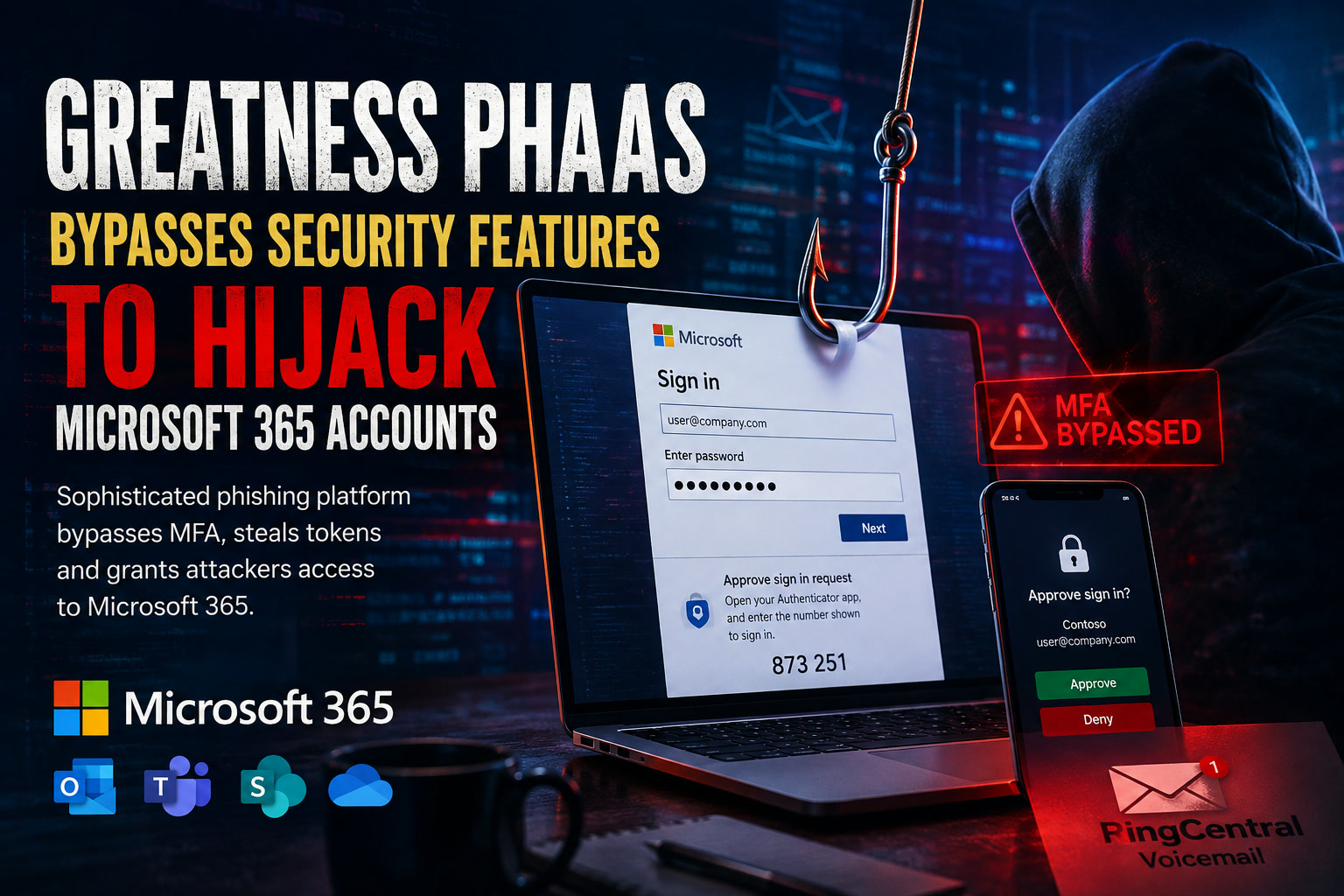
Phishing attacks targeting Microsoft 365 are becoming much harder to recognise than the poorly written emails and obvious fake login pages many people still associate with online fraud. A newer phishing-as-a-service platform known as Greatness is designed to imitate legitimate Microsoft 365 authentication, intercept active sign-in sessions and provide criminals with access even after the victim completes multifactor authentication.
The platform is particularly concerning because it combines convincing email lures, real-time login relays, device-code phishing and centrally managed campaign infrastructure. Rather than simply stealing a password, Greatness targets the authentication tokens that Microsoft 365 uses to keep a user signed in.
Phishing Has Become a Commercial Service
Greatness is an example of phishing-as-a-service, commonly shortened to PhaaS.
Under this model, the people operating the technical platform provide ready-made phishing pages, domains, templates and supporting tools to other criminals. An attacker no longer needs to design a fake Microsoft login page, build the backend infrastructure or understand how authentication tokens work. Much of that capability is supplied as a managed service.
The advisory says Greatness has developed beyond a conventional phishing kit. It now provides configurable domains, prepared email lures and tools capable of targeting services including Microsoft 365, iCloud, Yahoo and Google Workspace.
This makes advanced phishing techniques available to a much wider group of attackers. The individual sending the email may have limited technical knowledge, while the Greatness platform handles the more complicated work behind the scenes.
The Attack Begins With a Familiar Business Message
The campaign examined by researchers used emails pretending to come from recognised business services. Examples included fake RingCentral voicemail notifications and employee performance-review messages.
The screenshot included on the first page of the advisory shows a performance-appraisal email containing an "Open Message" button and instructions asking the recipient to complete an acknowledgement process. The message appears routine enough to fit into an ordinary workplace inbox, which is precisely what makes it dangerous.
Rather than creating panic or promising an unrealistic reward, the email uses a believable workplace task. Employees may be more likely to act quickly when a message appears to involve human resources, a performance review, voicemail or another everyday operational process.
The messages failed SPF, DKIM and DMARC authentication checks. However, domain-based safe-sender exclusions reportedly allowed them to reach the inbox despite those failures.
How a Safe-Sender Exception Became a Security Weakness
Safe-sender lists and transport-rule exclusions are usually introduced for convenience. An organisation may trust messages associated with a frequently used supplier, cloud service or software provider so that legitimate emails are not blocked accidentally.
The problem appears when that trust is based primarily on a visible sender domain or brand name rather than successful email-authentication checks.
In the Greatness campaign, messages failed the normal SPF, DKIM and DMARC checks, yet the safe-sender configuration overrode those warning signs. This effectively turned an email-delivery exception into a route around the organisation's security controls.
The lesson is not that safe-sender lists should never be used. It is that special treatment should not automatically apply when the message fails the authentication controls intended to verify where it came from.
An attacker only needs to imitate the trusted brand convincingly enough for the exclusion rule to accept the message.
Multiple Domains, One Shared Phishing Platform
Testing found that Greatness domains were connected to the same central backend infrastructure.
Operator tokens could reportedly be used across different Greatness domains, meaning a token issued for one campaign remained valid on another domain operated through the service. This indicated that the various phishing sites were not independent operations but parts of a unified platform.
That structure gives operators flexibility. A phishing domain may be blocked or taken offline, but another domain can potentially be introduced without rebuilding the entire system.
The advisory also notes that post-compromise activity was observed through several commercial VPN services across different geographical locations. Attackers then replayed captured authentication tokens to access victims' Microsoft 365 resources.
For defenders, this means concentrating on one suspicious domain or IP address may not be enough. The visible infrastructure can change while the underlying behaviour remains similar.
The Victim May See Their Real Microsoft 365 Experience
The Greatness attack chain begins with impersonation of a trusted brand. The victim may then pass through several redirects before reaching an attacker-controlled page.
The platform also checks for automated browsers and may ask the visitor to complete a human-verification step. These additional layers can reduce the effectiveness of basic automated scanners because the malicious page may behave differently when it believes a security tool is examining it.
At the final stage, Greatness acts as a live intermediary between the victim and Microsoft 365.
The victim sees familiar organisational branding, enters a genuine password and receives the expected MFA request. The phishing service relays those actions to Microsoft 365 in real time.
When Microsoft issues an authentication token after the sign-in is approved, the relay captures that token. The attacker can then use it to access the account without repeatedly asking for the password or another MFA approval.
This technique is commonly associated with adversary-in-the-middle phishing. The attacker is not necessarily breaking the cryptography behind MFA. Instead, the attacker positions the phishing platform between the victim and the legitimate service, then steals the authenticated session after the victim completes the security checks.
Why MFA Can Still Appear to Work Normally
One of the most confusing parts of this attack is that MFA may operate exactly as the user expects.
The victim enters a password and approves the normal authentication prompt. Microsoft 365 then recognises the login and issues a valid session token. From the user's perspective, nothing obviously failed.
The weakness lies in where that session is delivered.
Because the attacker-controlled relay is participating in the sign-in process, it receives the authentication token and can replay it. The attacker does not need to guess the one-time code or technically disable MFA.
This is why the advisory stresses that a password reset alone may not remove unauthorised access. Existing access tokens and refresh tokens may continue to function after the password has changed.
Resetting the password remains important, but it must be combined with session revocation and token invalidation.
Device-Code Phishing Provides Another Route
Greatness also supports device-code phishing.
Legitimate device-code authentication is commonly used when a device or application cannot easily display a full Microsoft login interface. The user is shown a short code and asked to enter it on an official authentication page.
Attackers can abuse this process by creating document-themed or business-themed pages that persuade the victim to enter a code and approve a real Microsoft sign-in. The victim may be interacting with Microsoft's genuine authentication system, but the code is associated with a session initiated by the attacker.
According to the advisory, this gives Greatness operators an alternative when the live proxy method is unsuitable.
This approach is dangerous because the final Microsoft page may be legitimate. Teaching users to check the domain is still valuable, but it may not be enough when the attacker manipulates the purpose of a genuine authentication flow.
One Stolen Token Can Expose Much More Than Email
A compromised Microsoft 365 account can provide access to a broad collection of organisational data and services.
The advisory lists Outlook, Teams, SharePoint, OneDrive, calendars, contacts and registered applications among the resources that may become accessible after a token is captured.
That access can then support additional attacks.
A criminal may read internal conversations, search cloud files, impersonate the victim in Teams, create mailbox rules, send phishing messages from a trusted internal account or study the organisation before attempting financial fraud.
Because the activity originates from a legitimate account with a valid session, it may initially appear less suspicious than repeated failed-password attempts.
The compromise can therefore spread beyond the original user. A single stolen session may become the starting point for internal phishing across the wider Microsoft 365 tenant.
Safe-Sender Rules Need to Be Reviewed
The advisory recommends auditing all safe-sender lists and mail-transport exclusions, particularly those created for commonly used software vendors.
A domain should receive special treatment only when the message also passes the expected authentication checks.
Security teams should examine whether old exceptions remain necessary, who approved them and whether they are broader than required.
They should also compare three important elements when investigating an email:
A mismatch between these elements can reveal impersonation even when the email looks professionally designed.
Incident Response Must Go Beyond Changing the Password
After a suspected Greatness or adversary-in-the-middle compromise, responders should assume that valid authentication tokens may already be in the attacker's possession.
The advisory recommends revoking active sessions in Microsoft Entra ID, reviewing OAuth application consent and investigating unfamiliar sign-ins that have already passed MFA.
Responders should also:
This distinction is important. A successful MFA record should not automatically be treated as proof that the real user initiated the session. In an adversary-in-the-middle attack, the user may have approved the authentication while the attacker captured the resulting token.
Employee Awareness Still Matters
Technology can block many phishing attempts, but employees remain an important part of the detection process.
The advisory recommends training users to verify senders through the email headers and report suspicious messages to the appropriate IT or security team.
Users should also be cautious when an unexpected business message asks them to sign in, enter a device code or approve an MFA request.
An MFA prompt should never be approved merely because it appears on the phone. The user should first confirm that they personally initiated the login and understand which application or device is requesting access.
Final Thoughts
Greatness shows how far phishing operations have progressed.
The campaign does not rely only on fake login pages or stolen passwords. It combines trusted-brand impersonation, safe-sender abuse, redirect chains, automated-browser detection, real-time authentication relays, device-code phishing and reusable backend infrastructure.
Most importantly, it demonstrates why MFA must be treated as one layer of security rather than a complete solution.
Organisations still need carefully configured mail controls, conditional-access policies, session monitoring, token revocation procedures and employees who understand that a familiar login screen does not always mean the journey to that screen was legitimate.
The attacker's objective is no longer simply to discover the user's password. It is to take control of the authenticated session—and once that happens, changing the password may only be the beginning of the response.











Comments 0