

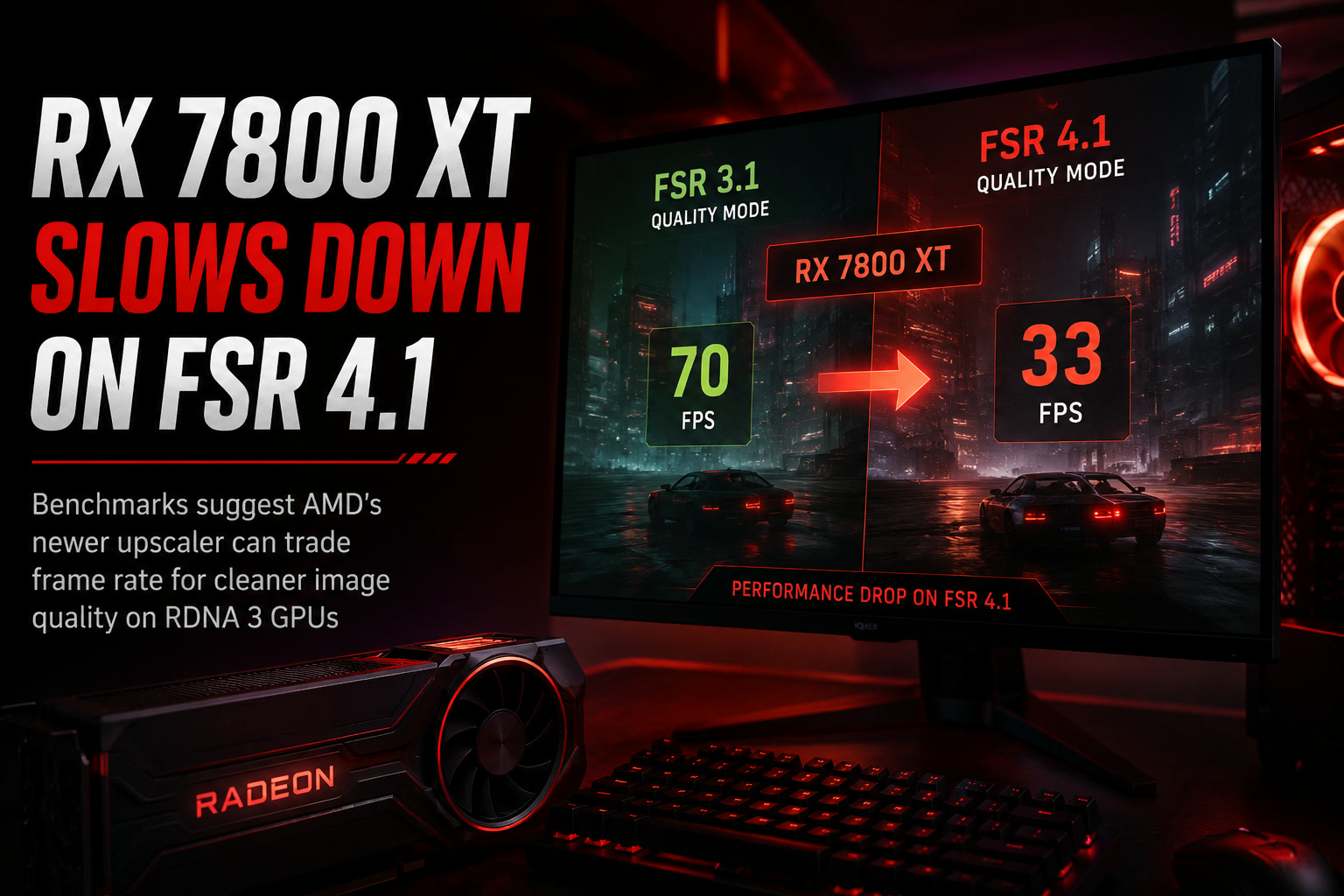
AMD extending FidelityFX Super Resolution 4.1 support to older Radeon RX 7000-series graphics cards sounded like an obvious win for RDNA 3 owners. The newer upscaling technology promises cleaner image quality and access to AMD's latest reconstruction improvements without requiring users to upgrade to a newer GPU.
Early testing, however, suggests there may be a trade-off. Benchmarks conducted by German technology publication ComputerBase indicate that cards such as the Radeon RX 7800 XT can actually run slower with FSR 4.1 than with FSR 3.1, with the performance difference becoming more noticeable at higher resolutions and in certain games.
That does not necessarily mean FSR 4.1 is a bad upgrade. Image quality appears to improve significantly, but Radeon RX 7000 owners may need to decide whether the cleaner visuals are worth sacrificing several frames per second.
FSR 4.1 Comes To RDNA 3, But It Wasn't Originally Built Around It
AMD expanded FSR 4.1 support to Radeon RX 7000-series GPUs in June, giving owners of cards such as the RX 7800 XT and RX 7600 access to the company's newer upscaling technology.
That is important because the RX 7000 family uses AMD's RDNA 3 architecture, while newer Radeon hardware provides more specialised capabilities for running advanced reconstruction techniques.
FSR 3.1 was already well matched to RDNA 3 and offered a relatively lightweight way to improve performance by rendering games internally at a lower resolution before reconstructing the final image.
FSR 4.1 attempts to push image quality further. Better temporal stability, cleaner fine details and reduced visual artefacts can produce a noticeably more convincing image, particularly at aggressive upscaling settings.
The downside is that higher-quality reconstruction requires additional processing.
ComputerBase's results suggest that older Radeon hardware may be paying for those improvements through lower frame rates.
The RX 7800 XT Shows A Clear Performance Drop At 1440p
ComputerBase tested both the Radeon RX 7800 XT and RX 7600 across multiple games using FSR 3.1 and FSR 4.1, primarily under traditional rasterised rendering rather than ray tracing.
At 2,560 × 1,440, the RX 7800 XT reportedly averaged around 70 fps using FSR 3.1. Switching to FSR 4.1 reduced that average to approximately 66.1 fps.
That works out to roughly a 6% to 7% performance reduction depending on how the figures are rounded.
The RX 7600 showed a similar pattern, dropping from around 36.5 fps with FSR 3.1 to 33.1 fps with FSR 4.1.
For the RX 7800 XT, losing four frames per second may not sound particularly dramatic when the game is already running comfortably above 60 fps. On the RX 7600, however, a similar percentage reduction matters more because the card is operating much closer to the 30 fps range.
In other words, the performance cost becomes increasingly noticeable on GPUs that have less headroom to begin with.
Ultrawide Resolution Makes The Gap Slightly Bigger
Moving up to 3,440 × 1,440 ultrawide reportedly increases the difference.
The RX 7800 XT averaged around 59.4 fps using FSR 3.1, while FSR 4.1 brought that down to approximately 54.8 fps.
That represents a loss of around 8%.
This is where the trade-off starts becoming more meaningful. A game running close to 60 fps under FSR 3.1 could fall into the mid-50s after switching to FSR 4.1.
Whether players notice that difference will depend on the game, monitor and use of technologies such as variable refresh rate. Still, users choosing an upscaler primarily to improve frame rate may understandably find it strange when upgrading to a newer version produces the opposite effect.
At 4K, The RX 7800 XT Drops Below 40 FPS
The same behaviour continues at 4K.
ComputerBase reportedly recorded around 43.4 fps with FSR 3.1, compared with approximately 39.2 fps using FSR 4.1.
That is close to a 10% performance difference.
At this point, the impact becomes considerably easier to feel. Falling from the low-40 fps range to below 40 fps can affect responsiveness, particularly in faster-paced games.
It is worth remembering that these are averages across multiple titles rather than a guarantee that every game will suffer the same reduction.
In some games, the difference is reportedly minimal. In others, the performance cost can be surprisingly large.
Some Games Lose Far More Performance Than Others
One of the more interesting findings from ComputerBase is that the FSR 4.1 penalty is highly dependent on the game.
Some titles reportedly lose only around 2% performance, which is small enough that most users would probably accept it in exchange for better image quality.
At the other end of the spectrum, games such as Call of Duty: Black Ops 7 reportedly showed losses approaching 18% in certain circumstances.
That is a very different proposition.
An 18% reduction could easily turn a comfortable frame rate into something noticeably less smooth, particularly when playing on a mid-range GPU.
This also means there is probably no universal answer for RX 7000 owners. FSR 4.1 may be an easy upgrade in one game and a questionable choice in another.
Testing the setting individually may therefore be more useful than simply assuming the latest version is automatically the best one.
The Performance Loss Comes With Better Image Quality
There is an important reason someone might still choose FSR 4.1 despite the slower performance: the resulting image can look better.
ComputerBase reportedly found that FSR 4.1 operating in Performance mode can produce cleaner textures and overall image reconstruction than FSR 3.1 running at the higher Quality setting.
That is significant because Performance mode normally renders from a much lower internal resolution than Quality mode.
If FSR 4.1 can reconstruct that lower-resolution image more convincingly, players could potentially use a more aggressive upscaling preset without suffering the same visual degradation associated with older versions.
So comparing FSR 3.1 and FSR 4.1 purely through frame-rate numbers does not tell the entire story.
FSR 4.1 may deliver fewer frames, but those frames can also contain noticeably better reconstructed detail.
This Is Really A Quality Versus Performance Decision
Upscaling technology has always involved a compromise between image quality and speed, but FSR 4.1 makes that relationship particularly obvious on older Radeon hardware.
FSR 3.1 appears to place less computational pressure on RDNA 3 GPUs, allowing them to produce higher frame rates.
FSR 4.1 spends more GPU resources improving reconstruction quality.
Neither approach is automatically wrong.
Competitive gamers aiming for maximum responsiveness may still prefer FSR 3.1 if it provides noticeably better frame rates. Someone playing a slower single-player game may happily sacrifice 5% to 10% performance for cleaner foliage, more stable distant objects and fewer shimmering artefacts.
The best option therefore depends heavily on what the user values.
The RX 7800 XT Is Still A Capable 1440p GPU
None of these results suddenly makes the Radeon RX 7800 XT a poor graphics card.
The GPU remains very capable for conventional 1440p gaming, and its generous memory configuration continues to make it attractive for modern titles.
If anything, the benchmarks simply demonstrate that newer software features do not always run equally well across different generations of hardware.
AMD deserves some credit for extending FSR 4.1 to RDNA 3 rather than restricting it exclusively to newer cards. Giving users the option is better than leaving them behind entirely.
But supporting a feature and running it optimally are two different things.
RX 7000 owners may not receive exactly the same performance-to-quality balance as users running the technology on hardware better suited to it.
The Missing Detail Is Which FSR Mode Was Used
There is also an important limitation when interpreting the figures.
ComputerBase's overall comparison does not appear to make completely clear which FSR 4.1 quality mode was used for every benchmark represented in the averaged results.
That matters because Quality, Balanced, Performance and other scaling presets use different internal rendering resolutions and therefore produce different frame rates.
Without knowing exactly how each configuration was matched, the numbers should be treated as an indication of the performance trend rather than an absolute verdict on FSR 4.1.
A proper apples-to-apples comparison between identical quality presets across FSR versions would provide the clearest picture.
FSR Is Increasingly About Image Reconstruction, Not Just Extra FPS
This also reflects how technologies such as FSR are changing.
Earlier generations of upscaling were largely judged by a simple question: how much extra performance do they provide?
Modern reconstruction systems are becoming much more focused on preserving image quality while reducing the amount of native rendering work the GPU needs to perform.
That means a newer upscaler can theoretically be more computationally expensive while still providing a better overall experience because it allows developers and users to start from a lower internal resolution without creating an obviously degraded image.
FSR 4.1 appears to be moving further in that direction.
For Radeon RX 7000 users, however, there is clearly a point where better reconstruction can start eating into the performance advantage they were hoping to gain from upscaling in the first place.
Final Thoughts
FSR 4.1 support on Radeon RX 7000 GPUs is still a welcome addition, but ComputerBase's testing suggests users should not automatically expect higher frame rates simply because they are moving to a newer version.
On the RX 7800 XT, the difference reportedly ranges from relatively minor losses at 1440p to around 8% at ultrawide resolution and close to 10% at 4K, with certain individual games suffering considerably larger penalties.
The trade-off appears to be improved image quality. FSR 4.1 can deliver cleaner reconstructed visuals, potentially allowing more aggressive upscaling modes to look better than equivalent—or even higher-quality—FSR 3.1 settings.
For RX 7000 owners, the sensible approach may therefore be simple: try both versions when a game allows it.
If FSR 4.1 produces noticeably cleaner visuals without pushing the frame rate below your comfort level, the quality improvement may be worth it. If every frame matters, however, FSR 3.1 may still be the better-performing choice on RDNA 3 hardware.
Sometimes the newest option is technically better without necessarily being faster—and FSR 4.1 on the RX 7800 XT appears to be a good example of exactly that.











Comments 0