

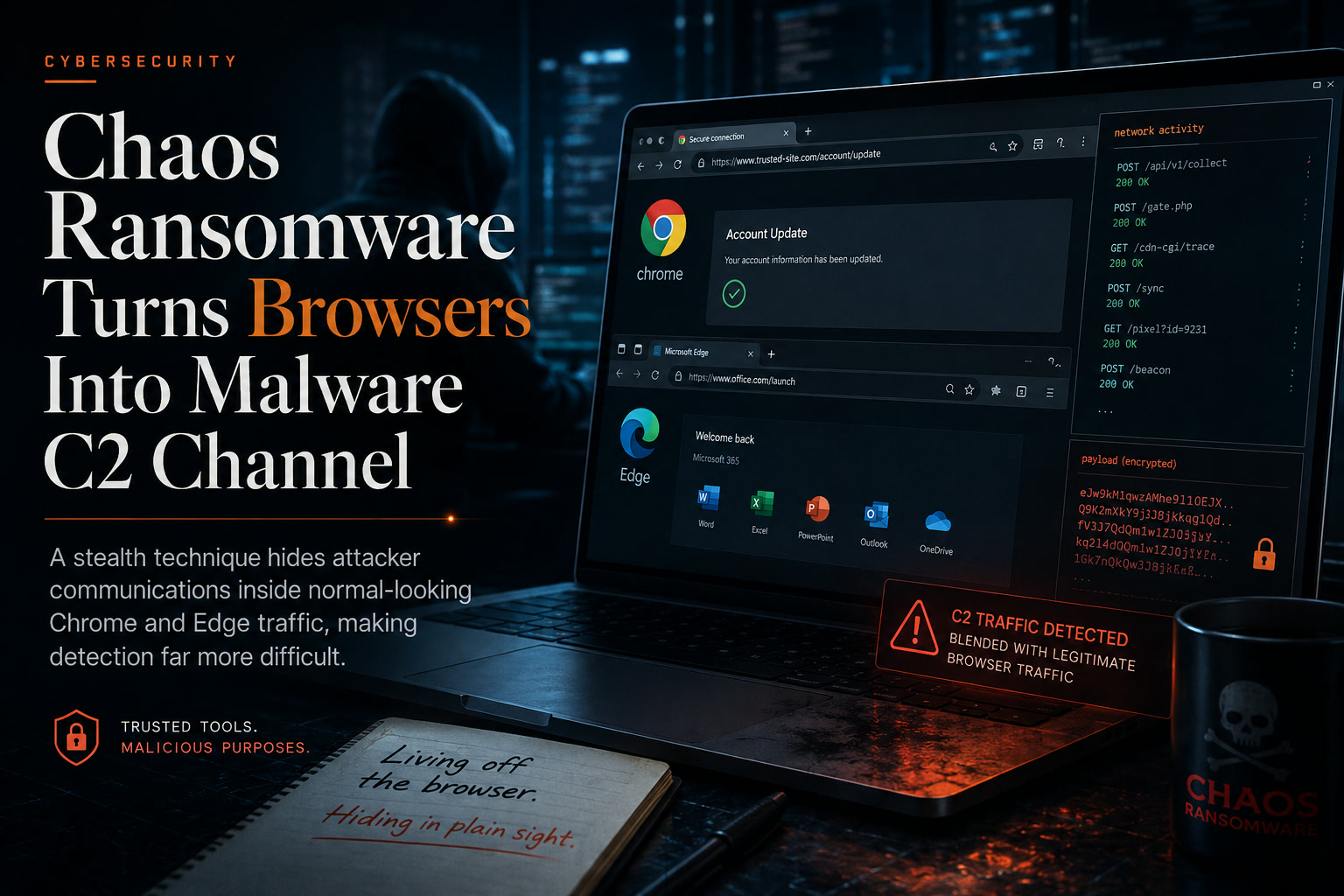
Web browsers are among the most trusted and heavily used applications in any organisation. Employees rely on them for email, cloud platforms, collaboration tools, file sharing and daily business systems. That familiarity is exactly what makes the latest technique associated with the Chaos ransomware group so concerning.
Instead of allowing its malware to communicate directly with an attacker-controlled server, the group's remote-access tool can take control of Google Chrome or Microsoft Edge and use the browser itself as a hidden command-and-control channel.
To security monitoring tools, the activity may appear to be ordinary browser traffic. Behind the scenes, however, the compromised browser may be receiving instructions, transferring stolen information and helping attackers prepare for a wider ransomware attack.
The Browser Is Not the Initial Infection Point
This technique does not mean that visiting a particular website automatically infects the computer.
The browser is used only after attackers have already compromised the device.
The Chaos ransomware group has reportedly relied on familiar initial-access methods, including phishing emails, voice phishing, stolen credentials and the misuse of legitimate remote-management or file-sharing tools.
Once access has been established, the attackers deploy a Rust-based remote-access trojan known as msaRAT. The malware then searches the victim's system for Chrome or Edge and uses the installed browser to conceal its external communications.
This makes the browser an important part of the attack infrastructure rather than the original entry point.
Why This Technique Is Difficult to Detect
Most organisations expect browsers to communicate constantly with external services.
Chrome and Edge connect to cloud applications, content-delivery networks, identity platforms, software services and collaboration systems throughout the working day. Blocking or heavily restricting that activity is often impractical because it would interrupt normal business operations.
Attackers take advantage of that trust.
In a more conventional malware infection, endpoint or network-monitoring tools may observe an unfamiliar executable connecting directly to a suspicious internet address. That relationship is relatively easy to investigate.
In this case, the malware process communicates mainly with the local computer, while the legitimate browser handles the external connection.
Security teams may therefore see Chrome or Edge connecting to infrastructure that appears normal rather than an obviously malicious process communicating with a command-and-control server.
The activity effectively hides inside a process that organisations already trust.
How the Attack Begins
After compromising a device, the attackers download a Windows installer that is disguised as a legitimate software update.
The installer contains a malicious library that is loaded directly into memory. This helps reduce the number of obvious files left behind and may make the infection more difficult for traditional file-based security tools to identify.
The malware then searches the device for supported browsers.
When Chrome or Edge is detected, msaRAT launches the browser in headless mode. This allows the browser to run in the background without displaying a visible window to the user.
It also enables the browser's remote-debugging interface, a legitimate feature normally used by developers for testing and browser automation.
Using the Chrome DevTools Protocol, the malware opens a browser session and injects JavaScript into a newly created browser tab.
To the employee, there may be no obvious browser window, warning or visual indication that anything unusual is happening.
Turning WebRTC Into a Hidden Communication Channel
The injected JavaScript contacts a Cloudflare Workers endpoint to obtain the information needed to establish the attacker's communication channel.
It then creates a connection using WebRTC, a browser technology commonly used for real-time communications such as video calls, voice services and peer-to-peer data transfer.
WebRTC traffic is common in modern organisations, particularly where employees use browser-based meeting and collaboration platforms. This gives attackers another opportunity to blend malicious activity into legitimate network behaviour.
The connection is routed through a TURN relay server. TURN services are normally used when two WebRTC endpoints cannot communicate directly because of firewalls or network restrictions.
In this attack, the relay also helps conceal the real location of the command-and-control infrastructure.
The communication is further protected by multiple layers of encryption. WebRTC already encrypts the transport channel, while msaRAT reportedly encrypts its own data before handing it to the browser.
This combination can make the traffic difficult to inspect and interpret using network controls alone.
Why Headless Browsers Deserve More Attention
Headless browser activity is not automatically malicious.
Developers, testing teams, monitoring services and automation platforms may legitimately run browsers without visible windows. The remote-debugging interface is also widely used for valid software-development purposes.
The risk appears when these features are activated unexpectedly.
A standard employee workstation, finance computer or hospital administration device may have no operational reason to launch Chrome in headless mode with remote debugging enabled.
The same behaviour on a server can be even more suspicious, particularly when the server is not normally used for browser automation.
Security teams should therefore establish where headless browsers are legitimately required and treat unexpected usage elsewhere as an investigation trigger.
The Timing of the Browser Activity Matters
A browser process on its own may not provide enough information to confirm an incident.
The surrounding sequence of events is far more important.
For example, security teams should pay particular attention when Chrome or Edge begins running in headless mode shortly after:
Browser processes establishing unexpected WebRTC connections shortly after an installer runs should also be reviewed.
The advisory emphasises that no single indicator is likely to expose the entire attack. Endpoint activity, browser telemetry, process relationships, installer execution and network communications must be examined together.
Ransomware Is Usually the Final Stage, Not the First
One of the biggest misconceptions about ransomware is that attackers immediately encrypt files after entering the network.
Modern ransomware groups often spend considerable time inside an organisation before activating the final payload.
During that period, they may:
Encryption may occur only after the attackers believe they have stolen enough information and gained sufficient control over the environment.
This creates a double-extortion scenario. The organisation is threatened not only with system disruption but also with the publication or sale of stolen information.
The browser-based communication channel fits into this preparation stage by helping attackers remain connected while attracting less attention.
The Wider Attack Pattern
The documented behaviours associated with the group cover nearly every major stage of a ransomware intrusion.
Reported techniques include the use of valid accounts, voice phishing, network and domain discovery, PowerShell, Windows Management Instrumentation, startup persistence, credential theft and remote services.
The group has also been linked to lateral movement through Remote Desktop Protocol, SSH and Windows administrative shares.
Later stages may involve collecting local data, transferring information through web services, weakening security controls, obstructing system recovery and encrypting data for impact.
This shows why organisations should not treat the browser behaviour as an isolated technical curiosity. It may represent one visible part of a much broader compromise.
Security Tools Need Process Context
Traditional network monitoring often focuses on the destination of a connection.
That remains useful, but it may not be enough when attackers hide behind trusted applications and legitimate cloud infrastructure.
Endpoint monitoring should also examine how the browser was started.
Important questions include:
A browser manually opened by an employee is very different from one silently launched by an unfamiliar process from a temporary or system-data directory.
This process context helps security teams separate normal browser use from suspicious automation.
Remote-Management Tools Also Require Stronger Control
The Chaos group has reportedly used legitimate remote-access software as part of its operations.
These tools create a difficult challenge because many organisations use similar products for IT support, vendor maintenance and remote administration.
Rather than attempting to ban every remote-management platform, organisations should maintain an approved list.
Any tool outside that list should be blocked, removed or investigated.
Approved software should also be restricted to authorised users and devices, protected with multifactor authentication and monitored for unusual sessions, installations or file transfers.
Portable and user-installed remote-access utilities deserve particular attention because they may bypass normal software-deployment controls.
Phishing-Resistant Authentication Is Important
Traditional multifactor authentication can still be defeated through social engineering, session theft or carefully designed phishing pages.
Where possible, organisations should move high-risk accounts toward phishing-resistant methods such as hardware-backed security keys, passkeys or certificate-based authentication.
Privileged accounts should receive the strongest protection.
Administrative access should also be separated from normal browsing and email activities. An administrator should not routinely use the same privileged session to read messages, download files and browse the internet.
Reducing the number of opportunities for credential theft limits the attacker's ability to expand access after the first compromise.
File-Sharing Activity Should Be Monitored
Ransomware groups increasingly steal data before encryption.
Organisations should monitor unusual bulk transfers to external file-sharing, cloud-storage and collaboration platforms.
Warning signs may include:
Data-loss prevention tools can help, but they should be supported by identity, endpoint and network monitoring.
An authorised cloud platform can still be abused by an attacker using a compromised account.
Software Updates Must Be Trusted and Controlled
The malicious installer in this attack is disguised as a software update.
Employees should not be expected to determine whether every update prompt is legitimate. Organisations need a controlled process for software deployment.
Updates should come through approved tools, managed application stores or trusted vendor mechanisms.
Users should not normally install MSI packages downloaded from email links, pop-ups, file-sharing services or unfamiliar websites.
Application control can further reduce risk by allowing only authorised installers, publishers and execution paths.
This can prevent a disguised update from running even when an employee is persuaded to download it.
What Organisations Should Do Now
Hospitals, businesses and public-sector organisations should begin by checking whether Chrome or Edge remote debugging is used legitimately anywhere in their environment.
Where it is not required, security teams should monitor or restrict browser launches containing headless and remote-debugging arguments.
Endpoint-detection rules should also look for unusual relationships between MSI installers, system directories, newly loaded libraries and background browser processes.
Security teams should review approved remote-management applications, strengthen authentication for privileged accounts and monitor cloud file-sharing services for unusual transfers.
The indicators listed in the advisory should be added to security-monitoring platforms where appropriate, but they should not be treated as permanent or complete detection methods. Attackers can easily change file names, internet addresses and domains.
Behavioural detection is more resilient because it focuses on how the attack operates rather than one fixed indicator.
Final Thoughts
The Chaos ransomware group's use of Chrome and Edge demonstrates how attackers are increasingly turning trusted applications into tools for concealment.
The browser is no longer only something that may be exploited. It can also become part of the attacker's command-and-control infrastructure after a device has already been compromised.
That change matters because many organisations still view browser activity as relatively low risk compared with an unfamiliar executable connecting to the internet.
Security teams now need to consider not only where a browser is connecting, but also why it started, which process launched it and what happened immediately beforehand.
The strongest defence will come from correlating endpoint behaviour, installer activity, identity events, browser telemetry and network connections.
When those sources are examined together, activity that looks harmless in isolation may reveal the early stages of a much more serious ransomware intrusion.











Comments 0