

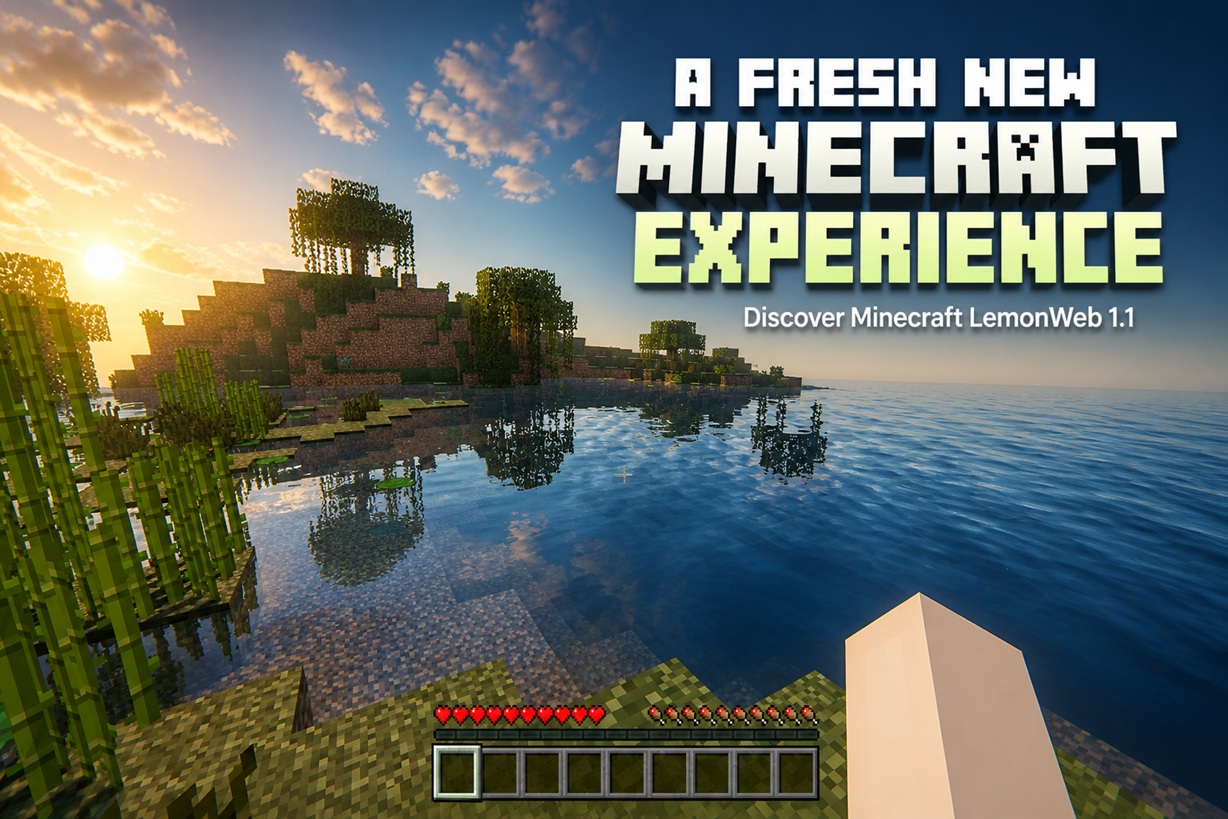
Minecraft on Lemon-Web has received a major refresh. This update goes beyond a few visual adjustments—it improves the entire journey from opening the game to choosing your graphics quality, navigating the menus, and starting a world.
A Cleaner and Faster Start
The original Eagtek WASM-GC introduction screen has been removed. Players are now taken directly into a newly designed Lemon-Web experience without having to wait through the old branding screen.
The previous "Press any key to enable sound" page has also been replaced with a much more useful quality-selection screen.
Choose the Right Minecraft Experience
Before Minecraft starts, players can now choose between two clearly presented graphics profiles.

Minecraft Standard Quality
Standard Quality is designed for everyday devices, including:
- Standard laptops
- Mobile phones
- Tablets
- Devices with integrated graphics
This profile uses Minecraft's balanced default settings and should provide smooth gameplay across most hardware.


Minecraft High Quality with Shaders
High Quality with Shaders is intended for high-end gaming computers with capable graphics cards.
Selecting this profile automatically enables the best available visual settings, including:
- Shaders
- Fancy Graphics
- Fancy Clouds
- Fancy Better Grass
- Fancy Connected Textures
- Smart Leaves
- Custom Skies
- Dynamic Lights
- Entity Shadows
- Realistic Water
- Bloom
- God Rays
- Raytracing effects
- Waving grass and blocks
- Lens effects
- Ambient lighting and shadow effects
- Anti-aliasing
This makes it easy to enjoy the best visuals without manually configuring every setting.

A New Animated Loading Screen
After selecting a graphics profile, players are presented with a completely redesigned loading screen.
The new screen includes:
- An animated Minecraft-inspired block indicator
- A progress bar
- Friendly loading messages
- The new minecraftbg.jpg background
- Separate messaging for Standard and High Quality modes
The old WASM-GC introduction remains hidden while the game engine loads in the background.
Cleaner Default Game Settings
Two distracting HUD elements are now disabled by default:
- Show FPS — Off
- Show XYZ — Off
Players can still enable them later through the game settings if needed.
The browser page has also been updated to use the new minecraft.ico icon.
Improved Multiplayer Menu
The Multiplayer screen has received a few important changes.
The Download EaglerXServer link has been completely removed, leaving the interface cleaner and more focused.
The Add Server button is now disabled. Its appearance has also been refined so that it retains Minecraft's original font, sizing, and button style instead of looking like an external browser element.
Players can still use the existing multiplayer connection options, but additional server entries cannot be created through this build.
Singleplayer Crash Resolved
An important technical issue affecting Singleplayer has been fixed.
Previously, clicking Singleplayer could cause a DataCloneError while Minecraft attempted to start its integrated server Worker. This happened because a browser callback function was accidentally being passed into the Worker configuration.
The Worker configuration is now safely prepared before Singleplayer starts. The game can successfully open the Select World screen without crashing.

Improved Mobile Support
A landscape-orientation overlay has also been added for mobile devices.
When a phone or tablet is held vertically, players are encouraged to rotate it into landscape mode for a better Minecraft experience. A convenient Back to Lemon-Web option remains available from this screen.
The Result
The updated Lemon-Web Minecraft build now feels much more like a complete, purpose-built gaming experience.
Players get a cleaner start, a meaningful graphics-quality choice, improved loading visuals, consistent Lemon-Web branding, safer multiplayer controls, reliable Singleplayer support, and better navigation across desktop and mobile devices.
Whether someone is playing casually on a phone or enabling every shader effect on a gaming PC, Minecraft LemonWeb 1.1 now provides a much smoother and more polished way to begin.











Comments 0