

We have been working behind the scenes on a major update to the Lemon Web WinDOS Emulator, and it is finally ready! This update is about more than giving the emulator a fresh coat of paint. We have upgraded the underlying emulation engine, redesigned the loading experience, improved fullscreen support and introduced a much better way to save and restore your progress.
Whether you are returning to a favourite DOS classic or discovering one for the first time, the new WinDOS Emulator should provide a smoother and more consistent experience.
A Fresh New Look
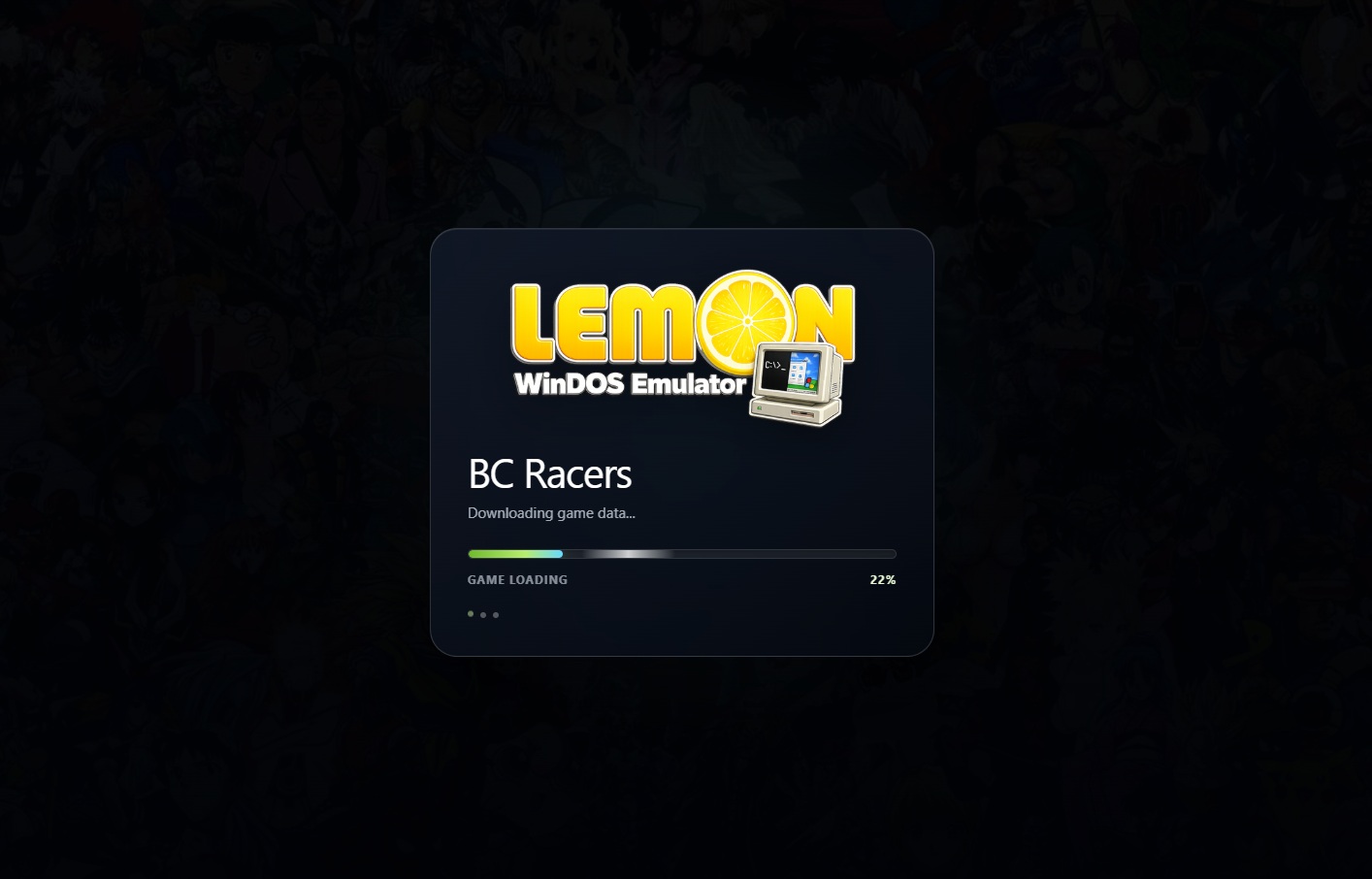
The first thing you will notice is the new Lemon WinDOS Emulator branding. Every supported game page now shares a consistent design, including a redesigned animated loading screen, clearer progress information and a modern interface that feels more at home on today's devices. Instead of staring at an empty screen while a game is being prepared, you will now see useful loading messages showing that the emulator is downloading the required files, preparing the virtual PC and getting the game ready to play.
An Upgraded Emulation Engine
Behind the new design is an upgraded WinDOS emulation engine. The newer engine provides a stronger foundation for running classic DOS and compatible Windows games directly inside a modern web browser. It also brings improvements to general stability, performance and compatibility. Game-specific settings have been carefully preserved during the upgrade. This includes custom startup commands, simulated keyboard input, background music and other special configurations required by certain games.
Improved Widescreen Presentation
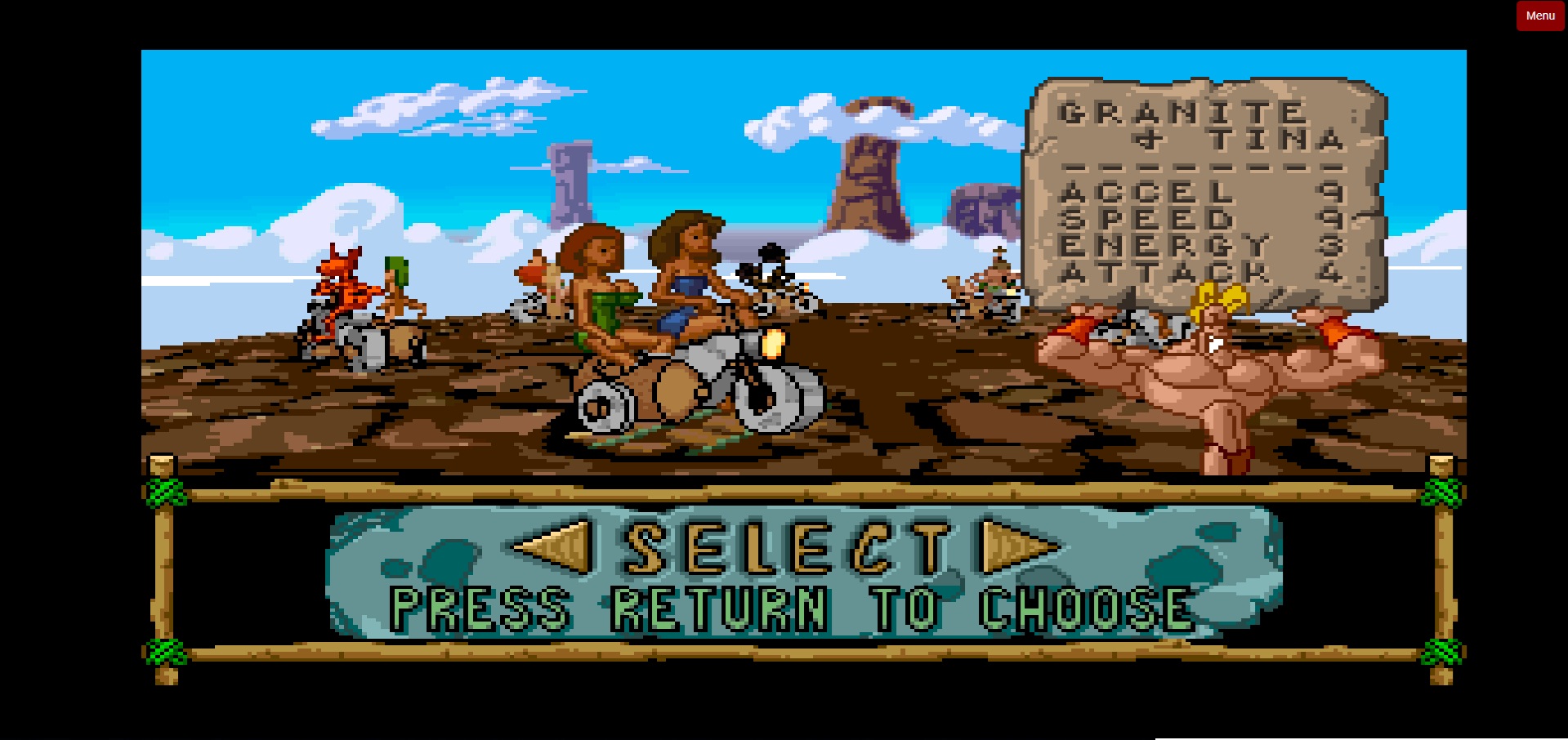
Supported games now use a standardized 16:9 display area, providing a more consistent presentation across the WinDOS collection. The updated layout adapts more effectively to desktop computers, tablets and mobile devices. Navigation buttons, menus and emulator controls have also been adjusted to remain accessible across different screen sizes and orientations.
A Better Fullscreen Experience
Fullscreen mode has been improved so that players can enjoy classic games with fewer distractions. Important emulator controls remain easier to reach, and the updated interface handles entering and leaving fullscreen mode more reliably. The navigation layout has also been refined for desktop, mobile portrait and mobile landscape displays.
Instant Quick Save and Quick Load
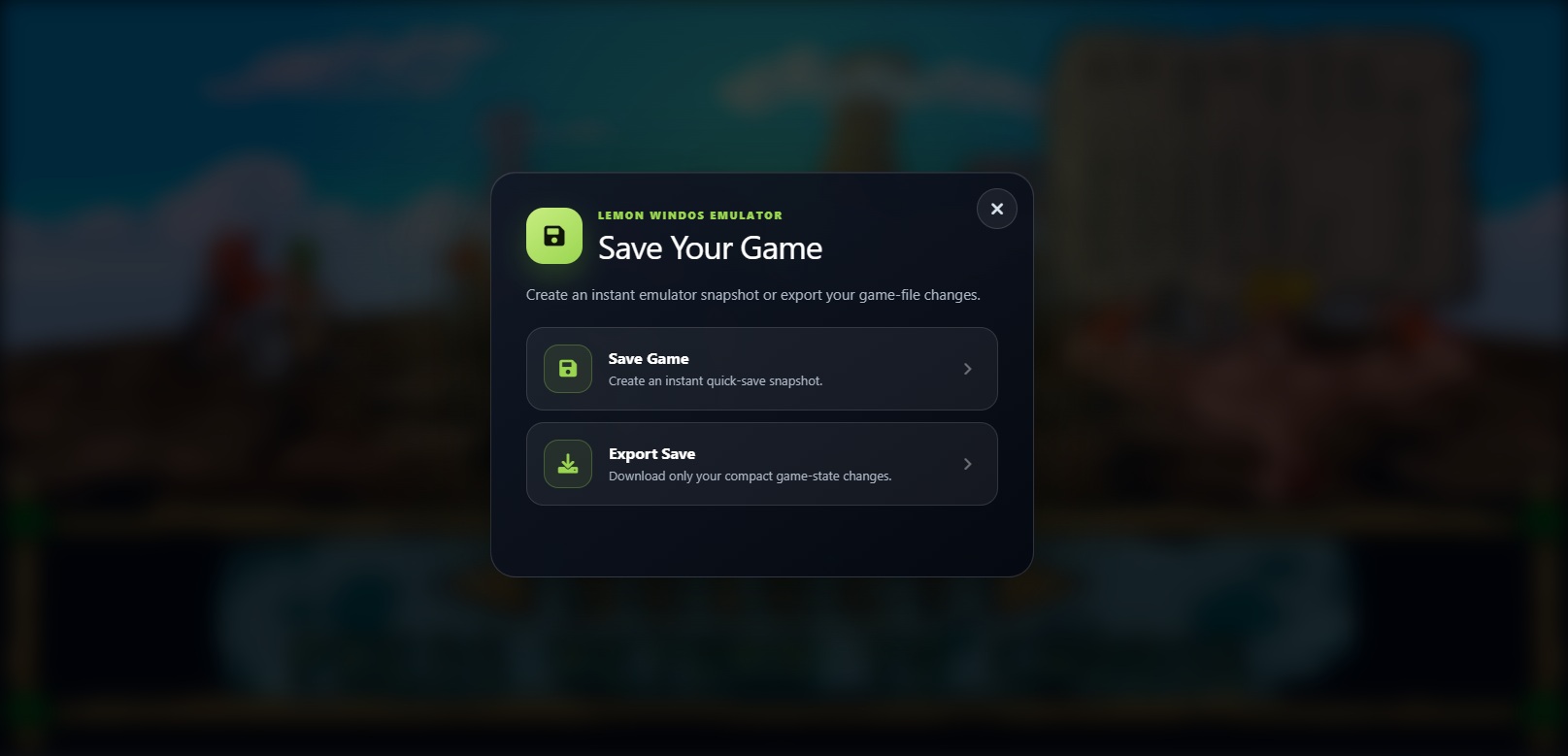
One of the biggest improvements is the redesigned Save and Load system. Selecting Save Game now creates an instant emulator snapshot. This captures the current state of the running game, allowing you to return to that exact moment without refreshing or restarting the emulator. Selecting Load Game restores your most recent quick-save snapshot immediately. This is especially useful when attempting a difficult section, experimenting with different choices or simply taking a short break without losing your current position. Quick saves belong to the current emulator session, so players who want to keep a more portable copy should use the new Export option.
Export and Import Your Progress
The Save and Load menus now provide two clearly separated types of saving. Save Game and Load Game handle instant emulator snapshots during the current session. Export Save downloads a compact file containing only your game changes. It does not include the original game files, which keeps the exported save considerably smaller and easier to manage. When you want to continue later, select Import Save and choose the previously exported file from your device. The emulator will apply those saved changes and prepare the game with your progress restored.
This gives players the flexibility to keep backup copies or move their progress between supported browsers and devices.
Clearer Save and Load Menus
The Save and Load buttons now open redesigned menus with clear descriptions and recognizable icons. Each option explains what it does before you select it, making it easier to choose between an instant snapshot and a portable exported save. Progress, confirmation and error messages have also been improved so you always know what the emulator is doing.
Special Handling for Windows Games
Some Windows-based titles use a different storage system and do not support the emulator's instant Save and Load functions. For these games, the WinDOS Emulator will display a clear explanation instead of presenting controls that may not work correctly. You can still save your progress using the game's own in-game save menu. The browser will retain the game's stored data, and you can load your progress from inside the game when you return.
Refined Navigation and Controls
The bottom navigation bar has been standardized across the collection, with clearer icons, consistent colours and improved button placement. The status area now consistently displays "Emulating Game...", while text-based music controls have been replaced with more intuitive music and volume icons. Menus and modal windows have also received improvements for touch interaction, keyboard navigation and accessibility.
Legacy Games Remain Supported
A small number of games rely on specialized legacy controls or unique configurations. These titles have retained the components required for compatibility while still receiving the updated Lemon WinDOS visual design where possible. This approach allows us to modernize the overall experience without removing the custom behaviour that certain games need to run correctly.
Ready to Revisit the Classics?
The new Lemon Web WinDOS Emulator combines classic PC gaming with a cleaner, more convenient browser experience. With an upgraded engine, modern loading screen, improved fullscreen support, responsive controls, instant quick saves and portable save exports, returning to your favourite DOS and Windows classics is now easier than ever. Choose a game, let the virtual PC start up and enjoy another trip back to the golden era of computer gaming!











Comments 0