

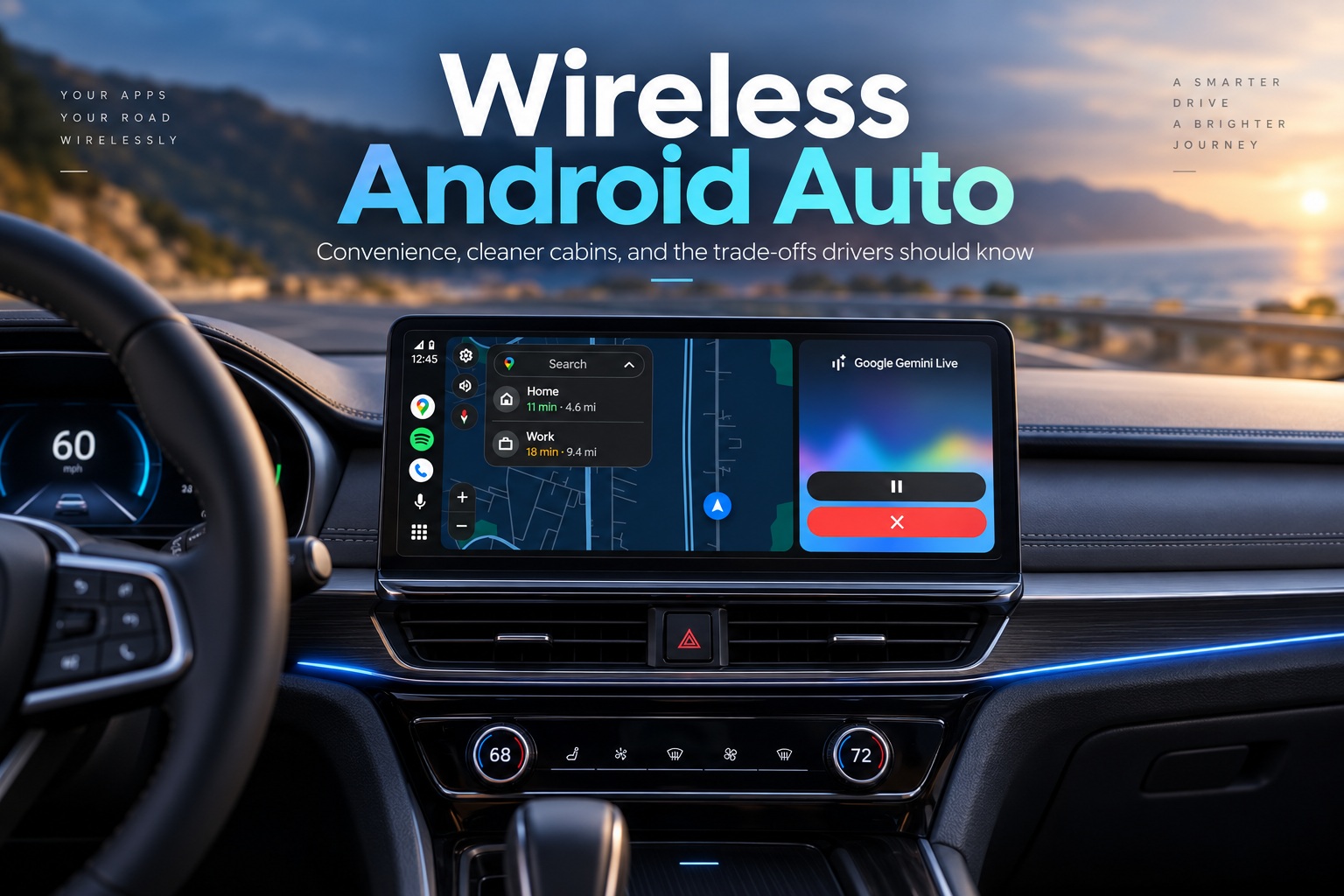
Wireless Android Auto is one of those features that quickly becomes difficult to give up once you get used to it. You get into the car, start the engine, and within moments your phone connects automatically. Google Maps appears on the dashboard, your music resumes, and calls or messages can be handled without touching a cable.
That convenience is the main reason many drivers prefer wireless Android Auto over a traditional USB connection. However, removing the cable does not necessarily make the experience better in every situation. Wireless operation places more demand on the phone, can increase battery drain and heat, and may occasionally introduce connection instability that simply does not exist with a wired setup.
Whether wireless Android Auto is the better choice ultimately depends on how long you drive, how capable your phone is, and whether you value convenience more than maximum reliability.
How Wireless Android Auto Actually Connects
Wireless Android Auto does not rely on Bluetooth alone. Instead, it uses a combination of Bluetooth and Wi-Fi Direct, with each connection handling a different part of the process.
When the vehicle starts, Bluetooth initially establishes the connection between the smartphone and the car. It identifies the paired device and handles the initial authentication process. Once that handshake is complete, most of the heavier data traffic moves over a Wi-Fi Direct connection.
That Wi-Fi connection carries information for navigation, audio streaming, touch interaction, voice commands and the Android Auto interface itself. Bluetooth remains active for certain functions such as hands-free calling, which means both wireless technologies are typically operating throughout the journey.
Because of this, switching off either Bluetooth or Wi-Fi will usually cause Android Auto to disconnect.
Compatibility Depends on Both the Phone and the Car
For native wireless Android Auto, the smartphone generally needs to run Android 11 or newer and support compatible 5GHz Wi-Fi functionality. Newer vehicles increasingly include wireless Android Auto from the factory, making the setup relatively straightforward.
Older cars may still support Android Auto only through USB. In those situations, a wireless Android Auto adapter can be connected to the existing USB port to create a wireless bridge between the phone and the vehicle.
These adapters can work surprisingly well, although the experience varies depending on the vehicle, adapter and smartphone. Some setups connect almost instantly, while others can occasionally take longer or require reconnecting.
The Biggest Advantage Is Simply Not Needing a Cable
The strongest argument for wireless Android Auto is convenience. Once the initial pairing is complete, there is usually nothing else to do. You get into the car with your phone still in your pocket or bag, start the engine, and Android Auto connects automatically.
For short everyday journeys, this makes a noticeable difference. There is no need to find the phone, locate the charging cable, plug it into the USB port and then place the device somewhere inside the cabin.
It may only save a few seconds each time, but when you use Android Auto every day, that friction disappears completely. Navigation can begin automatically, music resumes from where you left off, and your car feels much more integrated with your smartphone.
A Cleaner Centre Console Is Another Nice Bonus
Removing the USB cable also improves the interior of the car. There is no cable hanging around the gear selector, getting caught under objects or stretching awkwardly across the centre console.
That might sound cosmetic, but it does make the cabin feel cleaner and more organised. The available USB ports also remain free for passengers, wireless earbuds, smartwatches or other devices that actually need charging.
For vehicles with limited USB connections, this can be surprisingly useful. Instead of dedicating one port permanently to Android Auto, it can be used for something else while the phone connects wirelessly.
It Works Well When Several People Share the Car
Wireless Android Auto can also make things easier in households where several people drive the same vehicle. Multiple phones can usually remain paired with the infotainment system, allowing each driver to use their own navigation history, contacts, messages and music services.
There can occasionally be some confusion when two paired phones enter the car at the same time, since the vehicle needs to decide which one to connect to. In practice, the passenger can simply disable Bluetooth temporarily if the wrong phone keeps taking priority.
Once the correct device connects, the experience becomes personalised without needing to physically swap cables or change settings.
The Price of Convenience Is Battery Drain
The most obvious downside is battery consumption. Wireless Android Auto keeps several demanding smartphone functions active simultaneously, including GPS, Bluetooth, Wi-Fi and often mobile data.
Navigation makes the situation even heavier because the phone is continuously calculating location, downloading map information and maintaining the wireless connection to the car. Depending on the smartphone and usage, battery consumption can become quite noticeable during longer journeys.
A loss of around 10% to 15% per hour is possible under heavier usage, although real-world results vary significantly between phones. A short commute may barely matter, but after several hours on the road, the battery difference becomes difficult to ignore.
Ironically, drivers may eventually plug the phone into a charger anyway, removing part of the reason for going wireless in the first place.
Heat Can Become a Bigger Problem Than Battery Life
Battery drain and heat usually go together. Running navigation, mobile data, Wi-Fi and Bluetooth continuously generates additional heat, and the situation becomes worse when the phone is also charging.
Inside a car, environmental conditions can make this particularly challenging. A smartphone sitting in direct sunlight near the windscreen on a hot afternoon may already be dealing with high temperatures before Android Auto even begins adding to the workload.
When the phone becomes too hot, modern devices may reduce processor performance to protect the hardware. This thermal throttling can result in slower navigation, delayed interface responses or interruptions to music playback.
In extreme cases, the phone may stop charging or temporarily shut down certain functions until its temperature falls.
Wireless Charging Can Make the Heat Problem Worse
Many modern cars include wireless charging pads, which initially seem like the perfect companion to wireless Android Auto. The phone connects without cables and charges without cables, creating a completely wireless experience.
The problem is that wireless charging itself generates heat. Combine that with GPS, Wi-Fi, mobile data and Android Auto, and the phone may become considerably warmer than it would through a traditional USB connection.
Newer smartphones with better cooling and efficient chipsets may handle this reasonably well, but older devices can struggle. During long journeys, wired Android Auto with conventional USB charging can sometimes be significantly cooler and more stable.
Wired Android Auto Still Wins for Reliability
A physical USB connection remains difficult to beat when reliability matters. Once connected, the phone communicates directly with the infotainment system through the cable, reducing many of the variables associated with wireless networking.
Latency is typically minimal, connections are usually consistent, and the phone receives power at the same time. That makes wired Android Auto particularly useful for long journeys where navigation may remain active for several hours.
Wireless connections can occasionally experience small delays, startup issues or random disconnections. These problems are not necessarily common, especially with newer hardware, but they can still occur depending on wireless interference, the smartphone or the vehicle's infotainment system.
The Difference Is More Noticeable on Older Phones
A powerful modern flagship smartphone may handle wireless Android Auto without much difficulty. Older or lower-end phones can have a very different experience.
Running navigation, audio streaming and wireless connectivity simultaneously can place considerable pressure on ageing processors and batteries. The interface may become less responsive, map animations may stutter and the device may heat up much faster.
Battery degradation also plays a role. A phone that once lasted comfortably through a day may lose charge rapidly when wireless Android Auto is running for extended periods.
For older devices, switching back to a wired connection can sometimes make the entire experience noticeably smoother.
Short Trips Are Where Wireless Android Auto Makes the Most Sense
For everyday commuting, wireless Android Auto is difficult to argue against. If your journey lasts 20 or 30 minutes, battery drain is usually manageable and the convenience of automatic connection is genuinely useful.
You can leave the phone in your pocket, drive to work, and arrive without thinking about cables or charging. The same applies to quick errands, school runs and shorter city journeys.
These are exactly the situations where wireless technology feels most natural because convenience matters more than long-term battery management.
Long Road Trips Tell a Different Story
A three- or four-hour drive changes the equation considerably. Continuous navigation can consume enough battery that you may need to charge the phone before reaching your destination anyway.
At that point, using wired Android Auto begins to make more sense. The connection remains stable, the battery stays charged and there is generally less thermal stress than combining wireless Android Auto with wireless charging.
Some drivers therefore adopt a hybrid approach: wireless Android Auto for everyday commuting and a USB connection for longer journeys.
That is arguably the best of both worlds.
Connection Quality Depends on the Entire Setup
Wireless Android Auto performance is not determined by the phone alone. The vehicle's infotainment hardware, Wi-Fi implementation and software quality also play significant roles.
Some vehicles establish the connection almost immediately after startup, while others may take considerably longer. Firmware updates can improve reliability, and smartphone software updates sometimes introduce—or solve—connection problems.
Aftermarket wireless adapters introduce another variable. A high-quality adapter may work almost indistinguishably from factory wireless Android Auto, while cheaper hardware may suffer from delayed connections or occasional instability.
There is therefore no universal wireless Android Auto experience. Two people using the same smartphone in different cars may have completely different impressions.
Wireless Android Auto Does Not Improve the Interface Itself
It is also worth remembering that wireless Android Auto does not fundamentally change Android Auto. Navigation, music, messaging and voice-control features remain essentially the same whether the phone is connected through Wi-Fi or USB.
The main difference is how the phone communicates with the vehicle.
If you already like Android Auto, going wireless mainly removes the cable. If you dislike the interface or your vehicle's touchscreen performance, switching from wired to wireless is unlikely to solve those problems.
So, Is Wireless Android Auto Worth Using?
For most drivers, the answer is yes. The automatic connection is genuinely convenient, the cabin looks cleaner and short everyday journeys become slightly easier because there is almost nothing to set up.
The compromises become more apparent during long drives. Battery drain accumulates, phones can become hot, and wireless connections are inherently more susceptible to occasional interruptions than a direct USB link.
That means wired and wireless Android Auto are not necessarily competitors where one must completely replace the other. They can serve different situations.
Final Thoughts
Wireless Android Auto succeeds because it removes a tiny inconvenience that drivers encounter constantly. Getting into the car and having navigation, music and communication appear automatically without touching the phone creates an experience that feels much more seamless.
For normal commuting and shorter journeys, the convenience usually outweighs the disadvantages. Battery drain remains manageable, and modern smartphones and vehicles generally provide a responsive and reliable wireless connection.
For long-distance driving, however, wired Android Auto still has important advantages. It provides consistent connectivity, keeps the phone charged and usually generates less thermal stress than simultaneously running wireless Android Auto and wireless charging.
The most practical approach may therefore be simple: use wireless Android Auto when convenience matters, and keep a USB cable in the car for the journeys where battery life, heat and reliability matter more.











Comments 0