

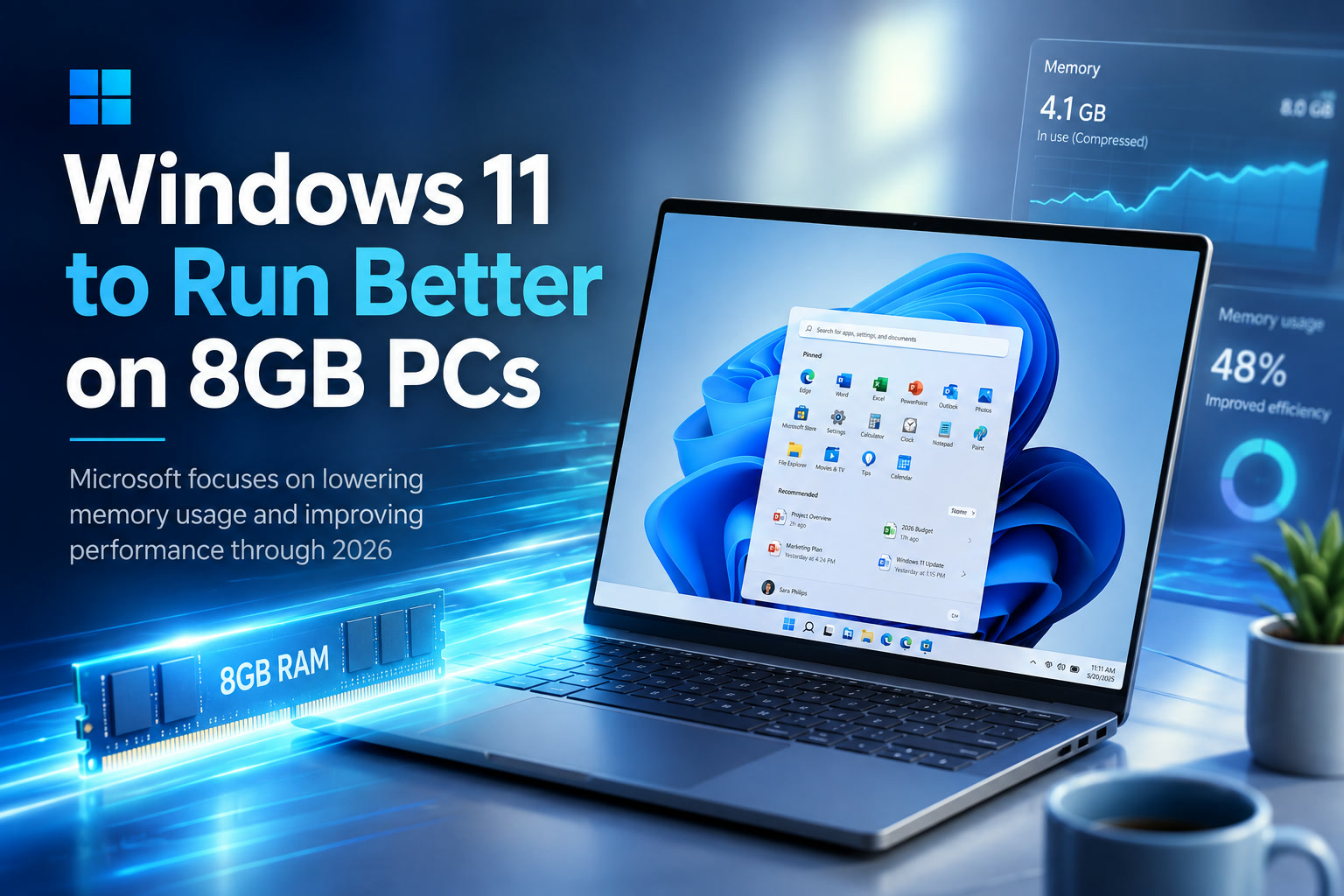
Windows 11 has gained new features and a more modern appearance over the years, but it has also developed a reputation for feeling unnecessarily heavy—especially on affordable laptops equipped with only 8GB of memory. Microsoft now says reducing the operating system's RAM footprint will be one of its main priorities through the end of 2026.
Windows president Pavan Davuluri outlined the company's latest direction, explaining that Microsoft intends to build on the performance and quality improvements it began introducing in March. The goal is not merely to make benchmark numbers look better, but to improve responsiveness during ordinary tasks such as opening applications, switching windows, browsing folders and running several programs at once.
Why 8GB of RAM Still Matters
Although premium computers increasingly ship with 16GB, 24GB or 32GB of memory, 8GB remains extremely common in entry-level laptops, school computers, office machines and compact devices.
That amount can be sufficient for web browsing, document editing, video calls and media playback. Problems begin when Windows, background services, browser tabs and modern applications compete for the same limited pool of memory.
Once physical RAM becomes crowded, Windows begins relying more heavily on virtual memory stored on the computer's SSD. This helps prevent applications from immediately crashing, but storage is far slower than RAM. The result may be delayed application switching, temporary freezing, sluggish menus and excessive drive activity.
Microsoft's optimisation work could therefore have a noticeable effect on millions of otherwise capable PCs.
High Memory Usage Is Not Always a Problem
It is important to understand that unused RAM is not automatically better.
Windows deliberately uses available memory for caching because keeping frequently accessed information in RAM can make the system feel faster. When another application needs that space, the operating system can release or reassign it.
The real issue is not simply the number shown in Task Manager. What matters is whether the system manages memory efficiently and returns it quickly when needed.
A well-optimised system may still show several gigabytes in use while remaining responsive. A poorly optimised one may create constant memory pressure, unnecessary duplication and delays even when the total usage initially appears reasonable.
Microsoft's challenge is therefore to reduce avoidable overhead without removing the caching and background processes that genuinely improve performance.
A More Efficient Memory Allocator
One of the company's planned improvements involves a more efficient memory allocator.
A memory allocator manages how applications and system components request, reserve and release RAM. This happens constantly while Windows is running. Every open window, service, menu, application and background process may request small or large areas of memory.
If those requests are handled inefficiently, the system can waste RAM through fragmentation, duplicated allocations or memory that remains reserved longer than necessary.
Improving the allocator could reduce overhead across Windows rather than benefiting only one application. Even modest savings become meaningful when repeated across dozens of processes.
On a system with 32GB of RAM, saving a few hundred megabytes may not be noticeable. On an 8GB machine already running a browser, office software and communication tools, the same reduction could help prevent the system from falling into slower disk-based paging.
Microsoft Is Also Tuning WinUI 3
Another area of focus is WinUI 3, Microsoft's modern interface framework used to build Windows applications.
WinUI 3 provides developers with updated controls, visual effects and interface components that match the current appearance of Windows 11. However, modern frameworks can introduce additional resource requirements when applications load large supporting libraries or initialise components they do not immediately need.
Microsoft says it is tuning WinUI 3 so applications built around it consume less memory by design.
This is important because optimisation at the framework level can improve multiple applications simultaneously. Instead of individually rewriting every built-in Windows app, Microsoft can reduce the underlying cost shared by many of them.
The success of this work will depend on whether those savings appear in real applications and whether they are significant enough to be felt on lower-memory hardware.
Chromium and WebView2 Are Part of the Problem—and the Solution
Windows increasingly relies on Chromium-based components and Microsoft Edge WebView2.
WebView2 allows developers to place web-based content and interfaces inside ordinary Windows applications. It is used because web technology makes it easier to build modern, frequently updated interfaces across different parts of the operating system.
The disadvantage is that embedded browser components can consume substantial memory. An application that looks relatively simple may still launch supporting Chromium processes in the background.
Microsoft is now working to optimise these components so they require fewer resources across Windows.
This could have a broader effect than many users realise. WebView2 is not limited to the Edge browser; it appears inside applications, sign-in screens, widgets and other Windows experiences.
Reducing duplicated processes, improving shared resources and delaying unnecessary component loading could make the operating system feel lighter without requiring Microsoft to abandon web-based interfaces entirely.
Built-In Applications Need to Become Leaner
Many complaints about Windows 11 are not directed at the operating system kernel itself, but at the collection of applications and services loaded around it.
A basic Windows installation may include widgets, cloud integrations, communication features, promotional content and applications that continue running or updating in the background.
Each individual component may use only a modest amount of memory, but together they can place significant pressure on an 8GB machine.
Microsoft has already begun removing or reducing some unnecessary content under its broader Windows improvement programme. Continuing that work will be essential if the company genuinely wants lower-memory systems to perform better.
Optimising the memory allocator while allowing an expanding collection of background features to consume the savings would provide little practical benefit.
Microsoft Has Not Provided Any Performance Targets
The announcement is encouraging, but it remains short on measurable commitments.
Microsoft has not stated how much memory Windows 11 is expected to save. It has not promised that idle usage will fall by a particular amount, nor has it published benchmarks showing how application loading or multitasking might improve on an 8GB system.
There is also no confirmed comparison between current Windows builds and the optimised versions being developed.
Without those figures, it is difficult to determine whether Microsoft is planning a major reduction in resource usage or a collection of smaller refinements.
The real test will be whether users notice fewer delays, less aggressive paging and smoother multitasking—not merely whether Task Manager reports a slightly lower total.
The Improvements May Arrive Gradually
Microsoft has not announced one specific update that will deliver every memory optimisation at once.
The changes are more likely to appear incrementally through Windows Insider builds, component updates and future Windows releases. Feedback from testers will help the company identify regressions and areas where memory use remains unnecessarily high.
This gradual approach has advantages. Microsoft can test individual changes across a wide range of hardware and reverse them if they create instability.
However, it can also make improvements difficult for ordinary users to recognise. A system may become slightly faster over several months without one obvious update marking the change.
Microsoft will need to communicate clearly which builds contain the optimisations and how users can confirm that they have received them.
Memory Prices Make the Timing Particularly Relevant
The optimisation effort arrives while memory availability and pricing remain important concerns for PC manufacturers and buyers.
When RAM becomes more expensive, affordable laptops are more likely to remain at 8GB instead of moving to 16GB as standard. Some manufacturers also solder memory directly onto the motherboard, preventing users from upgrading later.
Improving Windows 11's efficiency could help these machines remain useful for longer.
Software optimisation should not become an excuse for manufacturers to continue selling underpowered computers, especially when the memory cannot be replaced. Nevertheless, making better use of existing hardware is still preferable to forcing users to buy a new machine simply because the operating system has grown heavier.
Better Performance Could Extend the Life of Existing PCs
A lighter Windows 11 could benefit more than newly purchased budget laptops.
Many computers that originally shipped with Windows 10 have 8GB of RAM and remain perfectly adequate at the hardware level. Their processors and SSDs may still be fast enough for everyday tasks, but Windows 11 can feel less responsive once several applications are running.
Reducing memory pressure could extend the practical life of those systems.
That would be useful for homes, schools and smaller organisations that cannot replace every computer on a short upgrade cycle. It could also reduce electronic waste by keeping functional hardware in service for longer.
The most meaningful optimisation is often not making a powerful computer faster. It is preventing an ordinary computer from becoming frustrating.
A Faster Out-of-Box Experience
Memory usage is only one of four areas Microsoft plans to prioritise during the remainder of 2026.
The company also wants to improve the out-of-box experience that appears when a new PC is first configured.
Windows setup has gradually accumulated account prompts, privacy options, cloud-service suggestions and feature introductions. The process can feel lengthy, particularly when users simply want to reach the desktop and begin using the computer.
Microsoft says it wants setup to become faster and more efficient.
That improvement should involve more than loading each page quickly. The company also needs to reduce unnecessary steps, make choices clearer and avoid repeatedly encouraging users to enable services they have already declined.
A good setup experience should help users configure important security and recovery options without turning the first boot into a promotional journey.
Family Features Are Being Simplified
Microsoft is also planning improvements to Windows Family features.
These tools allow parents and guardians to manage screen time, application access, content restrictions and other controls for younger users. In theory, the system provides a useful central location for managing family devices.
In practice, parental controls can become confusing when settings are spread between Windows, Microsoft accounts, web dashboards and separate applications.
Microsoft wants to simplify the setup process and make the controls easier to access.
The effectiveness of these changes will depend on consistency. Parents should be able to understand which rules apply to a particular child, computer or account without navigating several overlapping interfaces.
Controls also need to remain reliable. A beautifully redesigned dashboard has limited value if restrictions fail to synchronise correctly between devices.
Voice Interaction Should Feel More Natural
The fourth priority involves voice interaction across Windows and supported applications.
Microsoft wants conversations and spoken commands to feel more fluid rather than requiring users to memorise rigid phrases.
Modern AI systems can understand more natural language, allowing someone to express an intention rather than issuing a precise command. For example, a user could potentially describe the setting they want changed or ask Windows to help locate a function without knowing its exact name.
This could improve accessibility for people who find traditional mouse-and-keyboard interaction difficult.
At the same time, voice features must remain optional, transparent and privacy-conscious. Users should understand when the microphone is active, what information is processed locally or remotely and how voice history is handled.
These Changes Form Part of Microsoft's K2 Initiative
The latest priorities sit within Microsoft's broader K2 initiative, which is intended to address long-standing quality and usability issues across Windows 11.
K2 is not being presented as one enormous redesign. It is a continuing programme of smaller improvements delivered across multiple releases.
Microsoft has already been working on areas such as File Explorer, the taskbar, built-in applications and interface responsiveness. It has also been trying to reduce clutter and remove content that does not improve the core Windows experience.
This approach makes sense because many Windows frustrations do not require a dramatic new version. They require hundreds of smaller problems to be fixed consistently.
A faster context menu, lighter application, cleaner setup process or more reliable taskbar may sound minor individually. Together, those changes determine whether the operating system feels polished.
Windows 11 Needs Refinement More Than More Features
Microsoft has spent considerable effort adding AI tools, new panels, recommendations and connected services to Windows 11.
Those additions may appeal to some users, but they also create the impression that the company is constantly building new layers without fully optimising what already exists.
For many people, the most desirable Windows update would not introduce another assistant or dashboard. It would make File Explorer open instantly, reduce unexplained background activity, improve battery life and allow an 8GB laptop to remain responsive.
Microsoft's new priorities suggest it recognises that quality and efficiency need greater attention.
The challenge will be maintaining that focus when new commercial features and AI integrations continue competing for development resources.
Hardware Requirements and Real-World Expectations
Windows 11 officially supports systems with considerably less than 8GB of RAM, but meeting a minimum requirement does not guarantee a comfortable experience.
There is a substantial difference between an operating system successfully booting and a computer remaining responsive during everyday use.
Modern browsers alone can consume several gigabytes when many tabs are open. Add a video meeting, office software, cloud synchronisation and security tools, and an 8GB system can quickly reach its limit.
Microsoft cannot optimise every third-party application. It can, however, ensure that Windows itself leaves as much memory as reasonably possible for the software users actually want to run.
That should be the standard by which this effort is judged.
Users Should Keep Their Expectations Realistic
Even substantial optimisation will not turn every 8GB computer into a high-performance workstation.
Users running virtual machines, professional video editors, large development environments, modern games or local AI models will still benefit greatly from 16GB or more.
The improvements are more likely to help with ordinary multitasking and reduce the moments when Windows feels unnecessarily sluggish.
A well-optimised 8GB PC can remain practical for browsing, documents, streaming, communication and light creative work. It should not be expected to handle every demanding workload simply because Microsoft has reduced some system overhead.
Final Thoughts
Microsoft's decision to focus on Windows 11 memory usage is overdue but welcome.
Eight gigabytes remains a common configuration across affordable laptops and existing PCs. These machines should not feel obsolete simply because Windows, built-in applications and web-based components have gradually become heavier.
The planned work on the memory allocator, WinUI 3, Chromium and WebView2 could reduce unnecessary overhead across the operating system. If implemented properly, the benefits should appear as smoother multitasking, fewer pauses and less reliance on slower virtual memory.
However, Microsoft has not yet provided targets, benchmarks or a clear delivery schedule. Until measurable results appear in public builds, the announcement remains a promise rather than proof of a lighter Windows 11.
The broader focus on faster setup, simpler Family controls and more natural voice interaction is also encouraging. Still, memory optimisation may be the most immediately valuable improvement because it affects users every time they turn on their computer.
Windows 11 does not necessarily need more features to feel better. It needs the features already present to become faster, lighter and more dependable—especially on the affordable hardware used by millions of people.











Comments 0