

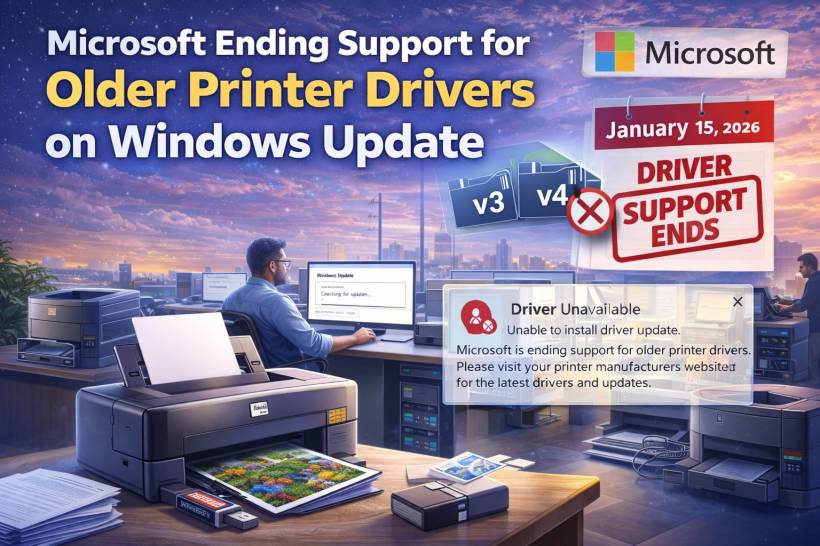
If you have a printer you've been hanging onto for years because it "just works," you're not alone. Printers are one of those rare gadgets where finding a reliable model feels like winning a small lottery. So when Microsoft starts talking about ending support for older printer drivers, it's totally normal for people to worry: Is my printer about to become a very expensive paperweight?
The good news is that this change is mostly about how drivers get distributed through Windows Update, not about printers suddenly stopping overnight.
What Microsoft is changing
Microsoft is planning to stop publishing new drivers for legacy printer driver types commonly referred to as v3 and v4 via Windows Update.
In practical terms, this means:
• Over time, printer manufacturers won't be able to rely on Windows Update as the place to deliver most non-security driver updates
• Your existing printer can still keep working, as long as you already have a compatible driver installed
So it's not "your printer is banned," it's "Windows Update won't be your driver delivery pipeline for these older driver branches."
Why Microsoft is doing this
Microsoft's reasoning is that Windows printing has evolved. Modern printing standards and built-in Windows printing capabilities reduce the need for every manufacturer to ship a custom bundle of installers, utilities, and driver packages for common printing tasks.
They specifically point to newer printing approaches (including IPP-related support and modern "class" drivers) as the direction they want Windows to prefer. The idea is to make printing more standardized, more consistent, and less dependent on legacy driver models that require separate maintenance over many years.
The timeline you should care about
Microsoft's plan is staged over multiple years, which is a big reason you don't need to panic.
Here's the sequence described:
• July 1, 2027: Non-security third-party printer driver updates won't be available through Windows Update
• Security-related fixes may still be treated differently, but general driver feature updates won't be distributed that way
There's also a change mentioned about driver preference order in mid-2026, where Windows will more aggressively prefer the inbox Windows IPP class driver when possible.
What this means for your printer at home or in the office
For most people, this will show up in one of a few ways:
If your printer depends on a legacy driver that used to be conveniently fetched from Windows Update, you might find that Windows installs a more generic driver instead, or you may need to grab the manufacturer's package manually.
Many printers don't need frequent driver updates to function. But if your manufacturer releases a feature tweak or compatibility update, you may have to download it from their website rather than waiting for Windows Update.
This is the biggest real-world impact: convenience drops. Functionality doesn't necessarily disappear.
The easy workaround (and it's the same old advice)
If your printer needs a driver update later and it's no longer flowing through Windows Update, you just go to the printer manufacturer's support page and download the driver or installer package directly.
That's it. It's not fun, but it's also not a crisis.
A smart habit is to save the latest working driver package somewhere safe (a shared folder, a USB stick, or a simple "Drivers" archive). That way, if you ever reinstall Windows or move machines, you're not scrambling.
Who should pay extra attention
This change matters more if:
• Your printers are 10+ years old and rely on older manufacturer drivers for full features (duplex controls, finishing options, special trays, scanning integrations, etc.)
• You frequently reimage PCs or deploy new machines and depend on Windows Update to do everything automatically
In those environments, the "manual driver sourcing" step can add real admin workload.
Final thoughts
Microsoft ending Windows Update servicing for legacy v3/v4 printer drivers is mostly a convenience shift, not a sudden shutdown. Your older printer can still keep working, but the responsibility for future non-security driver updates moves more toward the manufacturer's download pages instead of Windows Update. If you're the type who keeps a printer running until it physically gives up, the best move is simple: keep a copy of the last known-good driver package handy, just in case you need it later.











Comments