

Smartphones have become central to almost everything we do. Banking, shopping, messaging, government services, e-wallets and even identity verification now happen through a device most of us carry everywhere. That convenience also makes the phone an extremely valuable target for scammers.
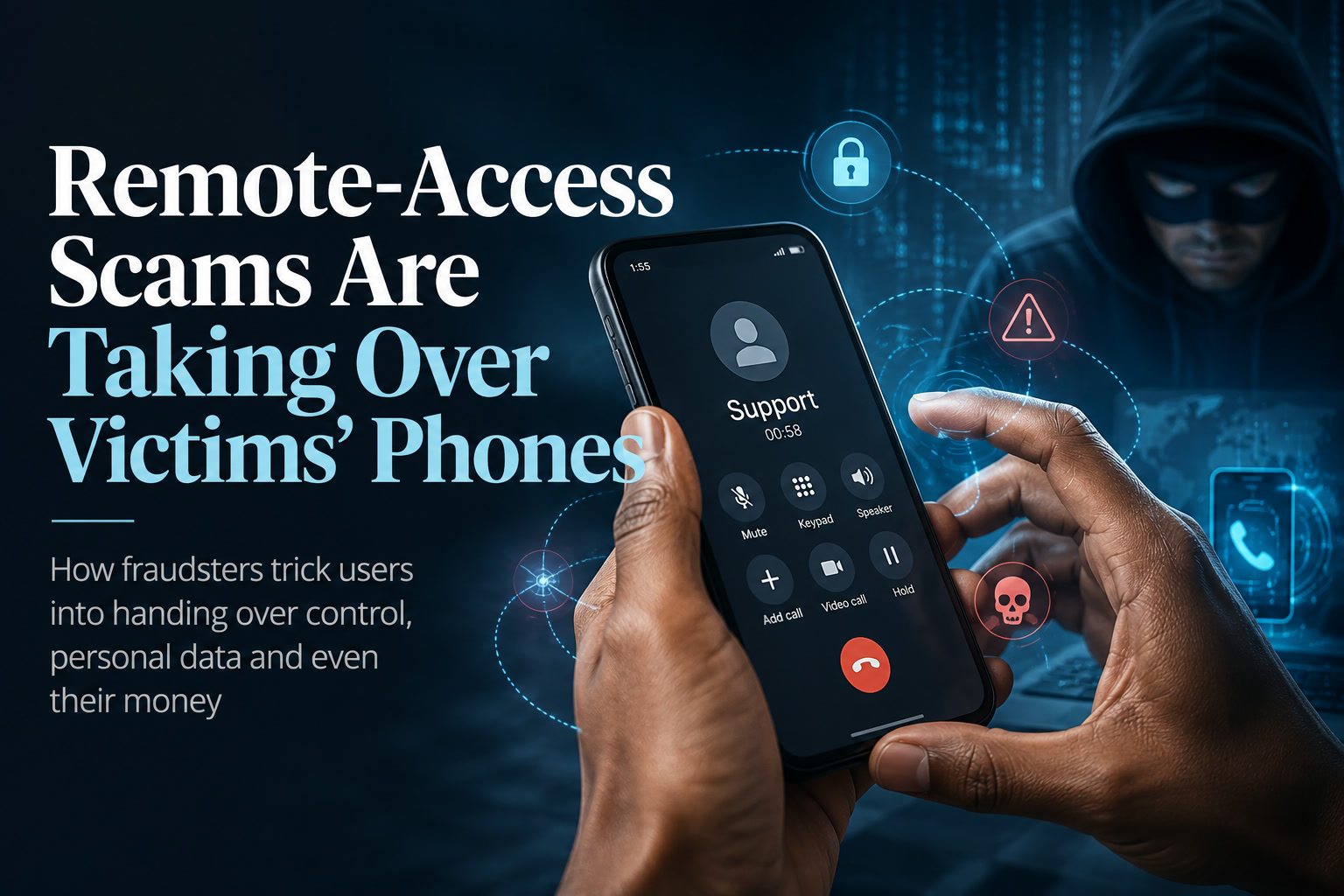
One tactic becoming increasingly common is the remote-access scam, where criminals manipulate victims into installing software that allows someone else to view or control the device from another location. Once that access is granted, the scammer may be able to see sensitive information, interact with apps and, in the worst cases, attempt financial transactions using the victim's own phone.
The worrying part is that attackers do not necessarily need to break through sophisticated cybersecurity protections. Very often, they simply convince the user to open the door for them.
The Scam Usually Starts With Someone Pretending To Help
Remote-access scams frequently begin with an unexpected phone call or message from someone claiming to represent an organisation the victim already trusts.
The caller might introduce themselves as a bank employee and claim that suspicious transactions have been detected. In another variation, the scammer may pretend to represent law enforcement, a telecommunications company, a delivery service or another official organisation.
The message is almost always designed to create anxiety. Something is supposedly wrong, and the victim is told that immediate action is necessary to prevent financial loss, legal trouble or account suspension.
The scammer then offers a convenient solution: install an application so they can "assist" with verification, troubleshooting or securing the account.
That application could be legitimate remote-support software being abused for criminal purposes, or it could be malicious software disguised as something trustworthy.
Remote-Access Software Is Not Automatically Malicious
It is important to make a distinction here. Applications such as remote-support tools have many legitimate uses.
IT departments use them to troubleshoot computers and mobile devices. Technical-support companies may use them to help customers resolve problems without being physically present. Businesses also rely on remote administration tools to manage devices used by employees.
The problem begins when scammers convince victims to install these tools without understanding what permissions they are granting.
Once remote control is enabled, the person on the other end may be able to watch what happens on the screen and interact with the device. Depending on the software and permissions granted, they may attempt to navigate through applications or manipulate the victim into revealing additional information.
A perfectly legitimate application can therefore become dangerous when it is placed under the control of the wrong person.
Social Engineering Is Still The Most Powerful Weapon
Despite all the technology involved, the most important part of the scam is psychological rather than technical.
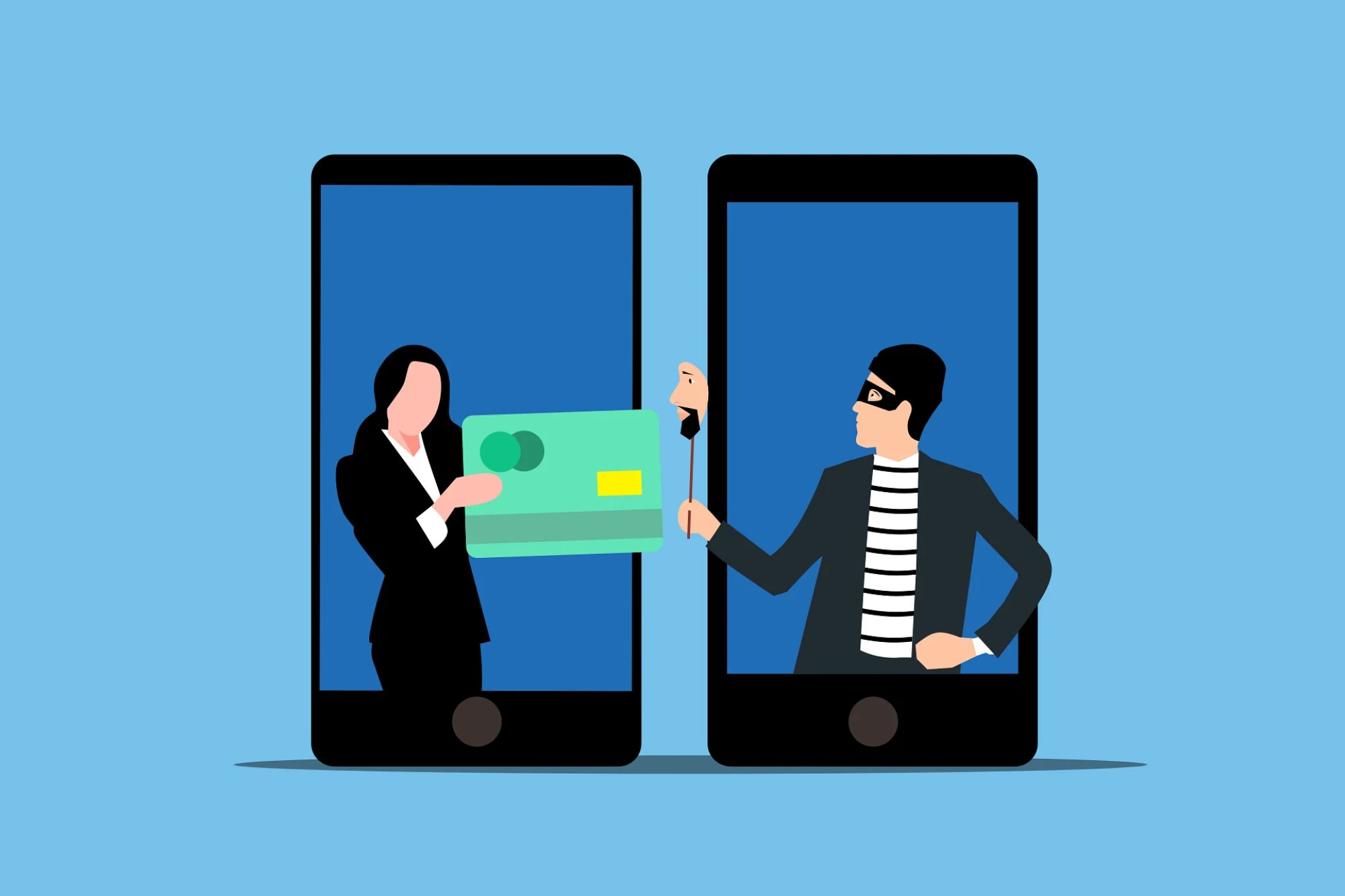
Fraudsters use social engineering to convince people to perform actions they would normally recognise as unsafe. Instead of trying to defeat the bank's security system directly, the attacker tries to persuade the account holder to cooperate.
According to Universiti Sains Malaysia Cybersecurity Research Centre director Prof Dr Selvakumar Manickam, scammers often create urgency by claiming that something serious requires immediate attention.
A victim may be told that their account has been frozen, an outstanding payment must be settled, suspicious activity has been detected or they are somehow connected to a police investigation.
Urgency is useful to scammers because frightened people are less likely to stop and verify what they are being told.
The attacker does not want the victim to call their bank independently, speak to a family member or take five minutes to think about whether the situation makes sense. They want action now.
The Real Goal Is To Bypass Your Judgement
This is why modern scams can succeed even when banks have strong authentication and smartphones have increasingly sophisticated security features.
Security technology can protect an account from somebody who does not know the password or cannot access the device. It becomes much harder when the real account owner has been convinced to authorise something themselves.
A scammer may therefore guide the victim through every step while pretending that the process is necessary for security.
The victim might be asked to approve permissions, share information shown on screen or interact with their banking application while the scammer continues providing instructions.
From the bank's perspective, the actions may initially appear to be coming from the legitimate customer's own device.
That makes human verification and scepticism just as important as technical protection.
Generative AI Is Making Impersonation More Convincing
The growth of generative AI adds another layer to the problem.
Voice-cloning technology can produce increasingly convincing imitations of real people from relatively small amounts of recorded audio. Deepfake video technology is also improving rapidly.
Scammers can potentially use these tools to impersonate a family member, colleague or authority figure and make an already stressful story more believable.
Imagine receiving a call that sounds like someone you know telling you they urgently need assistance. The emotional pressure can make it much harder to think critically.
This is particularly concerning for people who are less familiar with modern digital scams, including some elderly users.
However, being experienced with technology does not automatically make someone immune. Skilled social engineering works by exploiting emotion, trust and timing rather than simply relying on technical ignorance.
Knowing About Scams Does Not Always Stop People Falling For Them
Malaysia has spent years running awareness campaigns around online fraud, but the number of victims remains high.
The figures cited in the original report suggest Malaysia recorded more than 66,000 online scam cases last year, representing a significant increase compared with 2024.
That reinforces an uncomfortable reality: people can understand that scams exist and still fall victim when they encounter the right combination of urgency, fear and convincing impersonation.
Awareness therefore needs to become practical behaviour.
Instead of merely knowing that "scammers exist," users need simple habits they can follow automatically when something suspicious happens.
A Real Bank Should Not Need Remote Control Of Your Phone
One of the easiest rules to remember is this: someone calling unexpectedly about your bank account should not need remote control of your smartphone to fix the problem.
If somebody claiming to represent a bank asks you to install remote-access software, stop the conversation.
Do not follow installation instructions, do not grant screen-sharing or accessibility permissions and do not allow the caller to guide you through your banking application.
Instead, hang up and contact the organisation yourself using an official phone number from its website, banking app or the back of your bank card.
Do not rely on a number supplied by the caller because that simply sends you back to the person you are trying to verify.
Be Particularly Careful With Accessibility Permissions
Android and other mobile operating systems contain powerful accessibility features designed to help users who need additional assistance interacting with their devices.
Those permissions can sometimes allow an application to observe screen content or interact with interface elements.
That makes them valuable for legitimate accessibility tools—but potentially dangerous when granted to malicious applications.
Users should therefore be cautious whenever an unfamiliar application asks for unusually powerful permissions.
A calculator, courier app or supposed "security verification" tool should not normally need broad control over your phone.
Permissions should make sense for what the application is supposed to do.
If Someone Is Controlling Your Phone, Disconnect It
If you realise that somebody has gained remote access to your device, acting quickly can help limit the damage.
The immediate goal is to break the remote connection. Disconnecting the device from Wi-Fi and mobile data can prevent the attacker from continuing to interact with it while you work out what happened.
If necessary, powering the phone off can also stop an active session.
Once the immediate connection has been interrupted, contact your bank through another trusted device or phone and explain that you believe your mobile device or banking account may have been compromised.
Transactions should be checked as quickly as possible, and affected accounts may need to be temporarily blocked.
The incident should also be reported to the appropriate authorities.
Changing Passwords Should Be Done From A Trusted Device
If the compromised phone may still contain malicious software, it is safer to change important passwords from another device that you trust.
Start with high-value accounts such as your email, banking services and primary identity accounts.
Email deserves particular attention because access to an email account can allow attackers to reset passwords for many other services.
Where available, enable multi-factor authentication and review active sessions or logged-in devices.
Also check whether unfamiliar applications, forwarding rules or account-recovery details have been added.
The goal is not simply to change one password but to make sure the attacker has not created another route back into the account.
Removing The App May Not Always Be Enough
Deleting the suspicious application is an obvious step, but it may not necessarily guarantee that everything has been removed.
If the application installed additional components or altered system settings, some persistence could remain.
Selvakumar recommends that affected users consider resetting the smartphone after important data has been backed up or the device has been inspected by a trusted technician.
A factory reset restores the phone to a clean starting point and can provide greater confidence that malicious software has been removed.
After resetting, applications should be reinstalled from trusted official stores rather than restoring questionable software from backups.
Prevention Is Still Much Easier Than Recovery
The best defence is preventing remote access from being granted in the first place.
Unexpected callers should never be trusted simply because they know your name, phone number or a few personal details. Information leaks and data breaches mean scammers may already possess enough background information to sound convincing.
Avoid installing applications through links sent by strangers, especially if the conversation involves money, banking or an urgent problem.
Be cautious with APK files or other applications downloaded outside official stores.
And whenever someone pressures you to act immediately, treat that urgency itself as a warning sign.
Slow Down And Verify Independently
One of the most effective anti-scam tools is surprisingly simple: delay.
If someone tells you that something terrible will happen unless you act within the next few minutes, stop communicating with them and verify the situation independently.
Call the bank yourself. Contact the family member the caller claims to represent. Check the official account or application.
Scammers thrive when victims remain inside the conversation because the attacker controls the story.
The moment you leave that conversation and verify through a separate channel, much of their advantage disappears.
Final Thoughts
Remote-access scams are dangerous because they turn the victim's own smartphone into the attacker's entry point.
The technology involved may look sophisticated, but the core strategy remains familiar: create fear, gain trust and persuade the victim to grant access voluntarily.
As smartphones become increasingly connected to banking, identity and everyday services, handing over remote control can have far greater consequences than it did a few years ago.
Users should therefore treat any unexpected request to install remote-access software as a major warning sign, particularly when money or account security is involved.
Banks and legitimate organisations have official channels for handling fraud and account problems. If someone on the phone tells you the only way to protect your money is to give them control of your device, the safest response is usually the simplest one: end the call and verify everything yourself.











Comments 1