

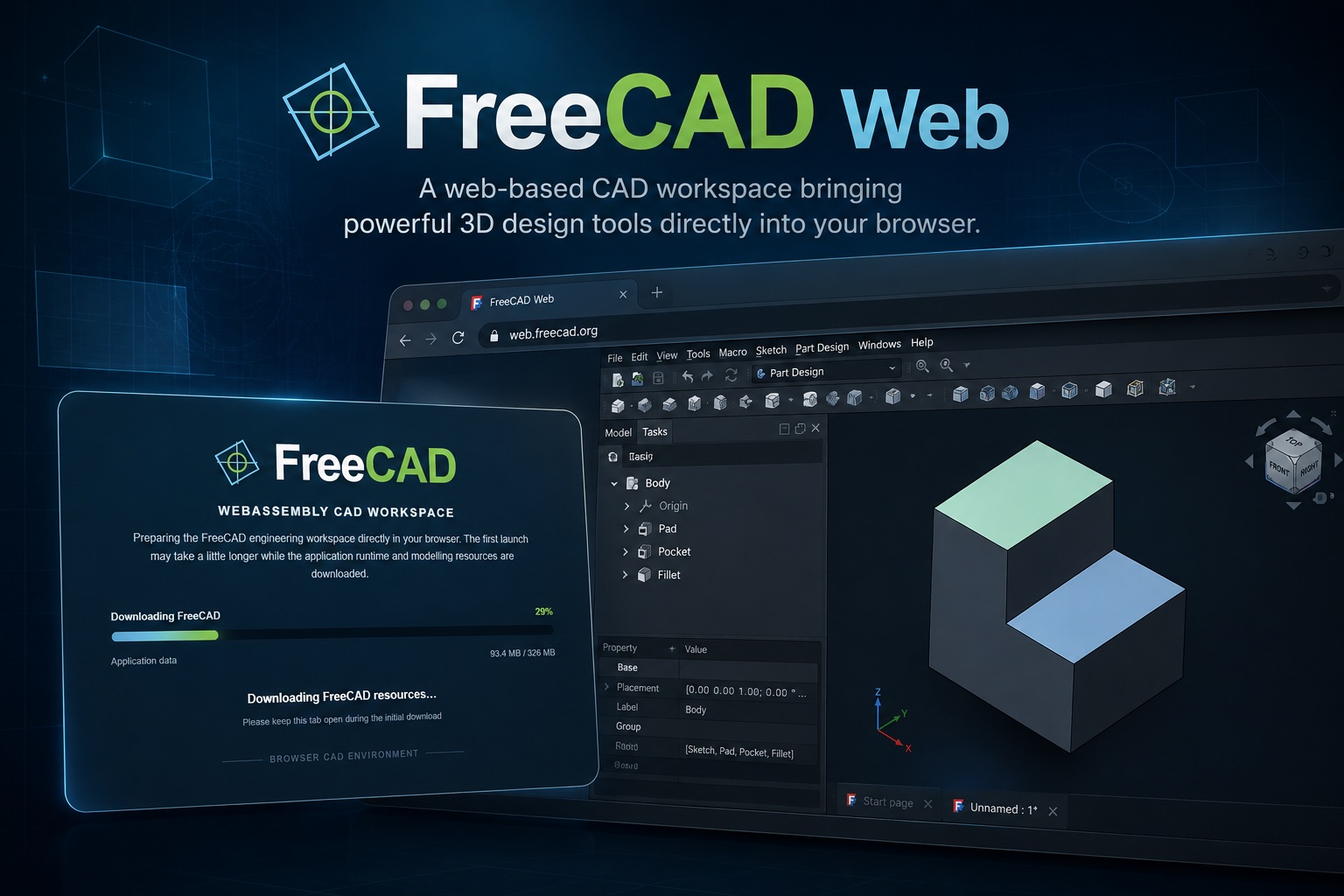
I've been experimenting with bringing more serious desktop-style applications into the browser, and this is probably one of the more ambitious ones so far. FreeCAD Web is now deployed as part of Lemon Web Apps, allowing you to launch a real CAD environment directly from your web browser without installing the traditional desktop application first.
This isn't a simplified CAD viewer or a small drawing demo either. The application is based on FreeCAD running through WebAssembly, bringing much of the familiar FreeCAD experience into a browser tab. You can work with 3D models, explore the FreeCAD interface, open supported CAD files from your computer and interact with your projects almost as though you were using a locally installed application.
FreeCAD, Without the Installation
Normally, trying FreeCAD means downloading the installer, installing the application and setting everything up locally. With the web version on Lemon Web Apps, the experience is much simpler. Open the application, wait for the WebAssembly environment to initialise, and FreeCAD launches directly inside the browser. There is no traditional installation process and nothing needs to be permanently installed on the computer just to try it.
That makes FreeCAD Web especially useful when you are using a temporary workstation, shared computer, school or office machine, or simply want to quickly open FreeCAD without setting up another desktop application.
A Real Desktop-Style CAD Workspace in the Browser
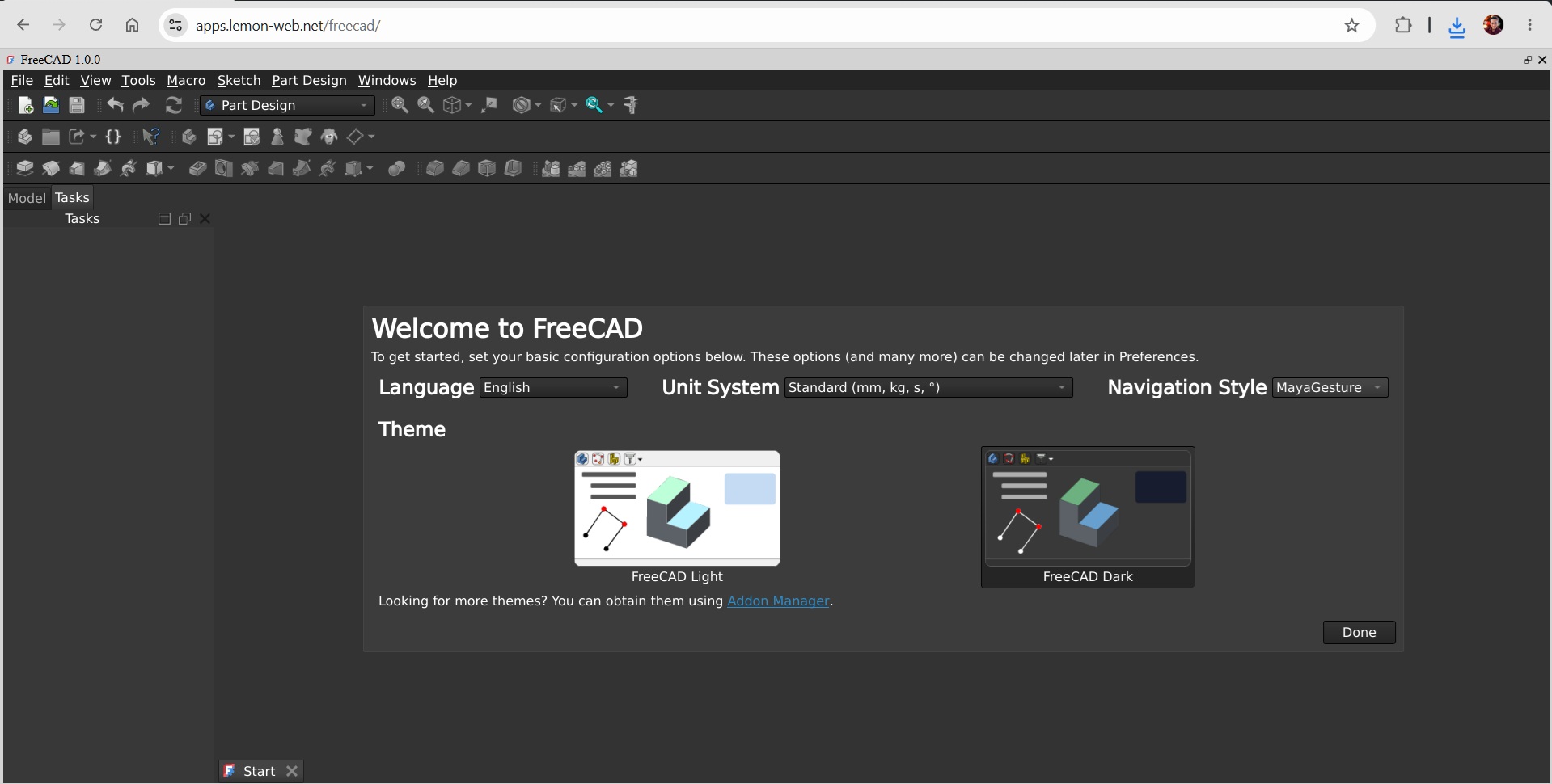
One of the things I wanted to preserve was the feeling of using FreeCAD itself rather than designing a completely different web interface around it. Once loaded, you are presented with the familiar desktop-style FreeCAD workspace, including its menus, toolbars, workbench system, model tree, property panels and 3D viewport. If you have used FreeCAD on Windows or Linux before, much of the interface should immediately feel familiar.
That is one of the biggest advantages of using the actual FreeCAD codebase through WebAssembly rather than building a basic CAD application from scratch.
You are essentially interacting with a native-style engineering application that happens to be running inside Chrome, Edge or another modern browser.
3D Modelling Directly in the Browser
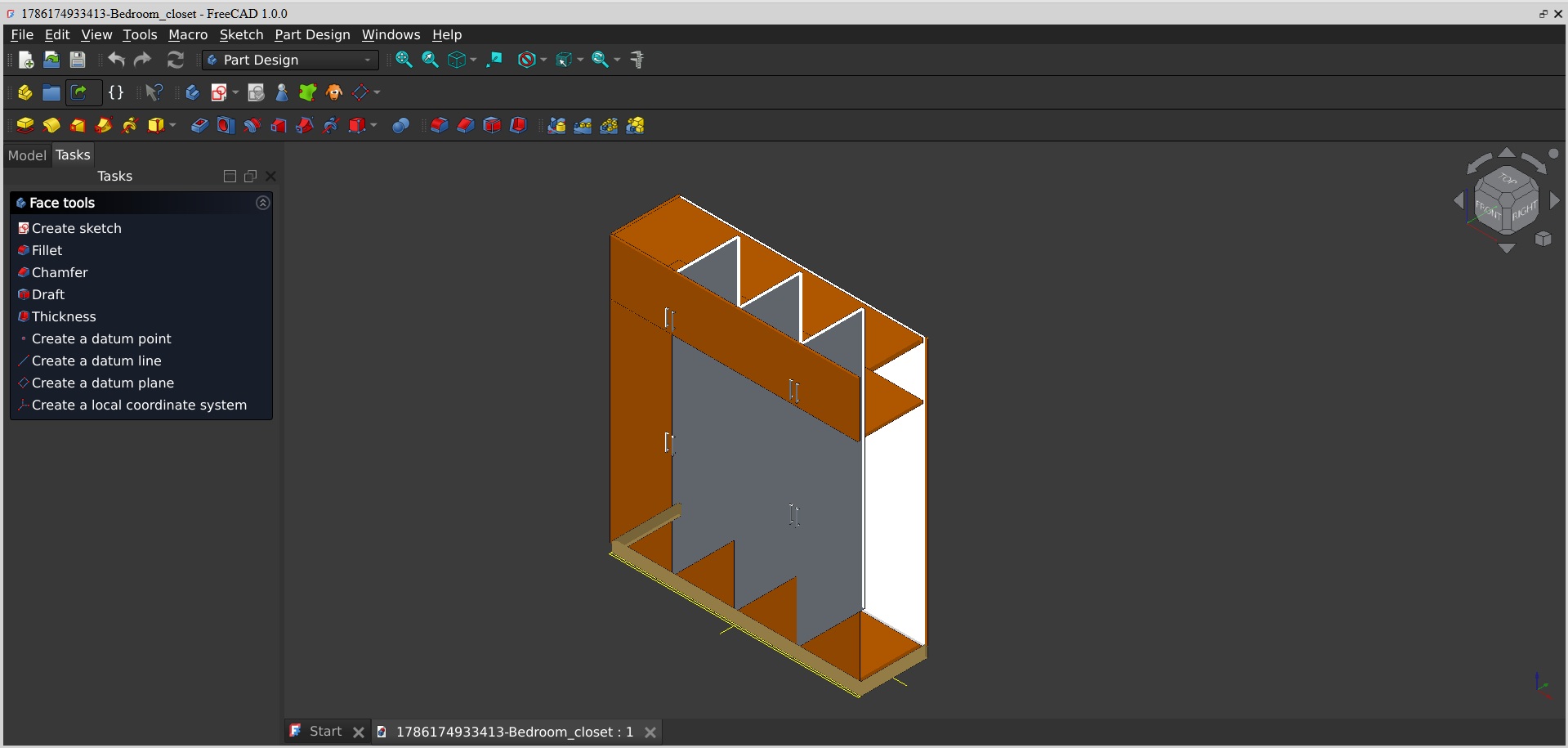
FreeCAD has always been much more than a simple 3D viewer. Its modelling tools are designed around parametric CAD, where objects can be built from sketches, constraints, dimensions, features and relationships between different parts of a model. FreeCAD Web brings that environment to the browser, making it possible to experiment with CAD modelling without leaving the webpage. Depending on the workbench and functionality supported by the WebAssembly build, users can explore common FreeCAD workflows such as creating basic geometry, manipulating objects, inspecting models and experimenting with parametric design.
For someone who has never used FreeCAD before, this also provides a convenient way to explore the software before deciding whether to install the full desktop version.
Open CAD Files From Your Computer
A browser application becomes far more useful once it can interact with files on your local computer. I have added browser integration that allows supported files to be selected from your device and passed directly into the FreeCAD WebAssembly environment. Instead of manually copying files into some virtual filesystem, the browser handles the process for you. Select a file from your computer and Lemon Web Apps transfers it into FreeCAD's temporary browser filesystem before opening it inside the application. This makes FreeCAD Web useful not only as a modelling experiment but also as a convenient way of checking CAD files when you don't have FreeCAD installed locally.
Special Handling for FreeCAD FCStd Files
Native FreeCAD .FCStd files presented an interesting challenge during development. Desktop FreeCAD projects can contain graphical ViewProviders and Coin3D scene information that don't always behave well inside a WebAssembly browser environment. Rather than simply allowing those files to crash the application, I implemented a browser-safe loading method. When necessary, the web version can load the underlying document data first and reconstruct supported geometry into a browser-friendly FreeCAD document. The goal is to preserve as much usable geometry as possible while avoiding desktop-specific graphical components that can cause problems inside WebAssembly.
There will naturally still be compatibility differences between FreeCAD Web and the full native desktop application, but this approach makes browser-based FCStd handling considerably more practical.
WebAssembly Makes This Possible
The technology behind the project is one of the parts I find most interesting. FreeCAD was never originally designed as a JavaScript web application. It is a large native application built around technologies including C++, Qt, Python and a sizeable collection of engineering libraries. WebAssembly allows much of that native code to run inside the browser. Instead of rebuilding FreeCAD as a traditional JavaScript application, the browser downloads the compiled WebAssembly runtime and executes it locally. That means a surprisingly complex desktop application can now operate within a webpage.
The first launch can therefore take some time because the browser needs to download the FreeCAD runtime and application resources. Once everything is available, however, you are effectively running a substantial CAD application inside your browser. I added a custom loading screen to make this process clearer, including progress information while the FreeCAD environment is being prepared.
Runs Locally Inside Your Browser
Another nice aspect of this approach is that FreeCAD itself runs on the user's device. The WebAssembly execution happens inside the browser rather than having a remote desktop session streaming FreeCAD from another computer. Your CPU, memory and browser are doing the actual work. This also means performance will naturally depend on the hardware being used. A modern desktop or laptop with a current Chromium-based browser will generally provide a much better experience than an older or low-powered device. For larger or highly complex engineering projects, native FreeCAD will obviously remain the better choice.
But the fact that FreeCAD can run this way at all is impressive.
Nothing to Install, Nothing to Configure
One of the main ideas behind Lemon Web Apps has always been making useful applications immediately accessible. FreeCAD Web fits that philosophy very well. There is no installer. There is no lengthy setup wizard. There is no need to configure local application paths. You simply open the page and launch the application. For occasional CAD users, students or anyone who just wants to inspect a model quickly, removing that installation barrier can make a big difference.
A Useful Option for Students and Learning CAD
I also think this could be particularly useful for people learning CAD. Someone reading a FreeCAD tutorial can immediately open FreeCAD Web in another tab and start exploring the interface. Schools and training environments may also find browser-based applications useful because installing large desktop applications across multiple machines isn't always convenient. It lowers the barrier to simply experimenting.
Even if someone eventually moves to the native FreeCAD desktop application, the web version can provide an easy first introduction.
Cross-Platform by Nature
Because FreeCAD Web runs inside a modern web browser, the operating system becomes much less important. Instead of maintaining separate Windows, Linux and macOS installations just to access the application, the browser becomes the runtime environment. A modern Chromium-based browser is currently the environment I would recommend because advanced WebAssembly features and browser isolation support are important for a project of this size. The overall idea, however, is simple: if the browser can run the required WebAssembly features, FreeCAD can potentially run there too.
Still FreeCAD — With Some Browser Limitations
It is important to remember that this is still a WebAssembly port running inside a browser sandbox. Some desktop functionality may behave differently, certain modules may not be available, and complex FreeCAD projects may expose compatibility issues that don't occur in the native application. The browser also has different rules for filesystem access, memory management, threads and graphics. For professional production work involving very large assemblies or specialised FreeCAD modules, I would still recommend installing the native desktop version.
FreeCAD Web isn't intended to replace that.
Instead, it provides another way of accessing FreeCAD — one that is immediate, portable and incredibly convenient.
Part of the Growing Lemon Web Apps Collection
FreeCAD Web joins the growing collection of applications I have been bringing into Lemon Web Apps. I particularly enjoy projects like this because they demonstrate just how far browser technology has progressed. Years ago, a web application usually meant forms, text boxes and relatively simple interfaces. Today we can run game engines, emulators, development tools and now even something as substantial as a full CAD application directly inside a browser. FreeCAD is a particularly interesting example because of just how much native technology sits underneath its interface.
Seeing it launch from a webpage still feels slightly ridiculous — in a good way.
Final Thoughts
FreeCAD Web is probably best described as another example of the browser slowly becoming an operating environment of its own. You can visit Lemon Web Apps, launch FreeCAD and begin exploring a proper CAD workspace without downloading an installer or setting up the desktop application. You can open supported files from your computer, interact with 3D models, explore FreeCAD's familiar workbench environment and experiment with CAD directly from a browser tab.
It won't replace native FreeCAD for every workload, nor is that the goal. The appeal is convenience: FreeCAD is now only a webpage away. And for something as complex as a full CAD application, I think that's pretty cool.











Comments 0