

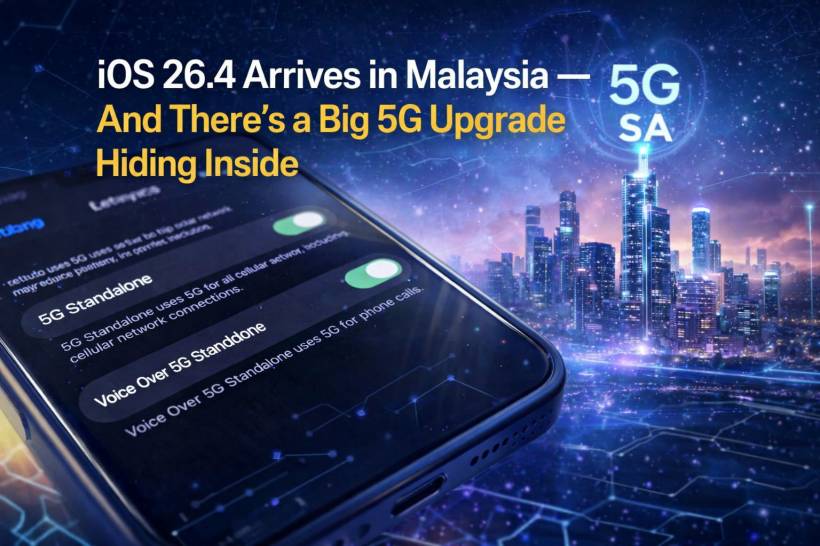
If you recently updated your iPhone and didn't notice anything dramatically different, you're not alone. When iOS 26.4 rolled out to Malaysian users, it looked like a fairly routine update on the surface. But tucked quietly inside is something much more meaningful — full support for 5G Standalone (5G SA) and even 5G Advanced on supported iPhones.
Interestingly, Apple didn't highlight this in the official release notes. So unless you were following the earlier beta discoveries, this major upgrade likely slipped under your radar.
What Makes 5G Standalone (5G SA) a Big Deal?
Most people already see "5G" on their phones today, but not all 5G is created equal.
What we've been using so far is mostly Non-Standalone 5G (NSA) — which still relies partly on 4G infrastructure. With 5G SA, your phone connects to a pure 5G network, unlocking:
• Lower latency (great for gaming and real-time apps)
• Better network efficiency
• Future-ready features like network slicing and advanced AI-driven connectivity
In simple terms, this update pushes your iPhone closer to the full potential of what 5G was always meant to be.
Which iPhones Support This?
Not every iPhone gets this upgrade, but if you're using a relatively recent model, you're likely covered. Supported devices include:
• iPhone SE (3rd generation)
• iPhone Air
If you're on one of these, the update essentially unlocks hardware capabilities that were already there — just waiting for software support.
Telco Support in Malaysia — What You Need to Know
Even if your iPhone supports 5G SA, your network provider plays a big role too.
Here's the current situation in Malaysia:
• U Mobile — Supports 5G SA (postpaid only)
• Maxis — Limited to business plans for now
So yes, your phone might be ready — but your plan also needs to be compatible.
How to Check If 5G SA Is Enabled on Your iPhone
For many users, the update automatically activates 5G SA. But it's still worth checking manually.
Here's how:
You should see:
• New toggles for 5G Standalone and Voice over 5G Standalone
If those toggles are there, switch them on.
If you're using Yes 5G, you might also notice your network label showing "yes 5G Advanced", which is a good sign everything is working as expected.
Why Some Users Still Can't Access It (Yet)
Here's where things get a bit frustrating.
Even if your phone and plan are supported, you might not get 5G SA immediately. The main reason? Your SIM card.
To access 5G SA, telcos now require a newer type of SIM called a SUCI (Subscription Concealed Identifier) SIM. This is tied to enhanced security standards for modern 5G networks.
What this means for you:
• Or update your eSIM profile
For physical SIM users:
• U Mobile — RM10 fee (excluding tax)
For eSIM users:
• Same pricing applies (free for Yes, RM10 for U Mobile)
The Quiet Upgrade That Actually Matters
This is one of those updates that doesn't come with flashy UI changes or new apps — but it's arguably one of the most important under-the-hood upgrades in recent times.
With 5G SA now enabled via iOS 26.4, Malaysian iPhone users are finally stepping into true next-generation connectivity, not just the "5G" label we've been seeing for years.
If you've already updated, it's worth taking a minute to check your settings — because you might already be enjoying faster, smarter, and more efficient connectivity without even realizing it.
Final Thoughts
Sometimes, the most impactful updates are the ones that happen quietly in the background. iOS 26.4 is exactly that — a subtle rollout that unlocks a major leap forward in mobile connectivity.
If your device and plan support it, 5G SA isn't just a feature — it's a glimpse into how mobile networks will evolve over the next few years. And now, it's finally here in Malaysia.











Comments 0