

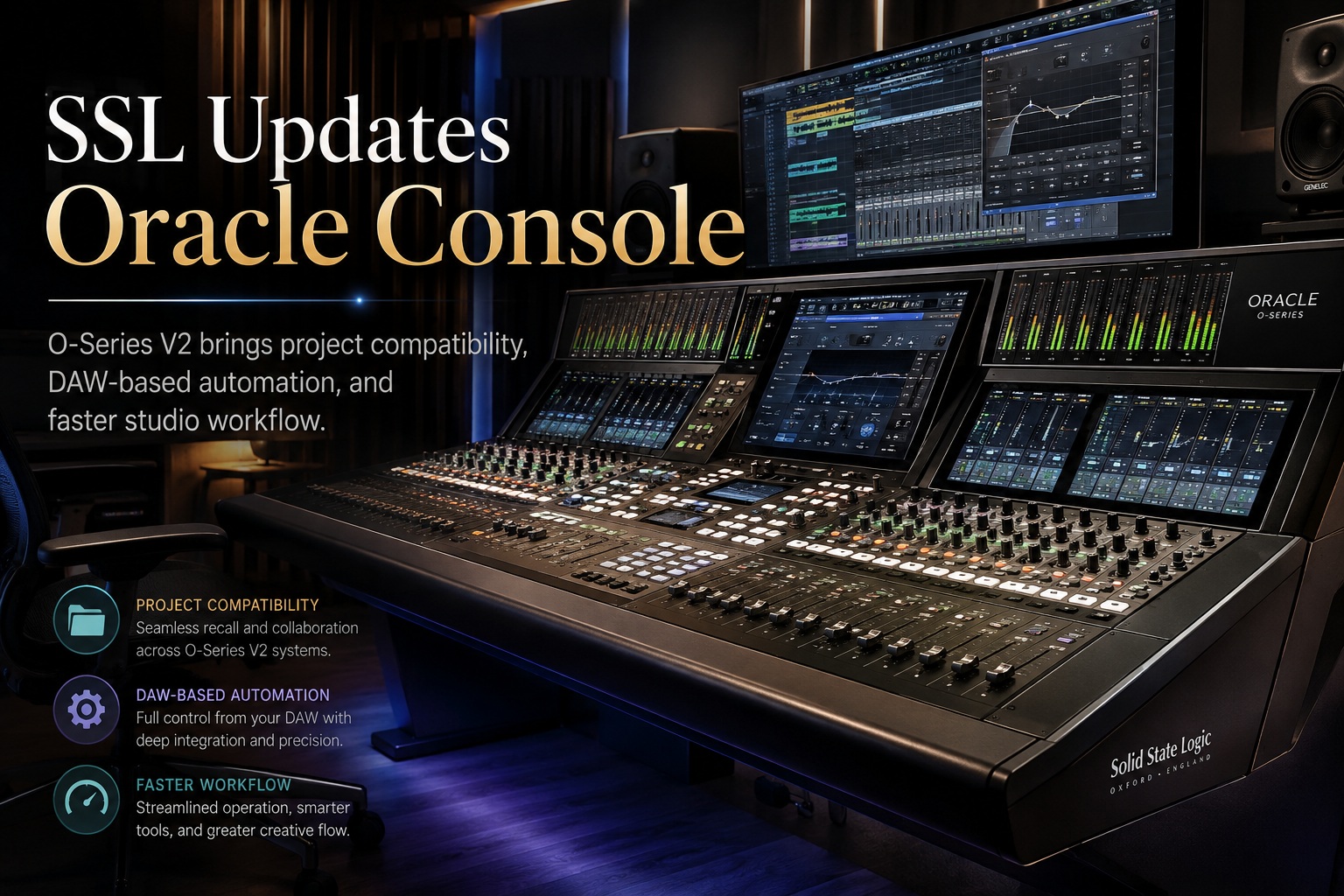
Solid State Logic has announced O-Series V2.0 for its Oracle console, introducing a broad set of workflow improvements focused on project compatibility, automation, recall management and faster visual feedback. The update is expected to become available in early September and is designed to bring Oracle and Odyssey users closer together within SSL's Future Analogue ecosystem.
One of the most important changes is the ability to move projects between Oracle and Odyssey consoles with far fewer restrictions, while new tools such as O-Motion, Snapshot Filters, Channel Presets and TouchView aim to simplify day-to-day mixing.
Oracle and Odyssey Projects Can Now Move Between Consoles
O-Series V2.0 introduces direct project compatibility between SSL's Oracle and Odyssey systems.
Projects originally created on an Odyssey console can now be opened, viewed, edited and saved again directly on Oracle, even when the two consoles have different channel counts.
This should make it much easier for engineers to move between different studios or facilities without rebuilding sessions from scratch.
Importantly, settings tied to Odyssey-specific functions — including dynamics processing and low-pass filters — remain preserved when the project is opened and edited on Oracle.
That means engineers can move a session between consoles without losing parameters simply because one system does not expose exactly the same hardware layout.
O-Motion Moves Console Automation Into the DAW
Another major addition is O-Motion, SSL's new DAW plug-in-based automation system.
Instead of relying on a separate console automation workflow, O-Motion allows movements made on the console to be recorded directly into the DAW session.
Platforms such as Pro Tools and Logic Pro can therefore store, edit and replay console automation using the same lanes and playlists engineers already use for plug-ins and virtual instruments.
This significantly changes the way console automation can be managed.
Users can copy, edit, trim and manipulate console moves directly inside familiar DAW automation tools rather than switching between different automation environments.
For engineers already working heavily inside a DAW, that should make analogue console automation feel much more naturally integrated into the modern production workflow.
Snapshot Filters Give Engineers More Control
SSL has also expanded the existing snapshot system with Snapshot Filters.
Previously, recalling a snapshot could involve restoring a broad collection of console settings.
With the new filtering options, engineers can decide exactly which channels, processing sections or parameter groups should be included or excluded when a snapshot is recalled.
That is useful during complex sessions where only certain parts of the desk need to change.
For example, an engineer could recall a vocal-processing setup without disturbing unrelated fader positions or channel settings elsewhere in the mix.
This gives snapshots far more precision and makes them safer to use during active sessions.
Channel Presets Improve Instant Recall Between Projects
O-Series V2.0 also introduces Channel Presets, allowing engineers to save individual console configurations independently from the overall Project file.
These presets can later be recalled through SSL's Instant Recall system.
Because the preset files exist separately from individual projects, engineers can carry favourite channel setups between sessions, studios and even between Oracle and Odyssey consoles.
That could be particularly useful for engineers who have preferred processing chains for vocals, drums, guitars or other frequently recorded sources.
Instead of rebuilding those settings every time, they can save the configuration once and recall it wherever compatible Future Analogue hardware is available.
TouchView Makes Console Adjustments Easier to Follow
Another workflow enhancement is TouchView.
When users interact with console controls, the relevant processing section automatically appears on the display positioned above the channel strip.
This gives engineers immediate visual feedback without requiring them to manually navigate through menus or display pages.
During busy recording or mixing sessions, that can reduce the amount of time spent looking for the correct processing screen.
The idea is simple: touch the control, and the associated information appears automatically.
That keeps attention focused on the console and the sound rather than on interface navigation.
O-Verview Provides a Console-Wide Picture
SSL has also added a new O-Verview window for monitoring the broader state of the console.
The display brings together key information such as:
Having this information visible on one screen provides a quick overview of the entire console without needing to inspect individual channel strips.
For larger sessions, this could make it easier to spot unexpected levels, muted channels or active solos immediately.
Future Analogue Becomes More Unified
The broader theme of O-Series V2.0 is integration.
SSL appears to be moving Oracle and Odyssey away from operating as separate systems and toward a more unified production environment.
Project compatibility helps sessions travel between consoles.
Channel Presets allow engineers to carry personal workflows with them.
O-Motion connects analogue automation directly with the DAW.
TouchView and O-Verview reduce friction while working on the console itself.
Together, these changes make SSL's Future Analogue platform feel less dependent on a particular room or console configuration.
That could be especially attractive to engineers who regularly move between different studios.
Final Thoughts
O-Series V2.0 looks like a meaningful workflow update for SSL Oracle users rather than a collection of minor interface changes.
The most important improvement may be full Oracle and Odyssey project compatibility, which makes it much easier to move sessions between systems while preserving important settings.
O-Motion is equally interesting because it brings console automation directly into familiar DAW workflows, while Snapshot Filters, Channel Presets, TouchView and O-Verview should make everyday operation faster and more flexible.
For SSL, the update strengthens the idea behind its Future Analogue ecosystem: preserve the hands-on experience and sound of a professional analogue console while giving engineers the recall, automation and portability expected from modern digital production.











Comments 0