

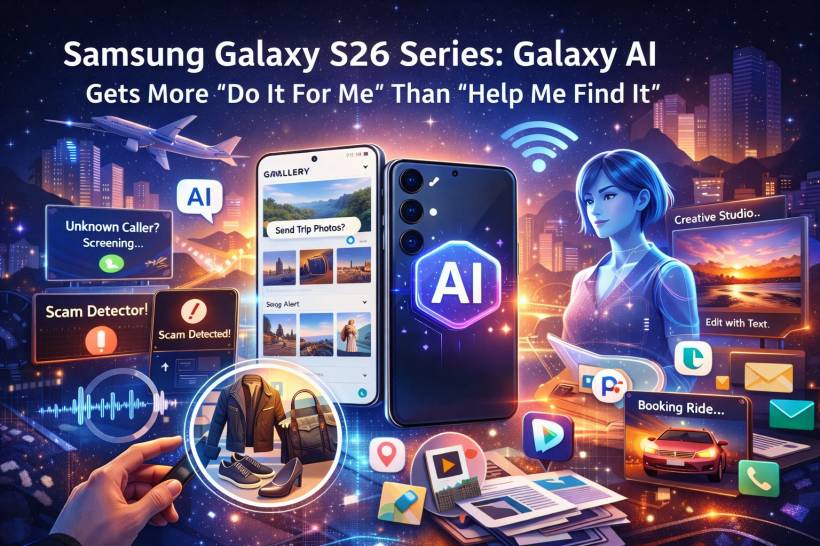
Samsung's Galaxy S-series has been leaning into AI for a while now, but the Galaxy S26 era feels like a clear shift in attitude: less "here's a clever tool you can open," and more "the phone should notice what you're trying to do, then shorten the path to getting it done."
That's the big theme behind the new Galaxy AI and software features on the S26 lineup. Samsung keeps talking about reducing steps between intent and action, and you can see that philosophy across everything from context suggestions, to call protection, to smarter search and editing tools.
The New Goal: Fewer App-Hops, Less Manual Tapping
A lot of phone tasks still feel like mini obstacle courses: open a message, copy an address, switch to Maps, paste, confirm, then repeat in Calendar, then repeat again in a ride-hailing app. The S26 pitch is that Galaxy AI should quietly connect those dots for you—surfacing the right action at the right moment, without you having to hunt for it.
That's where the headline features come in.
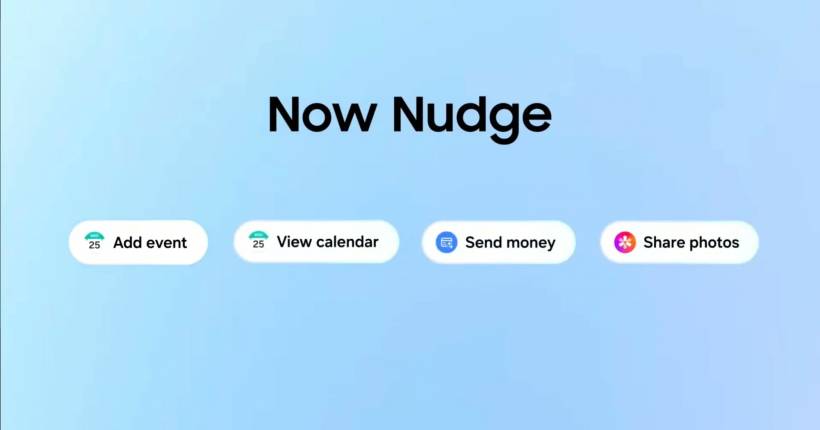
Now Nudge: Context Suggestions That Pop Up When You Actually Need Them
Now Nudge is Samsung's new "timing" feature. The idea is simple: when you're reading or typing something that implies the next step, the phone nudges you with a relevant action.
So if a friend messages "send me the photos from the trip," it can suggest the right images from your gallery. If a message mentions a meeting time, it can prompt you to check your calendar to avoid clashes. And if someone sends a location, it can help you jump straight into directions without the usual back-and-forth between apps.
It's meant to feel like a gentle assistant, not a loud interruption—useful when it's correct, ignorable when it's not.
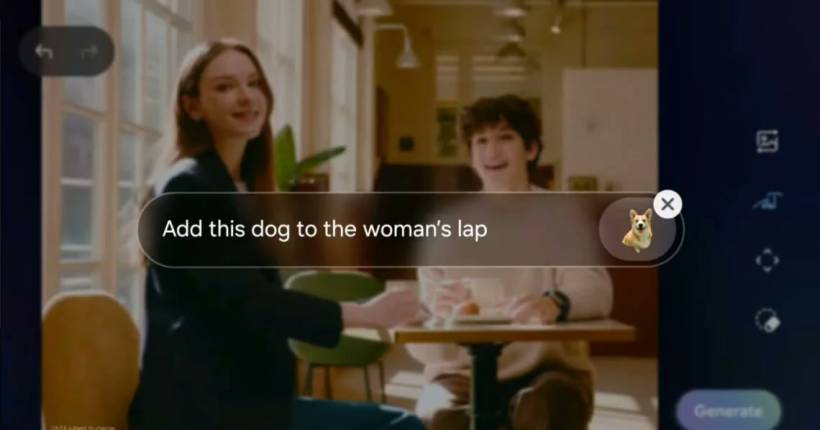
Creative Studio: Text-Prompt Editing and Style Changes, Built In
Samsung is also pushing harder on AI image editing with a feature set that's basically: "tell the phone what you want changed."
Creative Studio lets you edit images using text prompts—remove objects, add elements, swap backgrounds, and even generate new visuals from sketches or descriptions. It also supports style transformations (like turning photos into illustration-like looks). Samsung says generated images include a watermark, and that sensitive data used during generation is processed but not stored.
If you do a lot of quick social posts, product shots, or casual "make this look nicer" edits, this is one of those features you'll either use constantly or forget exists—depending on how reliable it feels in real life.
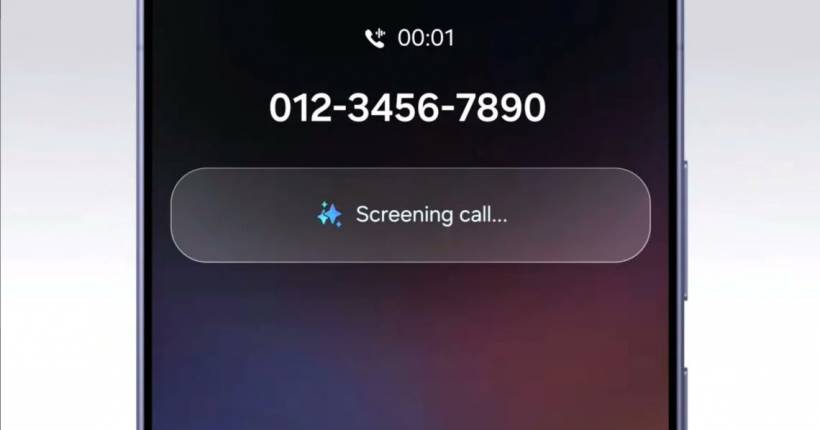
Call Screening: Let the Phone Interrogate First
Call Screening is aimed at the "unknown number roulette" problem.
Instead of your phone simply ringing and leaving you to guess whether it's important, the AI can ask the caller what they want before deciding how to notify you. In practical terms, it's trying to filter out noise—so you spend less time answering calls you never wanted in the first place.
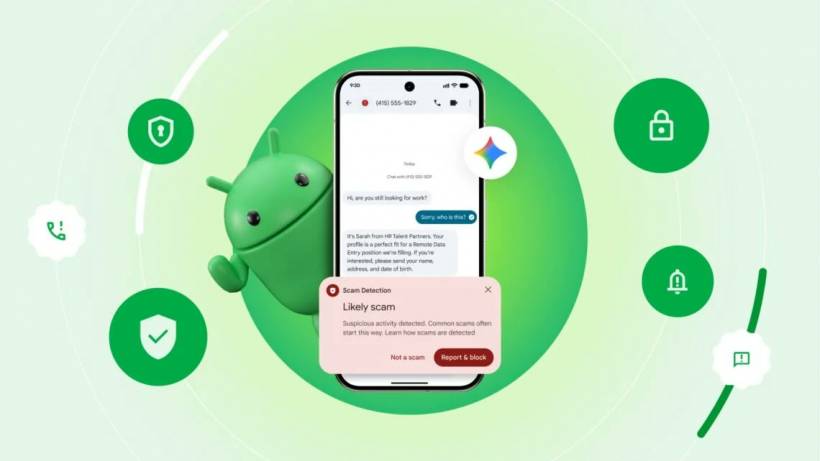
Scam Detection: Pixel's On-Device Protection Arrives on the S26
This is one of the more genuinely practical AI upgrades. Google's on-device Scam Detection—previously tied closely to Pixel—has expanded to the Galaxy S26 series for detecting scam-like patterns during calls and also in Google Messages.
A few important details matter here:
In other words: promising, but the "how useful is it in Malaysia?" question may depend on language and rollout timing.
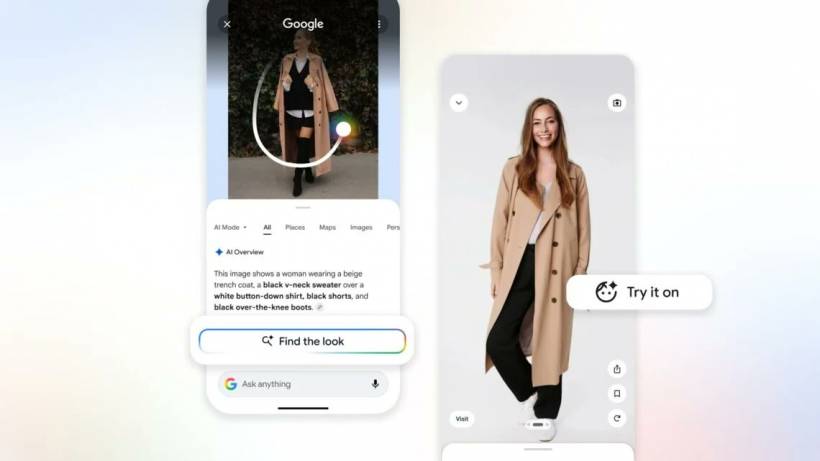
Circle to Search: Now It Can Grab Multiple Objects at Once
Circle to Search is getting smarter in a way that matches how people actually shop and browse now.
Instead of circling one thing at a time, the S26 version improves multi-object recognition—so you can identify several items in one image (think: jacket, bag, shoes) without repeating the search process. There's also a push toward simpler interaction, including pointing your camera rather than manually drawing circles.
Audio Eraser and Smarter Organisation: Cleaner Clips, Less Mess
Audio Eraser is expanding beyond "Samsung's own apps only" vibes. On the S26 series, it's reported to work across third-party apps like YouTube, Netflix, and Instagram—letting you reduce unwanted noise in videos more easily.
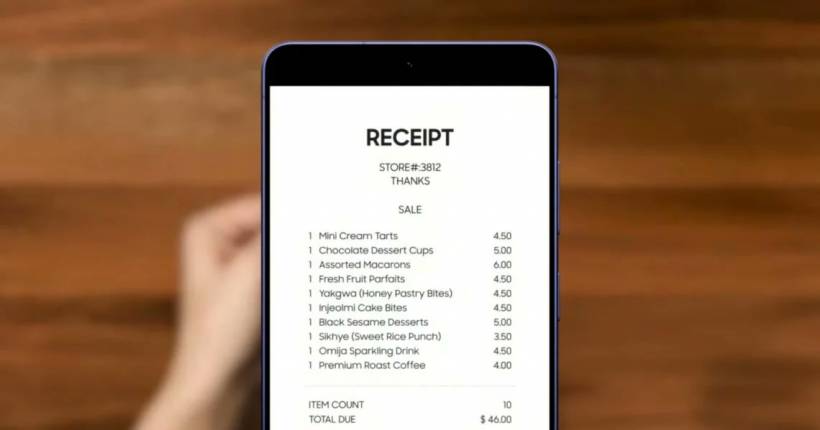
On the organisation side, the AI tools also aim to tidy up the everyday clutter: cleaning scanned documents (like removing shadows) and auto-categorising screenshots so they're easier to find later.
Multi-Agent AI: Gemini Plus Perplexity, With a "Pick Your Assistant" Approach
Samsung is also going more open-ended with assistants.
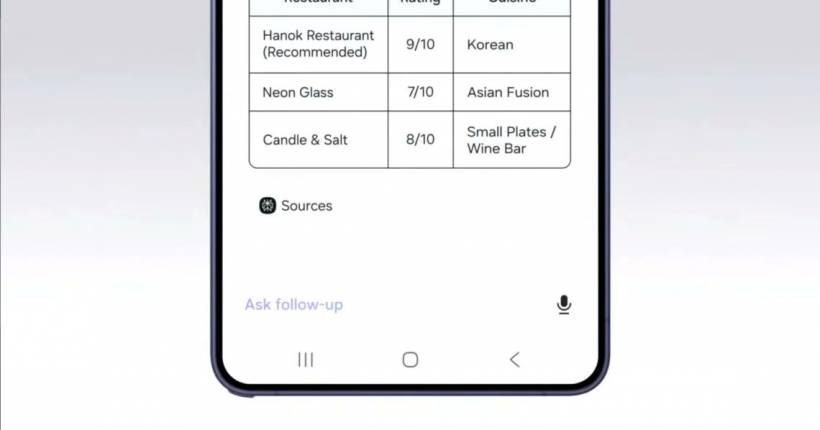
Gemini remains deeply integrated for agent-style actions (multi-step tasks handled behind the scenes), but the S26 series also brings Perplexity in as an additional AI option—alongside Samsung's own Bixby. The big idea is choice: use the assistant you prefer, and let it complete workflows across apps with fewer manual steps.
In theory, that means things like "book me a ride" becomes: request, review, confirm—while the agent handles the messy middle.
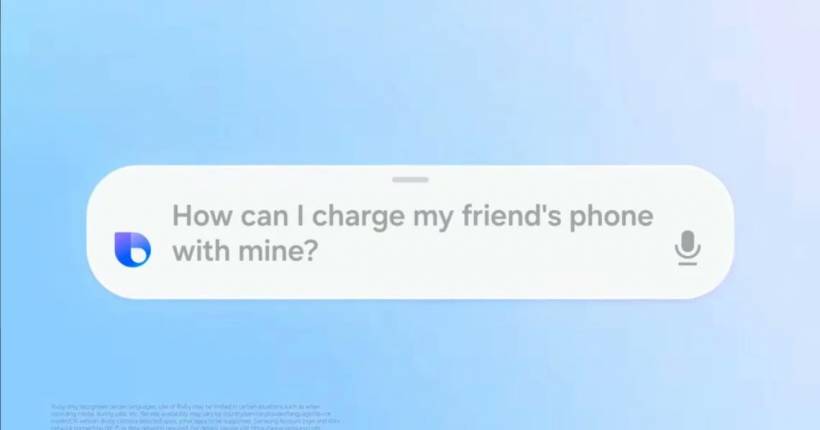
Bixby Returns (Again), But This Time It's Trying to Sound Normal
Yes, Bixby is still here—just upgraded to be more conversational and less "say the exact magic phrase."
Samsung's positioning is that Bixby can now behave more like an on-device agent that understands natural language better and can handle practical tasks like adjusting settings, checking statuses, or pulling travel info online. The real test, as always, will be whether it feels faster than doing it yourself.
Malaysia Pricing and Pre-Order Snapshot
Samsung Malaysia's official pre-order announcement lists these starting prices for the Galaxy S26 lineup: Galaxy S26 (512GB) at RM5,199, Galaxy S26+ (512GB) at RM6,199, and Galaxy S26 Ultra (512GB) at RM6,799 (with an Ultra 1TB variant also listed).
Samsung's Malaysia promo page also states the pre-order period runs from 26 February 2026 to 10 March 2026.
For audio, the Galaxy Buds4 series is listed locally at RM699 for Buds4 and RM999 for Buds4 Pro.
Who This Update Actually Benefits
If you're the type who lives in messaging apps, runs on calendar events, and constantly jumps between links, maps, and screenshots, the S26's "less app-hopping" direction is the most interesting part. Now Nudge, Circle to Search upgrades, and the organisational features are all about shaving friction off normal phone life.
If you mainly care about camera hardware, gaming performance, or battery leaps, the AI story might feel like extra seasoning rather than the main meal—useful when it saves time, annoying when it guesses wrong.
Final Thoughts
The Galaxy S26 series is Samsung making a clear bet: the next "premium phone" battleground isn't just specs, it's how quickly your phone helps you finish the thing you already meant to do.
If Samsung can make these AI features feel consistently helpful (not gimmicky, not pushy, not buried), the S26's software could end up being the part people remember most—because it's the part you bump into every day.











Comments 0