

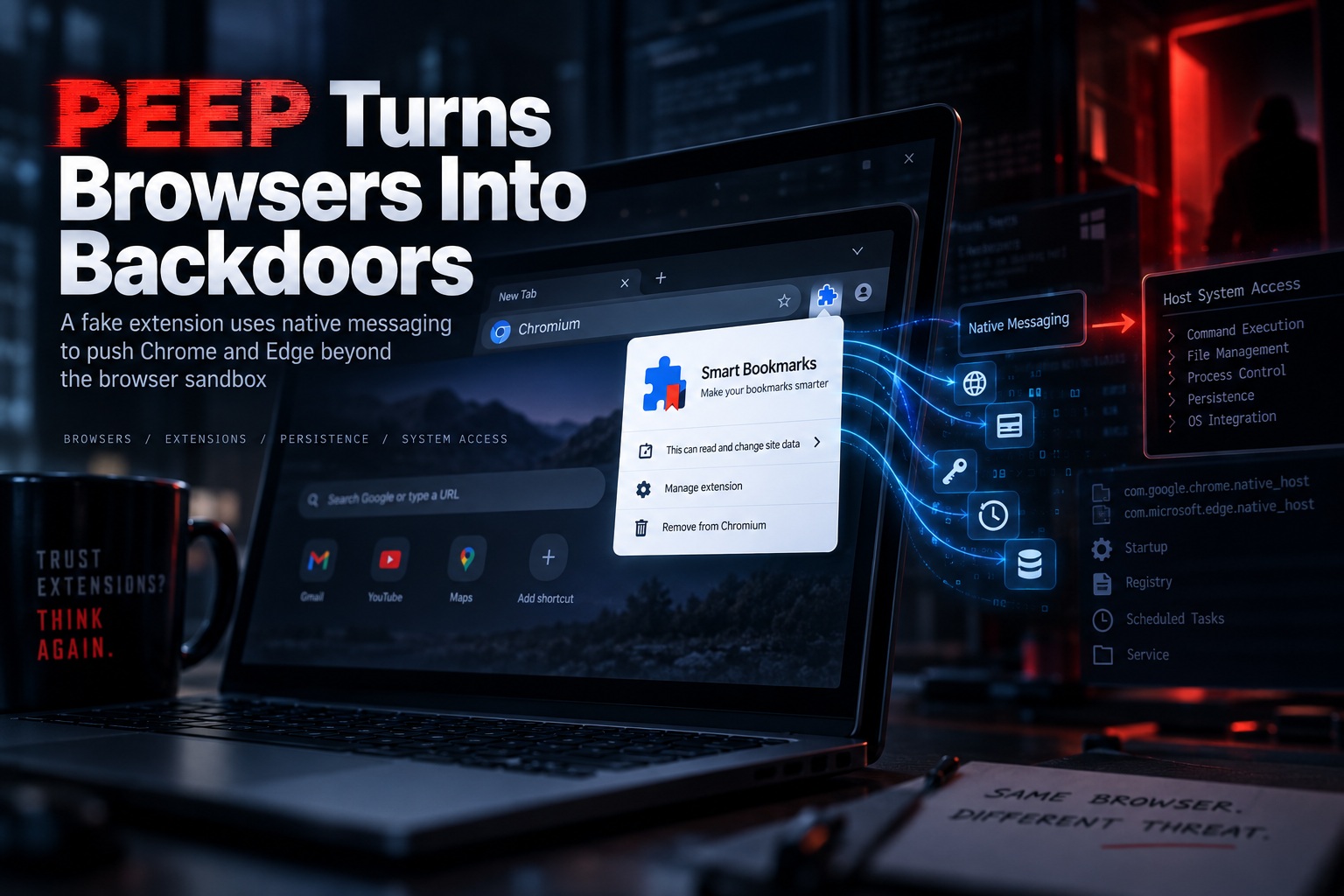
A newly disclosed post-exploitation toolkit called PEEP shows how attackers can turn ordinary Chromium-based browsers such as Google Chrome and Microsoft Edge into persistent surveillance and remote-access platforms after a system has already been compromised.
The toolkit disguises itself as a seemingly harmless browser extension called Smart Bookmarks, but its capabilities go far beyond managing bookmarks. Once installed, PEEP can collect browsing history, steal cookies, monitor active tabs, capture credentials, alter web pages and even execute commands directly on the underlying operating system.
The important distinction is that PEEP is not an initial-access tool. Attackers first need administrative privileges or another way to execute code on the victim's machine. Once that foothold exists, however, the toolkit provides a powerful mechanism for maintaining access and turning the browser itself into part of the attack infrastructure.
A Fake Bookmark Extension Hides the Real Malware
PEEP's main browser component masquerades as an extension called Smart Bookmarks, using the extension ID ejkndncpkdcjcikfhiamcdehdoegilbj.
Rather than being installed through the Chrome Web Store or another legitimate marketplace, the extension is injected directly into Chrome or Edge profiles. Its installer modifies Chromium's configuration and integrity mechanisms so the browser accepts and automatically enables the extension without going through the normal user approval process.
This is particularly interesting because Chrome and Edge normally protect their preferences against unauthorised modifications. PEEP attempts to bypass those protections by manipulating the browser's Secure Preferences data and recreating the integrity values Chromium expects to see.
To the user, the browser may continue functioning normally while the malicious extension quietly operates in the background.
The Browser Becomes a Surveillance Platform
Once active, the PEEP extension begins communicating with its command-and-control infrastructure every 30 seconds. Researchers identified C2 infrastructure including 206.237.30[.]232 and xfjcc[.]fun.
The communication reportedly takes place over unencrypted HTTP, with the extension repeatedly checking for new instructions.
PEEP can automatically collect information such as browsing history, cookies, currently opened tabs, active URLs, the victim's public IP address, browser locale, operating system and time zone.
Session cookies are especially valuable because they can sometimes allow an attacker to hijack an authenticated session without knowing the user's password. If a stolen cookie remains valid, the attacker may be able to impersonate the victim inside an already authenticated web service.
PEEP Goes Beyond Ordinary Browser Data Theft
A malicious browser extension capable of stealing history and cookies would already be serious, but PEEP adds another layer through a companion executable called nm_host.exe.
This executable functions as a Chromium Native Messaging Host, allowing the browser extension to communicate with a local program running outside the browser sandbox.
That bridge dramatically expands what the attacker can do.
Instead of being restricted to browser information, PEEP can execute shell commands, manipulate files, inspect running processes and discover services on the host system. The browser effectively becomes the control interface while the native component performs tasks directly within the operating system.
This transforms PEEP from a browser credential stealer into something much closer to a remote-access backdoor.
Native Messaging Lets the Malware Cross the Browser Boundary
Chrome and Edge extensions normally operate inside tightly controlled environments. They can receive extensive browser permissions, but they are still separated from many operating-system functions.
Native Messaging is a legitimate Chromium feature designed to allow trusted extensions to communicate with desktop applications. PEEP abuses that same mechanism.
When the command received from the C2 server requires operating-system access, the Smart Bookmarks extension launches or communicates with nm_host.exe. Tasks that can be performed inside the browser, such as screenshots, clipboard interaction or JavaScript injection, can be handled directly by the extension.
Tasks requiring deeper system access are passed through the native bridge.
The result is a toolkit capable of moving relatively seamlessly between browser-level surveillance and host-level command execution.
PEEP Is Built on an Existing Open-Source Red-Team Framework
Researchers say PEEP appears to be derived from RedExt, an open-source browser data analysis and red-team framework.
RedExt itself is intended for security testing, but its capabilities have reportedly appeared in previous malicious operations, including GlassWorm attacks.
PEEP expands on that foundation considerably. It adds custom installation routines, native-host integration, heartbeat telemetry, automatic updating and a broader command structure.
This is another example of how legitimate security-testing tools can be repurposed once threat actors gain access to the source code. The underlying capabilities may have been designed for authorised testing, but the same functionality can be modified into an operational malware framework.
It Cannot Infect a Machine by Itself
One thing that separates PEEP from conventional malware is the lack of an initial infection mechanism.
The toolkit does not appear to contain its own phishing exploit, malicious document or browser vulnerability capable of breaking into a machine. Instead, the attacker must already have sufficient privileges to deploy it.
That might happen through another malware infection, compromised administrator credentials, remote-access abuse or exploitation of an unrelated vulnerability.
Once that access exists, PEEP becomes a post-compromise persistence and surveillance framework.
This makes it particularly useful to attackers who have already entered an environment and want a quieter, more durable way to maintain control.
Chrome and Edge Become Part of the Persistence Mechanism
PEEP uses several techniques to ensure that its extension remains enabled even though it did not come from an official browser marketplace.
Researchers identified the use of sideloading, enterprise force-install policies, preference manipulation and a ScriptCache fallback.
Chromium supports enterprise policies that allow organisations to automatically install extensions across managed devices. PEEP abuses capabilities such as ExtensionInstallForcelist and ExtensionSettings to make its extension appear more like something deliberately deployed by an administrator.
This is particularly effective on compromised systems where the attacker already possesses administrative access.
PowerShell Scripts Handle the Browser Tampering
Several PowerShell scripts are included with the toolkit to automate installation and persistence.
install_silent.ps1 enables Developer Mode so arbitrary extensions can be sideloaded into the browser.
patch_secure_prefs.ps1 modifies the Secure Preferences file so Chromium accepts the extension and keeps it enabled.
A third script called force_enable.ps1 takes another approach. It removes the extension from the browser's external_uninstalls configuration, places the CRX package inside %LOCALAPPDATA%\PEEP\crx, registers it through the Windows registry and an External Extensions manifest, and then restarts the browser.
These overlapping mechanisms give the operator several ways to restore the malicious extension if one method stops working.
Linux Systems May Also Be a Target
Although much of PEEP's tooling is clearly built around Windows, researchers also found a Python script named patch_secure_prefs_linux.py.
Its purpose mirrors the Windows PowerShell version by modifying Chromium preferences so the extension remains installed.
That indicates the developers are at least experimenting with or preparing support for Linux environments as well.
This makes sense because Chrome and Chromium are widely used across both operating systems, and the underlying extension architecture is largely shared.
A Content Script Can Reach Every Active Web Page
Once the extension starts, it reads its configuration to identify the C2 server and begins automated harvesting.
A companion script named content.js is injected across active web pages. Content scripts in Chromium extensions can interact directly with the Document Object Model of websites loaded in the browser.
In the wrong hands, that capability becomes extremely powerful.
PEEP can potentially inspect page contents, capture information entered into forms, alter what users see or inject JavaScript into websites during an active session.
That gives attackers visibility inside the victim's browsing experience rather than merely watching from outside it.
The C2 Infrastructure Supports a Full Agent Workflow
Researchers identified several API endpoints used by the malware.
The extension registers new infections through /api/register, while /api/agents/<id>/heartbeat sends information such as browser User-Agent, operating system and time zone.
Other endpoints support extension updates and command execution results, while /api/exfil receives automatically harvested browser information.
The toolkit also contains a /health endpoint providing internal system status and a /login interface for accessing the operator's control panel.
This structure suggests PEEP was built as a managed framework rather than a simple one-off browser stealer.
The attacker can register infected systems, monitor which agents are alive, issue commands and retrieve collected information from a central interface.
The Browser Polls for Commands Every 30 Seconds
The Smart Bookmarks extension repeatedly contacts the C2's /api/commands endpoint at approximately 30-second intervals.
This creates a basic beacon mechanism similar to what is commonly found in remote-access trojans.
The operator can queue tasks, wait for a compromised browser to request them and then collect the resulting output.
Because the communication originates from a browser environment that is already running on the endpoint, some behavioural security products may initially find the traffic less suspicious than communications launched by an unfamiliar standalone executable.
Running Inside a Trusted Browser Helps PEEP Blend In
One of PEEP's more dangerous characteristics is that much of its logic executes within the signed Chrome or Edge process.
Security products frequently pay close attention to unknown binaries, unsigned executables and suspicious processes appearing on endpoints. Activity originating from Chrome or Edge may initially attract less attention because those applications are expected to make network connections and access user data.
PEEP exploits that trust.
The native messaging component still introduces another executable, but the browser acts as the primary operational pivot. It collects valuable information, receives commands and serves as the interface through which the attacker interacts with the compromised system.
Cookies and Sessions May Be More Valuable Than Passwords
Modern authentication increasingly relies on multifactor authentication, making stolen passwords alone less useful than they once were.
PEEP's ability to collect session cookies therefore deserves particular attention.
If an attacker steals a valid authenticated session, they may be able to bypass the login process entirely and continue using the victim's existing session.
Whether that succeeds depends on how the particular service validates sessions, but session hijacking has become increasingly attractive as organisations deploy stronger authentication.
A compromised browser is an ideal place to steal those tokens because that is exactly where legitimate sessions live.
Page Manipulation Creates Additional Attack Possibilities
PEEP is also capable of injecting JavaScript and modifying websites displayed inside the victim's browser.
That capability could potentially be used for much more than surveillance.
An attacker controlling page content might manipulate forms, replace links or alter instructions shown to the user. Even when a legitimate HTTPS website is being visited, malicious extension code can operate after the encrypted content reaches the browser.
This illustrates why browser-extension compromise is so dangerous. HTTPS protects information while it travels across the network, but it cannot protect against malicious code already running inside the browser itself.
The Campaign Remains Unattributed
Researchers have not identified the organisation or threat actor responsible for developing or deploying PEEP.
However, Chinese-language artefacts were reportedly found within the source code, suggesting the developers may be Chinese-speaking.
That is not enough evidence to confidently attribute the malware to a particular state-sponsored group or criminal organisation.
For now, PEEP should therefore be viewed primarily through its capabilities rather than speculative attribution.
References to "Authorized CTF" Raise Questions About AI-Assisted Development
Researchers also discovered several references to "Authorized CTF" within the project.
SOCRadar suggested these phrases may have been used to frame malware-development tasks as legitimate Capture-the-Flag security exercises when interacting with AI coding systems.
The idea would be to persuade an AI assistant that the requested functionality was intended for authorised security testing, potentially lowering restrictions around generating code related to persistence, browser manipulation or credential collection.
There is no definitive proof that AI created PEEP, but the references provide an interesting glimpse into how malicious developers may attempt to disguise their intentions when using AI development tools.
The Visible C2 Data Does Not Reveal the True Victim Count
Researchers observed that PEEP's /health endpoint displayed 34 agent entries, 10 active sessions and 507 data records.
Those numbers might suggest dozens of infected machines, but they should not be treated as a confirmed victim count.
The database could contain development machines, test entries, researcher systems or deliberately generated records alongside genuine compromises.
There is currently no reliable way to separate those categories from the exposed statistics.
Likewise, researchers have not identified a specific industry, country or organisation being targeted by the toolkit.
Why Post-Compromise Browser Persistence Matters
Browsers have become some of the most sensitive applications on modern endpoints.
They contain saved credentials, authentication tokens, cloud sessions, corporate email access and connections to countless internal and external services.
Once attackers can maintain persistence inside the browser, they may not need to compromise each service separately.
They can simply observe what the legitimate user is already accessing.
That makes browser-based post-exploitation frameworks particularly attractive in environments where employees perform most of their work through SaaS applications.
Security Teams Should Examine Unexpected Enterprise Extension Policies
Because PEEP can abuse enterprise force-install mechanisms, administrators should review Chrome and Edge policies across managed devices.
Unexpected entries inside ExtensionInstallForcelist, ExtensionSettings or external-extension registry locations deserve investigation.
Security teams should also look for the Smart Bookmarks extension ID:
ejkndncpkdcjcikfhiamcdehdoegilbj
The presence of the extension alone would be a strong indicator that the system requires deeper examination.
The associated native messaging registration for com.peep.lab and the presence of nm_host.exe should also be treated as suspicious unless there is a clearly established legitimate reason for them to exist.
Monitoring Browser Processes Is Becoming More Important
Traditional endpoint monitoring often focuses heavily on standalone malware processes, but threats such as PEEP demonstrate why browser behaviour deserves greater visibility.
Unusual extension installations, unexpected policy changes, abnormal access to Secure Preferences and browser connections to unfamiliar C2 infrastructure can all provide useful detection opportunities.
The same applies to unusual relationships between Chrome or Edge and local helper processes.
A browser launching or communicating with an unknown native messaging binary deserves closer scrutiny, particularly on systems where the extension was never approved by administrators.
Final Thoughts
PEEP represents a particularly interesting evolution of post-compromise tooling because it turns Chrome and Edge into persistent operational platforms for the attacker.
Once an attacker already has administrative or code-execution access, the toolkit can sideload a malicious Smart Bookmarks extension, manipulate Chromium's integrity mechanisms and maintain persistence through enterprise policies and configuration changes.
From there, the extension can steal browser history, cookies and active-session data while communicating with its command-and-control server every 30 seconds. Its native messaging bridge takes things even further by enabling shell commands, file management and system discovery outside the browser sandbox.
The most important lesson is that browsers should no longer be viewed merely as applications displaying websites. They hold identities, sessions and enormous amounts of sensitive information—and extensions can significantly expand what those browsers are capable of doing.
When an attacker controls the browser and gains a bridge into the operating system, the browser stops being a window to the internet and becomes a backdoor into the endpoint itself.











Comments 0