

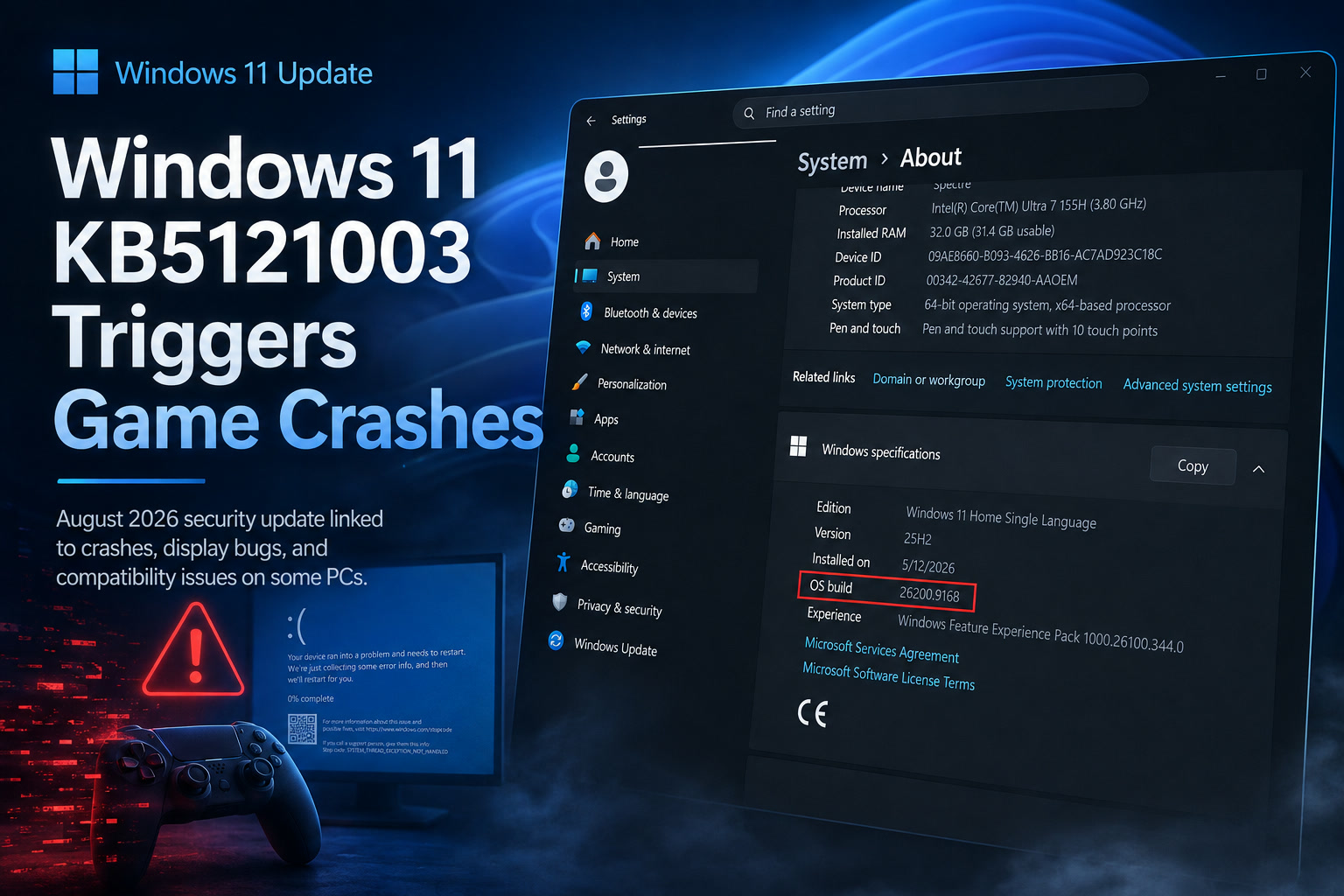
Microsoft's August 2026 security update for Windows 11 is proving troublesome for some users, particularly gamers. The mandatory KB5121003 update, released on 11 August, includes fixes for more than 400 security issues and moves Windows 11 25H2 systems to Build 26200.9168, while version 24H2 advances to Build 26100.9168.
Unfortunately, shortly after the rollout began, users started reporting crashes in games such as ARC Raiders, The Finals and Marvel Tōkon: Fighting Souls, alongside isolated reports of display, HDR and Windows Hello problems.
Embark Studios, the developer behind ARC Raiders and The Finals, has since acknowledged the issue and linked at least some of the crashes to compatibility problems involving a third-party Windows driver called inpoutx64.sys.
ARC Raiders and The Finals Are Among the Games Affected
Reports began appearing soon after KB5121003 was installed, with ARC Raiders players experiencing sudden crashes even though the game had previously been working normally.
Some users reported repeated crashes, while others experienced complete system reboots.
Among the errors being reported are messages such as:
Embark confirmed through Discord that a new crash appeared following the release of KB5121003 and said it is working toward a permanent solution.
The same underlying issue appears capable of affecting The Finals, while reports involving other games and anti-cheat software have also started appearing.
The Problem Appears Connected to inpoutx64.sys
Investigation by Embark points toward inpoutx64.sys, a third-party kernel-level driver used by certain hardware utilities and software that requires low-level access to system ports.
According to Embark, something introduced by KB5121003 changed how Windows interacts with this driver, resulting in crashes when affected software or games encounter it.
One ARC Raiders player reportedly traced the copy of inpoutx64.sys on their PC back to a Razer Update Tool.
That does not necessarily mean Razer software is responsible for every case, however. inpoutx64.sys can be installed by several hardware utilities, monitoring applications and older system tools.
The important point is that users experiencing the problem may have the driver installed without even realising it.
Embark Has Published a Temporary Workaround
While a permanent fix is still being developed, Embark has provided a workaround that removes the problematic driver.
Affected users can open Command Prompt as Administrator and run:
sc stop inpoutx64
followed by:
sc delete inpoutx64
Afterwards, users can navigate to:
C:\Windows\System32\drivers\
and remove the inpoutx64.sys file.
Some users have reported that simply disabling the service and restarting Windows was enough to stop their crashes, although Embark's recommended workaround removes both the service entry and driver file.
Before deleting the driver, however, it would be sensible to identify which application installed it. Removing it could affect hardware utilities or software that relies on the driver.
Uninstalling KB5121003 Also Appears to Stop the Crashes
Several affected users have reported that uninstalling KB5121003 restores normal game behaviour.
That provides further evidence that the August update introduced a compatibility issue involving inpoutx64.sys.
However, uninstalling the entire security update should probably be treated as a last resort.
KB5121003 is not simply a feature update. It contains a large collection of security fixes, including patches for critical vulnerabilities.
Removing it therefore restores compatibility at the cost of reopening security weaknesses that Microsoft has already addressed.
For users whose systems remain usable, waiting for an updated driver, game patch or Microsoft compatibility fix would generally be preferable.
Other Games May Be Affected Too
ARC Raiders and The Finals have attracted the most attention, but they do not appear to be the only titles experiencing trouble.
Reports have also surfaced involving Marvel Tōkon: Fighting Souls, along with some software related to anti-cheat systems.
Users experiencing crashes have reported that removing KB5121003 returns affected games to normal.
At this stage, however, it remains unclear how widespread the compatibility issue is or exactly which combinations of games, drivers and hardware utilities are required to trigger it.
That explains why most Windows 11 users can install the update without encountering the same problems.
The August Update Is Also Causing Display Problems for Some Users
Gaming crashes are not the only complaints appearing after KB5121003.
Some users have reported graphics-related issues including:
The August update includes several display-related changes and fixes, which raises the possibility that some of those modifications have introduced compatibility problems on particular hardware configurations.
As with the gaming crashes, these reports do not appear to affect every PC.
Windows updates have to support an enormous range of GPUs, monitors, drivers and hardware combinations, so problems can sometimes appear only under very specific configurations.
Windows Hello Problems Are Also Being Reported
There are also isolated reports of Windows Hello PIN authentication breaking after the update.
One affected user said Windows required them to reconnect to their Microsoft account and recreate their PIN after every reboot.
According to that report, Windows repeatedly deletes and regenerates the authentication key, only for the newly created credentials to become unusable again after another restart.
Another user reportedly experienced problems with Windows loading the existing Windows Hello container.
These reports appear much less widespread than the gaming issue, but they add to the growing list of compatibility complaints surrounding the August patch.
Installation Reboots Are a Separate Issue
The August 2026 Windows update may also cause multiple reboots while installing because Microsoft is rolling out changes related to Secure Boot certificates.
That behaviour should not be confused with systems unexpectedly rebooting while playing games.
Installation-related restarts occur while Windows Update is applying the patch.
The crashes linked to inpoutx64.sys occur afterwards, when affected software is running.
The two behaviours may look similar to users because both involve unexpected restarts, but their underlying causes are different.
Should You Uninstall KB5121003?
For most users, probably not.
KB5121003 is an important security release containing fixes for hundreds of vulnerabilities.
One of the patched vulnerabilities reportedly includes LegacyHive, a zero-day issue capable of allowing attackers to obtain elevated administrative privileges under certain conditions.
That makes removing the patch a significant trade-off.
If your PC is functioning normally, there is little reason to uninstall the update simply because other users are experiencing problems.
If a particular game is crashing because of inpoutx64.sys, identifying and removing the software or driver responsible may be the better approach.
Uninstalling KB5121003 becomes more reasonable only if the update has made the machine genuinely difficult or impossible to use.
How to Remove the Update if Necessary
Users facing serious problems can uninstall the patch through Windows Settings.
Navigate to:
From there, locate KB5121003 and choose to remove it.
Windows will normally require a restart afterwards.
Again, this should ideally be considered a temporary troubleshooting measure rather than a permanent solution because uninstalling the patch also removes its security improvements.
A Proper Compatibility Fix Is Still Needed
The bigger question is exactly what Microsoft changed in KB5121003 that caused inpoutx64.sys to stop behaving correctly.
Because it is a third-party kernel driver, Microsoft may ultimately consider the software using it responsible for updating its implementation.
Alternatively, Microsoft could introduce a compatibility adjustment if the Windows change unintentionally affected legitimate drivers.
Embark has already said it is working toward a long-term solution, so affected games may receive updates even before Microsoft responds.
Given the number of reports now appearing, additional clarification from Microsoft or affected software vendors would not be surprising.
Final Thoughts
Windows 11 KB5121003 is an important security update, but it is also becoming another example of how even necessary patches can occasionally create compatibility problems.
The most significant issue currently appears to involve inpoutx64.sys, with ARC Raiders, The Finals and potentially other games crashing after the August update was installed.
For affected gamers, removing or disabling the problematic driver may provide a temporary solution without sacrificing the entire security update.
There are also separate reports involving display refresh rates, HDR, black screens and Windows Hello, although these appear to be more isolated.
Unless KB5121003 has made your PC unusable, keeping the security update installed while waiting for a proper fix is probably the safer option.
With hundreds of security vulnerabilities addressed in this release, trading an annoying compatibility problem for reopened security weaknesses may create a much bigger problem later.











Comments 0