

Moving from one smartphone ecosystem to another has never been particularly enjoyable. Photos, contacts and messages are usually straightforward enough, but passwords, eSIMs, call histories and application settings can make changing phones feel like a small migration project.
Samsung is trying to make that process considerably easier with One UI 9, introducing an improved version of Smart Switch aimed particularly at people moving from an iPhone to a Galaxy device.
One of the biggest improvements is simple: iPhone users no longer need to install the Smart Switch app before transferring their data.
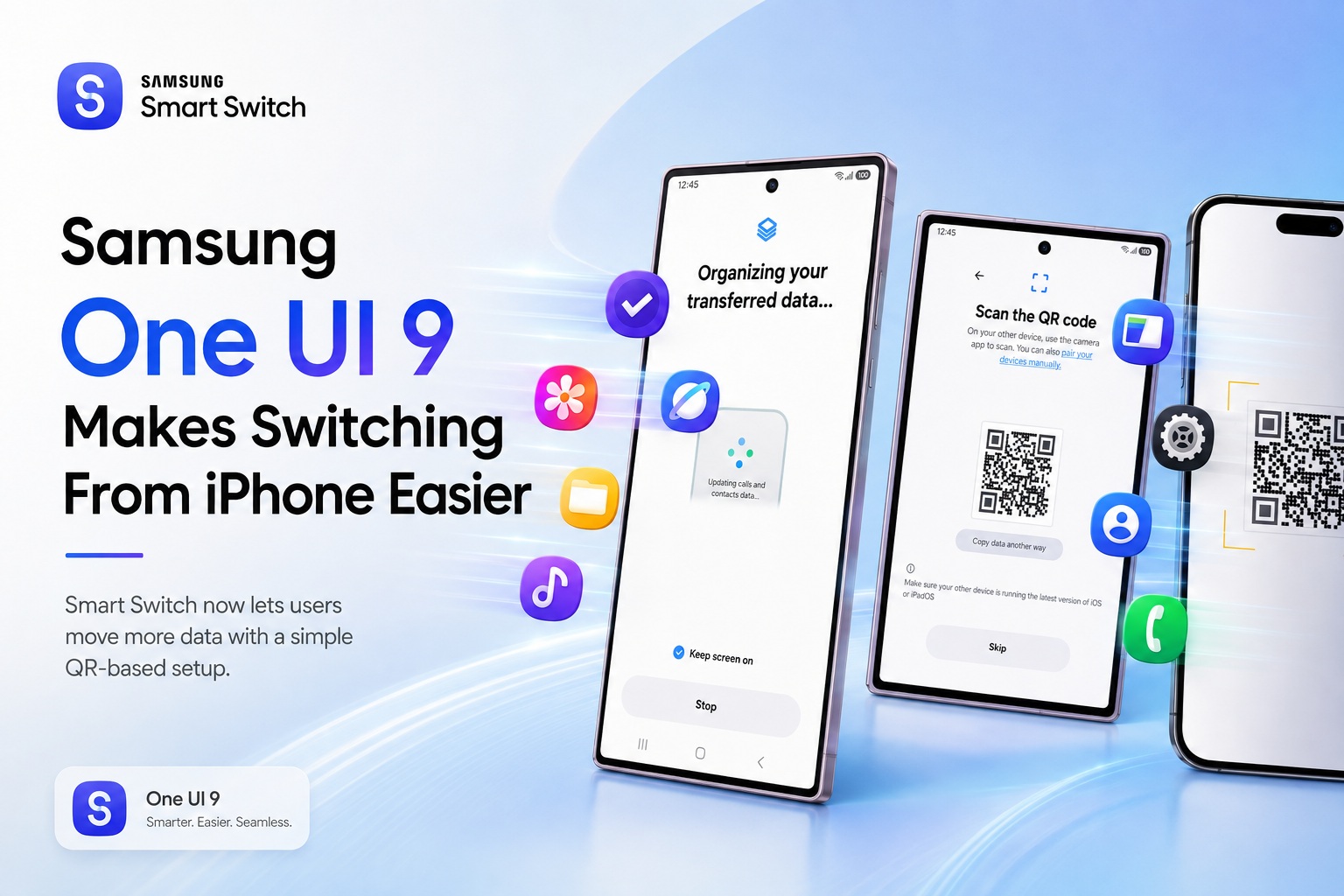
Just Scan a QR Code From the iPhone
During the initial setup of a compatible Galaxy phone, users are given the option to transfer information from an existing device.
When transferring from an iPhone, the Galaxy device can now display a QR code.
The user simply opens the Camera app on the iPhone, scans the code and follows the instructions shown on both phones.
The devices then establish a direct connection while being kept close together.
That removes an unnecessary step from the migration process because the iPhone does not first need to download and configure Samsung's Smart Switch application.
For someone who has just bought their first Galaxy after years of using an iPhone, reducing those early setup complications can make a surprisingly large difference.
More iPhone Data Can Now Be Transferred
Samsung has also expanded the amount of information Smart Switch can migrate from iOS.
Previously, users could already move common information such as:
With the One UI 9 version of Smart Switch, Samsung says several additional categories can now be brought across.
These include passwords and passkeys, call history, accessibility settings and eSIM information.
The addition of passwords and passkeys is particularly useful.
One of the most frustrating parts of moving between ecosystems is discovering that dozens of applications and websites need to be logged into again.
Passkeys are also becoming increasingly common as Apple, Google, Microsoft and other technology companies move away from traditional passwords.
Being able to migrate more of that authentication information should make switching platforms feel much less disruptive.
eSIM Transfers Should Also Make Changing Phones Less Painful
eSIM support is another welcome improvement.
Physical SIM cards were relatively simple when changing phones because users could simply remove the card from one device and place it inside another.
eSIMs are more convenient once configured, but transferring them between different manufacturers can sometimes be less straightforward.
Allowing Smart Switch to assist with eSIM information reduces another potential barrier for people moving from an iPhone to Galaxy.
The exact process may still depend on the mobile operator and regional support, but bringing eSIM information into the migration workflow is another step towards making phone switching feel more complete.
You Can Choose What You Actually Want to Move
Users do not necessarily need to copy everything from the old phone.
Smart Switch allows them to select which categories of data should be transferred.
Someone who wants a fresh start could therefore bring across contacts and photographs while leaving unnecessary applications or older data behind.
Others can attempt a more complete migration.
This flexibility is useful because smartphones can accumulate enormous amounts of information after several years of use.
Copying everything automatically may simply move years of clutter onto the new device.
You Don't Have to Transfer Everything During Setup
Samsung presents the migration option during the initial Galaxy setup, but users who skip it are not locked out permanently.
The transfer can also be started later through the Smart Switch app on the Galaxy device.
The process remains largely the same.
Smart Switch displays the QR code, the iPhone scans it, the two devices establish their connection and the user selects what information should be transferred.
That is helpful for anyone eager to start using their new phone immediately and deal with the migration later.
It also means users can revisit Smart Switch if they realise something important was left behind.
Samsung Is Trying to Remove the Ecosystem Barrier
The improvements make sense when looking at the broader smartphone market.
Convincing an iPhone owner to purchase a Galaxy device is not only about providing better cameras, displays or hardware.
Samsung also needs to answer a much more practical question:
How difficult will it be to leave Apple's ecosystem?
Many users remain with the same smartphone brand partly because moving everything sounds exhausting.
Their photographs, contacts, passwords, messages and digital identity have accumulated inside one ecosystem for years.
The easier Samsung makes that migration, the smaller that barrier becomes.
Smart Switch therefore plays an important role in Galaxy sales even though it is not something people normally think about when comparing smartphone specifications.
Quick Share Can Now Work With AirDrop Too
The transition does not completely cut users off from friends and family who remain on Apple devices either.
Samsung has also introduced compatibility between Quick Share and Apple's AirDrop, allowing supported Galaxy devices to exchange files more easily with Apple hardware.
That addresses another long-standing inconvenience for households where some people use Android while others use iPhones.
Previously, sharing a large batch of photos between the two ecosystems could involve cloud-storage links, messaging applications or other workarounds.
Direct interoperability can make everyday sharing much simpler.
There is an important limitation, however.
AirDrop compatibility is currently restricted to supported devices running One UI 9 or One UI 8.5.
So the feature is not yet universally available across Samsung's enormous Galaxy catalogue.
Good Lock Helps New Galaxy Users Personalise Their Phone
Once the migration is complete, Samsung also points users towards Good Lock for deeper customisation.
Good Lock has become one of Samsung's more distinctive Android features, providing much greater control over areas such as the home screen, lock screen, multitasking interface and navigation behaviour.
For someone coming directly from an iPhone, this may highlight one of the biggest differences between the platforms.
Apple generally provides a carefully controlled and consistent interface.
Samsung allows significantly more personalisation.
Smart Switch gets the user's information onto the Galaxy device, while Good Lock provides the opportunity to make the new phone feel considerably more personal afterwards.
One UI 9 Availability Is Still Limited
There is one major catch for now.
The redesigned Smart Switch experience is specifically tied to One UI 9.
That means only a relatively small number of Galaxy devices currently have access to the complete feature set, including Samsung's newest generation of Galaxy Z foldables.
The situation should improve as Samsung expands One UI 9 to more eligible Galaxy phones and tablets.
As the software rollout continues, many existing Samsung users should eventually receive the updated Smart Switch functionality without needing to purchase another device.
However, availability will naturally depend on the Galaxy model, region and Samsung's update schedule.
Switching Ecosystems Is Becoming Less Intimidating
For years, smartphone ecosystems have benefited from a kind of technological inertia.
Once users accumulate enough photos, accounts, passwords, messages and services inside one platform, changing becomes progressively less attractive.
Companies increasingly recognise that removing that friction can become a competitive advantage.
Google has developed similar migration tools for Pixel devices, while Apple provides its own methods for bringing information from Android into iOS.
Samsung's One UI 9 improvements represent the next stage of that competition.
Instead of merely promising that basic contacts and photographs will survive the move, manufacturers are trying to preserve much more of the user's digital life.
Passwords, passkeys, eSIM information and accessibility preferences are exactly the kinds of smaller details that determine whether a new phone feels immediately familiar or frustratingly incomplete.
Final Thoughts
Samsung's updated Smart Switch in One UI 9 may not be the flashiest feature of the operating system, but it could be one of the most useful for anyone considering leaving an iPhone for Galaxy.
Removing the requirement to install Smart Switch on the iPhone makes the process much simpler: scan a QR code, connect the devices and choose what you want to transfer.
Support for passwords, passkeys, call history, accessibility settings and eSIM information also makes the migration considerably more comprehensive than simply copying photographs and contacts.
Combined with growing Quick Share and AirDrop interoperability, Samsung is clearly trying to make moving between Apple's and Galaxy's ecosystems less intimidating.
For consumers, that is ultimately a good thing.
Choosing a new phone should come down to which device you actually prefer — not which ecosystem makes it too difficult to leave.











Comments 0