

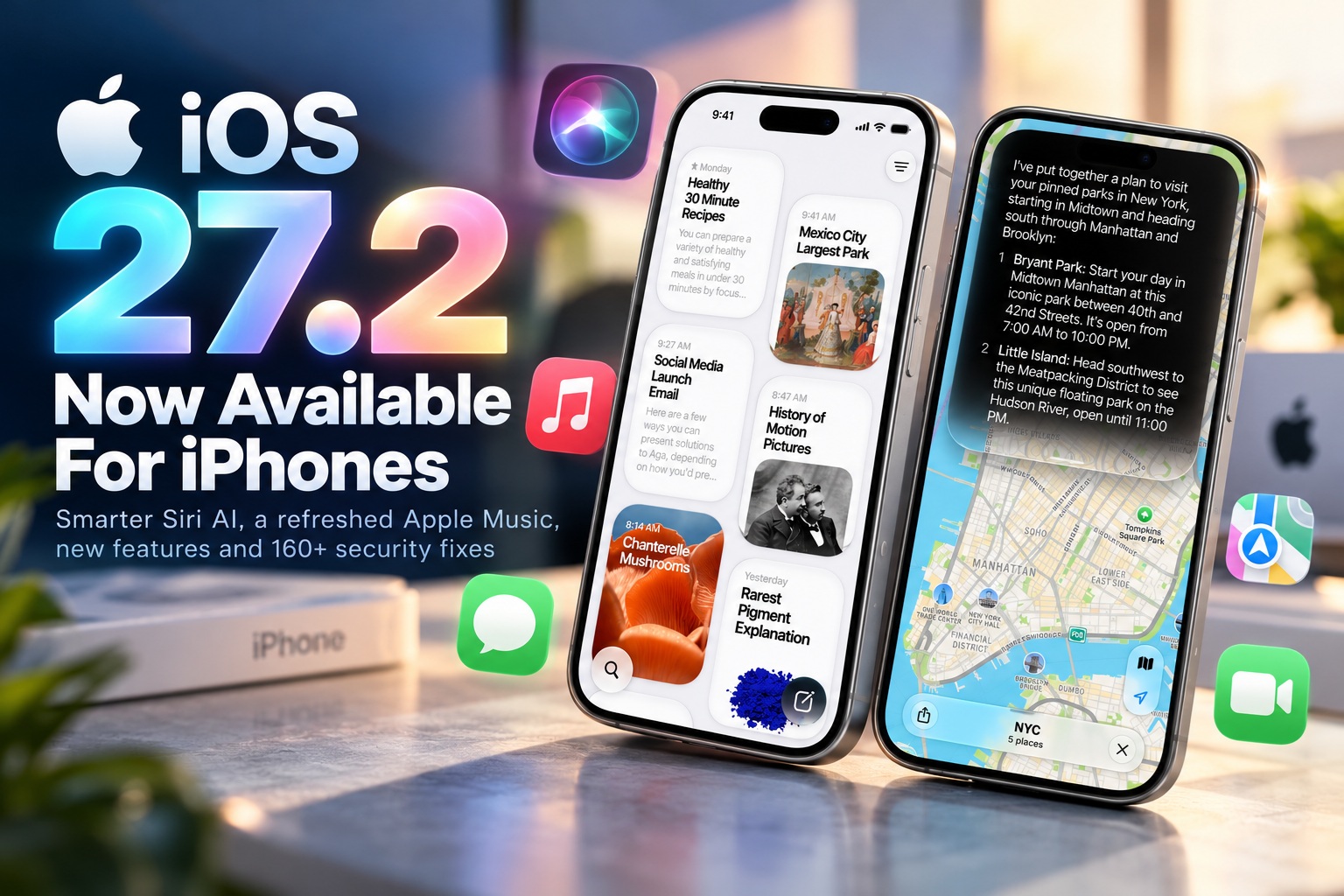
Apple has officially rolled out iOS 27.2, bringing a substantial collection of new features, interface changes, accessibility improvements and security fixes to compatible iPhones. Among the biggest additions are improvements to Siri AI, a redesigned Apple Music experience, updates to Messages and Podcasts, and several features specifically created for the iPhone Duo.
The update is also unusually large, with downloads exceeding 20GB on some devices. Beyond the visible changes, Apple has patched more than 160 security vulnerabilities across iOS 27.2 and iPadOS 27.2, making this an update that users may want to install sooner rather than later.
Siri AI Can Now Remember Previous Context
One of the biggest improvements comes to Siri AI, which can now retain context from previous interactions. This should allow users to continue conversations more naturally without repeatedly explaining information that has already been discussed.
For example, users may be able to ask follow-up questions relating to an earlier request and receive a response that takes the previous conversation into account. The change moves Siri closer towards the more conversational AI assistants that users have become accustomed to on other platforms.
Maintaining context could also make Siri more useful for multi-step tasks where one request naturally leads into another.
Siri Can Suggest Actions From iMessage Conversations
Siri AI is also becoming more proactive inside Messages. The assistant can analyse the context of an iMessage conversation and suggest useful actions based on what people are discussing.
If a conversation includes plans for an appointment or event, Siri could suggest adding the information to Calendar. Similarly, if someone mentions something that needs to be completed later, users may receive a suggestion to create a reminder.
The objective is to reduce the number of manual steps required to move information from a conversation into another application.
More Languages Added To Siri AI
Apple is also expanding Siri AI language support with French, Japanese, Korean, Portuguese and Spanish. This significantly broadens access to the upgraded assistant for users outside primarily English-speaking markets.
However, Siri AI remains unavailable within the European Union. Apple has not changed that limitation with the release of iOS 27.2.
The improved Siri AI features are available on the iPhone 16 series and newer, along with the iPhone 15 Pro and iPhone 15 Pro Max. Older compatible iPhones can still install iOS 27.2 but will not receive all of the AI functionality.
Apple Music Gets A Visual Refresh
Apple Music has received another redesign as part of the update. The application now features an updated visual presentation along with a newly redesigned app icon.
The changes are primarily focused on presentation rather than completely altering how the service works. Existing Apple Music users should therefore still find the interface familiar while noticing several visual refinements.
Apple has continued adjusting the appearance of its core applications throughout the iOS 27 generation, and Apple Music is the latest service to receive that treatment.
Messages And Podcasts Receive Improvements
Messages and Podcasts have also been updated, although Apple has placed more attention on Siri AI and the larger headline features of iOS 27.2. The changes continue the company's effort to refine its built-in applications alongside each major system update.
Messages becomes particularly interesting because of its deeper interaction with Siri AI. Instead of functioning purely as a messaging application, conversations can increasingly provide context for actions elsewhere in the operating system.
This kind of cross-application intelligence is becoming a central part of Apple's broader AI strategy.
FaceTime Adds More Accessibility Features
FaceTime receives an important accessibility improvement with support for adding a third-party sign language interpreter during calls. Users can also enable live captions, giving people additional ways to participate in conversations.
These additions could be particularly useful for deaf and hard-of-hearing users who rely on visual communication. Rather than requiring a completely separate communication platform, accessibility services can now be integrated more directly into FaceTime.
The update reflects Apple's continuing effort to make its communication tools usable across a wider range of accessibility needs.
SynthID Detection Helps Identify AI-Generated Images
Another notable feature is support for SynthID watermark detection. SynthID is used to identify certain images that have been generated or modified using artificial intelligence.
With detection built into iOS, users can gain more information about whether an image may have been created or altered using AI. This becomes increasingly relevant as AI-generated imagery becomes harder to distinguish visually from conventional photographs.
The feature does not prevent AI-generated images from appearing on an iPhone, but it provides another mechanism for identifying synthetic or modified media where compatible watermarking is present.
iPhone Duo Gets Exclusive EdgeLight Feature
The iPhone Duo receives several features that are unavailable on other iPhone models. The first is EdgeLight, which Apple previously offered on larger MacBook displays.
When users make a video call in a dim environment, EdgeLight creates a ring of illumination around the display. The light brightens the user's face without requiring an external lamp or another light source.
This should be particularly useful when making FaceTime or video calls at night. The iPhone Duo's larger foldable display provides enough surrounding screen area to make the feature practical.
EdgeLight Uses The Display As A Video Call Light
The concept is relatively simple but potentially useful. Instead of relying entirely on the room's lighting, part of the screen itself becomes an illumination source.
The ring of light surrounding the display can provide more even lighting across the user's face during a call. Similar techniques have been used by video-conferencing software and dedicated displays, but the larger screen of the iPhone Duo makes it particularly well suited to the feature.
For users frequently participating in video calls while travelling, EdgeLight could remove the need to carry another small light.
Apple Pencil Support Arrives On iPhone Duo
The other major iPhone Duo-exclusive feature is support for the USB-C Apple Pencil. This is the first time the foldable device gains direct compatibility with Apple's stylus.
The larger display naturally makes the iPhone Duo more suitable for handwritten notes, annotations and sketching than a conventional iPhone. Apple Pencil support gives users another way to take advantage of the additional screen space when the device is unfolded.
Only the USB-C Apple Pencil is mentioned as supported, rather than the more advanced Apple Pencil Pro.
Apple Pencil Makes The Duo More Tablet-Like
Stylus support further blurs the line between the iPhone Duo and smaller iPads. When unfolded, the larger internal display provides considerably more room for productivity and creative work than a standard smartphone screen.
Users could potentially annotate documents, mark up screenshots, write notes or make quick sketches without carrying an additional tablet. This could make the Duo more appealing to professionals who already rely on Apple Pencil workflows elsewhere.
The usefulness will ultimately depend on how well iOS applications adapt their interfaces to the larger foldable display.
More Than 160 Security Vulnerabilities Fixed
The security component of iOS 27.2 may be even more important than the new features. Apple says iOS 27.2 and iPadOS 27.2 address more than 160 security vulnerabilities.
The fixes cover a wide variety of components within the operating system. Some involve Apple's AI technology, while others affect web browsing, the kernel and privacy-related services.
Even users who are not particularly interested in the new features therefore have a strong reason to install the update.
Apple Intelligence Vulnerability Could Expose Sensitive Data
Among the security issues addressed is a vulnerability involving Apple Intelligence. Under the right conditions, a remote attacker could potentially access sensitive information.
The exact practical risk would depend on the vulnerability and how it could be triggered, but any weakness involving access to sensitive data deserves attention. AI features increasingly process information from multiple applications and services, making their security particularly important.
The fix arrives as Apple continues expanding AI functionality throughout iOS.
Hide My Email Privacy Bug Is Also Fixed
Apple has also addressed a vulnerability affecting Hide My Email, a privacy feature designed to prevent users from revealing their real email addresses when signing up for services.
The flaw could potentially cause the user's actual email address to become exposed, undermining the main purpose of the feature. iOS 27.2 corrects the issue as part of the wider security update.
For users relying heavily on Hide My Email for privacy, this fix alone provides another reason to install the latest version.
More Than 30 WebKit Vulnerabilities Addressed
WebKit receives a particularly large number of fixes, with more than 30 vulnerabilities addressed. WebKit is the browser engine underlying Safari and many other web-based experiences across Apple's operating systems.
Vulnerabilities in a browser engine can be particularly dangerous because simply interacting with malicious web content may provide attackers with an opportunity to exploit a device. Browser components are therefore among the most frequently targeted parts of modern operating systems.
Keeping WebKit updated is important even for users who do not actively use Safari as their primary browser because the framework can appear elsewhere throughout iOS.
Around 15 Kernel Bugs Have Been Patched
Apple has also corrected approximately 15 vulnerabilities affecting the iOS kernel. The kernel is one of the most sensitive components of the operating system because it manages communication between software and hardware while controlling fundamental system resources.
Kernel vulnerabilities can potentially allow attackers to gain privileges beyond those normally available to an application. For that reason, security researchers pay particularly close attention to flaws affecting this layer of the operating system.
The large number of kernel fixes further reinforces the importance of installing iOS 27.2 promptly.
No Active Exploitation Has Been Reported
Apple has not indicated that any of the vulnerabilities fixed in iOS 27.2 are currently being exploited in active attacks. That is good news because users have an opportunity to update before attackers are known to be taking advantage of the flaws.
However, once security updates are released, researchers and malicious actors can begin examining what changed. Comparing old and new software versions may provide clues about how individual vulnerabilities work.
Devices remaining on older versions can therefore become more exposed as technical information about the fixed vulnerabilities becomes widely understood.
The Update Is Surprisingly Large
iOS 27.2 appears to be a particularly substantial download. On some devices, the update reportedly weighs in at more than 20GB, making it considerably larger than a typical incremental iOS release.
Users should therefore ensure their iPhone has enough free storage before beginning the installation. The update may also take significantly longer to download, prepare and install than smaller releases.
Using Wi-Fi is strongly recommended rather than attempting to download such a large update through mobile data.
Installation May Take Some Time
Because of the size of the update, users should avoid beginning the process immediately before they need their phone. Downloading more than 20GB can take some time depending on internet speed, and the preparation and installation stages add additional waiting.
Connecting the iPhone to a charger beforehand is also sensible, particularly if the battery level is low. iOS may prevent installation until sufficient power is available anyway.
For users with slower internet connections, allowing the update to download overnight may be the easiest approach.
iOS 27.2 Has Much Wider Device Support Than 27.1
Unlike iOS 27.1, which had more limited availability, iOS 27.2 supports all iPhones capable of running iOS 27.
That means the update is available for devices dating back to the iPhone 11 series, covering iPhones released from 2019 onwards. The second- and third-generation iPhone SE models are also included.
Apple's continued support for these older devices means users do not necessarily need the newest hardware to receive the security improvements and many of the general operating-system changes.
Newest iPhones Are Fully Supported
Naturally, the latest devices are included as well. These include the iPhone 18 Pro, iPhone 18 Pro Max and the foldable iPhone Duo.
The Duo benefits most visibly from the release because it receives EdgeLight and Apple Pencil support in addition to the general iOS improvements. Meanwhile, newer conventional iPhones with compatible hardware receive the expanded Siri AI functionality.
Older models will receive the core update and security fixes but may miss features that depend on newer processors or specialised hardware.
How To Install iOS 27.2
Installing the update follows Apple's usual process. Open Settings on the iPhone and navigate to:
General > Software Update
Once iOS 27.2 appears, select Download and Install and follow the instructions displayed on the screen.
Given the update's unusually large size, users should make sure they have a reliable Wi-Fi connection and sufficient free storage before beginning.
Backing Up Before Updating Is Still A Good Idea
Major software updates normally install without problems, but creating a backup beforehand remains sensible. Users can back up their devices through iCloud or a computer before beginning the installation.
This provides another recovery option if something unexpected happens during the update. A backup becomes especially important for devices containing irreplaceable photos, messages or application data.
It only takes a few minutes to confirm that a recent backup exists and can save considerable trouble if an installation goes wrong.
Siri AI Is Becoming More Conversational
From a feature perspective, the most important long-term change may be Siri's ability to retain conversational context. Traditional voice assistants generally treat each command as a largely separate interaction, which makes extended conversations awkward.
Remembering previous interactions allows the assistant to interpret follow-up requests more naturally. Users should not need to repeat every piece of information each time they continue a conversation.
This moves Siri closer towards the conversational behaviour people increasingly expect from modern generative AI assistants.
Cross-App Suggestions Could Become Even More Useful
Siri's ability to suggest actions based on iMessage conversations is also an important step towards more proactive assistance. Instead of requiring users to manually copy information between applications, the system can recognise that a conversation contains something actionable.
A discussion about meeting someone could lead to a Calendar suggestion, while a promise to complete a task could generate a Reminder. The user remains involved in confirming the action, but the operating system handles more of the repetitive work.
If implemented reliably, this kind of contextual automation could eventually become more useful than simply asking Siri questions.
Accessibility Continues To Improve
The FaceTime improvements deserve attention as well. Support for third-party sign language interpreters and live captions gives users more flexibility in how they participate in calls.
Accessibility features are most effective when they are integrated directly into the applications people already use rather than requiring entirely separate services. Adding these options to FaceTime makes communication more inclusive without fundamentally changing the experience for everyone else.
These changes may not receive as much attention as Siri AI, but they can have a much larger impact for the users who depend on them.
Final Thoughts
iOS 27.2 is shaping up to be one of Apple's more substantial mid-cycle iPhone updates. Siri AI gains conversational memory and smarter iMessage-based suggestions, Apple Music receives a visual refresh, FaceTime gets stronger accessibility capabilities and SynthID detection provides another way to identify AI-generated or modified images.
The iPhone Duo receives additional attention with two exclusive additions: EdgeLight for brighter video calls and support for the USB-C Apple Pencil. These features make better use of the foldable model's unusually large internal display.
However, the biggest reason to update may actually be security. Apple has patched more than 160 vulnerabilities, including issues affecting Apple Intelligence, Hide My Email, WebKit and the iOS kernel. No active exploitation has been reported, but leaving devices unpatched becomes increasingly risky once vulnerability details are publicly available.
With the download exceeding 20GB on some devices, this is not a small update, so prepare some storage space and use a good Wi-Fi connection.
For anyone using an iPhone compatible with iOS 27, the combination of new features and the sheer number of security fixes makes iOS 27.2 an update worth installing sooner rather than later.











Comments 0