

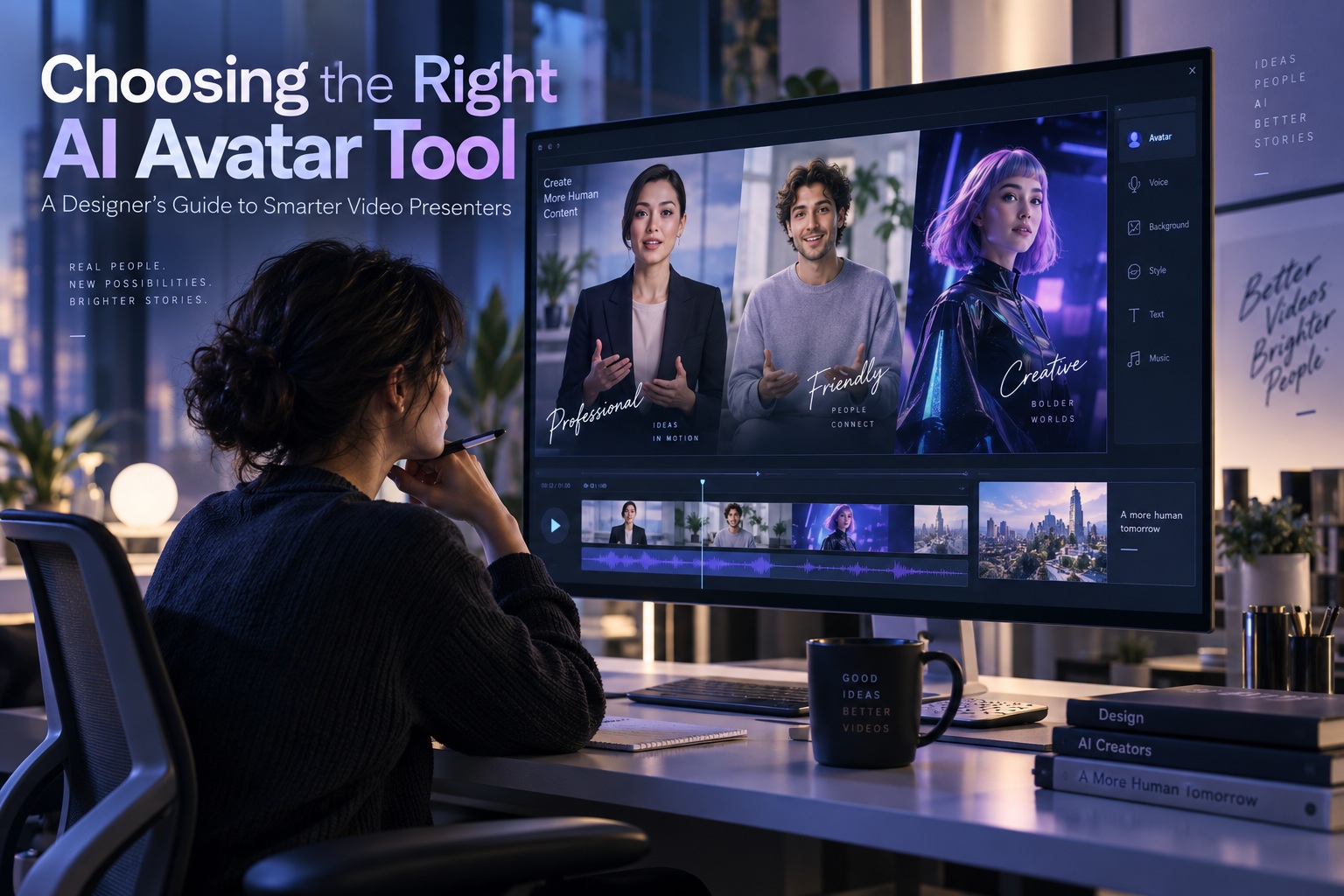
AI avatars are becoming increasingly useful for designers producing client explainers, employee onboarding videos, training material, product announcements, and other content that needs a recognisable presenter. Traditional production usually means finding talent, arranging a shoot, recording audio and then doing it all again whenever a script changes. AI-generated presenters can remove much of that repeated work, especially for organisations producing videos that need regular revisions or localisation.
The difficulty is that AI avatar platforms can look remarkably similar when viewed through their promotional demos, yet behave very differently once you use them on a real project. Some essentially generate a talking head with limited movement and a fairly fixed expression, regardless of whether the script is enthusiastic, serious, reassuring, or urgent. More advanced systems can generate full-body presenters, coordinate gestures with speech, change facial expression according to tone, and place the avatar into customised scenes with specific clothing and backgrounds. For designers, those differences matter far more than a polished vendor showreel.
Start With the Performance, Not the Feature List
The most important test is how the avatar performs with your own script. Vendor demos are naturally created to showcase ideal results, so judging a platform entirely from promotional footage can give an unrealistic impression of what everyday production will look like. A better evaluation is to take the same short script and generate it across every platform you are considering.
Pay particular attention to lip-sync, gestures, expression, and framing. Mouth movements should follow the dialogue convincingly, especially when the presenter is shown close-up, while hands and shoulders should support the delivery rather than cycling through repetitive movements. Facial expression should also reflect the meaning of the script; an enthusiastic launch announcement and a serious service disruption should not be delivered with exactly the same smile.
Consistency between shots is equally important. If you move between medium and close framing, the avatar should not suddenly appear to change posture, body proportions, or emotional state. Designers should also test the presenter in the actual environment they plan to use rather than assuming an avatar that looks good against a plain studio background will perform equally well alongside product footage, graphics, or a branded set.
Different Avatar Types Serve Different Jobs
Most platforms now offer some combination of stock avatars, personal avatars, and generated or stylised characters. Stock presenters are the fastest option because they are already created and ready to use, making them useful for internal training, explainers, and projects with tight deadlines. The trade-off is that the same face may appear in videos produced by many unrelated organisations, so it can be difficult to build a unique brand identity around one.
Personal avatars, often described as digital twins, reproduce a real person from photographs or video footage and may also support cloned voice. These can be useful when a founder, trainer, executive, or spokesperson needs to appear frequently without recording every update personally. However, the consent process and distribution rights vary significantly between services, so designers should examine exactly how identity verification works and where the resulting avatar is legally permitted to appear.
Prompt-generated or stylised avatars offer more creative freedom. They can be designed around a brand aesthetic rather than a real individual, ranging from relatively realistic characters to illustration, anime, clay, or other stylised forms. A customised appearance does not automatically mean the character is exclusive to your organisation, though, so the licensing terms still need to be checked carefully.

Breadth of Choice Can Matter for Larger Teams
The source highlights Synthesia as an example of a platform attempting to cover all three avatar categories. It offers more than 240 ready-made full-body presenters, an Avatar Builder capable of generating characters from prompts or reference images, and a large voice library spanning more than 160 languages. The company also says its platform is used by 90% of the Fortune 100, illustrating how widely AI presenters are now being adopted for enterprise communication.
Synthesia has also publicised a blind comparison involving 1,013 viewers in which its strongest avatars were selected more often than a competitor's, receiving 4,379 preferences compared with 2,988. Because the study was commissioned by Synthesia itself, the result is best treated as a vendor claim rather than a substitute for independent testing. The more useful lesson for designers is to replicate the comparison personally using the same script, framing, and production requirements across every shortlisted platform.
The Real Cost Is Often Editing, Not the Subscription
Subscription pricing is easy to compare, but it can be one of the least useful numbers when selecting an AI avatar platform. If a video needs to be revised every week, the way a service handles regeneration can have a much greater financial impact than the monthly fee. A platform that appears inexpensive can become costly if changing one sentence means paying to regenerate an entire presenter scene.
Billing policies vary considerably between providers. Some services allow updated scripts to be rendered again without additional charges under particular conditions, while others use credits every time the presenter scene is generated. HeyGen, for example, is cited as using credits for presenter-scene rerenders, although designers should always confirm the latest policy for the specific plan they are considering.
A practical trial should therefore include editing rather than just initial creation. Produce a 60- to 90-second video, replace one word, add a sentence, remove another line, and then record how many credits each change consumes and how long the new render takes. If your organisation publishes frequently updated training or product content, those results can be far more important than a small difference in the advertised subscription cost.
Language Counts Can Be Misleading
Platforms frequently advertise support for dozens or even hundreds of languages, but a headline language count does not tell you whether the voices are suitable for your audience. A service may technically support a language while offering only a small selection of voices, limited accents, or pronunciation that sounds unnatural to native speakers. For localisation projects, designers should test the specific languages they actually plan to use rather than relying on the number displayed on a marketing page.
Translated lip-sync should also be evaluated separately from the translation itself. An avatar may pronounce the words correctly while producing awkward pacing, unnatural emphasis, or mouth movements that no longer match convincingly. Names, product terminology, technical phrases, and regional pronunciation deserve particular attention because these are often where synthetic voices become noticeably less natural.
Captions should be inspected in their final delivery format as well. A caption track that looks correct inside the editor may behave differently after export or when embedded in a client website or learning platform. Localisation should therefore be reviewed as an end-to-end experience rather than assuming that successful translation inside the creation tool means the finished video is ready to publish.
Real-Time Avatars Are a Different Category
Some AI avatar systems now support real-time interaction rather than simply reading a prerecorded script. These avatars can be connected to a language model or conversational agent and respond while a user is speaking to them. That makes them potentially useful for guided support, onboarding questions, customer interaction, and sales or training roleplay.
Real-time avatars require a different evaluation process because visual realism is only one component of the experience. The conversation system needs to provide accurate and useful answers, while network latency must remain low enough that the interaction feels natural. Designers should also determine whether the avatar platform provides the intelligence layer itself or whether they are expected to connect their own AI model or agent.
A convincing avatar with poor conversational logic still creates a bad experience. The visual presenter can make an interaction feel more human, but it cannot compensate for irrelevant responses, long pauses, or an agent that repeatedly misunderstands the user. For interactive projects, the avatar and the underlying conversational system need to be tested as one experience.
Consent and Rights Cannot Be an Afterthought
The ability to create realistic digital humans introduces obvious questions around consent and identity misuse. If a platform supports personal avatars, designers should examine exactly how it confirms that the person being reproduced has genuinely approved the creation. A strong process should involve live, on-camera consent that cannot simply be replaced by an uploaded recording, with the identity in the consent material matching the person used to create the avatar.
Distribution rights are equally important. Permission to use an avatar in an internal training module does not necessarily mean it can be used in an advertising campaign, paid social content, or public-facing client work. Teams should document what the consent covers, where the avatar can be distributed, who controls it, and how it can be retired if the individual later leaves the organisation.
Transparency should also form part of the evaluation. Viewers should have a reasonable way to recognise when content was generated or altered using AI, particularly when the presenter resembles a real person. Content provenance systems and credentials can help record how media was created and edited, although they provide context about the file rather than proving that everything said inside the video is factually true.

Security and Governance Matter for Client Work
Enterprise buyers should look beyond visual quality and examine the governance practices behind the platform. The source recommends checking whether providers follow AI disclosure obligations such as those associated with the EU AI Act, whether they hold certifications such as ISO 42001 for AI management, and whether they participate in initiatives such as the Content Authenticity Initiative. These indicators do not automatically guarantee that a tool is suitable, but they provide useful evidence about how seriously a provider approaches responsible AI management.
Design teams should also consider where uploaded material is stored, whether training footage can be reused by the provider, and how cloned voices or avatars can be deleted. Client projects may contain confidential scripts, unreleased product information, or recordings of executives, meaning the avatar platform becomes part of the project's data-security chain. For organisations working in regulated industries, those questions can become as important as whether the avatar looks realistic.
Governance becomes particularly important when several people inside an organisation have access to the same avatar. Controls should prevent unauthorised employees from generating statements in someone else's likeness, especially when the avatar represents a senior executive or public-facing spokesperson. The easier synthetic video becomes to create, the more important internal permissions and audit trails become.
Use One Repeatable Test Before You Buy
The easiest way to compare platforms fairly is to remove as many variables as possible. Instead of watching unrelated vendor demos, run the same real-world project through every shortlisted service and evaluate the final exported result. A useful comparison should cover the entire workflow rather than stopping once the first video looks acceptable.
Running the same test across every service gives designers something much more useful than a list of features. You can see where gestures begin to feel repetitive, where a face loses realism, which voice performs best in another language, and how painful routine revisions become. Those practical differences are what determine whether a tool will actually work once it becomes part of a production workflow.
Final Thoughts
Choosing an AI avatar platform is ultimately less about finding the service with the longest feature list and more about finding the one that behaves reliably in your actual production environment. A tool may offer hundreds of avatars and languages yet still fail if the lip-sync looks unnatural, the presenter cannot deliver the right emotion, or every minor script revision consumes expensive credits. Designers should evaluate the finished communication rather than the technology in isolation.
The strongest platforms are those that give designers control over performance, scene design, localisation, revisions, and branding while also providing clear rules around consent and distribution. Personal avatars need particularly careful governance because they represent real identities, while generated characters require equally clear licensing if they are intended to become long-term brand assets.
Most importantly, do not choose an avatar tool based on its best demo. Give every shortlisted platform the same script, the same framing, the same localisation challenge, and the same revision requests. The differences become much easier to see once every tool has to solve the same problem.
For designers, that is the most useful test of all. The right AI avatar platform is not necessarily the one capable of producing the most impressive promotional reel; it is the one that can repeatedly produce convincing, editable, properly licensed content when your real project—and your real client—needs it.











Comments 0