

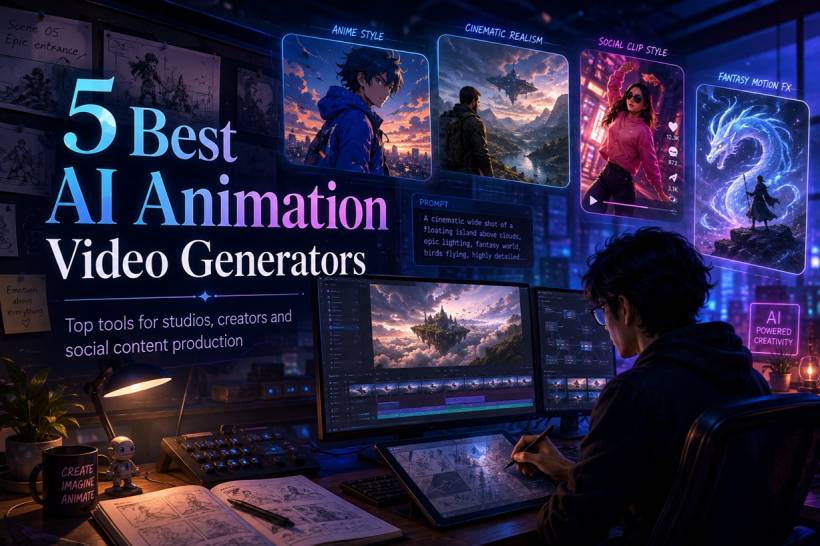
AI animation is quickly moving beyond novelty clips and experimental demos. Creators can now turn written prompts, still images and existing footage into animated sequences within minutes, reducing the amount of time needed for storyboarding, concept development and early production.
These platforms are not complete replacements for animators, editors or visual-effects teams. They are better viewed as production accelerators. A studio can use them to test ideas, create social content, generate background footage, explore visual styles or prepare rough scenes before investing in more detailed manual work.
The challenge is choosing the right tool. Some platforms specialise in realistic movement and cinematic scenes, while others focus on anime, stylised effects or rapid short-form content.
Here are five notable AI animation video generators and where each one fits best.
1. Pollo AI: A Broad All-in-One Creative Platform
Pollo AI is designed for creators who want several AI video workflows in one place rather than relying on separate platforms for generation, transformation and editing.
It supports text-to-video, image-to-video, reference-based generation, video-to-video transformation, photo avatars and AI-assisted editing. This makes it suitable for users producing different types of content throughout the week, from anime clips and promotional videos to social posts and branded campaigns.
One of its main attractions is access to multiple video-generation models through a single interface. Rather than committing to only one rendering engine, users can experiment with models such as Kling AI, Runway, Veo, Sora, PixVerse and Hailuo, depending on availability and subscription level.
The platform is particularly focused on anime and cartoon-style animation. It includes multiple visual presets inspired by modern cinematic anime, hand-drawn fantasy, colourful cartoons and stylised storytelling.
Key strengths
Who should consider it?
Pollo AI is a strong option for creators who regularly switch between different content formats. Marketing teams can produce advertisements and product clips, while independent creators can experiment with anime scenes, music visuals and short stories without moving between several services.
Its beginner-friendly workflow also helps users generate useful clips without learning complicated production software first.
However, highly active scenes may occasionally need several attempts. Rapid motion, complex character interaction and crowded compositions can still cause facial or structural inconsistencies.
Practical tip
Use prompts that clearly describe the subject, setting, lighting, camera angle and motion. Scenes with one main action usually produce more consistent results than prompts containing several events at once.
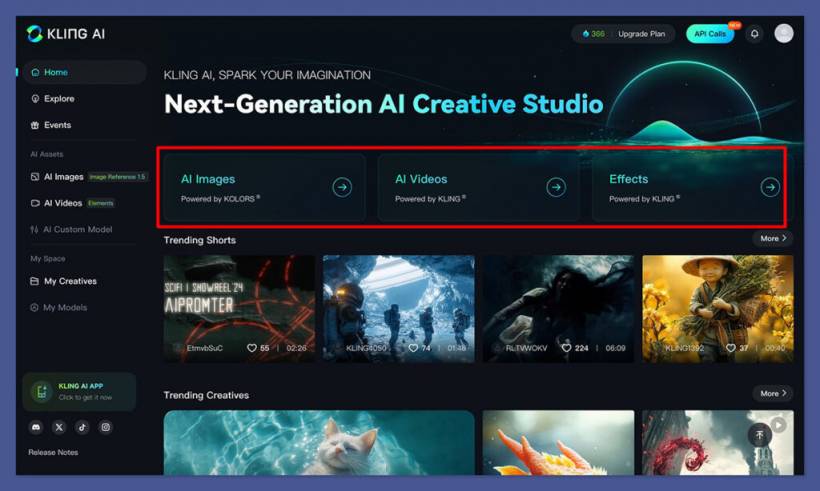
2. Kling AI: Best for Realistic Motion and Cinematic Scenes
Kling AI has developed a reputation for generating videos with realistic movement, atmospheric lighting and cinematic camera behaviour.
Where many AI generators lean towards obvious digital animation, Kling often attempts to make scenes look as though they were captured with a physical camera. Characters interact more naturally with their surroundings, while environmental effects such as wind, lighting and object movement can feel more believable.
This makes the platform attractive for concept trailers, dramatic sequences, science-fiction visuals and mood-heavy storytelling.
Key strengths
Who should consider it?
Kling AI is best suited to filmmakers, visual storytellers and creators who value realism more than rapid output.
It can be particularly effective for establishing shots, atmospheric environments and scenes with controlled camera movement. A slow tracking shot through a futuristic city, for example, is usually a better fit than a chaotic fight involving multiple characters.
The trade-off is that detailed generations may take longer. The platform may also require multiple attempts when prompts contain sudden motion, complex choreography or many competing visual elements.
Practical tip
Describe camera movement using straightforward filmmaking language such as "slow push-in," "steady tracking shot" or "wide cinematic pan." Controlled movement generally produces better continuity than fast and unpredictable action.
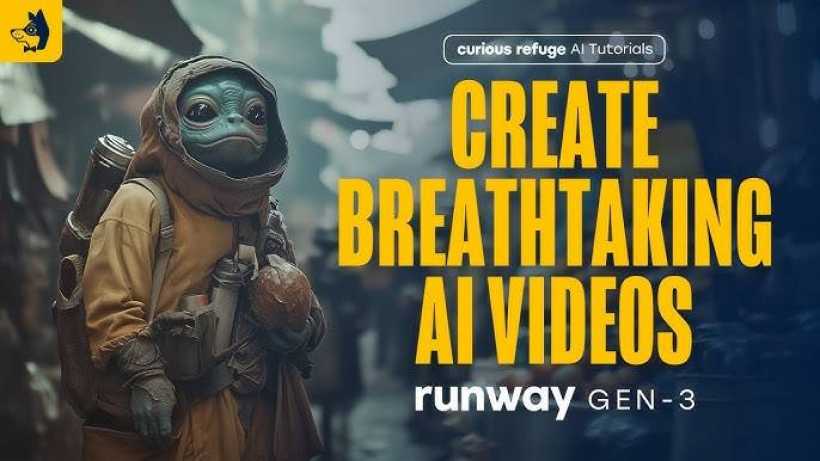
3. Runway: Best for Editing Control and Professional Workflows
Runway is more than a simple prompt-to-video generator. It combines AI scene creation with an expanding collection of editing and post-production tools.
Creators can generate footage and then refine it using masking, motion controls, background replacement, scene expansion and other AI-assisted features. This makes Runway particularly useful when generated clips need to be integrated into a larger production rather than published exactly as they appear.
Its workflow is closer to a creative production suite than a casual one-click generator.
Key strengths
Who should consider it?
Runway is well suited to filmmakers, advertising teams, designers and professional creators who want more control after the initial generation.
It can produce surreal scenes, cinematic environments, abstract movement and commercial-style footage. More importantly, users can continue adjusting those outputs instead of depending entirely on the first result.
That flexibility comes with a steeper learning curve. Beginners may need time to understand how its generation, masking and editing tools work together.
Practical tip
Treat the first generation as raw material rather than a finished scene. Runway becomes more valuable when its AI footage is combined with manual editing, sound design, colour correction and compositing.
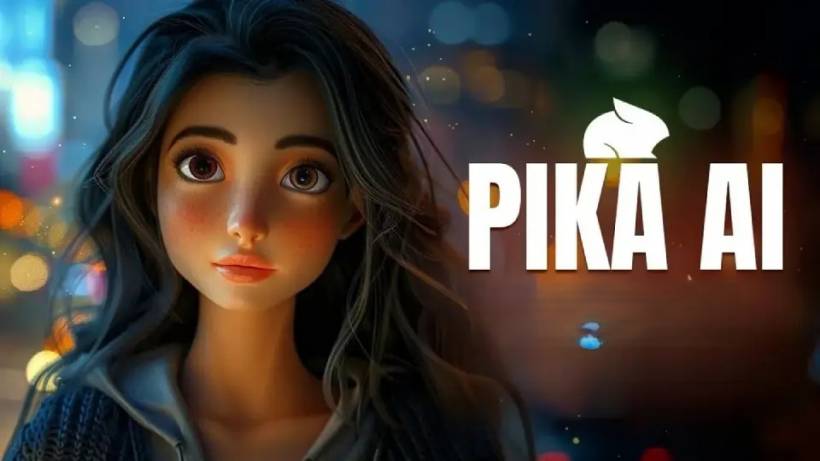
4. Pika: Best for Fast Social Media Experiments
Pika focuses on making AI video generation approachable. Its interface is designed for creators who want to test ideas quickly without working through complex cinematic controls.
The platform is particularly effective for short stylised clips, playful transformations and content intended for TikTok, Instagram Reels or YouTube Shorts.
Pika may not provide the same level of realistic cinematic detail as Kling AI, but it often feels faster and easier for casual experimentation.
Key strengths
Who should consider it?
Pika is a practical choice for influencers, social media managers, meme creators and beginners experimenting with AI animation for the first time.
Its simpler workflow allows users to test several ideas in a relatively short period. This is useful for platforms where trends change quickly and content needs to be produced frequently.
Its limitations become more noticeable in longer scenes. Maintaining the same character, setting and visual logic across a full narrative can still be challenging.
Practical tip
Keep clips short and focus on one visual transformation or movement. Pika usually performs better with a single clear concept than with a complicated multi-scene storyline.
5. PixVerse AI: Best for Bold Effects and Viral-Style Visuals
PixVerse AI is aimed at creators who want immediate visual impact.
It specialises in dramatic transformations, fantasy effects, animated portraits and energetic short-form scenes. Its results often prioritise entertainment value and spectacle rather than realistic cinematography.
A simple image can be transformed into an action-heavy sequence, fantasy scene or exaggerated visual effect that is designed to capture attention quickly.
Key strengths
Who should consider it?
PixVerse AI is particularly useful for creators working on entertainment content, fantasy edits, reaction videos, music clips and trend-driven social media posts.
It can produce visually intense results without requiring advanced editing experience. That makes it appealing for creators who want something immediately eye-catching.
However, its highly stylised output may not suit corporate productions, realistic advertising or scenes that require subtle movement and strict continuity.
Practical tip
Avoid placing too many characters or actions into one prompt. PixVerse often delivers stronger results when it can focus on one central transformation or dramatic effect.
AI Animation Video Generator Comparison
| Platform | Strongest visual styles | Best suited for | Main advantage | Potential limitation | Indicative pricing |
| Pollo AI | Anime, cartoon, fantasy, cinematic anime and stylised marketing content | Creators who need several generation and editing workflows | Multiple AI models and tools in one platform | Complex motion may require regeneration | Free option with paid plans generally around US$10–US$40 monthly |
| Kling AI | Cinematic realism, science fiction, natural character motion and atmospheric scenes | Filmmakers and realistic visual storytelling | Strong motion quality and environmental consistency | Detailed generations may take longer | Free credits with paid plans commonly around US$10–US$35 monthly |
| Runway | Cinematic, surreal, experimental and commercial visuals | Professional creators and production teams | Advanced editing and post-production control | More demanding learning curve | Paid plans commonly around US$12–US$76 monthly |
| Pika | Cartoon clips, memes, playful effects and stylised short videos | Beginners and social media creators | Fast experimentation and easy workflow | Less suitable for long, complex narratives | Free option with paid plans generally around US$8–US$35 monthly |
| PixVerse AI | Fantasy effects, anime-inspired edits and dramatic transformations | Viral, entertainment and trend-focused content | Strong visual impact from simple inputs | Stylisation may not suit realistic productions | Free option with paid plans generally around US$10–US$30 monthly |
Pricing, model access, credit allowances and export limits can change frequently. Users should review current plan details before choosing a subscription.
Which Platform Is Best for Different Creators?
There is no single AI animation generator that is best for every project.
A social media creator may value speed more than perfect realism. A filmmaker may accept longer rendering times in exchange for better motion and lighting. A marketing team may prefer an all-in-one platform that supports advertisements, avatars, editing and different generation models.
For broad flexibility, Pollo AI offers one of the widest collections of tools and styles. Kling AI is more attractive when realistic movement and cinematic depth are the priority. Runway provides stronger editing control for professional production, while Pika and PixVerse are better suited to fast, stylised social content.
How Studios Can Use AI Animation Responsibly
Studios should think of AI generation as one stage of production rather than the entire workflow.
It can help with:
Human review remains essential. Generated footage may contain inconsistent faces, distorted hands, unstable objects or unexpected changes between frames. Every clip should be checked carefully before being delivered to a client or published publicly.
Studios should also review licensing conditions, commercial-use permissions and data-handling policies, especially when uploading confidential client material or copyrighted visual references.
Prompt Quality Still Matters
Even advanced AI video models depend heavily on the clarity of the instructions they receive.
A weak prompt such as "make a cool fantasy animation" leaves too many decisions to the model. A more useful prompt might describe a lone traveller crossing a misty bridge at sunrise, viewed through a slow tracking shot with soft cinematic lighting and restrained movement.
Useful prompts typically define:
It is usually better to generate several simple shots and edit them together than to expect one prompt to create an entire polished sequence.
Speed Should Not Replace Creative Direction
AI tools can dramatically increase output, but producing more clips does not automatically produce better work.
Successful animation still depends on storytelling, pacing, composition, sound and emotional direction. Without those elements, even technically impressive AI footage can feel disconnected or forgettable.
The most effective creators use AI to shorten repetitive stages while continuing to make the important creative decisions themselves.
Final Thoughts
AI animation video generators are making animated production more accessible to individuals and smaller studios. They can help teams test ideas faster, create more content and explore visual directions that would previously have required significant time and resources.
Pollo AI offers a broad all-in-one environment, Kling AI focuses on cinematic realism, Runway provides deeper production control, Pika makes experimentation easier, and PixVerse specialises in dramatic social-friendly effects.
The right choice depends on the type of content being produced. Studios should compare output quality, workflow, commercial licensing, generation speed and editing control rather than choosing a platform solely because it produces impressive demonstration clips.
Used carefully, these tools can multiply studio output without removing the creativity, judgement and craftsmanship that give animation its real value.











Comments 0