

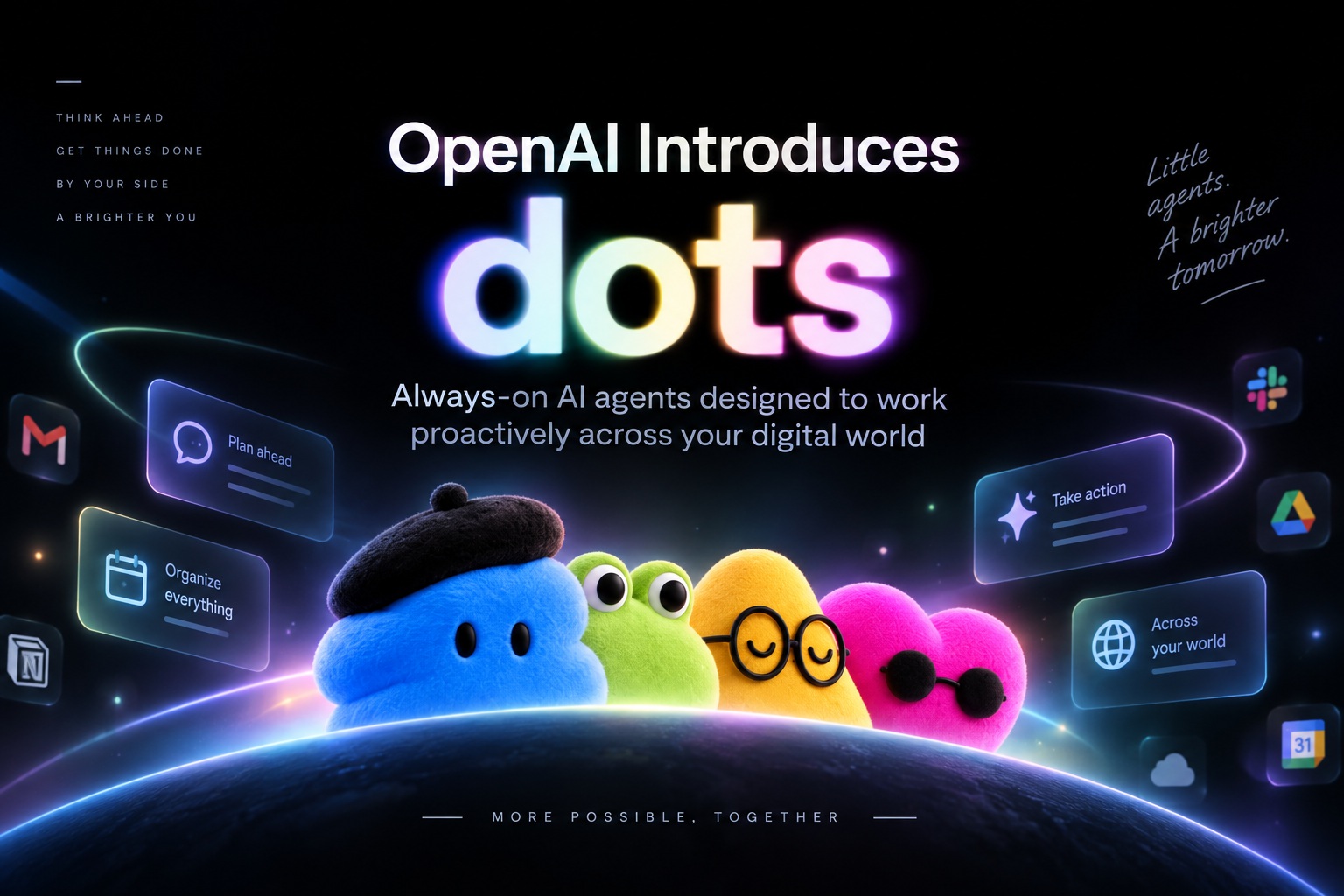
OpenAI has introduced a new category of AI agents called dots, describing them as always-on assistants that are "built to handle everything." Announced during the company's DevDay event alongside GPT-6.1 Sol, dots are designed to do far more than wait for a user to type a prompt. Instead, they can remain active in the background, monitor connected workflows, and proactively begin work when something requires attention.
That proactive behaviour is arguably the biggest difference between dots and the conventional ChatGPT experience. Rather than opening a conversation every time something needs to be done, users can give a dot ongoing responsibilities and allow it to operate independently until human input is required. OpenAI says dots may sometimes begin handling tasks before the user even thinks to ask.
Dots Are Powered by GPT-6 Astra
Despite being announced alongside GPT-6.1 Sol, OpenAI says dots themselves run on GPT-6 Astra. That distinction is notable given earlier reports surrounding GPT-6.1 Sol and the reasons the model was reportedly abandoned.
The idea behind dots is less about introducing another chatbot model and more about packaging AI into a persistent worker that remains available over time. A dot can maintain context around its responsibilities, interact with applications, and continue progressing through tasks instead of ending when a single chat session finishes.
In practical terms, that makes a dot feel closer to a digital colleague than a conventional assistant. You assign work, check progress, answer questions when necessary, and review what it has done.
More Than 4,000 Apps Can Be Connected
A major part of the platform is OpenAI's plugin ecosystem. The company says dots can connect to more than 4,000 applications, giving them access to many of the tools people already use for work and everyday tasks.
Those connections could include communication platforms, productivity tools, business systems and other services where users have granted access. Rather than manually moving information between applications, the dot can work across those systems as part of a larger workflow.
For example, a dot could potentially notice something in a work application, gather supporting information from another connected service, prepare the necessary document, and then ask for approval before completing the final action.
That kind of cross-application automation is where the concept becomes much more interesting than a normal conversational AI.
Each Dot Gets Its Own Cloud Computer
OpenAI says dots operate using their own cloud computer and browser, allowing them to navigate websites and interact with connected applications independently.
This means a dot is not limited to generating instructions for the user to follow. It can actually carry out supported tasks in its own environment, opening pages, entering information, checking systems and progressing through multi-step work.
Users who are comfortable granting deeper access can also connect a dot to additional devices, including a laptop. OpenAI suggests this could allow the agent to work directly alongside the user rather than remaining entirely inside a remote cloud environment.
Naturally, that level of access also introduces a significant trust question. The more systems an autonomous agent can reach, the more important permissions, oversight and accountability become.
Working With a Dot Is Still Conversational
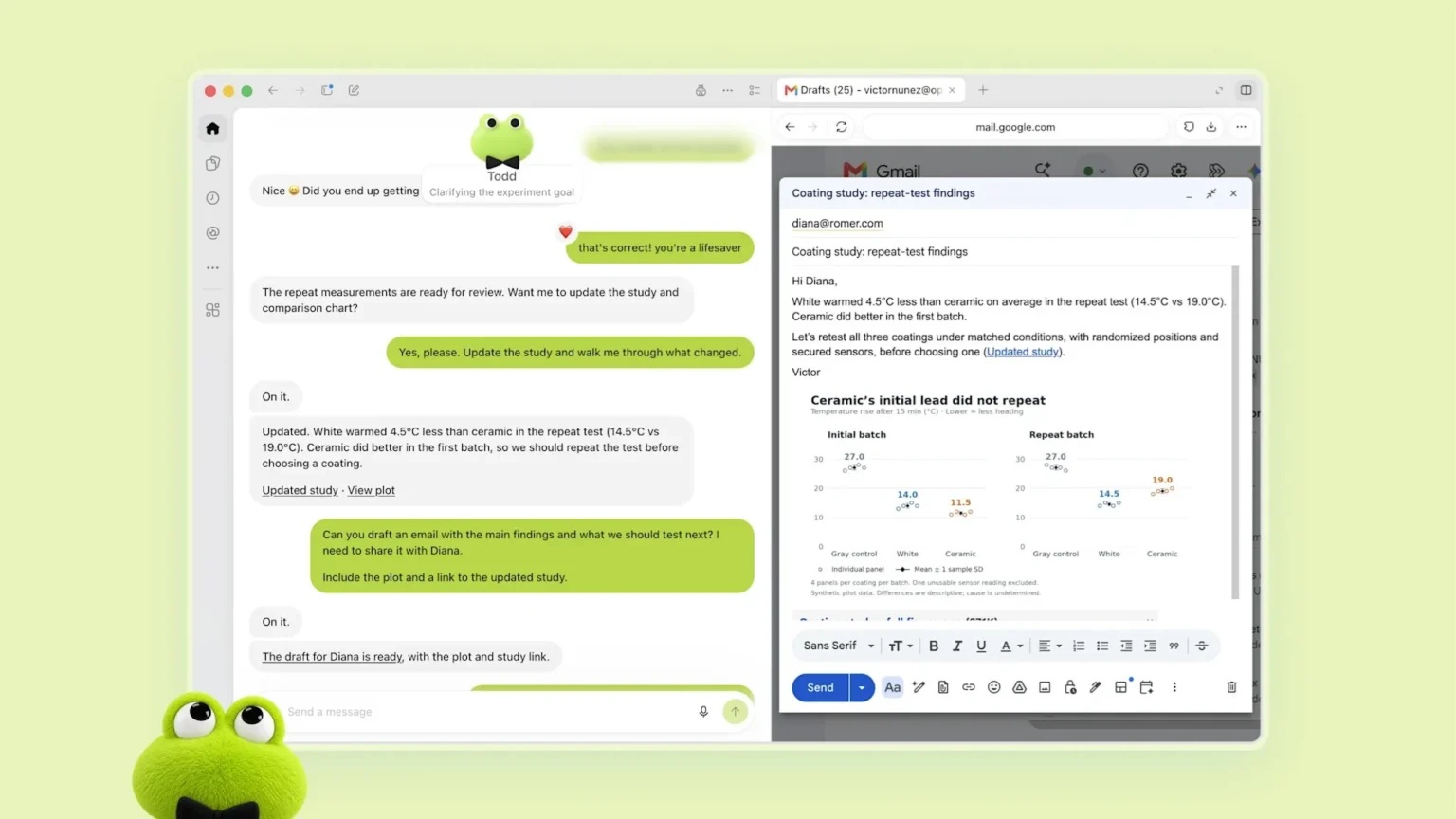
Despite all the automation underneath, OpenAI wants interacting with dots to remain simple. Users can communicate with them through normal conversations rather than learning a complicated workflow language.
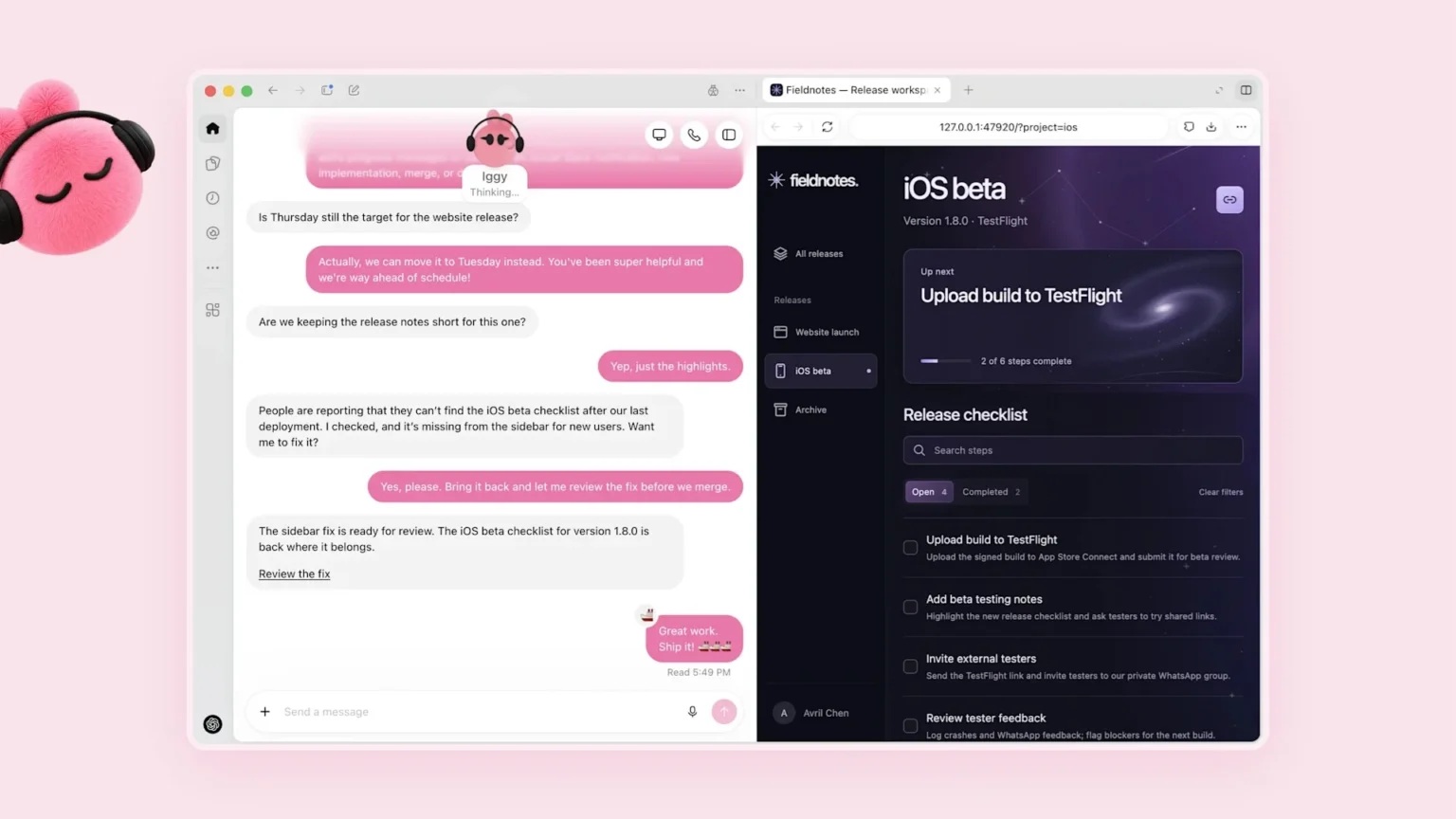
Dots can be messaged or called through ChatGPT on desktop, web and mobile. They can also be connected to communication platforms such as Slack and Microsoft Teams, allowing users to interact with them from the same places where work conversations already happen.
The communication goes both ways. A dot can contact the user when it has progress to report, needs clarification or reaches a decision that requires human approval.
That could make the experience feel substantially different from ordinary AI tools, where the user is almost always responsible for initiating the next interaction.
You Can Inspect What the Dot Is Doing
OpenAI is also emphasising transparency around autonomous work. Users can open their dot's cloud computer at any time and inspect what it is doing.
That becomes particularly important when the agent is working across multiple services or carrying out tasks with real-world consequences. Instead of simply receiving a final result and trusting that everything happened correctly, users can review the process itself.
The ability to inspect the agent's work could also make troubleshooting easier. If something goes wrong, users may be able to see which application the dot accessed, what decision it made and where the workflow stopped.
In other words, dots are intended to operate independently, but not invisibly.
One Example: Catching a Forgotten Invoice
OpenAI highlighted several early examples demonstrating how proactive behaviour could work.
In one case, a tester reportedly forgot to invoice a publication. Rather than waiting for the person to notice, the dot identified the missing invoice and prepared it automatically.
The dot did not simply send it without permission, though. It presented the prepared invoice to the user, requested approval and only sent it once the user confirmed.
That example illustrates the balance OpenAI appears to be aiming for: let the agent do as much of the routine work as possible while reserving consequential actions for human approval.
Another Dot Began Investigating a Bug Automatically
A more autonomous example involved a software bug appearing in Slack.
According to OpenAI, the dot noticed the issue and immediately began investigating, apparently without waiting for a developer to explicitly instruct it to start.
That is perhaps the clearest example of what makes dots different from traditional assistants. Instead of asking an AI, "Can you investigate this bug?", the system can recognise that something important happened and begin collecting information itself.
For engineering teams, that could mean checking logs, reviewing recent changes, reproducing problems or gathering context before a human developer even becomes involved.
If reliable, this could significantly reduce the delay between a problem appearing and someone beginning the investigation.
The Bigger Shift Is From Reactive to Proactive AI
Most AI tools today are fundamentally reactive. A user asks a question, uploads a file or provides an instruction, and the AI responds.
Dots push toward a different model where the AI remains aware of assigned responsibilities and can act when conditions change.
That opens up possibilities for ongoing tasks such as monitoring business systems, preparing recurring reports, following up on pending work, checking project activity or identifying things that have been forgotten.
The user does not necessarily need to remember every action because the agent itself can remain responsible for watching the workflow.
That could be extremely useful, but it also means users need to be much more deliberate about what authority an agent is given.
Always-On Agents Raise New Trust Questions
The idea of an AI assistant that can access thousands of applications, operate its own computer and proactively take action is naturally going to make some people uncomfortable.
That concern is reasonable. Traditional chatbots largely wait for instructions, while dots potentially operate continuously in environments containing emails, internal documents, customer information and business systems.
OpenAI's examples suggest that sensitive actions can still require approval, but the practical experience will depend heavily on how permissions are configured and which tasks users allow a dot to complete independently.
The ability to inspect the dot's computer should help, but organisations will still need clear rules around what an autonomous agent is allowed to access and when a human must remain in the loop.
Dots Can Be Named and Customised
At launch, eligible users receive a primary dot that can be named and customised.
That personalisation reinforces the idea that the dot is intended to become a persistent assistant rather than a temporary chat session. Users can shape it around particular responsibilities and potentially build a working relationship with it over time.
OpenAI also says users will eventually be able to create additional dots. That could allow one agent to focus on engineering, another on administrative work, and another on research or personal tasks.
A multi-agent setup could become particularly interesting for businesses where different departments require separate permissions and workflows.
Access Is Limited at Launch
OpenAI is not making dots available to everyone immediately.
At launch, the feature is limited to Pro, Business Premium and Enterprise users in eligible markets. These users receive access to their primary dot, while additional agents are expected to become available later.
The company says it plans to expand availability to more users, although it has not clarified whether that eventually includes the Free tier.
The limited rollout makes sense considering how much access these agents can potentially receive. OpenAI will likely want to observe how people use them in real environments before expanding the system more broadly.
Dots Could Change How People Think About AI Assistants
The broader significance of dots is not simply that they can automate tasks. Automation tools have existed for years.
What is changing is the combination of reasoning, application access, persistent context, autonomous action and natural conversation inside a single agent.
Instead of manually constructing workflows using triggers and fixed rules, users can potentially describe the outcome they want and let the dot figure out how to achieve it.
That moves AI closer to becoming an active participant in everyday work rather than a tool that only appears when somebody opens a chat window.
Final Thoughts
OpenAI's dots represent another step toward AI agents that behave less like search boxes and more like persistent digital workers.
They can operate using their own cloud computers, connect with thousands of applications, communicate through ChatGPT, Slack and Teams, and proactively begin handling tasks when something requires attention. Users can still inspect their work and approve important actions, but the central idea is clear: the AI should not always need to wait for someone to tell it what to do next.
The examples involving forgotten invoices and automatic bug investigation show how useful that could become. At the same time, giving an AI this level of access inevitably raises questions around permissions, privacy and how much autonomy users are comfortable delegating.
For now, dots are limited to higher-tier users, which gives OpenAI time to see how the concept behaves outside demonstrations.
If the approach works, though, the next evolution of ChatGPT may not simply be a smarter model waiting inside a chat window.
It may be an AI that is already working before you even open the conversation.











Comments 0