

If you've ever printed a catalog, you already know the pain: design changes show up late, prices change faster than ink dries, and once it's out there… it's out there.
An interactive catalog flips that whole experience. You can publish it online, update it anytime, and turn "just browsing" into actual clicks that lead to enquiries or purchases. Instead of a static PDF that people scroll and forget, you get something closer to a mini product experience: page-flip reading, buttons, videos, forms, links to your store, even embedded shopping in some cases.
Below are five solid tools you can use to create one. Think of them as different "lanes" depending on what you're trying to achieve: speed, design control, marketing, or direct e-commerce.
What an Interactive Catalog Really Is
An interactive catalog is basically a digital publication (often starting from a PDF) that's been upgraded with clickable and multimedia elements.
Instead of only showing product pages, it can also include:
• Links that jump to sections or to your website/store
• Embedded videos or animations
• Lead forms (enquiry, booking, quotation request)
• Shareable links for WhatsApp, email, social posts
So the catalog doesn't just "display" products. It guides people toward actions.
Why Put Your Catalog Online Instead of Printing It
A printed catalog is a snapshot in time. An online catalog is a living document.
Here's what usually makes businesses switch:
• Wider reach: anyone can view it from anywhere, on any device
• Better engagement: videos, links, and interactive navigation keep people moving
• Easier sharing: one link you can drop into social media, email campaigns, even QR codes
• Shorter path to purchase: link products straight to checkout pages, booking forms, or enquiry buttons
If you sell or promote anything that changes often, interactive catalogs aren't just "nice to have". They're practical.
The 5 Tools Worth Considering
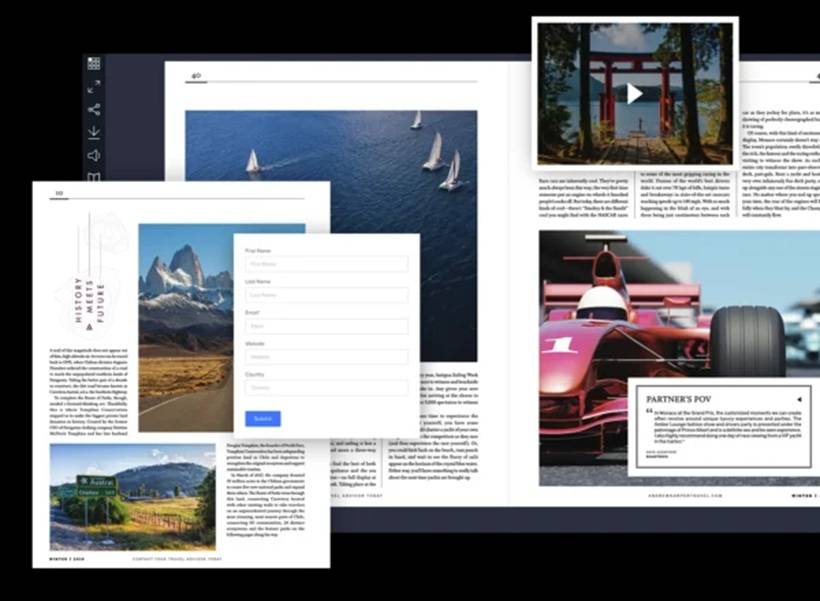
1) Joomag: The All-in-One "Business Publishing" Option
Joomag is for people who want the whole pipeline in one place: create, publish, distribute, track performance, and even monetize. You can start by uploading a PDF, then layer on interactive elements like videos, links, hotspots, and forms. It also leans into marketing and analytics, so you're not publishing blind.
When Joomag makes sense:
• You publish regularly (catalogs, brochures, reports)
• You want templates plus editing flexibility
Standout strengths:
• Large template library and interactive elements
• Distribution tools and performance tracking
• Options for monetization/selling publications

2) Issuu: Fast Publishing With Strong Reach
Issuu is popular because it's simple: upload a PDF and it becomes an online flipbook quickly. It's also good for distribution since it's built around sharing and embedding. It's not the most template-heavy platform, but it's strong for teams who want a smooth "publish and spread it everywhere" workflow. WordPress integration is a nice bonus if you're posting catalogs on a site regularly.
When Issuu makes sense:
• You care about embedding catalogs into websites/blogs
• You're collaborating with multiple people
Standout strengths:
• Easy sharing and embedding
• WordPress support and collaboration features
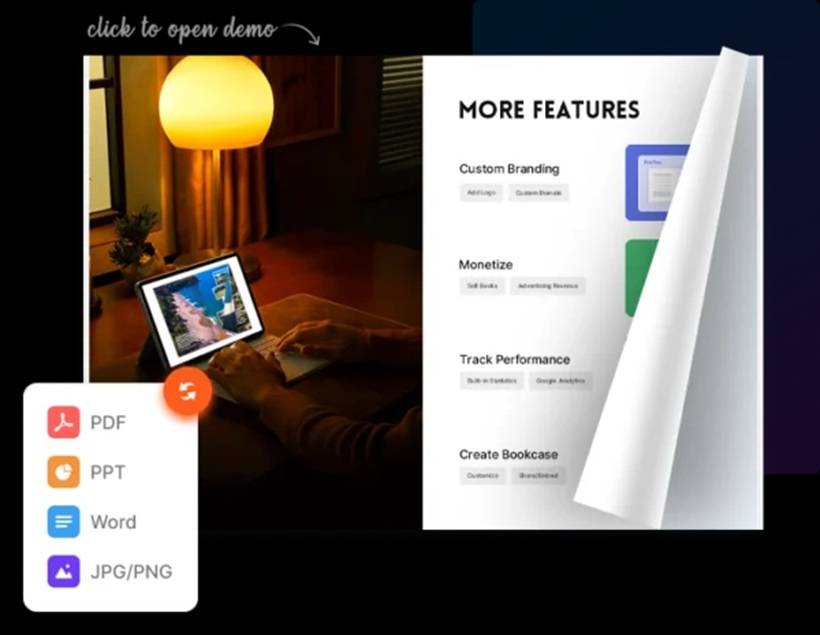
3) FlipHTML5: Templates + AI Features for "Richer" Catalogs
FlipHTML5 is for creators who want a modern catalog feel with lots of customization options. It supports importing from PDFs, PowerPoints, or images, then enhances the experience with interactive elements. What makes it feel "current" is its AI-driven add-ons: text improvement, image generation, and features that help you enrich content quickly. It's also flexible for adding media and engagement features like video or chatbot-style elements.
When FlipHTML5 makes sense:
• You like using templates as a starting point
• You want AI assistance for content enhancement
Standout strengths:
• AI tools to enhance text and visuals
• Supports rich interactivity (video, links, engagement add-ons)
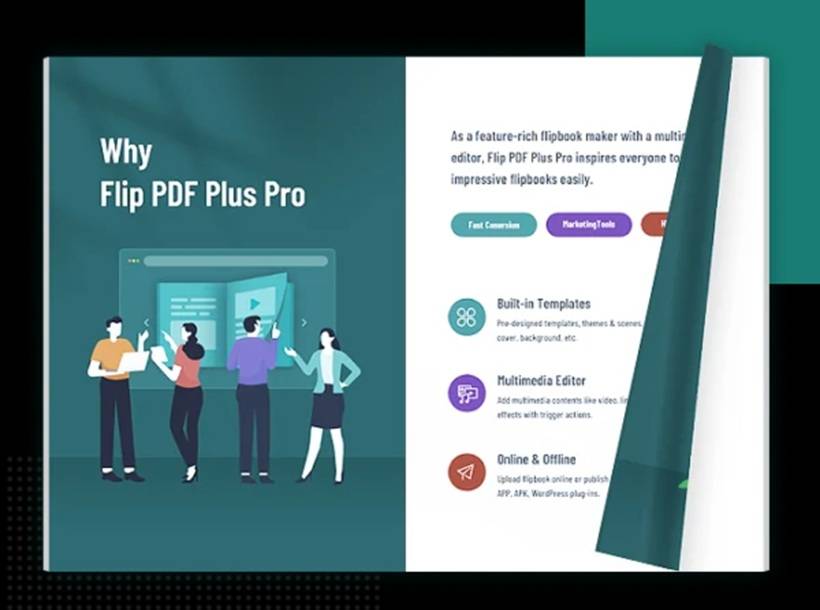
4) Flip PDF (FlipBuilder): A More "Desktop Software" Feel for Pro Control
Flip PDF is more of a classic "convert PDF to interactive flipbook" tool, with a professional vibe and lots of add-on features depending on the edition you choose. A big advantage is flexibility in publishing: you can publish online or create offline versions, which is useful for exhibitions, sales teams, hospitals, showrooms, or anywhere you might need a catalog without relying on internet access. It's also built with HTML5 output so mobile/tablet viewing is covered.
When Flip PDF makes sense:
• You prefer a more "software tool" workflow
• You want video/audio/links inside a catalog
Standout strengths:
• Supports video, audio, and interactive links
• HTML5 output for mobile compatibility
• Editions vary for advanced templates and hosting features
5) Flipsnack: Great for Catalogs That Sell Directly
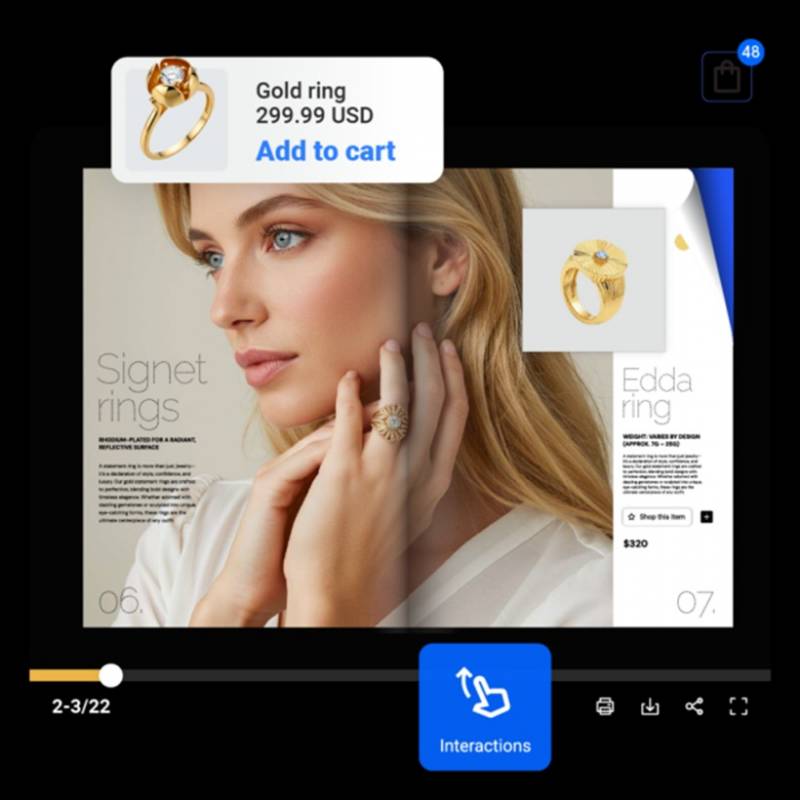
Flipsnack is especially interesting if you want your catalog to do more than showcase products. It can connect the browsing experience directly to buying, using built-in e-commerce style features. So instead of "see product, go find it on the website," it becomes "see product, click, buy." It also has a friendly visual editor and templates, which makes it approachable for beginners and efficient for teams.
When Flipsnack makes sense:
• You want a simple editor and fast production
• Your catalog is closely tied to products and pricing
Standout strengths:
• Template-based creation
• Integrated e-commerce functionality
How to Choose the Right Tool Without Overthinking It
If you want a quick shortcut:
• If your priority is fast PDF publishing and wide sharing/embedding, Issuu is hard to beat.
• If your priority is modern templates plus AI-driven enrichment, FlipHTML5 stands out.
• If you need offline publishing and a more traditional "pro tool" workflow, Flip PDF fits nicely.
• If your catalog should function like a shop window with buying built in, Flipsnack is the obvious choice.
Final thoughts
Interactive catalogs work best when you treat them like a guided experience, not just a digital version of print. A good one is easy to navigate, quick to load on mobile, and makes the next step obvious (enquire, book, buy, or message). Pick a tool that matches your real workflow, then focus on the basics that actually move the needle: clean layout, clear calls-to-action, and links that take people where they want to go in one click.











Comments 0