

Personal AI agents are increasingly being positioned as proactive assistants capable of handling tasks on a user's behalf, from organising information to interacting directly with websites and online services. The problem begins when an agent needs to sign into an account to complete one of those tasks, because simply handing an AI model your username and password creates an obvious security risk.
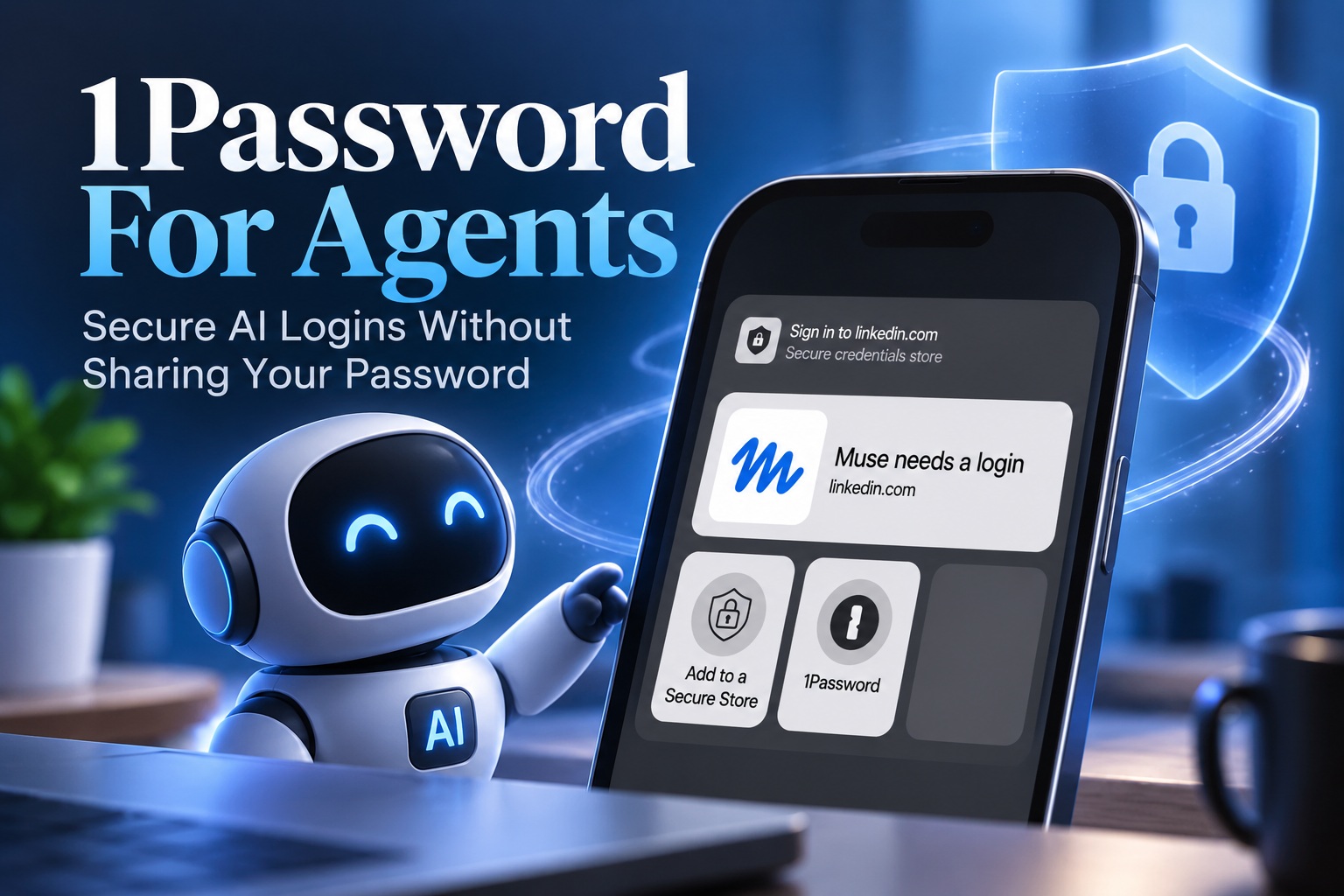
1Password is attempting to solve that problem with a new platform called 1Password for Agents. Instead of exposing login credentials directly to an AI agent, the system allows the agent to request permission to use credentials stored inside the user's 1Password vault. If access is approved, 1Password completes the login process itself while keeping the actual password hidden from the agent.
AI Agents Increasingly Need Access To Real Accounts
The latest generation of personal AI agents is designed to do considerably more than answer questions. Products such as Claude Duet and other emerging agent platforms are being developed to proactively complete tasks, interact with services and carry out multi-step workflows for users.
Some of those activities inevitably require authentication. An agent might need to log into a shopping account, productivity service, subscription platform or another protected website before it can continue working. At that point, users face an uncomfortable choice between manually signing in themselves or giving the agent access to sensitive credentials.
Neither option is ideal if agents are expected to operate independently for extended periods. 1Password for Agents is designed to create a safer middle ground.
The Agent Requests Access Instead Of Receiving The Password
When an AI agent reaches a login page, it can request permission to use a credential stored inside the user's 1Password vault. The agent identifies itself to 1Password using a unique digital key, allowing the password manager to verify which agent is making the request.
The user then receives a notification explaining which credential the agent wants to use and why it needs access. From there, the user remains in control and can either approve or reject the request.
If permission is granted, 1Password fills the login form directly. The AI agent never receives the underlying username, password or other sensitive information stored inside the vault.
The Password Never Needs To Enter The AI's Context
This separation is particularly important because giving credentials directly to an AI creates another copy of that sensitive information. Once a password has been entered into an agent's prompt, memory or execution environment, the user has much less control over where that information might ultimately exist.
Even if the AI itself never intentionally misuses the password, there is still a possibility that the information could appear in logs, temporary storage or another system involved in processing the request. A later security incident could potentially expose it.
1Password for Agents avoids that problem by keeping the secret inside the password manager. The agent gains access to the authenticated session without ever learning the credential that created it.
Users Still Need To Approve The Login
The feature is not intended to give AI agents unrestricted access to every credential inside a vault. Users remain involved whenever an agent requests authentication.
The approval notification provides information about the requested credential and the reason the agent needs it. This gives the user an opportunity to decide whether the task actually justifies allowing access to that account.
That human approval layer is important because AI agents can misunderstand instructions, choose the wrong service or attempt actions the user did not expect. Keeping the user involved before authentication creates another point where inappropriate access can be stopped.
The Agent Can Still Act Once It Is Logged In
Keeping the password hidden does not eliminate every risk. Once the agent has been authenticated successfully, it can interact with the account according to whatever permissions the logged-in user normally has.
That means the agent could potentially create, modify, purchase, delete or submit information depending on the service involved. If the agent misunderstands an instruction or behaves unexpectedly, the consequences could still be significant.
For this reason, users should treat account access separately from credential exposure. 1Password reduces the risk of leaking the password, but it does not guarantee that every action performed after login will be correct.
AI Agents Can Still Make Mistakes
Large AI models remain probabilistic systems. They can interpret ambiguous instructions incorrectly, select the wrong option or behave unexpectedly when websites change.
That becomes much more important when an agent is no longer merely generating text and instead has permission to operate inside a real account. A mistake inside an email service, shopping platform or cloud account could have consequences beyond producing an incorrect answer.
Users therefore need to consider how much autonomy they are comfortable granting. Protecting login credentials is an important first step, but limiting what an agent is allowed to do after authentication is equally important.
This Is About Credential Security, Not Complete Agent Safety
The main protection offered by 1Password for Agents is relatively specific: the AI does not need to know the user's password. It should not be interpreted as a complete security system for every action an agent performs.
Once signed in, the agent effectively operates through the authenticated session. The account itself may have permissions far beyond what is required for the immediate task.
Future agent-security systems may therefore need more granular controls, such as allowing an AI to perform only certain actions or limiting access to a particular period. For now, users still need to exercise judgement when approving access.
Manual Login Is Safer But Less Convenient
There is already a straightforward alternative to giving an AI your password: log into the website yourself whenever the agent requires authentication.
This keeps the credential out of the agent's environment, but it also undermines one of the main advantages of personal agents. If the user needs to interrupt every workflow to manually authenticate, the agent becomes considerably less autonomous.
That may be acceptable when an account is rarely required, but it quickly becomes tedious if the assistant is supposed to handle routine tasks throughout the day. 1Password's approach attempts to preserve that convenience without forcing users to expose the credential itself.
Password Managers Are Evolving For Agentic AI
Password managers traditionally exist to solve a problem created by humans: people need many strong and unique passwords but cannot realistically remember all of them. AI agents introduce a new version of that problem because software acting on behalf of the user now needs authenticated access too.
Simply allowing agents to read passwords from a vault would defeat much of the security value provided by the password manager. Instead, systems need to authenticate agents while maintaining separation between the secret and the software requesting access.
1Password for Agents represents an early attempt at building that kind of infrastructure. As personal agents become more common, similar authentication models could become increasingly important.
Agent Identity Becomes Part Of The Security Model
The use of a unique digital key also introduces another important concept: the agent itself needs an identity. 1Password needs to know which agent is requesting access before presenting that request to the user.
This could become increasingly important as people use several different agents from multiple providers. A user may eventually have one agent handling travel, another assisting with work and another managing personal administration.
Being able to distinguish between them allows permissions to become much more deliberate. Instead of broadly trusting "AI", users can decide which specific agent should be allowed to interact with a particular account.
One Agent Should Not Automatically Access Everything
A password manager naturally contains some of the user's most sensitive accounts. Allowing every connected AI agent to request every credential would create unnecessary exposure.
The safer model is based on explicit approval and limited access. An agent that manages travel may need an airline account but has no reason to access online banking. A shopping assistant may need retailer credentials but should not automatically receive access to business infrastructure.
As agent ecosystems grow, this principle of least privilege will become increasingly important. Agents should receive only the access necessary to perform the task they were assigned.
Supported AI Platforms Extend Beyond One Vendor
1Password says the platform has been designed to work across several AI ecosystems rather than being tied to one model provider. Supported examples include Meta's Muse, OpenAI's Dots, SpaceXAI's Grok and Town's Townie.
That cross-platform approach makes sense for a password manager because users are unlikely to rely permanently on one AI assistant. Different agents may specialise in different activities, while new platforms will continue appearing.
A shared credential-management layer can provide a consistent approval and authentication model regardless of which agent is performing the task. This could eventually become important infrastructure for the broader agentic AI ecosystem.
Individual And Family Users Can Access The Feature
1Password for Agents is being offered to customers on both Individual and Family plans, although availability may depend on factors such as the user's region, device and authentication method.
The inclusion of consumer plans is notable because agentic AI is increasingly being positioned as an everyday technology rather than something limited to enterprises. If personal agents begin routinely booking appointments, shopping or managing household tasks, ordinary users will face the same authentication challenges currently being discussed in business environments.
Families could also eventually need separate rules regarding which agents can access particular accounts. That makes consumer-friendly permission controls especially important.
Businesses Could Face Even Higher Stakes
Although the initial availability described here focuses on individual users, the underlying concept becomes even more important within businesses. Enterprise password vaults may contain credentials for cloud services, administration portals and other critical infrastructure.
Allowing an autonomous agent to access those environments creates substantially greater risk than logging into a consumer website. Organisations will need detailed policies governing which agents are trusted, what credentials they can request and what actions they may perform after authentication.
Audit trails will also become essential. Businesses need to know whether a human employee or an AI agent performed a particular action and under whose authority it happened.
Agent Authentication Could Eventually Replace Password Sharing Entirely
The broader direction is interesting because personal agents may force online authentication to evolve. Passwords were designed around humans manually entering secrets into websites, not autonomous software performing tasks on their behalf.
Long-term, websites may increasingly support delegated credentials, passkeys, OAuth-style authorisation or purpose-built agent identities. Instead of pretending the agent is the user, services could understand that an authorised agent is acting on the user's behalf.
That would allow permissions to become much more granular. An agent might be allowed to read an order status, for example, without receiving permission to change account details or make another purchase.
Final Thoughts
1Password for Agents addresses one of the more obvious security problems created by increasingly autonomous AI assistants: how do you let an agent sign into an account without simply handing it your password?
The approach is sensible. When an agent needs authentication, it identifies itself to 1Password and requests access to the appropriate credential. The user approves or rejects the request, and if approved, 1Password completes the login without exposing the underlying username, password or vault information to the AI.
That does not make autonomous agents completely safe. Once logged in, the AI may still have considerable control over the account and could make mistakes or behave unexpectedly. Users therefore still need to think carefully before granting access, particularly for sensitive services.
What 1Password solves is the credential problem. Instead of creating another copy of a password inside an AI system, the secret stays where it belongs — inside the password manager — while the agent receives only the authenticated access it actually needs. As AI agents become increasingly capable of acting rather than merely answering questions, that separation could become an essential part of keeping personal automation reasonably secure.











Comments 0