

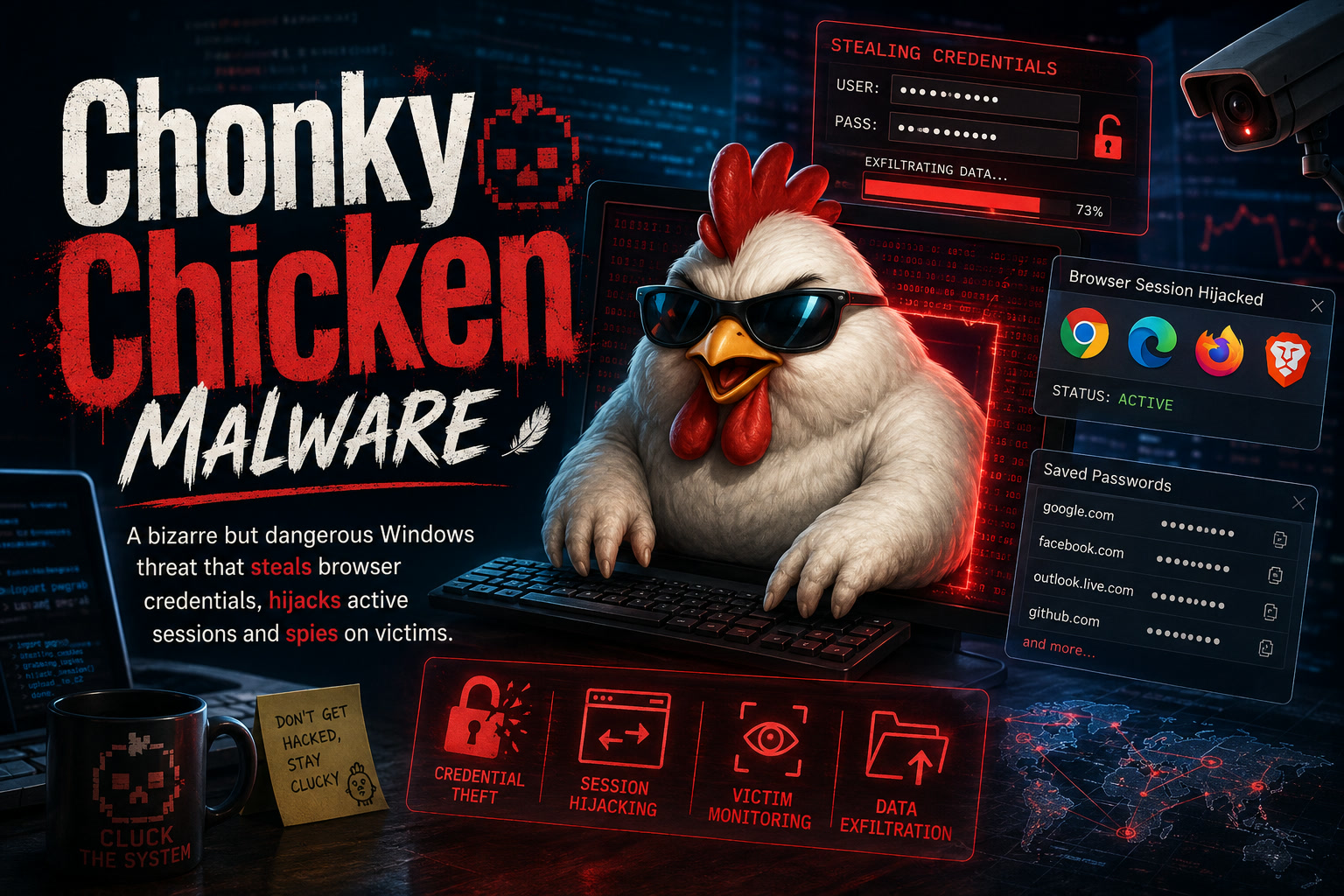
A newly identified remote access trojan known as ChonkyChicken is drawing attention because it does far more than steal a few saved passwords. Once installed on a Windows device, the malware can take control of active browser sessions, monitor user activity, collect sensitive information and help attackers move deeper into an organisation's network.
The malware has been linked to the TAG-195 malware-as-a-service ecosystem, also known as Golden Chickens or Venom Spider. It is designed as a second-stage implant, meaning it is typically delivered after another malicious component has already established an initial foothold on the victim's computer.
What makes ChonkyChicken particularly concerning is the number of capabilities combined within a single framework. It can steal browser credentials, remotely execute commands, gather intelligence about the compromised environment and continuously observe what the victim is doing.
The Attack Begins with a Fake Verification Prompt
Recent ChonkyChicken campaigns reportedly begin with a technique commonly known as ClickFix.
Victims are shown a convincing but fraudulent verification page, often designed to resemble a browser security check, CAPTCHA or technical error message. Instead of automatically installing malware, the page instructs the victim to copy a command and paste it into the Windows Run dialog.
This social-engineering method is effective because the user performs the dangerous action manually. Traditional browser protections may not immediately stop the attack because the malicious command is being entered directly into Windows rather than downloaded through a visibly suspicious attachment.
Once executed, the command retrieves an OCX payload and launches it through the legitimate Windows utility regsvr32.exe. This allows an initial backdoor called TinyEgg to establish access before ChonkyChicken is delivered to the compromised device.
The use of regsvr32 is particularly important from a defensive perspective. Because it is a genuine Windows component, its activity can blend in with legitimate system behaviour unless security tools examine where the OCX file originated and why it is being loaded.
Why ClickFix Attacks Are So Dangerous
Many people have learned to avoid suspicious email attachments, but ClickFix attacks take advantage of a different weakness: trust in instructions displayed on a professional-looking webpage.
A victim may be told that a command is needed to verify their identity, restore access to a website, repair a browser problem or complete a security check. The instructions often appear technical enough to seem legitimate while remaining simple enough for an ordinary user to follow.
The key warning sign is straightforward: a genuine website should not require users to copy an unfamiliar command into PowerShell, Command Prompt or the Windows Run box simply to verify access.
Users who encounter such instructions should stop immediately, close the page and report it to their IT or cybersecurity team.
Chrome's Credential Protection Is Directly Targeted
One of ChonkyChicken's most notable features is its use of a specialised helper called ChromEggscalator.
This component is designed to bypass Chrome's App-Bound Encryption protections and retrieve credentials stored inside the browser. The malware downloads the helper into a temporary location, executes it through a legitimate Windows utility and sends the stolen information back to its command-and-control infrastructure.
Browser credential theft can expose much more than website passwords. Depending on what is stored or active in the browser, attackers may gain access to email, cloud applications, corporate portals, financial services and collaboration platforms.
Saved passwords are only part of the problem. Modern browsers also retain cookies, access tokens and authenticated sessions that may allow attackers to enter services without typing the password again.
Active Browser Sessions Can Remain Useful to Attackers
ChonkyChicken can reportedly control live Chrome and Microsoft Edge sessions using the Chrome DevTools Protocol, commonly abbreviated as CDP.
The malware may launch a browser silently in the background with remote debugging enabled. This gives attackers a way to interact with a session that is already authenticated, potentially allowing them to access services as though they were the legitimate user.
This creates an important incident-response challenge.
Resetting the user's password may not be sufficient if the attacker still possesses a valid browser session, token or cookie. The compromised session may remain usable until it is explicitly revoked or expires.
Following a suspected browser-session compromise, organisations should consider:
Password resets remain important, but they should be treated as one part of a broader containment process.
The Malware Watches More Than the Browser
ChonkyChicken is also equipped with extensive surveillance capabilities.
According to the advisory, it can record keystrokes, collect clipboard contents, capture screenshots and even record audio. These functions give attackers continuous visibility into the victim's activity and may expose information that was never stored in the browser.
A keylogger can capture passwords as they are typed. Clipboard monitoring may reveal credentials, financial details or information copied between business systems. Screenshots can expose confidential documents, while audio recording could capture conversations taking place near the device.
This means the malware should not be viewed only as a browser-password stealer. It functions more like a complete espionage platform operating from inside the victim's workstation.
A Compromised PC Can Become a Gateway into the Organisation
The threat extends beyond the initially infected user.
ChonkyChicken can enumerate active sessions, identify other devices, scan network ports, locate shared folders and create scheduled tasks on remote systems. It may use stolen credentials or access tokens to move laterally across the organisation.
Once attackers understand the internal environment, they may attempt to compromise:
The infected endpoint effectively becomes a reconnaissance and staging point. Attackers can learn how the organisation is structured, identify valuable systems and decide where to move next.
The advisory warns that the malware's impact can include unauthorised access to business services, mapping of internal infrastructure and further compromise of connected systems.
A Modular Version Makes Detection More Difficult
A separate ChonkyChicken variant reportedly supports at least 14 optional plugins.
Instead of placing every malicious function on the computer immediately, the malware can request individual capabilities only when they are needed.
This modular structure can help attackers reduce the size and visibility of the initial infection. A compromised machine may not contain every component at once, making it harder for defenders to understand the full capability of the malware from a single sample.
It also allows operators to customise the attack. One victim may receive credential-stealing components, while another may receive network-discovery, surveillance or remote-execution modules.
Security Teams Should Watch regsvr32 More Closely
A key defensive recommendation is to monitor suspicious use of regsvr32.exe, especially when it loads OCX files from locations such as TEMP or AppData.
These are user-writable directories that malware commonly uses because files can often be created there without requiring administrative access.
Where practical, organisations should prevent regsvr32 from loading OCX files from user-controlled locations and generate alerts when unusual Run registry entries are created.
However, defenders should avoid blocking every use of regsvr32 without testing. Some legitimate applications may depend on it. A more effective strategy is to combine application control, behavioural detection, file-path monitoring and endpoint telemetry.
Remote Debugging Is Another Important Warning Sign
Security teams should investigate unexpected Chrome or Microsoft Edge processes running with remote-debugging parameters.
While developers and testers may use remote debugging legitimately, it is uncommon for ordinary business users to launch their browsers this way. Its appearance on a standard workstation should therefore be investigated, particularly when combined with unusual child processes, temporary files or WebSocket traffic.
Administrators may also consider monitoring for command-line parameters such as:
--remote-debugging-port
The presence of this parameter does not prove that ChonkyChicken is active, but it may provide a valuable lead during threat hunting.
Phishing-Resistant MFA Can Reduce the Damage
The advisory recommends the use of phishing-resistant multifactor authentication.
Traditional SMS codes and one-time passwords offer stronger protection than passwords alone, but they can still be captured through phishing pages or social engineering. Phishing-resistant methods such as passkeys, security keys and certificate-based authentication provide better protection against credential theft.
MFA is not a complete solution when an attacker has already hijacked an authenticated browser session. Nevertheless, stronger authentication can reduce the attacker's ability to reuse stolen credentials across new devices and services.
Organisations should combine MFA with session revocation, conditional-access policies, device compliance checks and monitoring for unusual login behaviour.
Limit Administrative Privileges
ChonkyChicken's ability to move across the network becomes more dangerous when infected users have local or domain administrative rights.
Standard users should not receive administrator privileges unless their job genuinely requires them. Separate administrative accounts should be used for privileged tasks, and those accounts should not be used for ordinary browsing, email or document work.
Reducing privileges limits what malware can access and makes it harder for attackers to install persistent components or compromise neighbouring systems. The advisory specifically identifies administrator restriction as an important defence against lateral movement.
Indicators That May Help Threat Hunting
The advisory provides several indicators connected to the observed activity. These include the IP address 70.34.205.43 and domains such as screenly.cam, xtrafftrck.net and api.it195f.top.
It also identifies the controller path gtgate.php, together with filenames such as:
chromelevator.ocx mscom.ocx wpadcapture.ocx koki.ocx agent.ocx TEMP.txt C.txt xlog.txtThe registry value WinComCtl was reportedly used as a Run key for persistence.
Indicators of compromise can support investigations, but they should not be treated as permanent blocking rules without context. Attackers regularly change domains, addresses and filenames.
Behavioural indicators—such as suspicious command execution, unexpected OCX files, browser remote debugging and abnormal network connections—may remain useful even after specific infrastructure has changed.
The ATT&CK Techniques Show a Complete Intrusion Lifecycle
The attack techniques documented in the advisory cover much of the intrusion lifecycle.
They include malicious copy-and-paste execution, Windows Command Shell activity, regsvr32 abuse, credential theft, keylogging, clipboard collection, screen and audio capture, registry persistence, network discovery and command-and-control communications.
The malware can also gather system information, discover users and domain accounts, identify network services and shares, inspect active connections and locate remote systems.
This wide range of techniques demonstrates why a single antivirus signature is not enough. Effective detection requires visibility across endpoints, identities, browsers, network traffic and cloud services.
What Organisations Should Do Now
Organisations should focus on a combination of user awareness and technical controls.
Employees should be warned never to paste commands from websites into Windows Run, PowerShell or Command Prompt unless the instruction has been verified by IT.
Security teams should review endpoint logs for suspicious regsvr32 activity, OCX files in temporary folders, unusual browser parameters, unexpected WebSocket connections and new Run registry entries.
Browsers and operating systems should be kept updated, while application-control policies should restrict unapproved scripts and binaries. Endpoint detection and response tools should also be configured to retain sufficient telemetry for forensic analysis.
Where compromise is suspected, the affected workstation should be isolated immediately. Security teams should preserve evidence, revoke active browser and cloud sessions, rotate exposed credentials and investigate whether the attacker accessed other systems.
Final Thoughts
ChonkyChicken is a strong reminder that modern credential theft is no longer limited to extracting a list of saved passwords.
The malware is built to take advantage of the entire authenticated environment surrounding the user. It can steal browser data, control active sessions, observe the victim, explore the network and provide attackers with a platform for further compromise.
Its ClickFix delivery method also shows that attackers are increasingly persuading users to infect their own computers through seemingly legitimate technical instructions.
The most effective defence is therefore layered. Employees must recognise suspicious prompts, browsers and sessions must be monitored, administrative privileges must be restricted, and incident-response plans must include token revocation rather than password resets alone.
For organisations, the key lesson is clear: once a browser session and endpoint are compromised, the attacker may already be operating as the user. Rapid isolation, full session invalidation and investigation of the surrounding network are essential before the threat can be considered contained.











Comments 0