

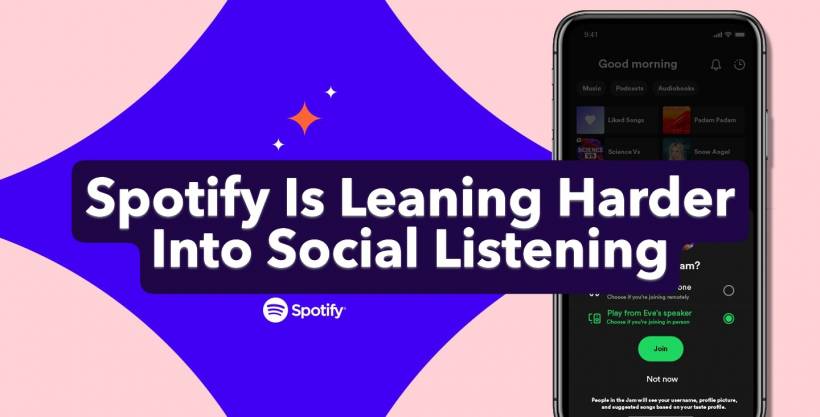
Music streaming has never really been a solo experience. People share songs, recommend playlists, and send links back and forth all the time—but until now, most of that conversation happened outside the streaming app itself. With its latest update, Spotify is clearly trying to change that.
The company has introduced new real-time sharing features inside its Messages system, letting users see what their friends are listening to right now and jump straight into shared listening sessions without leaving the app.
Seeing What Your Friends Are Playing, Live
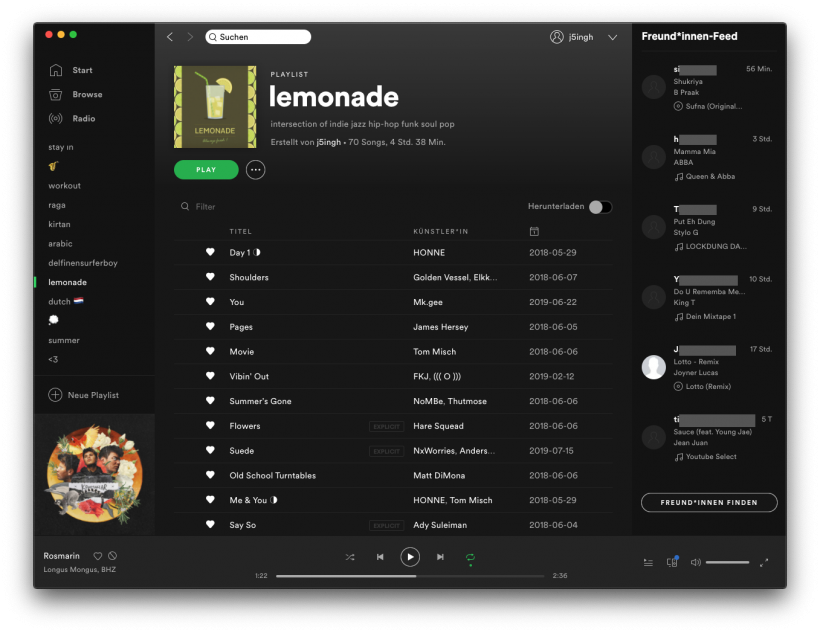
At the heart of the update is real-time listening activity. Once enabled, Spotify will show what your friends are currently streaming directly inside your Messages chats. It's a small change on the surface, but it fundamentally alters how music discovery works between friends.
Instead of screenshots or links sent through WhatsApp or Instagram, you can now glance at a chat and instantly know what track someone is playing. Tap on it, and you can listen along, save it to your library, open the track menu, or react to it—all without breaking the flow of the conversation.
To enable this, users need to head into Settings, open Privacy & Social, and turn on Listening Activity. Once that's done, your music activity appears automatically at the top of your conversations.
Jams Become Easier—and More Social
Spotify is also making it simpler to start a Jam, its collaborative listening feature. Premium users can now send a Jam request directly from a Messages chat using the Jam button in the top-right corner.
If your friend accepts the request, they become the Jam host, and both of you can add songs to a shared queue in real time. It's essentially a digital version of passing the aux cable back and forth, but with fewer arguments about song choice.
Free users aren't left out entirely. While they can't initiate Jams themselves, they can still join a Jam when invited by a Premium subscriber, which helps keep the feature social rather than locked behind a hard paywall.


Availability and Who Can Use It
These new features are rolling out to the iOS and Android apps in regions where Spotify Messages is already available, with full availability expected by early February. Listening Activity works for all users who have access to Messages, while Jam hosting remains a Premium-only perk.
There is one notable restriction: because everything runs through Messages, these features are limited to users aged 16 and above.
Why Spotify Is Doing This Now
Spotify first launched Messages back in August 2025, and this update makes its intentions much clearer. For years, users have shared Spotify links externally—through messaging apps, social media, and even email. By pulling those interactions back into its own ecosystem, Spotify reduces the need for users to leave the app at all.
From a business perspective, it's a smart move. More time spent inside Spotify means stronger engagement metrics and a better chance of converting free users into paying subscribers. From a user perspective, it simply feels more natural to talk about music where the music already lives.
Privacy and Messaging Limits
Messages on Spotify are still fairly controlled. Chats are limited to one-on-one conversations, and you can only message people you already have a connection with—such as playlist collaborators, Jam participants, or Blend partners.
Spotify says Messages are encrypted both at rest and in transit, though they are not protected by end-to-end encryption. That's worth noting for users who are particularly privacy-conscious, even if the feature is primarily focused on casual music sharing.
A Subtle Shift With Big Implications
On paper, this update looks like a small quality-of-life improvement. In practice, it signals a broader shift in how Spotify wants people to experience music together. By blending real-time listening, messaging, and collaborative playback, Spotify is turning the app into a shared space rather than just a personal jukebox.
If the goal is to make music feel more communal again—without forcing users to bounce between apps—this update is a solid step in that direction.











Comments 0