

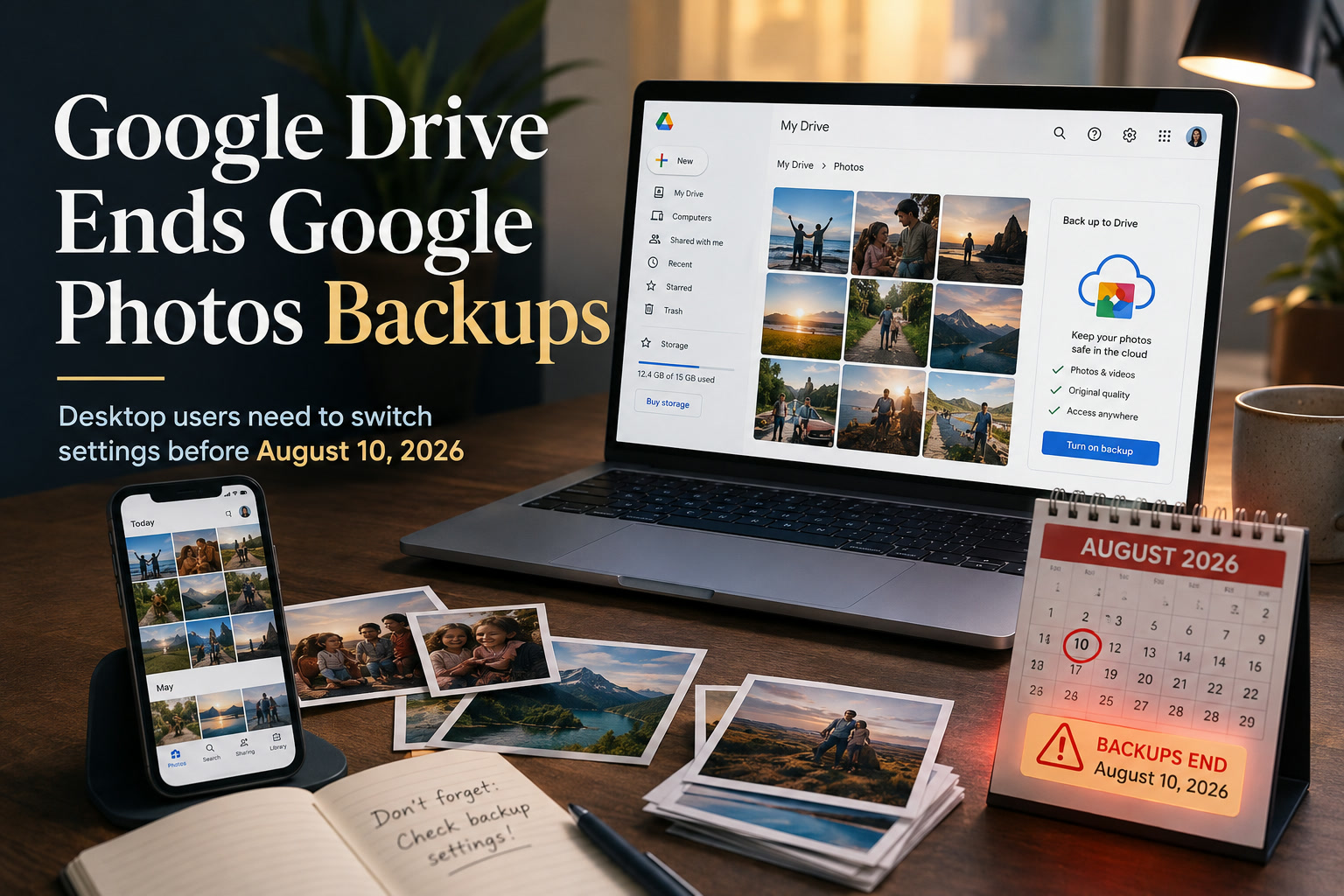
If you use Google Drive for desktop to automatically send photos and videos from your computer to Google Photos, there is an important change taking effect on 10 August 2026.
Google is retiring the Google Photos backup function built into Drive for desktop. This does not mean Google Photos itself is shutting down, and it does not mean the photos you have already backed up will suddenly disappear. What is changing is the way new photos and videos stored on a computer are uploaded to Google Photos.
For anyone who depends on Drive for desktop as part of their photo backup routine, it is worth checking the setup now rather than discovering later that new files are no longer being uploaded.
What Exactly Is Google Changing?
Until now, Google Drive for desktop could monitor selected folders on a Windows PC or Mac and automatically upload supported photos and videos from those folders into Google Photos.
It was particularly useful for people who regularly transferred images from cameras, SD cards or other devices onto their computers. Once the files landed in a monitored folder, Drive for desktop could take care of sending them to Google Photos without requiring much additional effort.
That integration is now being retired.
From 10 August 2026, Drive for desktop will no longer provide the Google Photos backup option. Google had already stopped allowing users to configure new Google Photos backup folders through the application, while previously configured folders were allowed to continue syncing during the transition period.
The key point is that Google Drive and Google Photos are becoming more clearly separated for desktop backups.
Your Existing Google Photos Library Is Not Being Deleted
The wording around backup changes can understandably sound alarming, particularly when years of personal photos are involved, but this is not a deletion announcement.
Photos and videos that have already been successfully uploaded to Google Photos should remain in your Google Photos library. Your smartphone's Google Photos backup functionality is also separate from this change.
The risk is instead with future files stored on your computer.
If you assume Drive for desktop is still monitoring a folder after the feature has been retired, new photos placed into that folder may simply remain on your computer rather than appearing in Google Photos.
That is why users who currently rely on this workflow should make the transition intentionally instead of assuming Google has automatically moved everything over.
Who Actually Needs To Take Action?
This change mainly affects people who use Google Drive for desktop specifically to back up computer folders into Google Photos.
If your only Google Photos workflow involves taking pictures on your Android phone or iPhone and allowing the Google Photos mobile app to upload them automatically, you should not need to change that routine because of this particular update.
Likewise, if you use Drive for desktop only for documents, spreadsheets and normal Google Drive files, there may be nothing for you to do.
The people who should pay the most attention are photographers, content creators and anyone maintaining a large desktop photo archive that has historically been synced into Google Photos through the Drive application.
Move Your Desktop Photo Backup To Google Photos
Google is directing desktop users toward the dedicated Google Photos backup experience rather than continuing to handle the process through Drive for desktop.
If you currently have folders being monitored by Drive, identify those folders first. They may contain camera imports, exported photos, family albums, screenshots or other media collections that you expect to appear automatically in Google Photos.
You can then configure those folders through the Google Photos desktop or web-based backup experience supported by Google.
The important part is not simply changing a setting. Verify that the replacement workflow is actually uploading your files correctly.
After configuring the folders, add or identify a few recent photos and confirm that they appear inside Google Photos. That quick check is worth doing before assuming the migration is complete.
Don't Assume A Folder Is Protected Just Because It Used To Be
Automatic backups are useful partly because they disappear into the background. Unfortunately, that also makes changes like this easy to miss.
A folder may have been quietly uploading photos for several years, so users naturally stop thinking about how that backup actually works. Once the underlying service changes, there may be no obvious warning until somebody searches Google Photos for a recent picture and realises months of new files are missing.
That is particularly risky with photos transferred from dedicated cameras.
A photographer might copy images from an SD card to a computer, format the card and assume Google Photos has already created the cloud copy. If the old Drive backup process has stopped, the computer could now contain the only remaining copy.
For important photographs, it is worth confirming the backup rather than relying on habit.
Why Is Google Separating Photos From Drive?
The move appears to be part of Google's effort to make the responsibilities of Drive and Photos more distinct.
Google Drive is primarily a general-purpose cloud storage and file synchronisation platform, while Google Photos is designed specifically around images and videos. Maintaining photo-specific backup behaviour inside Drive for desktop creates overlap between the two services.
Moving the workflow directly into Google Photos potentially makes the distinction easier to understand: Drive handles files, while Photos handles your photo library.
That may simplify things from Google's perspective, although longtime desktop users could understandably find the transition less convenient.
A workflow that has worked automatically for years is still a workflow somebody now needs to revisit.
Large Photo Libraries Deserve Extra Attention
Users with thousands of photographs should be particularly careful when changing backup methods.
Before altering anything, it is useful to know which local folders are currently part of your backup routine and whether everything inside them has already reached Google Photos.
You should also avoid unnecessarily uploading an enormous library twice if your existing collection is already safely stored online.
The safest approach is to understand what has already been backed up, configure the new process and then verify its behaviour using newer files before relying on it completely.
There is no prize for migrating quickly if you end up with duplicate uploads or, worse, missing photos.
This Is Also A Good Time To Review Your Backup Strategy
The upcoming change is a useful reminder of something that applies to practically every cloud service: synchronisation is not always the same thing as having a complete backup strategy.
Cloud storage can protect you from a failed hard drive or lost computer, but depending exclusively on one provider still creates risk. Accounts can become inaccessible, files can be accidentally deleted and services can change their behaviour—as this transition demonstrates.
For photographs that genuinely matter, keeping another copy on an external drive or another trusted storage location provides valuable additional protection.
A simple approach is to maintain the original files on your computer, a local backup on another physical device and a cloud copy for off-site protection.
You do not necessarily need an elaborate enterprise backup system for family photographs, but having more than one copy in more than one location is still good practice.
The August 10 Deadline Is The Important Part
The date desktop users need to remember is 10 August 2026.
After that point, Google Drive for desktop will no longer continue its old Google Photos backup function. If your workflow depends on that feature, now is the time to check which folders are affected and move them to Google's replacement photo backup method.
There is no need to panic, and your existing Google Photos library is not suddenly being erased.
The important thing is simply ensuring that tomorrow's photos continue being backed up just as reliably as yesterday's were.
Final Thoughts
Google separating photo backups from Drive for desktop is not a dramatic shutdown, but it is exactly the kind of small service change that can cause a big headache if it goes unnoticed.
Most smartphone users probably will not notice any difference. Desktop users with camera imports and organised photo libraries, however, should take a few minutes to review their settings and confirm that new images are reaching Google Photos through the replacement process.
And while you are checking, consider whether Google Photos is currently your only backup.
Photos often become more valuable with time, and discovering years later that an automatic backup quietly stopped working is something nobody wants. A few minutes spent verifying the setup today could save a much more unpleasant surprise later.











Comments 0