

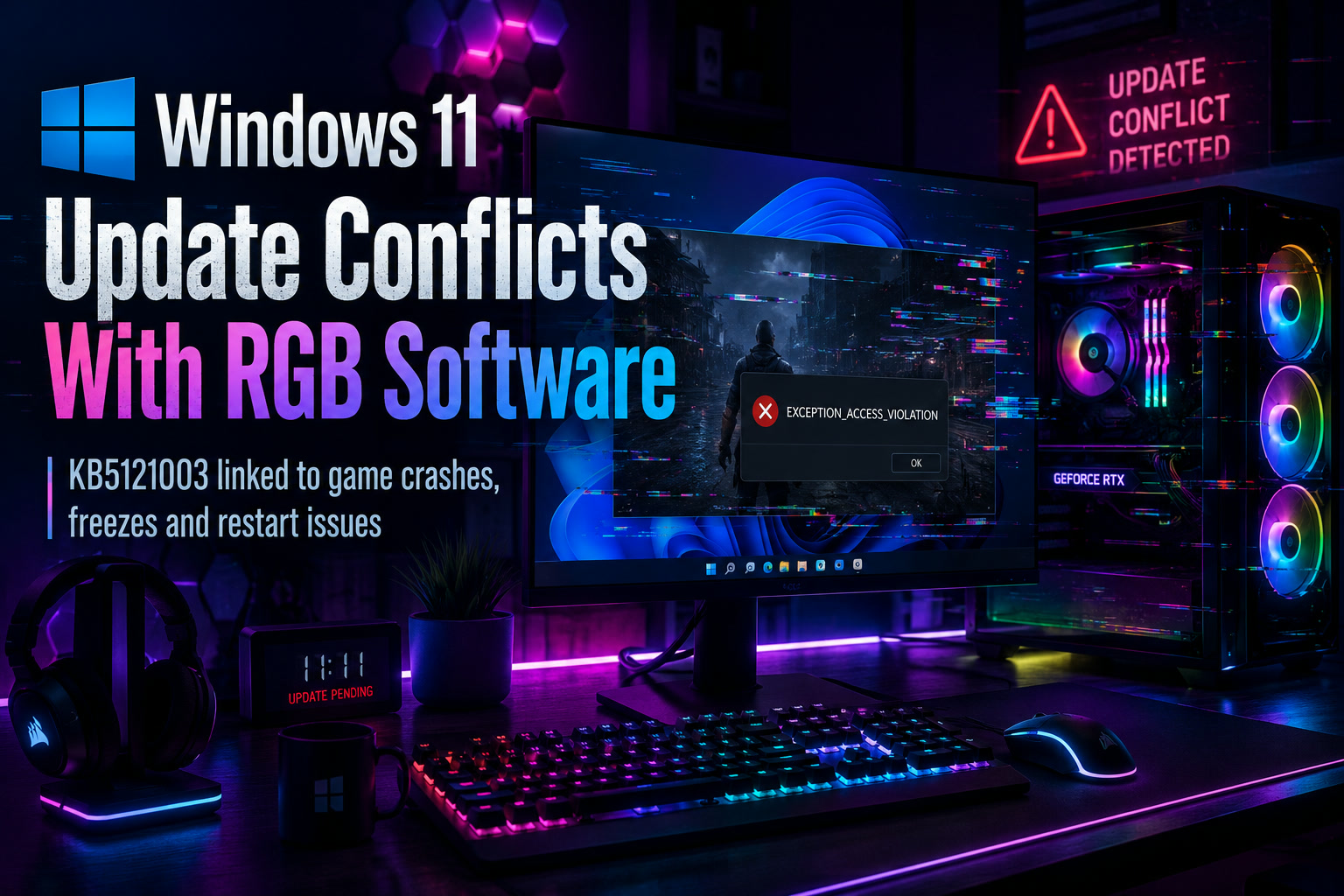
Another Windows 11 update is causing headaches for some PC gamers, with Microsoft confirming that KB5121003 can conflict with certain RGB lighting software and the low-level drivers installed alongside it. The August 2026 security update, released on 11 August, has been linked to games freezing, unexpectedly closing or, in more severe cases, forcing the entire PC to restart.
Some affected users may instead see an "EXCEPTION_ACCESS_VIOLATION" error while gaming.
The problem appears to involve third-party drivers with filenames similar to inpoutx64, which are commonly installed by utilities that communicate directly with hardware such as RGB controllers and other peripherals.
Several Games Are Known to Be Affected
Three games have specifically been identified in connection with the issue:
That does not necessarily mean the problem is limited to those titles. The underlying conflict involves Windows, the third-party driver and software attempting to access it, so other games or applications could potentially experience similar behaviour depending on the system configuration.
For affected gamers, the frustrating part is that the game itself may not actually be responsible.
A title that worked perfectly before installing KB5121003 can suddenly begin crashing even though neither the game nor the graphics driver has changed.
RGB Software Appears to Be the Common Link
The investigation has narrowed the issue down to certain RGB and hardware-management utilities that install an inpoutx64-related driver.
Drivers such as these allow software to communicate at a relatively low level with PC hardware.
That can be useful for controlling lighting, fan behaviour or specialised peripherals, but kernel-level drivers also operate much closer to Windows itself than an ordinary desktop application.
When a Windows security update changes how those drivers are handled, compatibility problems can appear.
That seems to be what is happening with KB5121003.
The result is an unusual situation where something seemingly harmless like RGB lighting software can indirectly cause a game to crash.
Microsoft Has a Workaround, But It Is Not for Everyone
Microsoft has provided a temporary workaround while a permanent fix is being developed.
However, the workaround involves editing the Windows Registry to disable the affected inpoutx64 driver.
That is not something inexperienced users should casually attempt.
Incorrect Registry changes can create additional Windows problems, and disabling the driver may also stop RGB lighting or other hardware features from functioning correctly.
If your games are still working normally, there is little reason to change anything.
For users who are seriously affected and understand the risks, Microsoft's workaround involves opening Registry Editor and navigating to:
HKEY_LOCAL_MACHINE\SYSTEM\CurrentControlSet\Services\inpoutx64
Inside that key, locate the value named:
Start
Double-click it and change Value data to:
4
This disables the driver from starting.
Before making the change, however, it is important to write down the original value.
If disabling the driver causes problems with your RGB controller, peripheral or another utility, you may need to restore the original value later.
A Windows restart may also be required before the change fully takes effect.
Expect RGB Features to Potentially Stop Working
There is an obvious trade-off with this workaround.
The inpoutx64 driver may be installed precisely because some hardware-control software depends on it.
Disabling the driver could therefore fix the game crashes while simultaneously breaking lighting controls or other features.
Your RGB lighting might fall back to its hardware default, stop responding to software or lose certain synchronisation features.
That is why the workaround should really be treated as temporary.
If the affected RGB application can be safely disabled or updated instead, that may be a better option depending on the software involved.
Users should also check whether their motherboard, peripheral or RGB utility vendor has released an updated version compatible with the latest Windows patch.
Another Example of Low-Level Software Causing Gaming Problems
This incident is also a reminder that modern gaming PCs contain far more software than just Windows, graphics drivers and games.
Motherboard utilities, RGB controllers, fan-control software, monitoring applications and peripheral suites can all install background services and drivers.
Some of those components operate at kernel level.
That means when Windows introduces security changes, software that has been running quietly for years can suddenly become incompatible.
The visible symptom may be a crashing game, but the real cause can be something seemingly unrelated running underneath it.
For troubleshooting, this is worth remembering.
If multiple unrelated games suddenly begin crashing immediately after a Windows update, the issue may not necessarily be the GPU driver or the games themselves.
Should You Uninstall KB5121003?
Removing the Windows update may appear to be the easiest solution, but that should generally be considered a last resort.
KB5121003 is a security update, meaning uninstalling it could also remove important security fixes.
If only one or two games are affected, waiting for Microsoft or the RGB software vendor to release an update may be preferable to rolling back the entire Windows security patch.
The situation is different if your PC becomes genuinely unstable or unusable.
In that case, users may need to decide which temporary workaround causes the least disruption until a proper compatibility fix arrives.
Final Thoughts
Windows 11 KB5121003 is proving troublesome for some gamers, but the underlying problem appears more specific than a general Windows gaming failure.
The conflict involves certain inpoutx64-style drivers commonly associated with RGB and hardware-control software, with affected systems experiencing freezes, crashes, restarts and EXCEPTION_ACCESS_VIOLATION errors in games including ARC Raiders, Marvel Tokon: Fighting Souls and The Finals.
Microsoft's temporary Registry workaround can disable the problematic driver, but it comes with an important warning: doing so may also disable the hardware functionality that depends on it.
For most users, the safest approach is therefore to avoid Registry changes unless the crashes are serious, keep RGB and peripheral software updated, and wait for Microsoft or the relevant software vendors to provide a proper compatibility fix.
Sometimes the thing crashing your game is not the game, Windows or even your graphics card — it can be the tiny background driver controlling the lights inside your PC.











Comments 0