

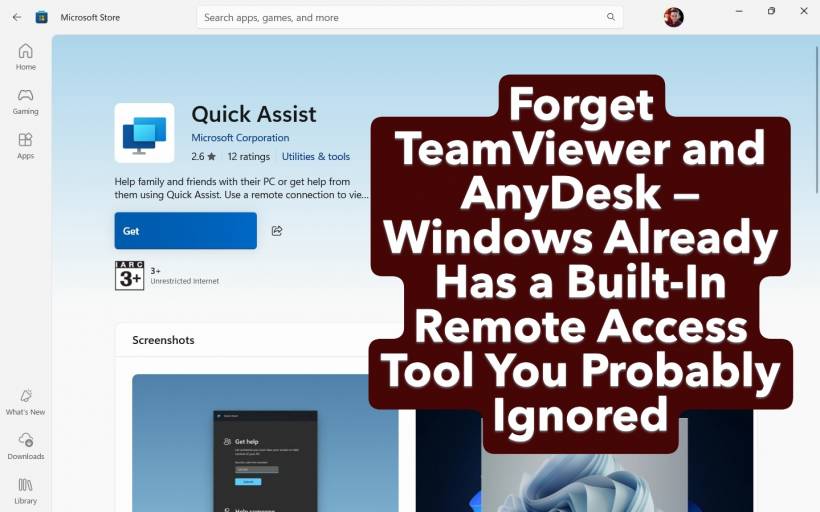
If you've ever tried to help a friend, colleague, or family member fix their computer remotely, chances are you've gone down the usual route — downloading TeamViewer, AnyDesk, or some other third-party remote desktop app. They're popular, convenient, and often the go-to solution.
But here's the thing: you didn't actually need to install anything. Windows already has a powerful remote access tool baked right in — it's called Quick Assist, and it's been hiding in plain sight.
Why You Don't Need Third-Party Tools Anymore
Remote access software is incredibly useful, whether you're providing tech support, checking on your office PC from home, or helping your parents figure out why their printer refuses to print. But installing an external app can often make the process more complicated than it needs to be — you've got downloads, account creation, and confusing permission prompts to deal with.
With Quick Assist, Windows has made the process nearly effortless. The app comes preinstalled on all editions of Windows 11, and it works without the extra setup steps that make other tools a chore to explain over the phone.
Getting Started Is Incredibly Simple
Quick Assist is sitting quietly among your installed apps — no download required.
Here's the process in plain terms:
That's it — no account sign-up, no license pop-ups, no trial versions that suddenly expire when you actually need them.
This simplicity makes Quick Assist a perfect fit for quick troubleshooting moments — especially when the person you're helping might not be very tech-savvy.
Security and Privacy: You Stay in Control
Let's be honest — giving someone remote access to your computer can feel risky. Quick Assist handles that worry smartly by building transparency and consent into every step.
When you start a session:
Even after granting control, you can end the session instantly if something feels off. This layered permission system strikes a balance between safety and convenience — you're always in the driver's seat.
Beyond the Basics: Handy Built-In Tools
Quick Assist isn't just about screen sharing. It includes small but genuinely useful features that make remote help smoother:
These features make it easy to teach or guide someone through a process — not just take over their screen and "fix" things silently.
What Quick Assist Isn't (and Why That's Fine)
Quick Assist is designed for ad-hoc help sessions, not long-term remote management. You can't save connections, configure unattended access, or maintain a list of PCs like you can with paid tools such as Remote Desktop or TeamViewer Business.
But that's exactly the point — it's not for IT departments managing dozens of machines. It's for real-world situations like:
For these quick support moments, Quick Assist does everything you need — without the clutter or cost.
Final Thoughts: It's Already There, Waiting for You
If you've never opened Quick Assist before, try searching for it in your Start menu. You might be surprised at how capable it is.
It's fast, safe, and designed for exactly the kind of real-world tech support most people find themselves giving (or needing). And best of all, you don't have to install a single extra thing.
So before you rush to download TeamViewer or AnyDesk next time, give Quick Assist a shot — Windows already has your back.











Comments