

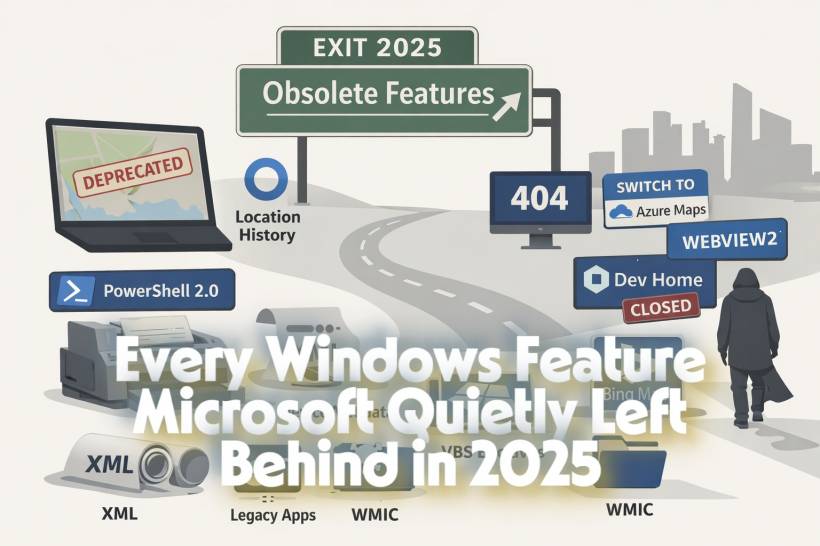
If you used Windows regularly in 2025, you probably felt like things were constantly shifting under your feet. Between the official end of Windows 10, new feature updates for Windows 11, and Microsoft's ongoing effort to modernize the platform, a number of long-standing features were either deprecated or fully removed.
Some of these changes barely affected everyday users. Others quietly broke workflows that had existed for years, especially in enterprise environments and developer setups. And in classic Microsoft fashion, a few of these features had technically been "deprecated" for ages, but only became impossible to ignore in 2025.
Before diving in, a quick reminder: when Microsoft deprecates a feature, it means active development has stopped. The feature may continue to work for a while, but it's effectively living on borrowed time.
The End of Cortana's Location History
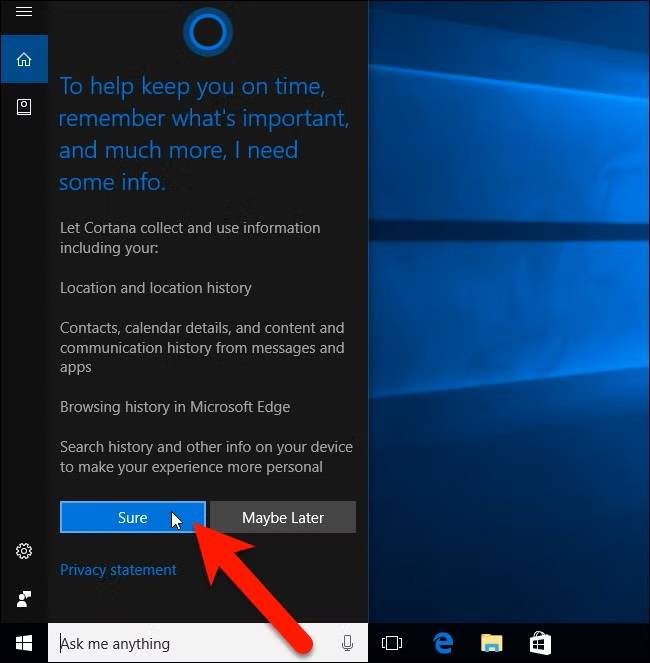
One of the more symbolic changes in 2025 was the deprecation of Location History, a feature originally tied to Cortana.
Location History stored up to 24 hours of location data so Cortana could provide contextual suggestions and reminders. With Cortana already fading into irrelevance, this API no longer made sense to maintain.
It's important to note that this didn't break Windows location services entirely. Windows can still detect your location for things like weather, time zone adjustments, and regional content. What disappeared was the assistant-focused layer that tried to make Windows feel more "aware" of where you were.
A Final Warning for Line Printer Daemon (LPD)
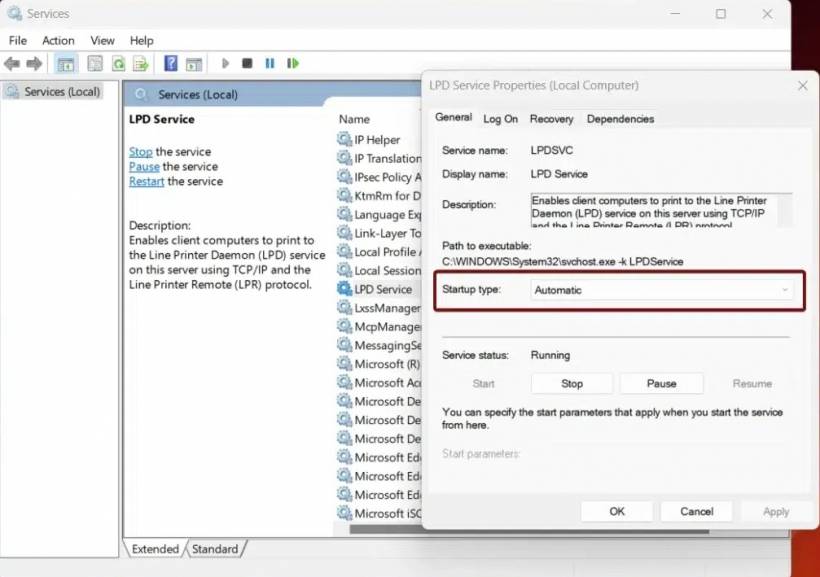
The Line Printer Daemon protocol has been on life support for over a decade. Deprecated as far back as Windows Server 2012, it lingered quietly in Windows for compatibility reasons. In February 2025, Microsoft issued another reminder that its removal is inevitable. This matters mostly to organizations still printing from UNIX or Linux systems using LPR/LPD.
Microsoft's message was clear: if you are still relying on LPD, it's time to migrate. Internet Printing Protocol (IPP) is now the recommended and supported path forward.
VBS Enclaves Lose Support on Older Windows 11 Builds
Virtualization-Based Security (VBS) enclaves are designed to create isolated memory regions for highly sensitive operations, essentially secure rooms inside your system's memory.
In April 2025, Microsoft deprecated VBS enclaves on Windows 11 version 23H2 and earlier. A month later, the company clarified that already-signed enclaves would continue to work, as long as they weren't modified or re-signed.
For most users, this change went unnoticed. For security-focused developers and vendors, it was a clear signal that enclave-based solutions need to move forward with newer Windows versions or alternative security models.
Windows Maps Officially Disappears
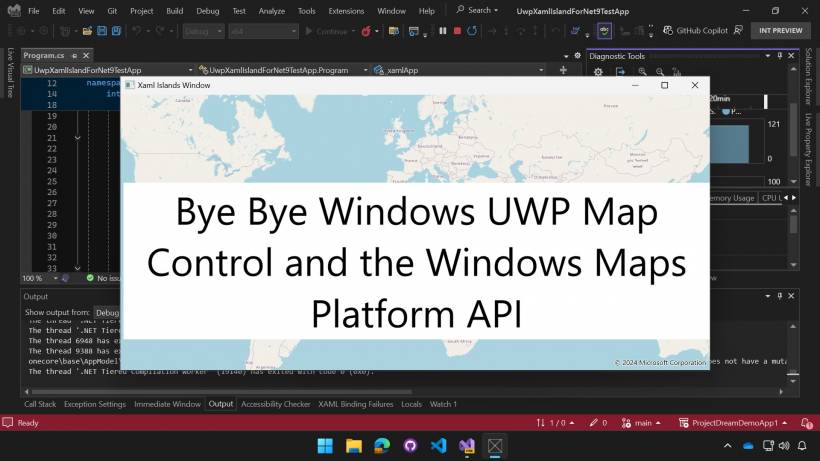
If you suddenly realized the Windows Maps app was gone in 2025, you weren't imagining things. Microsoft deprecated Windows Maps in April and removed it from the Microsoft Store by July. Existing installations stopped working entirely, marking a rare case where a built-in Windows app was fully shut down rather than quietly ignored. Microsoft's recommendation is straightforward: use Bing Maps in the browser instead. This move reinforces a broader trend where standalone Windows apps are being replaced by web-based equivalents.
Device Metadata Finally Reaches the End of the Road
Introduced back in Windows 7, device metadata allowed hardware manufacturers to ship custom icons, logos, and descriptive information for their devices. In May 2025, Microsoft deprecated device metadata in XML format. OEMs can no longer submit this data through Partner Center, effectively ending the system that once made printers, laptops, and peripherals feel more "branded" in Windows. Manufacturers can still include essential device information using INF files, but the richer, visual metadata experience is now part of Windows history.
Dev Home Comes and Goes
Microsoft launched Dev Home in 2023 as a dedicated control center for developers, bundling system settings, repositories, and development tools into one place. By early 2025, it became clear the experiment wasn't sticking. The app was officially discontinued in May, with its most useful features folded directly into the Windows Settings app.
For developers, this was more of a reshuffle than a loss. Nothing critical disappeared, but it reinforced Microsoft's habit of trialing developer-focused tools and retiring them just as quickly.
PowerShell 2.0 Is No Longer Along for the Ride
PowerShell 2.0 was deprecated all the way back in 2017, yet it stubbornly remained part of Windows for compatibility reasons. In June 2025, Microsoft issued a final reminder: starting with Windows 11 version 24H2, PowerShell 2.0 is no longer included at all. Any scripts explicitly targeting version 2.0 will fail, forcing organizations to update legacy automation. Microsoft has been encouraging this transition for years, and 2025 made it unavoidable.
WMIC Quietly Fades Out
WMIC, the command-line interface for Windows Management Instrumentation, has been technically deprecated since 2016. It was disabled by default in early 2024, and by late 2025, it was no longer available even as an optional component in newer Windows 11 releases. Microsoft's replacement strategy is clear: PowerShell is now the standard way to interact with WMI. For IT administrators, this marks the definitive end of an old but familiar toolset.
Legacy Web Components Enter Their Final Phase
September 2025 brought a sweeping deprecation of legacy web technologies tied to the original EdgeHTML engine. This includes legacy Web View, Windows 8-era UWP HTML and JavaScript apps, older Progressive Web Apps, and the original Edge DevTools. While these components may still exist on some systems, Microsoft warned they will eventually stop receiving security updates and will be removed entirely. The company's recommendation is unambiguous: migrate to WebView2, which is based on modern Chromium.
What 2025 Really Tells Us About Windows
Looking at all these changes together, 2025 wasn't about sudden removals. It was about Microsoft finally closing chapters it had left open for years.
Legacy printing protocols, old scripting engines, discontinued apps, and EdgeHTML-era technologies were all given ample warning. The message is consistent: Windows is moving toward web-based services, modern security models, and consolidated tooling inside Settings and PowerShell. For users, most of these changes were invisible. For developers and IT admins, 2025 was a year of cleanup, migrations, and long-overdue upgrades. And if history is any guide, 2026 will probably continue the same trend—just with a new set of features quietly heading toward the exit.











Comments