

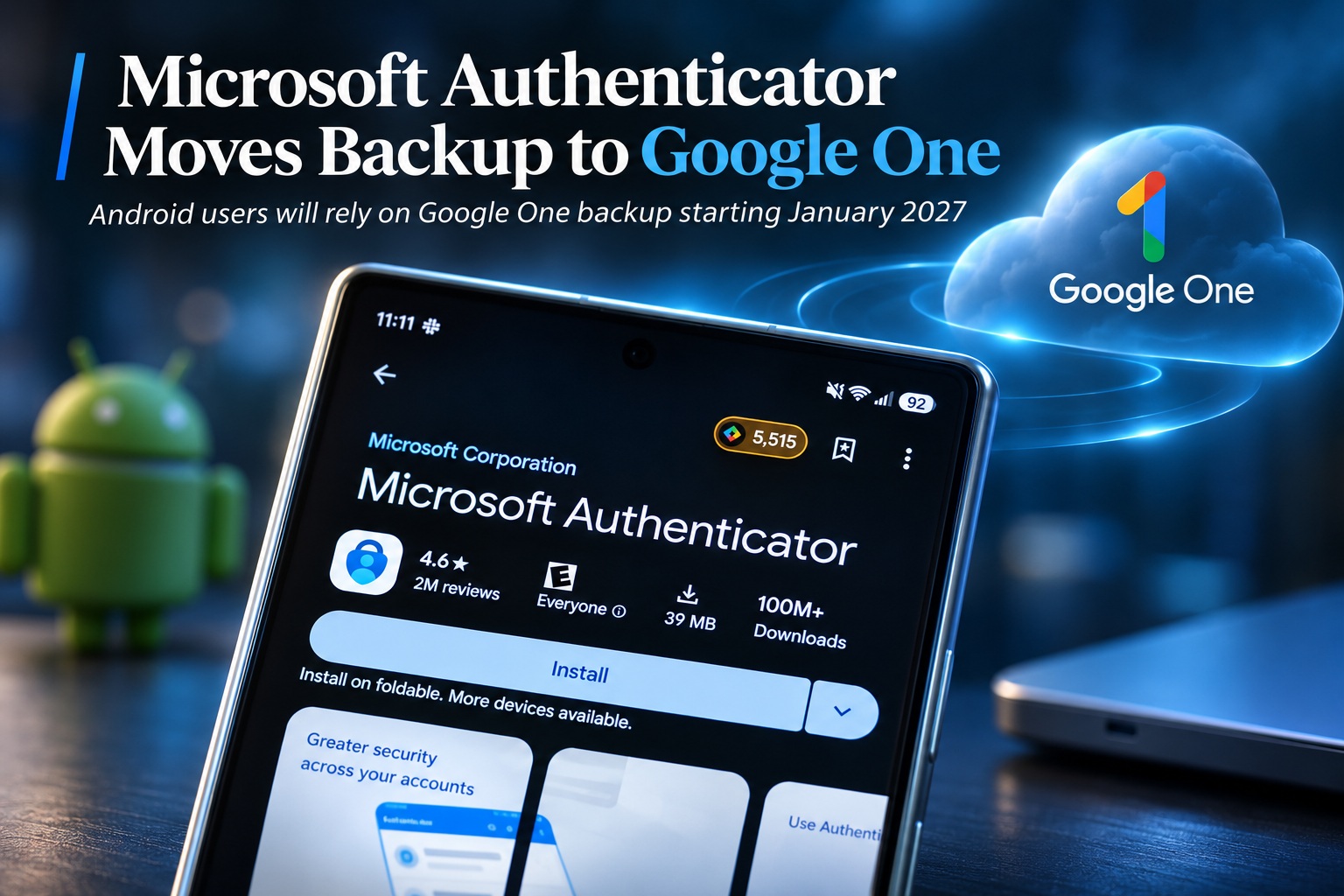
Microsoft is changing how Microsoft Authenticator backs up account information on Android. Starting in January 2027, the app will no longer use a Microsoft personal account to back up one-time password connections and related Authenticator data. Instead, Android users will need to rely on Google One backup, effectively shifting responsibility for Authenticator backups from Microsoft's own account system to Google's device backup infrastructure.
The change is notable because Microsoft Authenticator has traditionally tied Android backup and recovery to a Microsoft account. Once the transition takes effect, users who want their Authenticator data protected will need to make sure Microsoft Authenticator is included in Google One's backup settings on their device.
What Microsoft Authenticator Actually Does
Microsoft Authenticator is primarily used for two-factor authentication and one-time password codes. When an online account supports time-based one-time passwords, Authenticator can generate a temporary code that changes regularly and is entered alongside the user's normal password during login.
The app performs a similar role to Google Authenticator and other authentication applications. Instead of relying solely on passwords, users gain another layer of security because an attacker generally needs access to both the password and the authenticator code before successfully signing in.
Backup Matters More Than It Might Seem
Authenticator backup becomes important when someone loses their phone, upgrades to a new device or needs to reset an existing handset. Without a usable backup, users may need to manually reconnect each account to the authenticator app, which can become inconvenient if dozens of services are involved.
In some cases, recovering access may also require backup codes or support from the service provider. A reliable backup therefore makes device replacement much easier and reduces the chance of someone becoming locked out of important accounts after losing their phone.
Microsoft Account Backup Is Going Away On Android
From January 2027, Android users will no longer enable Microsoft Authenticator backup through their Microsoft personal account. Microsoft has confirmed that users instead need to enable Microsoft Authenticator within Google One backup.
This represents a fairly significant change in how the Android version handles recovery. Rather than Microsoft maintaining a separate backup mechanism inside the app, Authenticator will become part of the broader Android backup environment already provided through Google.
Users Will Need To Enable Authenticator In Google One
The practical requirement is straightforward: users who want Microsoft Authenticator backed up need to make sure the application is included in Google One's device backup settings. If Authenticator is excluded from backup, users may not have the same recovery path when switching or restoring devices.
This makes it worth checking backup settings before January rather than assuming the transition will happen automatically in every configuration. Users who disable Google backups entirely may also need to reconsider how they plan to recover their authenticator accounts if something happens to the phone.
Google One Becomes The Backup Layer
Google One already provides the underlying backup infrastructure for Android devices, including certain application data and device settings. Microsoft is effectively choosing to use that existing mechanism instead of maintaining its own independent Android backup system for Authenticator.
From a technical perspective, this can simplify how the application fits into Android's normal restore process. When a user sets up a replacement device, Authenticator data can be restored alongside other supported application data rather than going through a completely separate Microsoft-specific recovery workflow.
The Change Is Less Unusual Than It First Appears
At first glance, Microsoft relying on Google One to back up one of its security apps may seem unusual. After all, Microsoft and Google compete across operating systems, productivity tools, browsers, cloud services and AI.
However, Microsoft Authenticator already uses a similar platform-native approach on Apple devices. The iOS version relies on iCloud Backup, meaning Microsoft has already accepted the idea of using the operating system provider's own backup infrastructure for Authenticator data.
iPhone Users Already Depend On iCloud
For iPhone users, Authenticator backup has long been connected to Apple's iCloud ecosystem rather than operating entirely through Microsoft's own backup infrastructure. Android users moving to Google One therefore brings the two platforms closer together conceptually.
On iOS, Apple's backup system handles the device-level recovery environment. On Android, Google One will now perform a comparable role. Microsoft is essentially standardising around the native backup systems available on each mobile platform.
This Could Simplify Device Migration
One potential benefit is that moving to a new Android phone may become more straightforward. If Google One is already restoring applications, settings and supported app data, Authenticator can become part of that same process.
Users may no longer need to think of Authenticator backup as something completely separate from the rest of their Android device. The experience could become more consistent with the way other application data is restored when signing into a replacement phone.
But Users Need To Know The Backup Is Enabled
The convenience only helps if Google One backup is actually configured. Some users disable cloud backups for privacy reasons, while others may never have checked whether individual apps are included.
Anyone who depends heavily on Microsoft Authenticator should therefore review the device's backup configuration before the January change. Discovering that Authenticator was never included in backup after losing a phone would be a particularly unpleasant way to learn about the new system.
Two-Factor Authentication Makes Recovery More Complicated
Two-factor authentication deliberately makes accounts harder to access without the correct authentication device. That is excellent for security, but it also means losing the authenticator can create more recovery work than losing an ordinary application.
Users should ideally maintain additional recovery options for important accounts, such as backup codes, hardware security keys or another approved authentication method. Cloud backup is useful, but it should not necessarily be the only recovery strategy for especially important services.
Backup Codes Still Matter
Many services provide one-time recovery codes when two-factor authentication is first enabled. These codes can be used if the user no longer has access to the authenticator application.
It is easy to ignore those codes when everything is working normally, but they become extremely valuable during phone loss or device failure. Keeping them somewhere secure and separate from the phone provides an additional way back into the account if backup restoration does not work as expected.
A Security Key Can Provide Another Layer Of Recovery
For accounts that support them, physical security keys can also provide another authentication method. A hardware key does not depend on the phone or its backup system, making it useful as an alternative when the primary device becomes unavailable.
Not every service supports hardware keys, and they may be unnecessary for casual accounts. However, users protecting important email, financial or administrative accounts may appreciate having more than one independent authentication method available.
The Transition Happens In January 2027
Microsoft says the change begins in January 2027, meaning Android users have only a short period to become familiar with the new backup arrangement. The company is giving advance notice so users can make sure Google One backup is active before the Microsoft-account method disappears.
There is no indication that Authenticator itself is being discontinued or that its two-factor authentication functionality is changing. The transition specifically concerns how account data is backed up and restored on Android.
The Main Authenticator Experience Remains The Same
Users will continue opening Microsoft Authenticator to generate one-time codes and approve supported sign-in requests as usual. The change happens behind the scenes in the backup and recovery process rather than altering the everyday authentication experience.
Someone who never changes phones or needs to restore the application may barely notice the difference. The impact becomes important when a device is replaced, reset, lost or damaged.
Microsoft Is Increasingly Using Platform-Native Services
The move also reflects a broader approach where Microsoft applications increasingly use services provided by the underlying operating system rather than recreating every feature independently. Android already provides cloud backup through Google, while iOS provides iCloud.
Using those native systems can reduce duplicated infrastructure and make restore behaviour more consistent with user expectations. It also means Microsoft does not need to maintain an entirely separate backup experience across every mobile platform.
There Is A Privacy Trade-Off To Consider
Some users may naturally question whether moving Authenticator backup into Google One changes where their authentication data is stored. Users who deliberately chose Microsoft Authenticator may not necessarily have expected Google to become involved in the backup process.
The practical privacy implications will depend on how Authenticator data is protected within Android backup and how Google handles encrypted application backups. For privacy-conscious users, the important point is simply that Google One becomes part of the recovery chain on Android once the change takes effect.
Users Who Avoid Google Backup May Need Another Plan
Android users who deliberately do not use Google One backup should consider how they will handle Authenticator recovery after January. If they continue without cloud backup, replacing a device could require manually reconnecting accounts one by one.
That may be perfectly acceptable for someone with only a few accounts and carefully stored recovery codes. Users managing dozens of authentication entries, however, may find manual recovery considerably more frustrating.
Authenticator Apps Are Becoming Critical Infrastructure For Individuals
For many people, an authenticator app now protects access to email, banking, cloud services, social media and work accounts. Losing access to that app can therefore have a much greater impact than losing an ordinary utility.
This is why backup and recovery deserve almost as much attention as the authentication mechanism itself. Strong security is useful only when legitimate users can still recover their accounts when something goes wrong.
Cloud Backup Creates Convenience But Also Dependency
Using Google One makes recovery easier, but it also creates another dependency. Users need access to their Google account in order to restore the backed-up application data onto a replacement Android device.
That means the Google account itself should be secured carefully, ideally with strong authentication and reliable recovery options. A backup system is only useful if the user can still access the account holding that backup.
Microsoft Account Recovery Will No Longer Be The Android Path
Previously, users could rely on their Microsoft personal account as part of the Authenticator backup process. Once the change takes effect, Android recovery becomes more closely tied to Google's ecosystem instead.
This distinction is worth remembering for anyone who assumes signing into Microsoft Authenticator with the same Microsoft account will automatically restore everything. From January onward, Google One backup settings become the important part of the Android recovery process.
The Change Could Reduce Microsoft's Backup Complexity
Maintaining proprietary cloud backup infrastructure for one application creates additional engineering, security and support requirements. Microsoft needs to handle data storage, restoration logic and compatibility across different Android versions and device manufacturers.
Using Google One allows much of that underlying responsibility to move to Android's existing backup framework. Microsoft can then focus more heavily on Authenticator itself rather than operating a parallel device-backup system.
Platform Integration Could Improve Restore Reliability
Native backup mechanisms also tend to integrate more closely with the device setup process. When users configure a replacement Android phone, Google already asks whether they want to restore their previous applications and data.
Authenticator becoming part of that workflow could make restoration feel more natural. Instead of remembering to perform a separate Authenticator-specific recovery later, the data may be restored as part of the broader phone setup process.
Users Should Still Verify Everything After A Device Change
Even with cloud backup enabled, it is sensible to verify Authenticator after moving to a new device before wiping the old one. Users should make sure important accounts appear correctly and that authentication codes work before permanently removing access to the previous phone.
This is especially important when the authenticator protects services that are difficult to recover manually. Keeping the old device available until the new one has been fully tested provides a useful safety net.
Do Not Erase The Old Phone Too Quickly
One common mistake during phone upgrades is immediately factory-resetting or trading in the old handset once the new device powers on. For authentication apps, that can create unnecessary risk if migration has not completed successfully.
A safer approach is to keep the old phone intact until banking apps, password managers, authenticator entries and other sensitive services have been confirmed on the new device. Only then should the previous handset be erased.
Final Thoughts
Microsoft is changing how Microsoft Authenticator backups work on Android, with Google One replacing Microsoft-account backup beginning in January 2027. Users will need to make sure Microsoft Authenticator is enabled within Google One's backup settings if they want their one-time password accounts and related Authenticator data available during device restoration.
Although the move may initially seem unusual, it brings Android closer to the way Authenticator already works on iOS, where backups rely on iCloud. Microsoft is effectively using each mobile platform's native backup infrastructure rather than maintaining a separate system for every operating system.
For most users, the everyday Authenticator experience will remain unchanged. The difference only becomes important when replacing, resetting or recovering a phone.
The important step is therefore simple: before January arrives, Android users who rely on Microsoft Authenticator should check that Google One backup is enabled and make sure they still have independent recovery options for their most important accounts.











Comments 0