

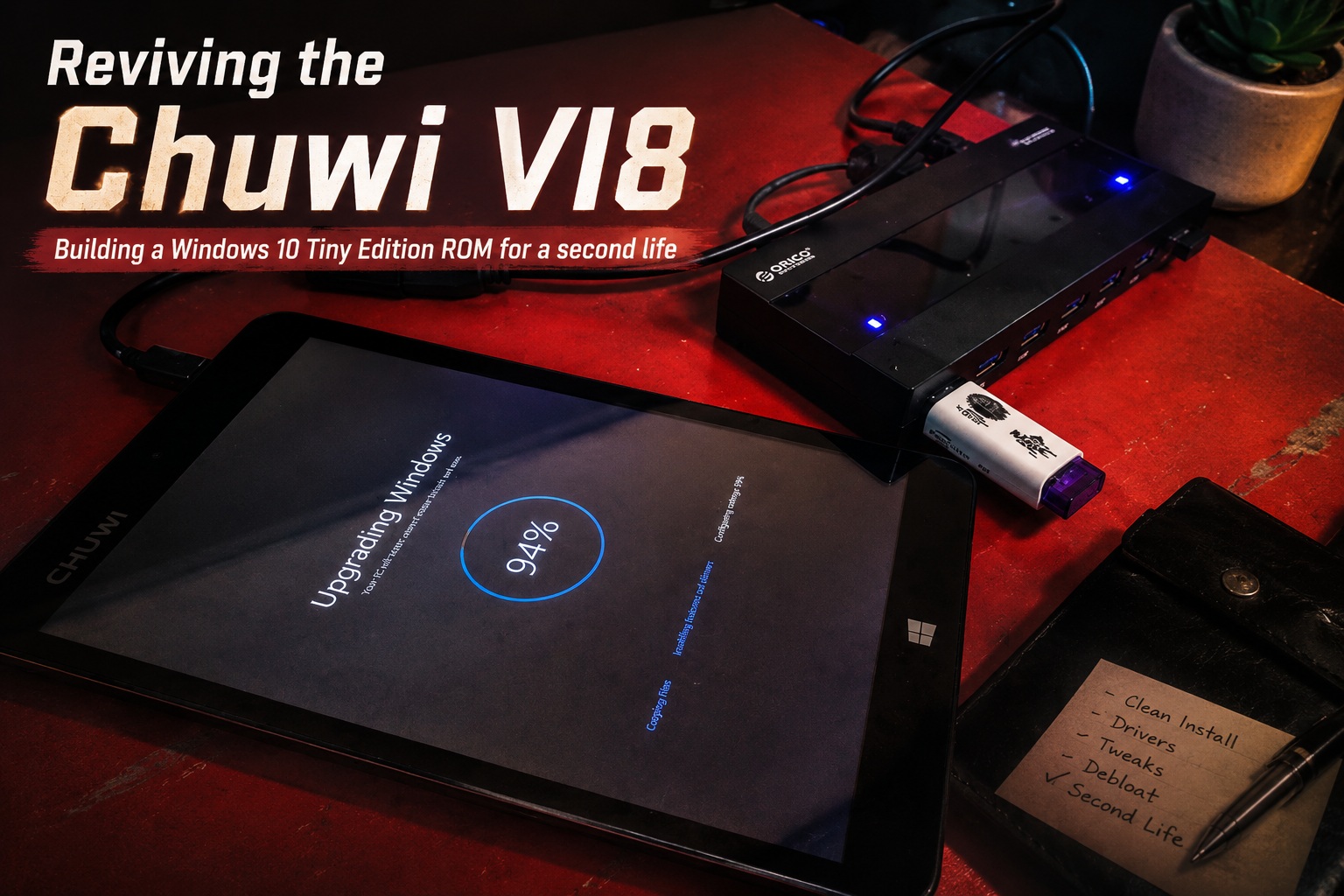
I recently spent quite a bit of time working on an old Chuwi VI8 tablet, and what started as a simple attempt to make a few unused units useful again eventually became a complete custom Windows ROM project. Instead of letting these tablets sit around collecting dust, I decided to build a new Windows 10 Tiny Edition ROM specifically for the Chuwi VI8, with the goal of making the hardware practical again despite its age and limited specifications.
No More Dual Boot — The Entire 64GB for Windows
The original Chuwi VI8 was designed as a dual-boot tablet, typically running both Windows and Android. While that was an interesting feature when the device was new, it also meant that its already limited internal storage had to be divided between two operating systems.
For this new ROM, I decided to completely remove the dual-boot setup and dedicate the entire 64GB internal storage to Windows. This gives Windows significantly more usable space for applications, documents, updates and other files without having to constantly worry about the small Windows partition that came with the original configuration.
The result is a much cleaner setup. Turn on the Chuwi VI8 and it simply boots straight into Windows.
Why Windows 10 Tiny Edition?
The Chuwi VI8 is certainly not a powerful machine by modern standards. The device only comes with 2GB of RAM, so installing a normal modern Windows environment can easily make it feel sluggish.
That is why I decided to use Windows 10 Tiny Edition. It is a lightweight Windows 10 installation with many unnecessary components removed, making it much more suitable for older or low-spec hardware.
On a device with only 2GB of RAM, every bit of memory matters. The lighter Windows installation helps reduce background resource usage and allows the Chuwi VI8 to remain surprisingly usable for basic computing tasks.
It is obviously not going to compete with a modern laptop, but for web browsing, lightweight applications, simple utilities and even some games, it performs much better than I initially expected.
Solving the Chuwi VI8 Driver Problems
Installing Windows itself was actually the easy part. The bigger challenge was getting all of the Chuwi VI8 hardware working correctly.
Two major compatibility problems immediately appeared after installing Windows 10.
The first was the display orientation. The graphics driver worked, but the entire display was inverted vertically. Everything was essentially upside down, which made using the tablet rather interesting during the early stages of troubleshooting.
After experimenting with drivers and configuration settings, I eventually managed to get the graphics display working with the correct orientation.
The second major issue was much more difficult: the touchscreen.
Getting a touchscreen driver installed does not necessarily mean the touchscreen will work correctly. On tablets like the Chuwi VI8, the touchscreen controller also depends on device-specific calibration information so Windows knows exactly how physical touches correspond to positions on the display.
And that led me to a tiny file that caused several hours of troubleshooting.
The Tiny touchsetting.gt File That Became the Biggest Problem
One of the most frustrating parts of the entire project was getting the touchsetting.gt file working.
This file contains custom touchscreen calibration settings for the Chuwi VI8. Without the correct calibration data, the touchscreen can behave incorrectly even when Windows recognizes the touchscreen hardware and the driver itself appears to be installed successfully.
I tried several approaches to get the touchscreen working properly under Windows 10, but nothing worked exactly as expected.
Eventually, I decided to go back to the source.
I restored the original Windows 8 installation that came with the Chuwi VI8 and retrieved the original touchsetting.gt file directly from the working factory environment. At least this way, I knew I had the correct calibration data for the actual touchscreen hardware.
There was still another problem, however. The original configuration was designed around the older Windows installation and could not simply be dropped into the new Windows 10 environment.
This was where Claude AI helped me analyse and update the original configuration into a version that worked properly with Windows 10.
After copying the modified file into the new Windows installation and rebooting the tablet...
Voila!
The touchscreen finally worked properly.
After spending hours testing drivers, calibration settings and different configurations, seeing the touchscreen respond correctly was probably the most satisfying part of the entire project.
Why I Built This ROM in the First Place
There is actually a practical reason behind this project.
Over time, I received many Chuwi VI8 units returned from retailers that had previously used these tablets as part of their POS menu ordering systems. Once they were no longer required for that purpose, the devices did not really have anywhere else to go.
The hardware was still functioning, so throwing them away felt incredibly wasteful.
I initially considered converting the tablets into Android devices instead. On paper, Android seems like the obvious choice for old tablet hardware because it is relatively lightweight and touchscreen-friendly.
Unfortunately, the Android version supported by these devices is now extremely old.
That creates another problem: application compatibility.
Many modern Android applications no longer support these older Android versions. One noticeable example was the YouTube application, which is no longer supported on the older Android environment available for the Chuwi VI8.
So even if Android technically worked, the tablet would still be stuck with an increasingly limited ecosystem of applications.
That was when I decided Windows 10 was actually the more practical route.
Windows Gives the Old Hardware More Flexibility
With Windows 10 Tiny Edition installed, the Chuwi VI8 becomes much more flexible than it would be running its original Android environment.
Instead of depending entirely on applications from an ageing Android ecosystem, I can use normal Windows software as well as modern web applications directly through a browser.
YouTube, for example, does not require a dedicated application at all. Simply opening YouTube through a modern browser solves the compatibility problem immediately.
The same applies to many other services that have moved toward web-based applications.
In some ways, this makes the old Chuwi VI8 considerably more useful today than I originally expected.
Testing Games, Web Browsing and Everyday Usage
Once the display, touchscreen and other important hardware components were working, I started putting the new ROM through some normal usage tests.
I tested various games, web browsing and general Windows applications, and everything has been working fine so far.
Of course, expectations need to remain realistic. This is still an older tablet with only 2GB of RAM and relatively modest hardware. You are not going to run demanding modern applications or heavyweight games on it.
But that really is not the purpose of this project.
For lightweight gaming, web browsing, media playback, small Windows utilities, kiosk-style applications or simply experimenting with an old Windows tablet, the Chuwi VI8 suddenly becomes useful again.
And considering these devices were previously sitting unused after being returned from retailers, that is already a very successful outcome.
Turning E-Waste Back into Something Useful
This project reminded me that older hardware is not always useless simply because its original operating system or software ecosystem has become outdated.
Sometimes the hardware itself is perfectly functional. The real limitation is software.
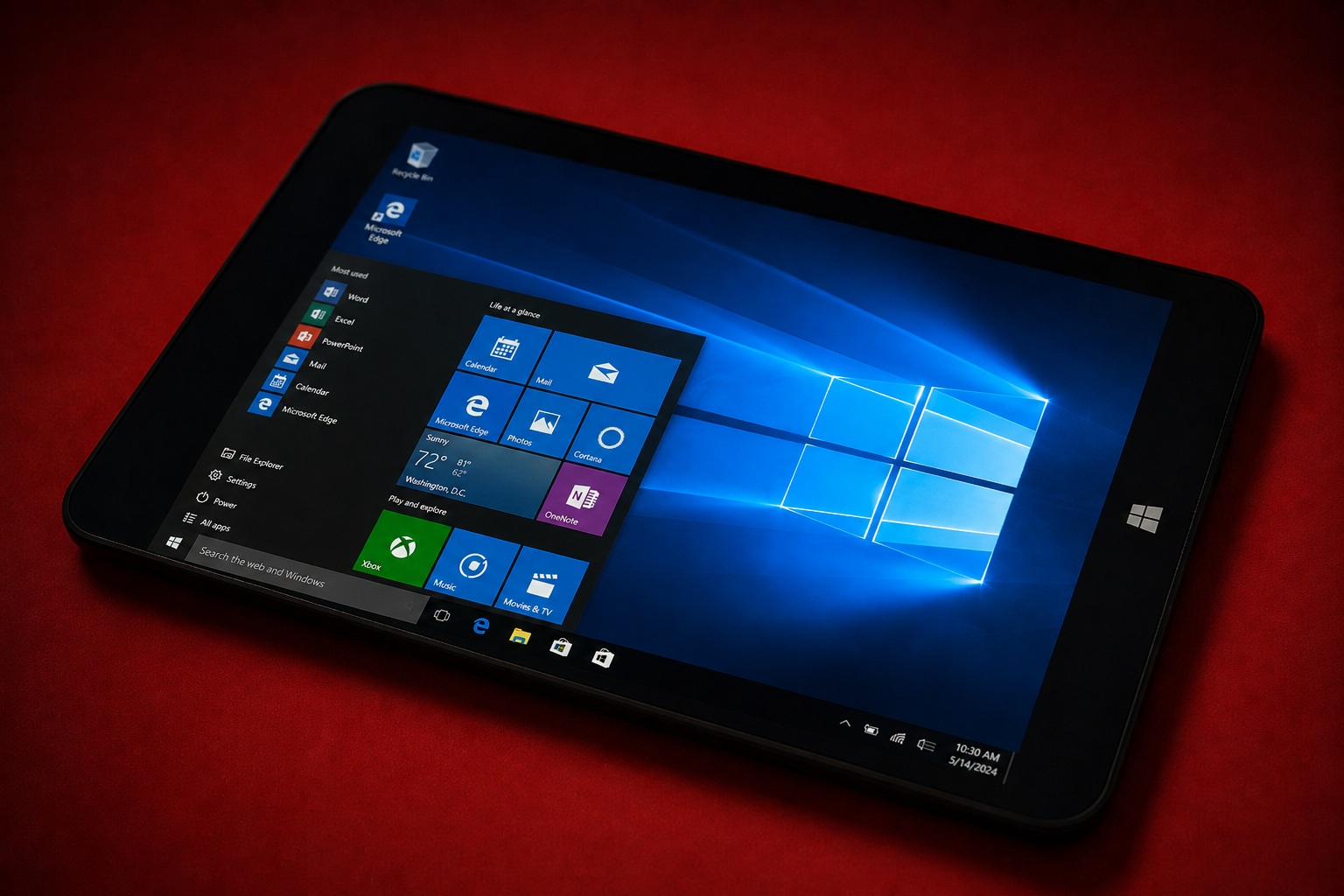
By removing the old dual-boot configuration, dedicating the full 64GB of storage to Windows, installing a lightweight Windows 10 Tiny Edition environment and solving the device-specific graphics and touchscreen problems, I managed to turn these old Chuwi VI8 tablets into usable little Windows machines again.
There was definitely more troubleshooting involved than I originally expected, especially with that tiny touchsetting.gt file, but solving those problems is also part of what makes projects like this enjoyable.
Instead of several perfectly functional tablets becoming electronic waste, they now have another opportunity to be used for something useful.
Final Thoughts
The Chuwi VI8 is obviously showing its age, but this project proved that there is still some life left in the hardware.
Windows 10 Tiny Edition turns out to be a surprisingly good match for its limited 2GB RAM configuration, while dedicating the entire 64GB internal storage to Windows makes the device much more practical than the original dual-boot arrangement.
Most importantly, the major compatibility problems — including the upside-down display, touchscreen driver and custom touchsetting.gt calibration — have now been resolved.
What started as an attempt to avoid wasting a pile of returned POS tablets eventually became a custom Windows ROM that gives these devices an entirely new purpose.
The completed Chuwi VI8 Windows 10 Tiny Edition ROM is available to download through Lemon Native App.











Comments 0