

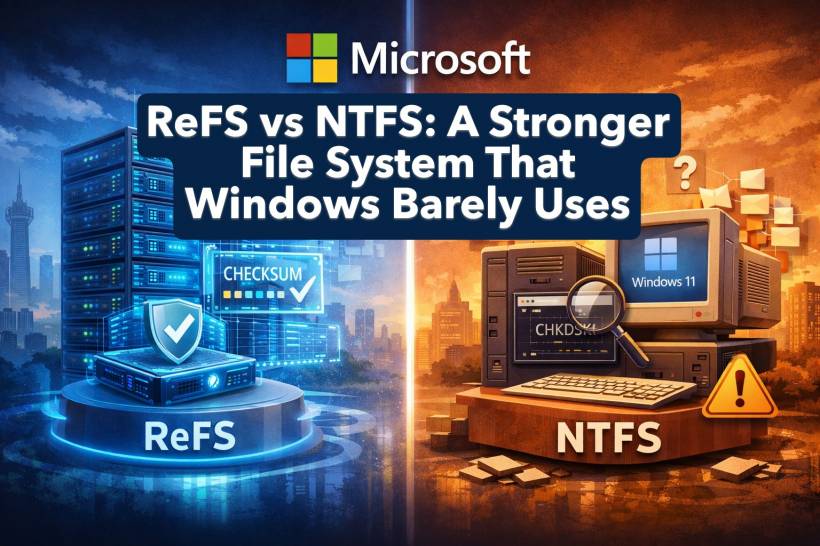
File systems rarely get attention, yet they play a critical role in how reliably and efficiently data is stored. On Windows, NTFS has remained the default for decades, while the Linux ecosystem has steadily moved forward with newer designs such as Btrfs and ZFS. Microsoft, to its credit, has not stood completely still. It introduced ReFS, the Resilient File System, as a more modern alternative focused on data integrity. The problem is not what ReFS can do, but how little it is actually supported on consumer versions of Windows.
Why ReFS Is Technically Ahead
ReFS was created with resilience as its primary goal, originally targeting Windows Server environments where uptime and data integrity are critical. It continuously verifies data using checksums and integrity streams, automatically detecting and repairing corruption without requiring manual intervention through tools like chkdsk. Its allocation-on-write design further reduces the risk of silent data damage.
Beyond integrity, ReFS supports extremely large volumes, far beyond what most desktop users would ever need, and integrates tightly with Storage Spaces. In multi-drive configurations, this allows the system to repair corrupted data using redundant copies stored elsewhere, improving overall reliability. Advanced features such as block cloning and mirror-accelerated parity can also deliver performance benefits in virtualised or enterprise workloads.
That said, these advantages come with trade-offs. On a typical single-drive desktop or laptop, ReFS can actually be slower than NTFS, as its constant integrity checks add overhead without offering much practical benefit in simple storage setups.
Limited Availability on Windows 11
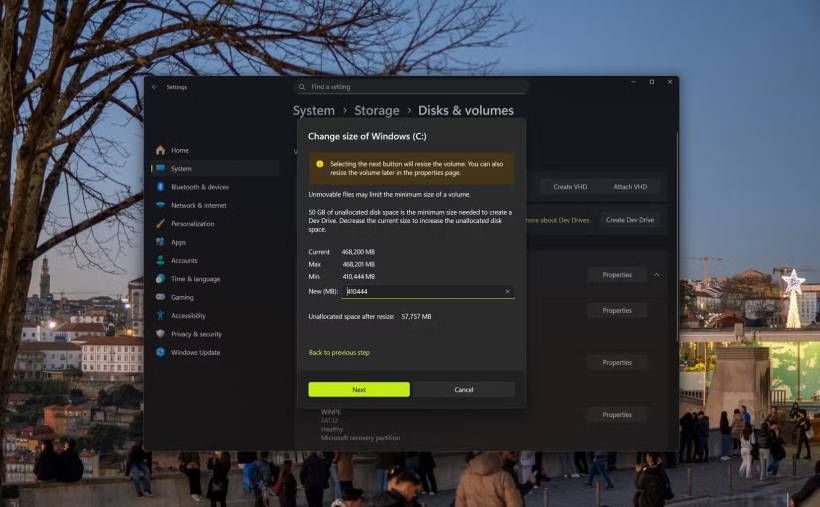
Despite being around for more than a decade, ReFS remains largely confined to server deployments. On Windows 11, its most visible use case is the Dev Drive feature, aimed specifically at developers. Even then, Dev Drives disable certain security protections, making them unsuitable for general-purpose storage. Booting Windows from ReFS is also unsupported in normal consumer scenarios.
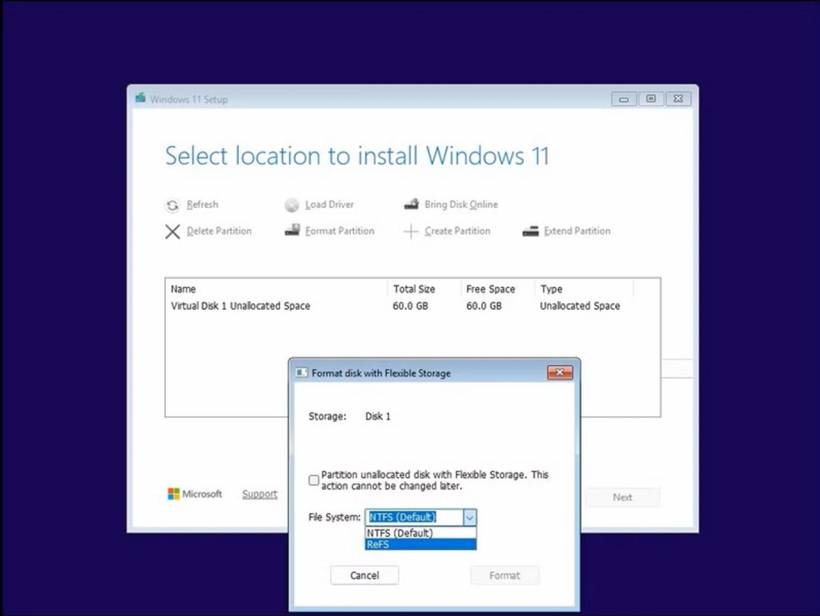
There have been hints of broader support. ReFS formatting options briefly appeared in Windows Insider builds, but in practice, installing Windows on ReFS still requires command-line workarounds. The standard Windows installer continues to default to NTFS, with no user-facing option to choose otherwise.
This conservative approach is understandable given the performance implications, but it feels unnecessarily restrictive. Many Linux installers allow users to choose their file system with clear explanations of the trade-offs. Microsoft could offer a similar choice, presenting ReFS as a resilience-focused option rather than hiding it almost entirely.
Missing Features Hold It Back
Performance alone is not the only reason ReFS remains sidelined. It still lacks several features that NTFS supports, including built-in compression, encryption, object IDs, extended attributes, and transactional operations. While not all users rely on these capabilities, their absence can break compatibility with certain workflows or applications, making ReFS feel incomplete as a drop-in replacement.
This raises a bigger question about development priorities. Comparable file systems in the Linux world evolved far more quickly. Btrfs, for example, went from an experimental design to a stable, production-ready default in enterprise distributions like SUSE Enterprise Linux within a relatively short timeframe, and is widely available as an installer option in distributions such as Arch Linux.
By contrast, ReFS has progressed slowly, despite being backed by a company with the scale and resources of Microsoft.
A Missed Opportunity
ReFS demonstrates that Microsoft understands the importance of modern, resilient storage design. Its capabilities clearly surpass NTFS in several key areas, particularly around data integrity and large-scale storage. Yet its limited availability, missing features, and lack of consumer-facing support prevent it from becoming a true successor.
Until Microsoft commits to fully developing and exposing ReFS as a real choice for everyday users, NTFS will remain the default, not because it is better in every way, but because it is the only fully supported option.











Comments