

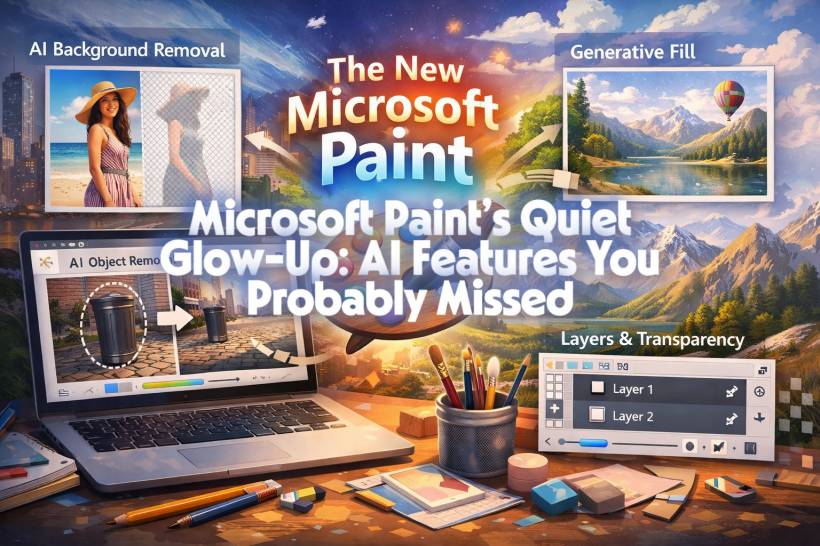
For years, Microsoft Paint had a very specific reputation. It was that tiny, no-nonsense app you opened to crop an image, scribble an arrow, or save a screenshot in a hurry. It worked, it loaded instantly, and it stayed out of your way. Most of us never expected it to evolve beyond that.
And yet, while everyone was busy talking about Copilot, ChatGPT, and AI baked into Office, Paint quietly leveled up. No fanfare, no loud announcements. Just subtle updates that turn this once humble tool into something surprisingly capable.
Let's talk about what's changed, why it matters, and how Paint has quietly become useful again in 2025.
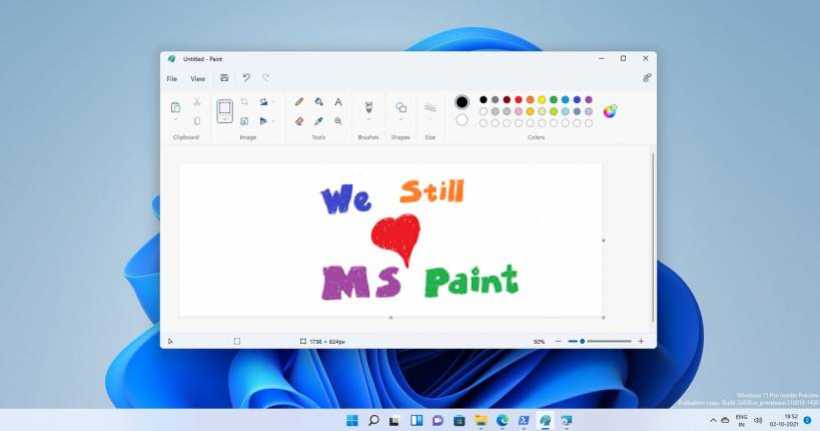
From Meme Tool to Modern Editor
Paint today is no longer the same app that shipped with Windows XP.
Microsoft has been modernizing it bit by bit in Windows 11, giving it a cleaner UI, better performance, and features that edge it closer to lightweight image editors. The key difference is this: Paint is still simple, but now it's smart too.
You don't need a manual. You don't need tutorials. You just open it and start working, exactly like before.

AI Background Removal: One Click, No Fuss
The most surprising update is AI-powered background removal.
This is the kind of feature that used to require Photoshop, GIMP, or at least a web-based tool. In Paint, it's almost anticlimactic. You open an image, click remove background, and the subject is instantly separated from the rest of the image.
No manual tracing.
No layers to wrestle with.
It just works, and for quick tasks like product images, profile pictures, or thumbnails, that's a big deal.
AI Object Removal: Cleaning Images Without Editing Skills
Another quietly added feature is AI object removal.
Let's say there's a random person in the background of a photo, a cable on the floor, or some clutter you don't want. You roughly select the object, and Paint fills in the gap intelligently using surrounding pixels.
Is it shockingly good for a free built-in app? Absolutely.
For everyday use, it's often more than enough.
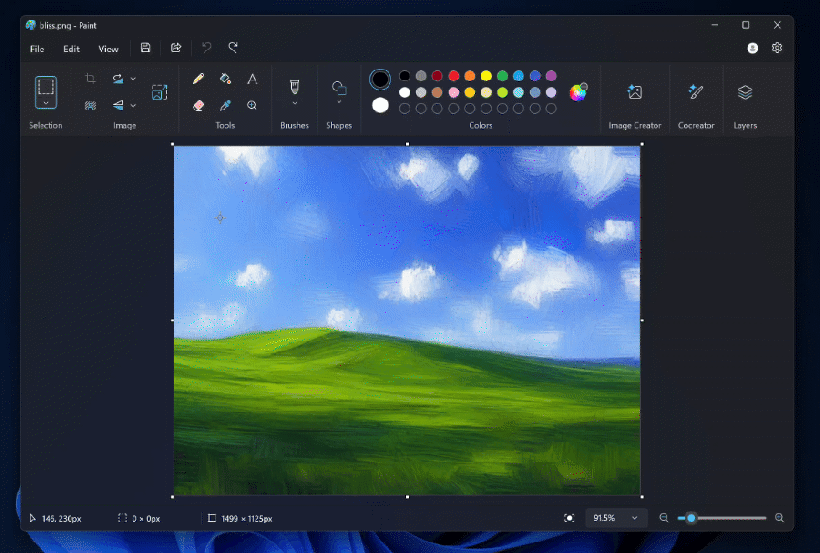
Generative Fill: Paint Steps Into Creative AI
This is where things get genuinely interesting.
Paint now includes generative fill, allowing you to extend or modify parts of an image using AI. Expand a canvas, add missing background, or fill empty areas naturally without copying and pasting pixels manually.
It feels strange to say this, but Paint can now do things that once felt completely out of its league.
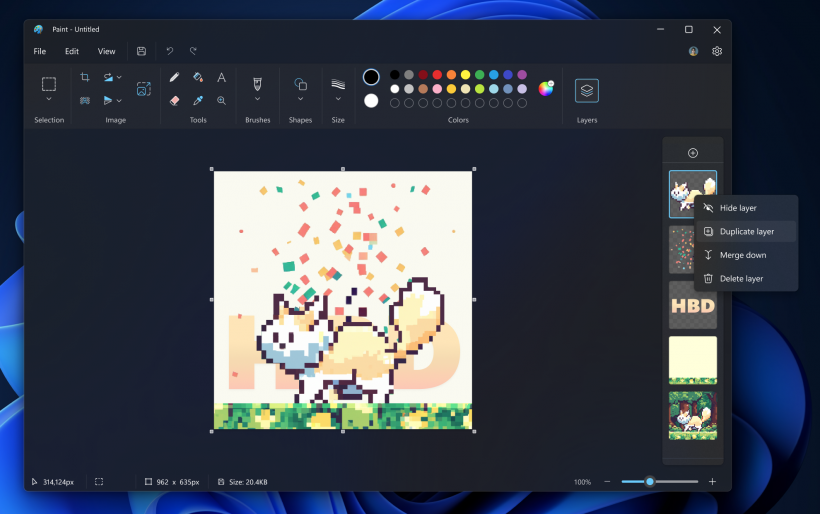
Layers, Transparency, and Better Controls
AI aside, Paint has grown up in other ways too.
You now get:
These are the kinds of improvements long-time users didn't even realize they wanted, until they suddenly existed.
Why Nobody Is Talking About It
Here's the funny part: most people still think Paint is unchanged.
Microsoft didn't rebrand it.
They didn't push pop-ups explaining the new features.
They didn't market it as an AI app.
And because of that, Paint's evolution has mostly gone unnoticed.
It's almost like Microsoft wanted Paint to stay familiar, even while quietly making it smarter.
Who Is the New Paint Actually For?
Paint isn't trying to replace Photoshop, and it shouldn't. Instead, it fits perfectly into a space many people actually live in.
It's ideal for:
In short, it's perfect when you want results now, not after configuring tools and shortcuts.
The Unexpected Comeback
Microsoft Paint didn't get louder.
It got better.
And that might be why its transformation is so easy to miss. What used to be a joke app is now quietly one of the most convenient image tools on Windows, powered by AI but still grounded in simplicity.
If you haven't opened Paint in a while, it might be time to give it another look. You may be surprised how much it can do now, without ever asking you to become a designer.











Comments 0