

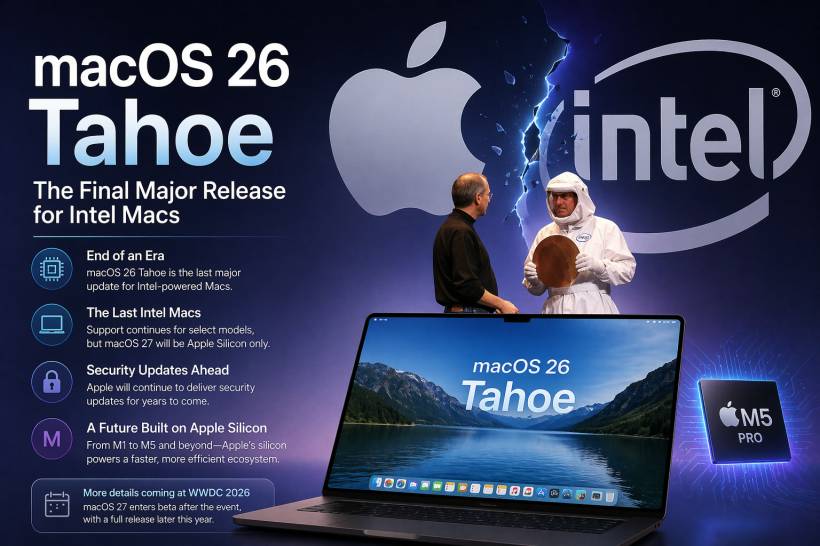
Apple is about to close a major chapter in its Mac history. With the upcoming release of macOS 26, codenamed "Tahoe," the company has effectively confirmed what many users have been expecting for a while now: this will be the last major macOS update for Intel-powered Macs.
If you're still using an Intel Mac today, this isn't an immediate goodbye. But it does mark the point where the road ahead becomes much shorter.
A Transition Years in the Making
This move didn't happen overnight. Apple has been gradually shifting away from Intel since 2020, when it introduced its first in-house chip, the Apple M1 chip.
That moment wasn't just a hardware upgrade. It was a strategic reset.
Instead of relying on Intel's x86 architecture, Apple began building its own chips tailored specifically for macOS. The result? Better performance, improved battery life, and tighter integration between hardware and software. Over the years, this lineup has evolved rapidly, reaching newer generations like the M5 family with Pro and Max variants.
So while the end of Intel support may feel sudden to some, the reality is that Apple has been laying the groundwork for this transition for nearly half a decade.
Which Intel Macs Are Still Supported?
Not all Intel Macs are being dropped immediately. macOS Tahoe will still support a handful of newer Intel-based machines, including:
• 13-inch MacBook Pro (2020)
• 27-inch iMac (2020)
• Mac Pro (2019)
These are essentially the last survivors of the Intel era within Apple's current ecosystem. Once macOS 27 arrives, however, these devices are expected to fall off the upgrade list completely.
For users of these machines, macOS 26 becomes the final stop for new features, UI updates, and platform improvements.
Not Dead Yet: What Happens After macOS 26?
Before panic sets in, it's important to understand that "end of major updates" doesn't mean your Mac suddenly becomes unusable.
Apple typically continues to provide security updates for older macOS versions for a few more years. This means:
• Core apps and functions will continue to work
• You can still use it for daily tasks without immediate issues
However, over time, you'll start to notice limitations. New apps may require newer macOS versions, and certain features—especially those tied to Apple Silicon—won't be available.
In short, your Mac will age gracefully… but it will age.
Why Apple Is Fully Moving to Apple Silicon
The shift to Apple Silicon isn't just about performance numbers. It's about control and optimisation.
By designing its own chips, Apple can:
• Deliver better energy efficiency (especially on laptops)
• Introduce features that rely on hardware-level capabilities
• Maintain consistency across Macs, iPhones, and iPads
We're already seeing Apple experiment with different chip strategies, including more affordable devices powered by mobile-class processors. It's a clear sign that Apple's long-term vision is a unified ecosystem powered entirely by its own silicon.
The Rosetta Factor: One Last Bridge
One of the unsung heroes of this transition has been Rosetta—Apple's translation layer that allows Intel-based apps to run on Apple Silicon Macs.
Without it, the move away from Intel would have been much more disruptive.
But even Rosetta has an expiry date. Apple is expected to phase it out after macOS 27, which means developers have a final window to fully transition their apps to native Apple Silicon support.
This is a strong signal: the era of compatibility layers is ending. The future is fully native.
What to Expect at WWDC 2026
All eyes now turn to WWDC 2026, where Apple is expected to officially detail the next phase of macOS.
As usual, the event will likely include:
• Developer guidance for Apple Silicon optimisation
• Updates on tools and frameworks for the new architecture
The beta for macOS 27 is expected shortly after the event, with a full release later in the year.
Final Thoughts
The end of Intel Macs isn't just a technical milestone—it's a symbolic one.
For years, Intel powered some of the most iconic Macs ever made. But Apple's move to its own silicon has proven to be a turning point, unlocking performance and efficiency gains that simply weren't possible before.
If you're still using an Intel Mac, there's no urgent need to rush out and upgrade. But it's clear that the future of macOS is firmly tied to Apple Silicon.
And with macOS Tahoe, we're officially stepping into that future—leaving the Intel era behind, one update at a time.











Comments 0