

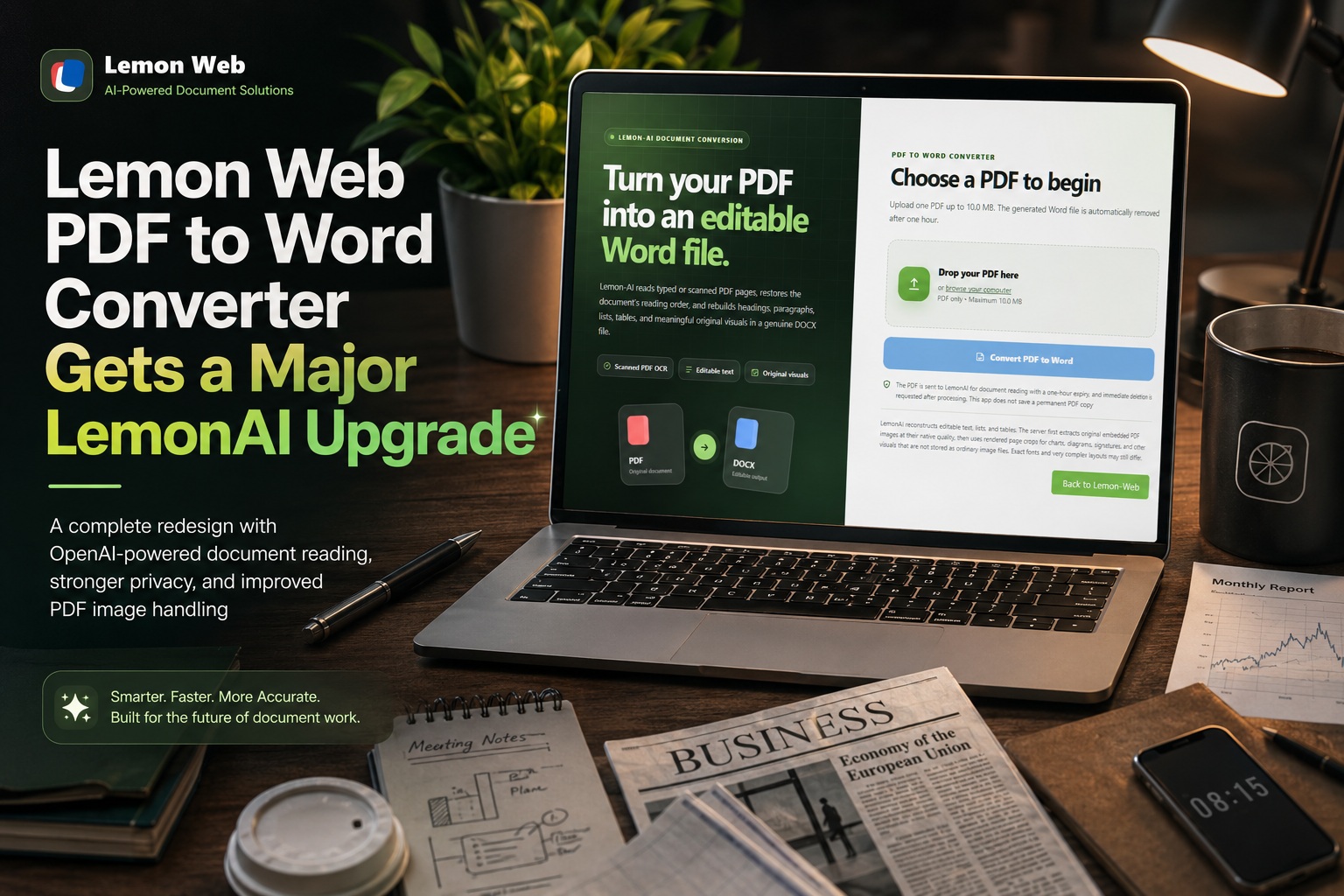
The Lemon Web PDF to Word Converter has been around as one of those simple utilities that does exactly what its name suggests: upload a PDF, convert it, and download a Word document. Recently, however, I decided it was time to give the app a much bigger refresh—not only visually, but also in terms of how the conversion itself works behind the scenes.
The biggest change is that the app no longer relies on the Cloudmersive API. Instead, the PDF-to-Word process has been rebuilt around LemonAI, powered by OpenAI's document-reading capabilities.
This turned what was previously a fairly traditional file conversion utility into something a little more intelligent.
Moving Away from Cloudmersive
The original version of the PDF to Word Converter worked by sending the uploaded PDF directly to Cloudmersive's PDF-to-DOCX conversion API. It was straightforward: Cloudmersive received the PDF and returned a Word document.
While that worked reasonably well, I wanted the Lemon Web Apps platform to rely more on the AI capabilities that I'm gradually introducing throughout the site.
The new version therefore sends the uploaded PDF to LemonAI for document reading and reconstruction.
Rather than simply treating the PDF as a file that needs to be converted, LemonAI analyses the content of the document—including its text, headings, paragraphs, lists, tables and general page structure—and then the Lemon Web server reconstructs that information into an editable Microsoft Word document.
It is a very different approach compared to the original converter.
A Completely Redesigned Interface
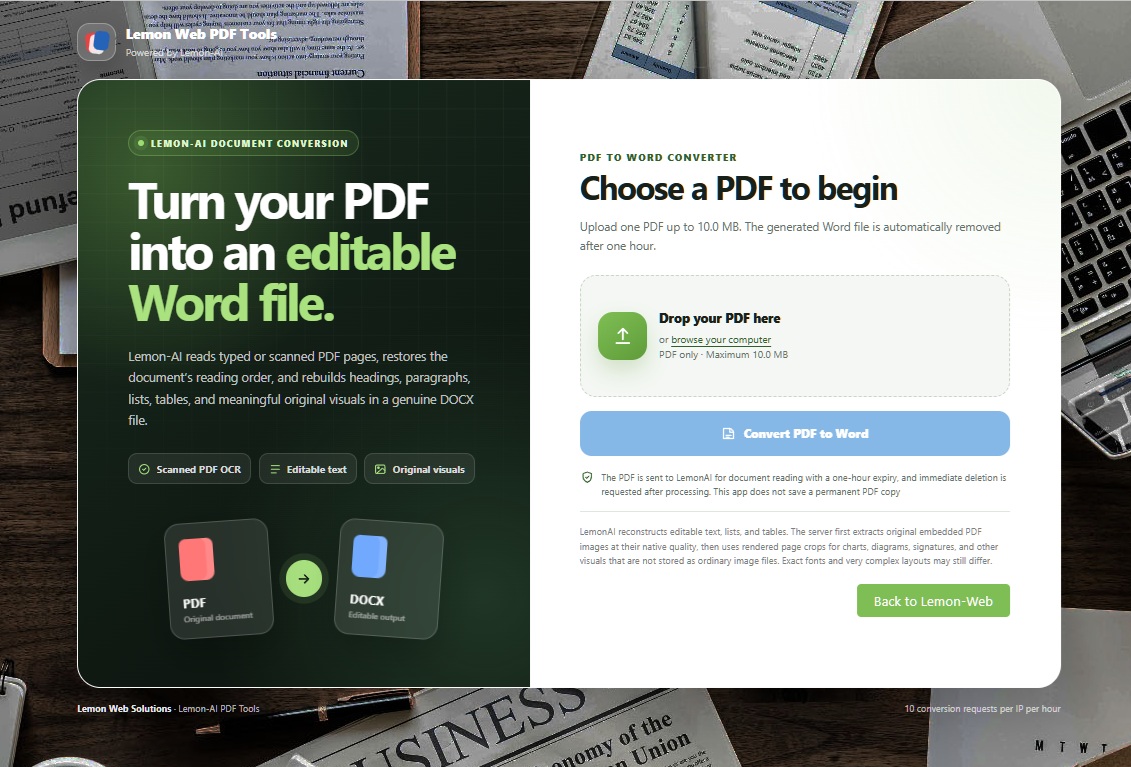
The front-end of the app has also received a complete redesign.
The previous version was based on a simple Bootstrap card containing a file selector and a Convert button. It worked, but visually it was starting to look quite dated compared with some of the newer Lemon Web Apps.
Users can either select a PDF normally or drag and drop the document into the upload area. Once a file is selected, the interface displays the filename and file size before conversion begins.
The Convert PDF to Word button has also been changed to the familiar Lemon Web blue styling, while the resulting Download Word File button follows the same blue design.
I also kept the classic green Back to Lemon-Web button. Instead of placing it inside the main interface, it now sits neatly below the page footer on the bottom-right, keeping the converter itself uncluttered while preserving the familiar navigation style from the original app.
No More Background Overlay
One of the smaller visual changes was removing the colored overlay that previously sat over the background image.
The background artwork is now displayed directly without a green tint or additional overlay. This allows the original PDF-to-Word artwork to remain more visible while the white converter panel provides enough contrast for the actual controls.
It is a small adjustment, but I think it gives the page a much cleaner appearance.
Better Privacy Handling
Because documents uploaded to a PDF converter may contain personal or business information, I also wanted the new version to be clearer about what happens to uploaded PDFs.
The converter now explains:
"The PDF is sent to LemonAI for document reading with a one-hour expiry, and immediate deletion is requested after processing. This app does not save a permanent PDF copy"
Uploaded PDFs are temporarily sent for processing, with a one-hour expiry configured as an additional safeguard. Once processing has completed, the application immediately requests deletion of the temporary AI-side file as well.
The Lemon Web application itself does not keep a permanent copy of the uploaded PDF.
Generated Word documents are temporarily stored so that users can download them, but these files are automatically cleaned up after approximately one hour.
More Than Just Extracting Text
One of the challenges I noticed during testing was that converting a PDF into Word is a lot more complicated than simply extracting all the text.
PDF documents can contain:
ly mean those original images could simply be transferred directly into the Word file.
The latest update therefore introduces a hybrid image-preservation system.
Whenever possible, the application attempts to extract the actual embedded image from the original PDF. This is particularly useful for photographs, screenshots, logos and similar raster images.
For things such as charts, diagrams and vector artwork that may not actually exist as conventional image files inside the PDF, the system can render the relevant PDF page and crop the visual area identified during document analysis.
Those extracted visuals can then be embedded directly into the generated Word document.
The converter also attempts to filter out tiny decorative graphics, duplicated images and other fragments that would otherwise clutter the resulting document.
This approach produces considerably better results than relying on AI-generated descriptions of images alone.
Supporting Scanned PDF Documents
Another advantage of the LemonAI approach is the ability to work with scanned PDFs.
A conventional PDF may contain perfectly extractable computer-generated text, but some PDFs are essentially just photographs or scans of printed pages.
Because LemonAI can visually analyse the rendered PDF pages, it can still recognise and reconstruct text from these documents.
That means the converter is no longer limited entirely to PDFs that already contain a selectable text layer.
Naturally, the quality of the original scan still matters. A sharp, properly aligned scan will generally produce better results than an extremely blurry or low-resolution document.
Additional Security Improvements
The redesign also provided an opportunity to improve some of the less visible parts of the application.
Uploaded files are now validated more carefully before processing. The application checks the upload status, PDF signature, filename and maximum permitted file size.
The generated download files use randomized identifiers rather than predictable filenames, making it much more difficult for someone to guess the location of another visitor's converted document.
The application also includes CSRF protection and prevents accidental duplicate conversion when someone refreshes the result page.
There is also a simple usage limit of 10 conversion attempts per IP address per hour, which helps prevent someone from repeatedly abusing the converter and consuming unnecessary API resources.
None of these changes are particularly visible when using the app normally, but they make a significant difference behind the scenes.
PDF to Word Conversion Is Never Completely Perfect
There is one thing worth mentioning: converting PDF to Word will never be completely perfect for every document.
PDF and Word are fundamentally different formats.
A PDF is primarily designed to preserve how a page looks. Word documents, on the other hand, are designed around editable paragraphs, tables, sections, images and document-flow rules.
Highly complex PDFs containing unusual fonts, overlapping text boxes, multi-column magazine layouts, forms, heavily designed brochures or large amounts of vector artwork can therefore still look different after conversion.
The goal of the new Lemon Web converter is not necessarily pixel-perfect replication.
Instead, the focus is on producing a useful, editable Word document that preserves as much of the original document's content and structure as reasonably possible.
And with the latest image-handling improvements, the gap between the original PDF and the generated Word document has become considerably smaller.
Final Thoughts
What started as a relatively simple API replacement eventually became a much larger overhaul of the Lemon Web PDF to Word Converter.
The application now has a completely redesigned interface, LemonAI-powered document understanding, better handling of scanned documents, improved image extraction, structured Word reconstruction, automatic file cleanup, rate limiting and several additional security protections.
Most importantly, the converter is gradually moving away from being just another traditional online conversion tool.
By integrating LemonAI into the process, the application can actually understand the structure of the document it is converting rather than simply passing a file from one format-conversion service to another.
There will undoubtedly be more room for improvement—especially with extremely complicated PDF layouts—but this update provides a much stronger foundation for the PDF to Word Converter and for other AI-powered Lemon Web Apps in the future.











Comments 0