

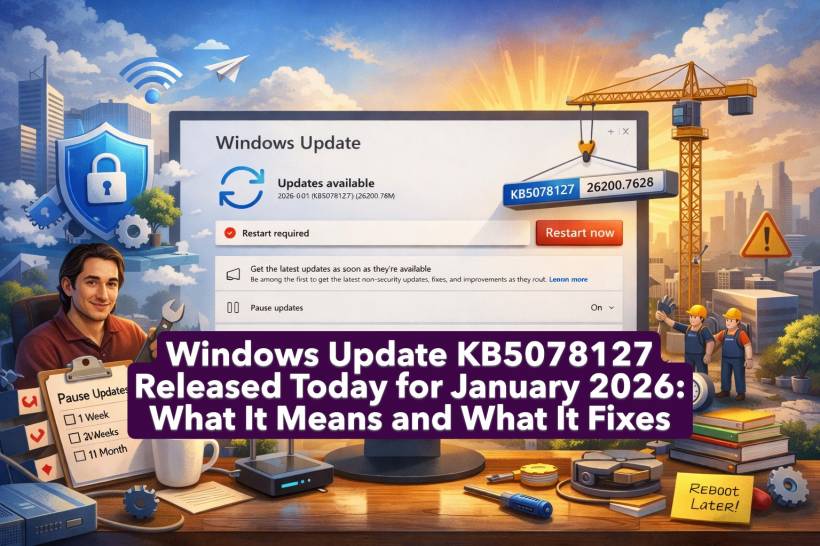
Windows has pushed out a fresh January 2026 update, and if your PC looks like the screenshot, you're already in the middle of it. The update showing up is 2026-01 Update (KB5078127) and it's tied to Build 26200.7628, with the download already underway. For most people, this kind of update is less about shiny new features and more about the practical stuff that keeps Windows stable, secure, and less annoying over time.
Quick Summary: What You're Getting
KB5078127 is the kind of update Windows delivers as part of its regular servicing cycle. Think of it as a bundled package that generally targets three goals:
Even if you don't "feel" the update immediately, these are the updates that stop problems from building up quietly in the background.
Why This Update Matters (Even If You're Not Excited)
Most Windows users only notice updates when a restart gets in the way. But updates like KB5078127 matter because they reduce the risk of your system becoming slowly unstable or exposed. This is the category of update that tends to improve things you care about without you realising it, like fewer crashes, fewer weird UI hiccups, better compatibility, and tighter security.
If you use your PC daily for work, gaming, or anything important, these updates are basically Windows doing maintenance so you don't have to.
Security Fixes: The Quiet but Important Part
The most important thing a monthly Windows update typically delivers is security patching. Security fixes usually target vulnerabilities that could allow things like:
You don't need to be doing anything "wrong" to benefit from this. Security updates are about closing doors that shouldn't be open in the first place.
Stability Fixes: The Stuff That Stops "Windows Being Windows"
The second big area is stability. Updates like KB5078127 often include fixes for issues that show up as:
Some fixes are noticeable immediately, others only show up as "hmm, it hasn't crashed all week."
Performance and Reliability Improvements
Not every update is a performance miracle, but quality updates often refine background components that affect everyday smoothness. These are the kinds of improvements that can help with:
You won't get a new "Performance Mode" button. You just get a PC that feels less temperamental.
Build 26200.7628: What That Tells You
The build number shown alongside the KB entry is Windows' way of identifying the exact version level your system is moving to. When the update installs, the build number is basically proof that the underlying system components were updated successfully.
In other words, KB5078127 isn't just a tiny tweak. It's a proper system patch that updates Windows at the build level.
The "Get the Latest Updates as Soon as They're Available" Setting
In your screenshot, this setting is turned On, which means your PC is more likely to receive non-security fixes and improvements earlier in the rollout. It's useful if you want fixes sooner, but it can also mean you're getting changes before the rest of the world, instead of waiting for them to be proven safe across more devices.
If you prefer being on the safer, slower lane, that toggle is one of the first things people turn off. If you like being first in line, leave it on.
Will This Update Need a Restart?
Most likely, yes. Even when Windows downloads in the background, some system-level changes can only be fully applied after a reboot. That's not Windows being dramatic. It's Windows swapping out core components safely.
If you see a restart prompt later, it usually means the update has moved from "downloaded" to "installed and waiting to apply."
What You Should Do Next
If it's already downloading, the best move is simple:
If you need breathing room, "Pause updates" is there, but pausing just delays the same update until later.











Comments 0