

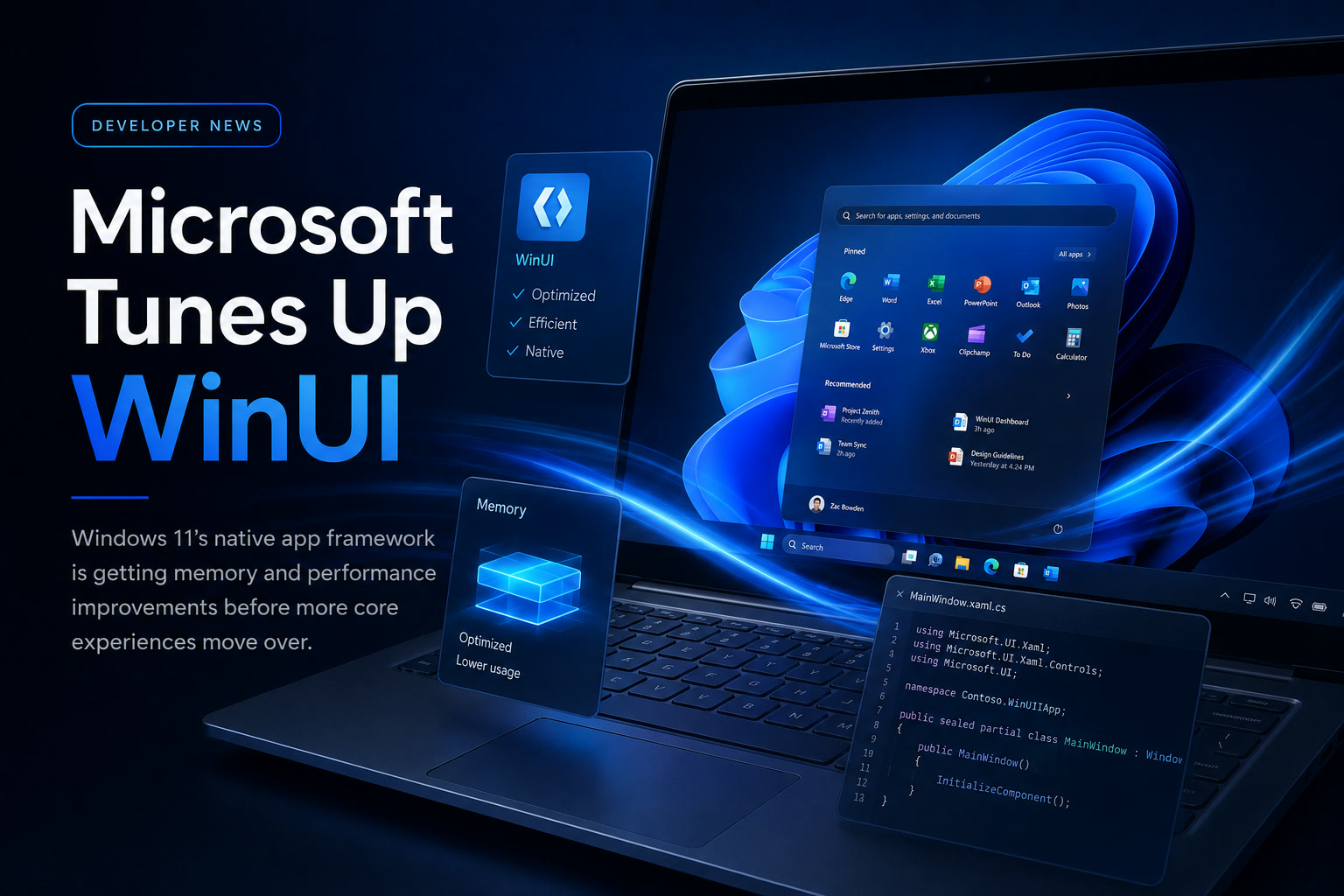
Windows 11 has become more polished over the years, but one complaint refuses to disappear: many of its built-in applications feel heavier and slower than they should. Even relatively simple apps can consume a surprising amount of memory, while parts of the interface occasionally hesitate, stutter or take longer to load than their Windows 10 equivalents.
Microsoft now appears to recognise that the framework behind many of these experiences needs more attention. Before moving additional Windows 11 components—including a redesigned Start menu and the Agenda view in Notification Centre—to WinUI, the company is working on memory usage, responsiveness, reliability and other core performance problems.
The message from Microsoft is essentially this: adding more attractive features is pointless when the foundation itself still feels slow.
WinUI Has Become Part of the Windows 11 Performance Problem
WinUI is Microsoft's modern user-interface framework for building Windows applications. It is intended to help developers create apps that match the design language of Windows 11 while supporting modern controls, animations and layouts.
The problem is that many WinUI-based applications have developed a reputation for using more memory and feeling less responsive than traditional Windows software.
This is particularly noticeable on older or lower-powered computers. An app may still work correctly, but opening a page, switching views or resizing a window can feel less immediate than expected.
File Explorer provides a familiar example. Opening it directly to This PC can feel noticeably faster than loading the newer Home view, which contains recent files, recommendations and other dynamically generated content. That difference reflects a broader challenge within Windows 11: newer interfaces often provide more features, but they also introduce additional processing and framework overhead.
When similar overhead appears throughout the Windows shell, the entire operating system can begin to feel heavier.
Microsoft Is Prioritising Memory, Reliability and Responsiveness
At Build 2026, Microsoft discussed ongoing work to reduce WinUI's memory consumption and improve its overall performance.
Chris Anderson, an engineer on Microsoft's Windows user-interface team, described the priorities as performance, fundamentals and quality. The focus is currently on correcting bugs and strengthening the framework before introducing more visible features.
That approach is sensible.
Developers have often criticised Microsoft for announcing new frameworks, design systems and interface technologies before fully resolving the weaknesses of the previous generation. By concentrating on fundamentals first, Microsoft is acknowledging that developers and users need a dependable platform more than another collection of decorative features.
The company has not provided specific figures showing how much RAM individual applications will save. Therefore, it is still unclear whether an app currently using 300MB might fall to 250MB, 200MB or only slightly less.
Nevertheless, improvements at the framework level could benefit many applications simultaneously rather than requiring every developer to optimise the same underlying behaviour independently.
Moving WinUI to the Windows System Compositor
One of the most important technical changes involves moving WinUI towards the Windows system compositor.
A compositor is responsible for combining application windows, animations, transparency effects and visual layers before they appear on the screen. By working more directly with the operating system's compositor, WinUI should be able to display content more efficiently and reduce unnecessary rendering overhead.
This could improve several areas at once:
Some WinUI applications currently show visual problems when windows are dragged or resized, including tearing, delayed redraws and temporary blank areas. A better-integrated compositor should help address these issues.
The improvement may not produce a dramatic visual change, but it could make Windows 11 feel more stable and responsive during everyday use.
Why Microsoft Must Fix WinUI Before Rebuilding the Start Menu
The Start menu is one of the most frequently used parts of Windows. Any delay, stutter or excessive memory use becomes immediately noticeable because users interact with it repeatedly throughout the day.
Microsoft is reportedly preparing to move more of the Start menu to WinUI. The updated implementation may look largely the same, but it is expected to use less memory and perform more smoothly, particularly on less powerful devices.
This transition makes WinUI optimisation especially important.
If Microsoft expands a slow framework across core Windows components, it risks making the operating system feel even heavier. Improving the framework first gives the company a better chance of modernising the interface without introducing additional performance complaints.
The same applies to the upcoming Agenda experience in Notification Centre. Calendar information, appointments and notifications need to appear quickly. Users should not have to wait for a large framework to initialise simply to check their schedule.
The Start Menu Is Already Built from Several Technologies
The Windows 11 Start menu is not currently built using one single framework.
Parts of it use WinUI, while areas such as the All apps list and the Recommended—or Recent—section have reportedly used React Native technology. This mixed approach reflects the way Windows has evolved: modern components are often layered on top of older systems or combined with different development frameworks.
Using several technologies is not automatically a problem. Large applications frequently combine different components according to their requirements.
However, each additional framework can introduce its own memory footprint, rendering behaviour and dependencies. When those technologies are combined inside a core system interface, optimisation becomes more complicated.
Moving more of the Start menu towards a unified WinUI implementation may improve consistency, but only if WinUI itself becomes efficient enough.
Built-In Apps Should Not Feel Like Heavy Web Applications
Many users expect native Windows apps to open quickly and use relatively few system resources. When a basic application consumes hundreds of megabytes of RAM or takes several seconds to become responsive, it creates the impression that Windows is inefficient.
This is one reason users often criticise newer built-in applications such as Photos, Outlook, Settings and parts of File Explorer. Even when the applications provide useful features, their startup times and memory use can feel excessive compared with older Win32 software.
Microsoft's challenge is to modernise Windows without sacrificing the responsiveness that users associate with native applications.
Visual effects, dynamic content and cloud integration all require resources, but they should not overwhelm the basic task the application is supposed to perform.
A Start menu should open instantly. File Explorer should display folders without unnecessary delay. Notification Centre should appear smoothly. These expectations may sound simple, but they depend heavily on the performance of the underlying user-interface framework.
Microsoft Is Adding DataGrid and Charting Controls
Performance is not the only area Microsoft is addressing.
The company is preparing to introduce built-in DataGrid and Charting controls to WinUI. These components are commonly needed in enterprise applications that display tables, reports, financial information, operational dashboards and other structured data.
At present, developers often rely on third-party or open-source libraries to provide these capabilities.
Adding official controls could make WinUI more attractive to enterprise developers by reducing the number of external dependencies required to build business applications. It may also improve consistency between apps and give developers greater confidence that essential components will receive long-term support.
A DataGrid control, for example, can support:
Charting controls can help developers create dashboards, performance reports and data-visualisation tools without integrating a separate graphical library.
However, the addition of these controls does not automatically mean applications will use less memory. Their main purpose is to close functionality gaps and make WinUI more practical for complex software.
Microsoft Wants Enterprise Developers to Take WinUI Seriously
WinUI adoption among enterprise developers has been slower than Microsoft hoped.
Large organisations are often cautious about changing user-interface frameworks because business applications may remain in use for ten or twenty years. Rewriting a stable application introduces cost, risk and training requirements without always providing an obvious business benefit.
Developers also remember Microsoft's long history of introducing overlapping Windows technologies, including WinForms, WPF, UWP, WinUI and several web-based approaches.
That history has created an understandable question: will Microsoft continue supporting WinUI, or will it introduce another framework before organisations have completed their migration?
Microsoft is now attempting to reassure developers that WinUI is intended to remain the company's primary modern Windows framework.
Microsoft Says It Is Not Creating Another Replacement Framework
One of the strongest concerns raised by developers is whether Microsoft will eventually abandon WinUI in favour of yet another technology.
The company says it has no intention of doing so.
Microsoft is also dropping the number from the name WinUI 3, referring to it simply as WinUI. The change is intended to signal that the framework is no longer viewed as one temporary version within a continuing sequence of replacements.
In other words, Microsoft does not currently plan another major breaking transition such as "WinUI 4" that would force developers to migrate again.
That commitment will need to be demonstrated over time. Developers are unlikely to be convinced by naming changes alone. They will judge Microsoft according to the quality of updates, documentation, tooling, compatibility and long-term maintenance.
Still, publicly committing to the framework is an important step towards rebuilding trust.
Major Feature Gaps Still Need to Be Addressed
Microsoft has admitted that WinUI still lacks several capabilities developers expect from a complete desktop framework.
One example is proper support for system-tray applications. Many Windows utilities, communication tools, security products and background services rely on the tray area to display status icons and quick controls.
When basic desktop features are missing, developers must either write custom implementations or depend on community libraries. This increases development effort and may result in inconsistent behaviour across applications.
Other gaps involve richer controls, window management, desktop integration and enterprise-oriented components.
Microsoft says it has a substantial backlog and plans to work through the missing features. That may take time, but acknowledging the gaps is better than pretending the framework is already complete.
Open-Source Libraries Have Been Filling Microsoft's Gaps
The Windows developer community has created many open-source libraries to solve problems that WinUI does not handle natively.
These libraries can be extremely useful, but they also introduce additional considerations:
Providing more capabilities directly through WinUI could reduce these risks.
It would also allow Microsoft to test components alongside the rest of Windows and ensure they follow accessibility, performance and design requirements.
However, Microsoft should continue working openly with community developers rather than treating third-party libraries as competitors. In many cases, the open-source community has provided solutions long before Microsoft was ready to offer an official alternative.
AI-Assisted WinUI Development Is Also Coming
Microsoft is also working on AI tools intended to help developers build WinUI applications.
These capabilities could assist with generating layouts, converting existing interfaces, creating controls and identifying problems in application code.
AI-assisted development may lower the initial barrier for developers unfamiliar with WinUI. It could also help organisations modernise older applications more quickly.
However, AI tooling will not solve weaknesses in the framework itself.
An assistant may generate code faster, but the resulting application can still experience poor memory usage, missing functionality or rendering problems if the platform underneath it remains inefficient.
Microsoft's decision to focus on performance and fundamentals before promoting more AI-assisted features is therefore appropriate.
Framework Improvements Could Benefit More Than the Start Menu
Although the Start menu is receiving much of the attention, WinUI improvements could affect a wide range of Windows experiences.
The framework is already used across several built-in applications and system interfaces. As Microsoft integrates it more deeply into the Windows shell, performance changes could influence:
The exact impact will depend on whether existing components automatically benefit from the new runtime or must be updated individually.
Microsoft has not yet clarified which Windows 11 features will move to WinUI next or how quickly current applications will adopt the memory improvements.
Therefore, users should not expect every built-in app to become dramatically faster after one update. The benefits will likely appear gradually as applications and system components are updated.
Low-End PCs Could Benefit the Most
High-end computers with large amounts of memory can hide inefficient software more easily. A 300MB application may be inconvenient, but it is unlikely to create immediate pressure on a system with 32GB of RAM.
The situation is different on affordable laptops with 4GB or 8GB of memory.
When several built-in apps, browser tabs, background services and security tools are running simultaneously, every additional megabyte matters. Windows may begin compressing memory or moving data to storage, causing noticeable delays.
Reducing WinUI's overhead could therefore have the greatest impact on lower-cost devices used by students, small businesses and everyday consumers.
Better framework efficiency may also improve battery life because the processor and graphics hardware spend less time rendering or reloading interface components.
Performance Must Be Measured, Not Merely Promised
Microsoft's acknowledgement of the problem is encouraging, but users will ultimately judge the work through real-world results.
The company should publish measurable improvements covering:
Without clear data, it will be difficult to know whether the changes represent a major optimisation or only a modest improvement.
Independent testing will also be necessary because laboratory benchmarks may not reflect normal Windows usage.
The most meaningful test will be simple: does Windows 11 feel faster when opening Start, browsing files, switching apps and interacting with notifications?
Final Thoughts
Microsoft's decision to prioritise WinUI performance before expanding it further across Windows 11 is the right move.
The framework has the potential to provide a consistent and modern foundation for Windows applications, but it cannot fulfil that role while users and developers associate it with excessive memory use, slow loading and incomplete desktop features.
Improving memory management, integrating with the Windows system compositor and addressing long-standing bugs could make built-in applications more responsive. Adding DataGrid, charting and missing desktop capabilities may also give enterprise developers stronger reasons to adopt the platform.
The challenge for Microsoft is credibility.
Windows developers have seen frameworks arrive, receive enthusiastic promotion and later lose momentum. Microsoft now says WinUI is the framework it intends to maintain, improve and expand rather than replace.
If the company follows through, Windows 11 could gradually become faster and more consistent. But before users celebrate another Start menu rewrite, Microsoft must prove that its modern interface technology can finally perform like a truly native part of Windows.











Comments