

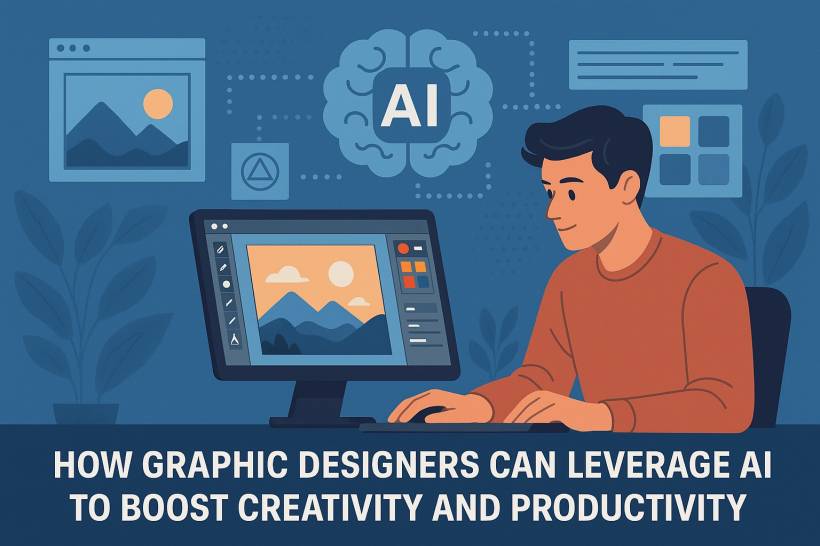
Artificial Intelligence (AI) is no longer a distant buzzword—it has become a powerful ally for creative professionals. For graphic designers, AI represents both a challenge and an opportunity: it can automate repetitive tasks, suggest design ideas, and even generate complex visuals in seconds. The key lies in using AI as a collaborative partner, not a replacement.
This article explores how today's designers can integrate AI into their creative workflow to improve productivity, enhance creativity, and stay ahead in an increasingly competitive field.
1. Automating Repetitive and Time-Consuming Tasks
Designers often spend a surprising amount of time on tasks that, while necessary, don't always require creative decision-making. AI tools can drastically cut down this "busy work."
Examples of AI automation in design:
By delegating these repetitive tasks to AI, designers reclaim valuable time to focus on conceptual thinking and creative direction.
2. AI as a Creative Partner: Generating Ideas and Inspiration
AI is redefining the brainstorming process. Instead of starting from a blank canvas, designers can now use generative AI tools to spark visual inspiration and explore creative directions faster.
How designers are using AI for ideation:
Rather than replacing originality, AI expands the starting point for creative thinking—offering hundreds of visual options that can be filtered, customized, and elevated by human taste and context.
3. Streamlining Workflow and Collaboration
Design isn't just about creating visuals—it's also about managing revisions, communicating ideas, and delivering on time. AI can help optimize these workflow challenges.
Examples of AI workflow tools:
The result is a smoother creative process—from concept to delivery—where AI takes care of coordination, leaving the designer to focus on craft and storytelling.
4. Enhancing Design Quality with Predictive and Adaptive Tools
AI doesn't just automate; it also analyzes patterns to improve outcomes. Machine learning algorithms can now detect inconsistencies in spacing, alignment, and color balance.
How this benefits designers:
AI thus becomes a silent design reviewer—one that helps you polish and refine your work with precision.
5. AI-Generated Content: A New Frontier in Design Assets
Beyond enhancing workflow, AI can also generate new content assets—stock photos, textures, icons, and illustrations—tailored to project needs.
Benefits of AI-generated assets:
However, designers must remain mindful of ethical considerations—such as copyright, data sources, and the potential misuse of AI-generated imagery.
6. Maintaining the Human Touch in the Age of AI
While AI can generate beautiful visuals, it lacks intuition, emotional intelligence, and storytelling ability—the essence of design. The future belongs to designers who balance technical fluency with human sensitivity.
Tips for staying ahead:
AI might create faster, but only humans can create meaningfully.
7. The Future of Design Workflows
As AI tools evolve, they will increasingly integrate across all stages of design—from ideation to production. We're heading toward hybrid workflows where designers orchestrate both human creativity and machine intelligence seamlessly.
In the near future, we can expect:
The most successful designers will be those who embrace these changes early—using AI not as a threat, but as a superpower.
Conclusion
AI is transforming graphic design from a purely manual craft into a hybrid of creativity and computation. By automating the mundane, amplifying inspiration, and providing intelligent feedback, AI empowers designers to focus on what truly matters: creativity, emotion, and storytelling.
The future of design isn't AI versus humans—it's humans with AI. And for the modern graphic designer, that means more time to create, explore, and push visual boundaries like never before.











Comments 0