

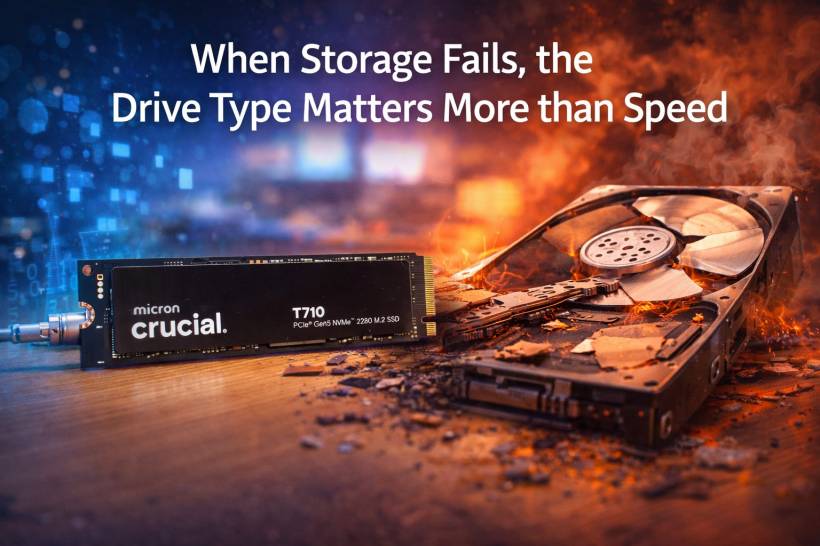
Most people follow the "common sense" storage plan: SSD for speed, HDD for everything else. Apps and games go on the SSD, while photos, documents, and backups get dumped onto a big hard drive because it's cheaper and has more space.
But there's a surprisingly good argument for flipping that logic on its head.
If you can afford it, your most important files may actually be safer living on an SSD—not because it's faster, but because of how it tends to fail when it reaches the end of its life.
How hard drives fail: physical and brutal
A traditional hard drive is basically precision mechanical engineering running at ridiculous speed. Inside, you've got platters spinning thousands of times per minute and a read/write head hovering insanely close to the surface.
When that system goes wrong, it often goes wrong in the worst possible way. The head can crash into the platter, damaging the surface that stores your data. That's where the classic "click of death" reputation comes from—because what's failing isn't just software or a file system. It's the physical hardware that holds the bits.
At that point, even if fragments of your data technically still exist, getting it back is not a DIY situation. Recovery turns into expensive specialist work, and depending on the damage, it may not even be fully recoverable.
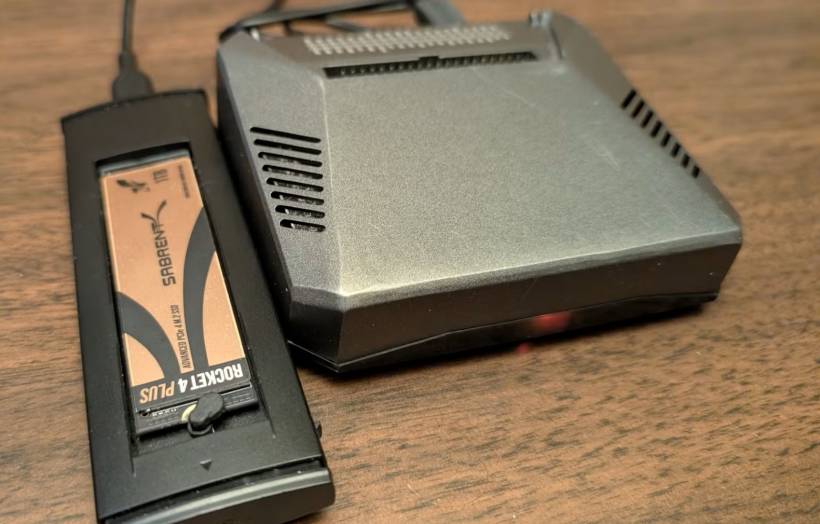
How SSDs fail: often with a built-in "panic mode"
SSDs don't have spinning platters or moving heads. They store data in NAND flash memory cells, managed by a controller and firmware. And here's the key difference: when flash cells wear out from repeated writes, many SSDs are designed to protect what's already there.
Instead of dying in a dramatic crash, the drive may switch into a protective read-only mode. Think of it as the SSD saying, "I'm not taking any new writes because I don't trust myself anymore—but you can still read your files."
That's the hidden advantage. Even though the SSD is basically finished as a long-term storage device, you often get a window where your data is still accessible long enough to copy it elsewhere. For things you can't replace—family photos, legal documents, work projects—that extra chance to migrate your data can make a huge difference.
The not-so-fun side of SSDs
SSDs aren't perfect, and they're not automatically "safer" in every situation.
Cost still hurts
Price per gigabyte is the first barrier. If you want a lot of storage, HDDs still win on value, and that pushes many people into a compromise setup: SSD for essentials, HDD for bulk.
Read-only mode isn't guaranteed
The "graceful failure" story mainly applies to NAND wear. But the SSD controller can fail suddenly too—especially from power issues, defects, or just bad luck. If the controller dies, your data can become inaccessible even if the memory chips themselves are fine, which can put you back into professional recovery territory.
It's less common than mechanical failures, but it's not impossible.
Long-term offline storage is tricky
Hard drives can sit on a shelf for years and still often retain data because magnetic storage holds up well when powered off. SSDs store charge in cells, and that charge can slowly fade over time if the drive isn't powered.
So if your plan is "I'll put this SSD in a safe and check it again in five years," that's riskier than it sounds—especially in hot environments or with older drives. Data fade (sometimes discussed under bit rot) can bite you harder with flash-based storage if you never refresh it.
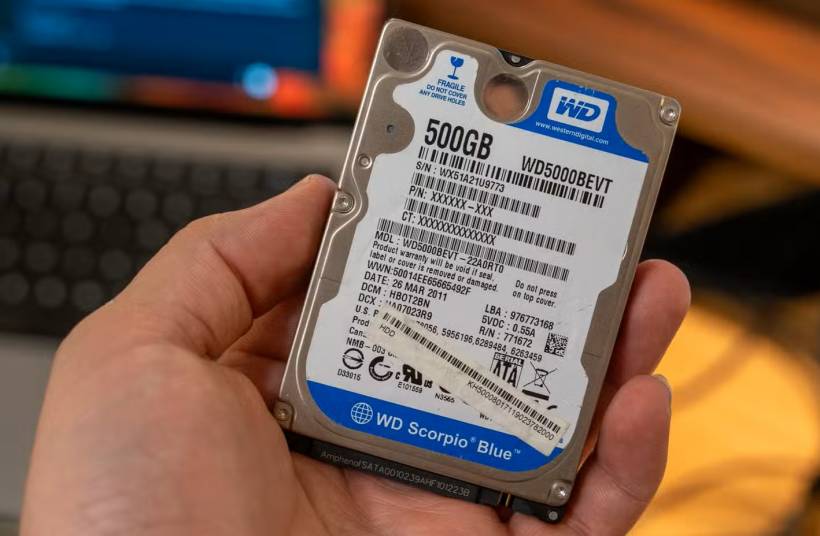
When HDDs still make more sense
Even with the SSD advantages, there are plenty of cases where hard drives remain the smarter choice.
Bulk storage and media libraries
If you're storing terabytes of movies, recordings, raw video footage, game archives, or full system backups, HDDs are still the budget-friendly workhorse. That's why they're everywhere in NAS setups and home servers—capacity matters more than speed.
And if you're using RAID or multiple-drive redundancy, you can reduce the risk of a single drive failure wiping you out.
Cold backups and offline archiving
For offline storage—especially backups you keep offsite—HDDs have an edge because they're generally better at retaining data integrity over long periods without power. If you're archiving tax records, completed projects, or old family albums you won't touch often, a hard drive stored properly can be a practical option.
A smarter way to think about it
If you've got the budget and you're keeping your system actively maintained, putting your most important "can't lose" files on an SSD can actually be a solid long-term strategy—because many SSD failures give you time to react instead of instantly destroying access.
But for huge storage, long-term offline archives, and budget-friendly backups, HDDs still have a role. In the real world, the best setup is often a mix: SSD for active and critical data, HDD for volume and cold storage—plus proper backups, because no drive type is a magical shield.
Final thoughts
The real lesson isn't "SSDs good, HDDs bad." It's that drives fail differently. HDD failures can be sudden and physically destructive. SSD failures can be more predictable when they're related to wear, sometimes giving you a last-chance opportunity to rescue data. If you match the drive type to the job—and back up properly—you'll be in a much better place when the inevitable happens.











Comments