

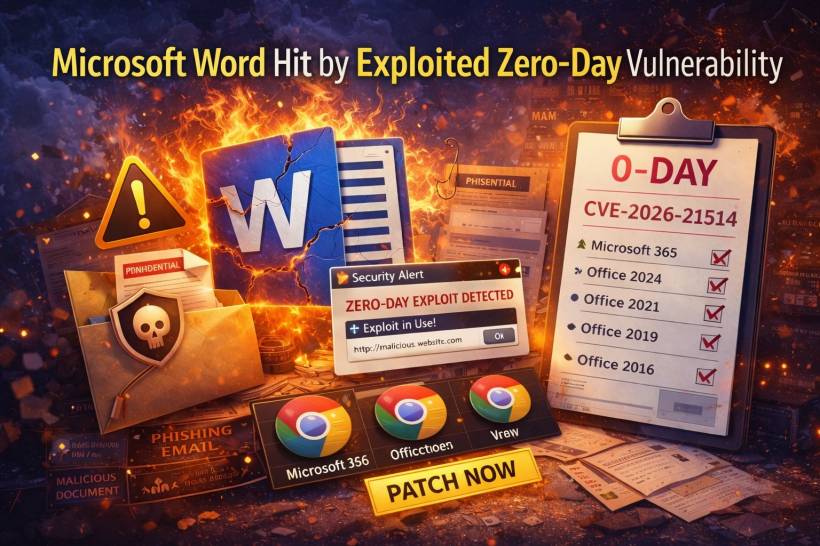
If your day involves opening Word files from emails, shared drives, or chat apps, this is the kind of security warning that shouldn't sit around waiting for "when we have time." Security teams are tracking a new Microsoft Word zero-day that's already being exploited in real-world attacks. What makes it especially worrying is that it's not the classic "macro prompt" situation. This flaw can be used in a way that bypasses some of the protections and warning flows users normally rely on before a document does something risky.
What's The Vulnerability?
The issue is tracked as CVE-2026-21514, rated High with a CVSS 3.1 score of 7.8. The technical description points to Word making a security decision based on untrusted input, which opens the door for attackers to bypass security features that are supposed to help prevent malicious document behavior.
In plain terms: Word can be tricked into trusting something it shouldn't.
Why This Isn't Just "Another Macro Scare"
Most people have been trained to associate dangerous Word documents with macros. "Don't click Enable Content" has basically become a workplace mantra.
But this case is tied to OLE/COM behavior (Object Linking and Embedding and related controls). Those features exist for legitimate reasons—embedding objects, linking content, interacting with components—but they also give attackers another path to abuse document handling.
The key concern here is that the vulnerability can be used to circumvent protections around embedded objects, meaning the usual "warning moment" users might expect may not show up the way they're used to.
How Attacks Typically Play Out
This kind of exploit usually doesn't need fancy access. It needs a very normal thing:
That's why these campaigns often arrive through phishing emails, shared attachments, fake invoices, HR forms, delivery notices, or anything that looks routine enough to open quickly. If the exploit chain triggers quietly, it reduces the chance a user realizes something went wrong until later.
Who's Affected?
The scope is broad. Affected products include common Word-capable Office suites such as:
• Office LTSC 2024 (Windows and Mac)
• Office LTSC 2021 (Windows and Mac)
• Office 2019
• Office 2016
In other words, many environments should assume they're affected unless they've confirmed they're fully updated.
What To Do Now
The safest path is simple: patch first, then harden.
1. Patch and verify
Roll out the latest Office/Word updates as soon as possible and verify endpoints are actually receiving them (especially remote devices that may miss update windows).
2. Reduce exposure to embedded-object abuse
If your environment can support it, tighten controls around OLE/COM behavior and reinforce policies like:
• Protected View for internet-origin files
• Application Guard (where available)
3. Turn on defenses that limit "Word → system actions"
Attackers often need Office apps to launch child processes or execute payloads after the initial trigger. Strong mitigations include:
• Attack Surface Reduction (ASR) rules
• Application allowlisting
4. Treat inbound documents with more suspicion
Strengthen mail filtering, attachment scanning/sandboxing, and monitor for unusual Office activity, especially around embedded objects.
5. Limit privileges
Least privilege matters here. Reducing local admin usage and tightening elevation workflows helps contain damage if an endpoint is compromised.
Final Thoughts
This one matters because it targets the exact thing workplaces do nonstop: open documents, quickly, often under pressure. When a zero-day is active and can potentially dodge the usual "are you sure?" safety friction, the best defense is speed: update fast, lock down risky document behaviors where possible, and assume attackers are already testing who hasn't patched yet.











Comments 0