

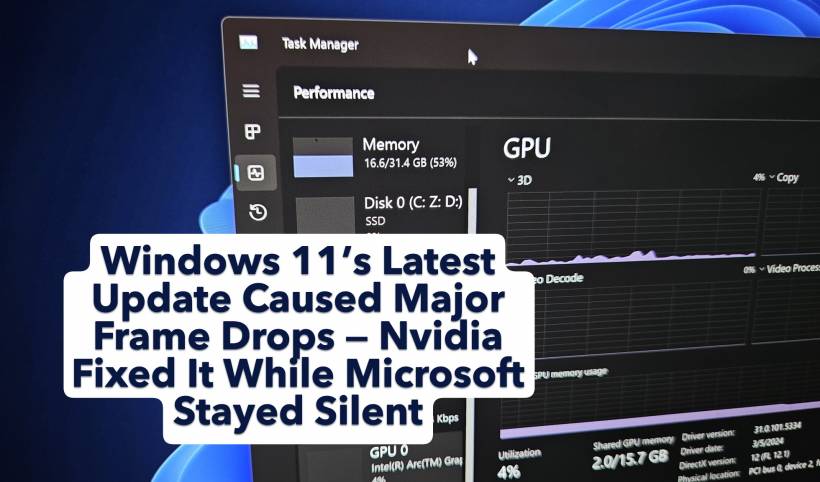
Windows 11's October update has become one of the most frustrating rollouts in recent memory. What was supposed to be a routine Patch Tuesday release instead turned into a headache for everyday users, IT departments and, most loudly, the gaming community.
The update didn't just break small things. It disrupted WinRE, interfered with Task Manager, broke localhost for developers, and even caused BitLocker to misfire. But hidden among all those issues was another problem that took gamers by surprise — severe frame drops in popular titles, especially graphically intensive ones like Assassin's Creed Shadows.
Microsoft still hasn't acknowledged the issue, but Nvidia has stepped in with a fix. Here's what actually happened, why it matters, and how gamers are finally getting their smooth performance back.
A Quick Recap: The Update That Started It All
In late October, Windows 11 users received the KB5066835 update. At first glance it looked like a routine security and stability patch. But once installed, many gamers noticed a dramatic and immediate performance drop.
Titles that comfortably ran between 120–140 FPS suddenly struggled to maintain half of that. Some users reported dips into the 40–70 FPS range, accompanied by stuttering that made games nearly unplayable.
Even worse, once the update stays on your system for about one to two weeks, Windows no longer lets you uninstall it unless you reinstall from an older ISO — something most users understandably prefer to avoid.
So, many people were left stuck on a bugged build with no clear solution in sight.
Early Clues: When September's "Optional Update" First Broke Things
Interestingly, this issue didn't begin in October. A smaller optional update released on September 29 (KB5065789) triggered similar frame rate drops. Because it was optional, the majority skipped it — so the problem went largely unnoticed.
The trouble began when October's mandatory update rolled out the same broken component to everyone. That's when the reports exploded.
Gamers were confused. Nvidia GPUs were showing 99 percent utilization, but the card wasn't drawing its usual power. Some players reported their GPU consuming nearly 100W less than normal during gameplay. The GPU was "working," but clearly not working properly.
The Issue Mostly Affected Nvidia Users
By mid-October, a clear pattern appeared:
Affected users were almost exclusively on Windows 11 running Nvidia hardware.
The most common reports came from:

Interestingly, AMD users were mostly unaffected in games. One RX 7900 XTX user confirmed performance remained normal even with the same Windows updates installed.
However, non-Nvidia systems weren't entirely safe. Windows 11 users with AMD or Intel graphics noticed general sluggishness in File Explorer, the taskbar, and the Start menu.
So while the gaming performance issue was Nvidia-specific, the October update clearly introduced deeper system-level inefficiencies.
No Official Word From Microsoft… But Nvidia Steps In
Despite the mounting reports, Microsoft hasn't acknowledged the problem. No documentation, no known issues list, and no timeline for a fix.
Nvidia, on the other hand, acted quickly.
On November 19, they released GeForce Hotfix Driver v581.94, specifically addressing:
"Lower performance observed in some games after updating to Windows 11 October 2025 KB5066835."
This hotfix sits on top of Nvidia's current driver release, acting like a surgical patch for Windows 11's unexpected behavior.
Gamers immediately reported success. In many cases, frame rates fully returned to normal. Some even saw slight performance gains—up to 5 percent—compared to their pre-update baseline.
Why Did the Windows Update Break Games?
There's still no confirmed technical explanation, but the symptoms point to a power-management or scheduling conflict between:
The strange part is how Windows reported 99 percent GPU usage while limiting the card to roughly half of its usual power draw. Essentially, the GPU was being pushed without being allowed to deliver its full performance.
This almost certainly stems from a Windows-level change, not a game bug, and not an Nvidia fault. But until Microsoft provides clarity, the exact cause remains speculative.
The Fix: Install Nvidia's Hotfix Driver
If you're affected and running Windows 11 Build 26200.6725 / 26100.6725 or newer, the solution is straightforward:
Note: If you're using the Nvidia app, you may see an older date (April 16). This is just a display issue — the hotfix is indeed from November 19.
Once installed, you should see your performance restored.
Final Thoughts: Nvidia Fixed It, Microsoft Hasn't
The October Windows 11 update created one of the most disruptive gaming issues of the year — and Microsoft hasn't even acknowledged it.
Thankfully, Nvidia took matters into their own hands and delivered a working solution. Until Microsoft issues an official fix, the Nvidia hotfix remains the only reliable way to resolve sudden FPS drops and stutters introduced by the recent Windows update.
For now, if your games feel sluggish after updating Windows, the Nvidia hotfix is your best friend.











Comments