

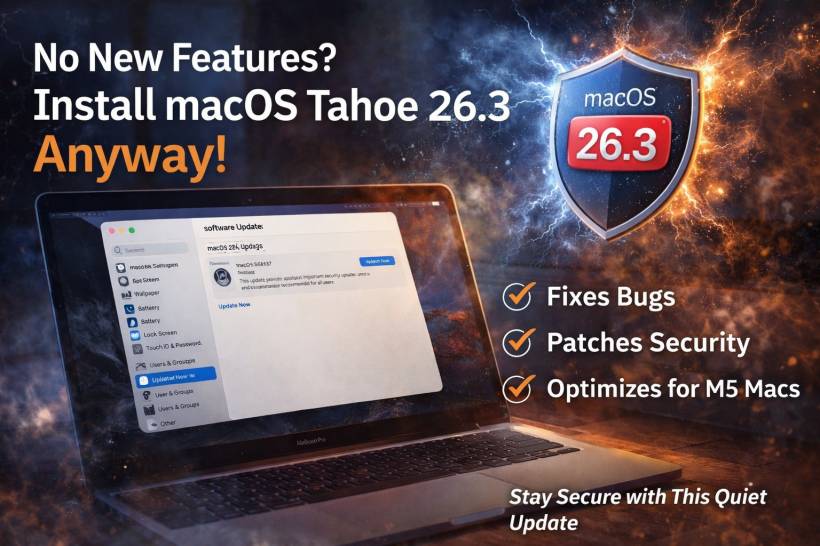
Apple has now rolled out macOS Tahoe 26.3 to the public (build 25D125). If you're expecting flashy new features, this one isn't that kind of release. The headline is simple: it's mostly bug fixes and security work, not new toys to play with.
And honestly, that's still a good reason to upgrade.
What's Actually New Here?
From a regular user's point of view, not much changes after you reboot. Unlike macOS 26.2, which added more visible additions like Edge Light for video calls (your screen acting like a subtle ring light), 26.3 doesn't come with a similar "look, new button" moment.
Apple's own release messaging around 26.3 has been consistent with the idea that this is a maintenance-focused update: stability, fixes, and security.
The Real Reason to Update: Security Fixes
Even when an update feels boring, security updates are where it earns its keep. Apple has published a dedicated security content page for macOS Tahoe 26.3, which is usually the clearest sign that important vulnerabilities have been patched and bundled into the release.
So while you might not notice anything new on your desktop, you're still reducing risk by staying current.
Why People Are Talking About M5 Optimizations
There's also chatter that 26.3 includes behind-the-scenes optimizations related to Apple's M5 lineup, particularly higher-end variants, and that this update may line up with upcoming Mac hardware releases.
Even if you're not buying new hardware soon, this is a pretty normal Apple pattern: the next macOS point release often becomes the baseline software that ships on the next wave of Macs.
How to Get macOS Tahoe 26.3 If You Don't See It Yet
Rollouts can appear in waves, so you might not get the prompt immediately. If your Mac is compatible and you want to check manually:
• Go to General
• Open Software Update
That's where the update should appear once it's available for your device.
Final Thoughts
macOS Tahoe 26.3 is the kind of update you install for safety, not excitement. No major new features, no big UI changes, just the unglamorous work that keeps your Mac safer and more reliable. If you're cautious, waiting a day or two to see if early adopters report issues is reasonable, but don't leave it for weeks. Security patches are one of those "future you will be glad you did it" upgrades.











Comments 1
Solid breakdown. Even though macOS Tahoe 26.3 isn’t a flashy update, stability and security fixes are always worth it. Apple’s maintenance releases often look boring but matter the most long-term. I’ll probably wait a few days, then update.
https://service.ronyhossen.com/