

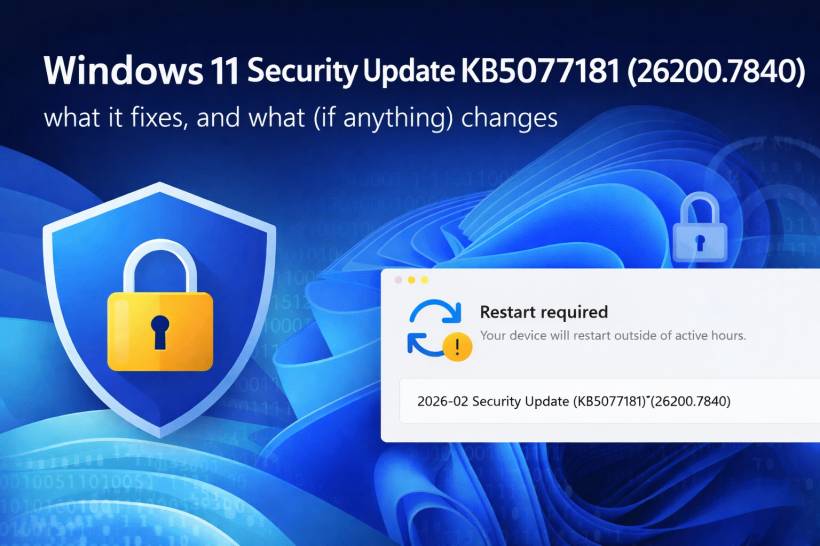
If you're seeing "2026-02 Security Update (KB5077181) (26200.7840)" with a restart prompt, that's the February 2026 mandatory cumulative security update for Windows 11 version 25H2 (build 26200.7840). The same update also applies to Windows 11 24H2 (build 26100.7840), but your screenshot is clearly the 25H2 build line.
This kind of update isn't about flashy new apps or redesigns. It's mainly about closing security holes and cleaning up a few real-world bugs that Microsoft has identified.
The main point: security fixes are the headline
Microsoft's release notes describe KB5077181 as a cumulative update that includes the latest security fixes (plus some quality improvements). They don't list every single vulnerability in the Windows Update screen because the detailed vulnerability list lives in Microsoft's security bulletin system (the MSRC Security Update Guide).
What that means in normal human terms is this update typically covers the big categories that matter most:
• Fixes for elevation of privilege bugs (where malware tries to jump from normal access to higher permissions).
• Fixes for information disclosure issues (leaks that can help attackers chain other exploits).
• Fixes for security feature bypass scenarios (ways attackers try to dodge protections).
If you want the exact CVE-by-CVE list, Microsoft points you to the MSRC Security Update Guide for the February 2026 Patch Tuesday releases.
Why this update feels "bigger" than it looks
Even when the interface doesn't change, Patch Tuesday updates can be a big deal because they often patch a large number of vulnerabilities across Windows. Security news coverage of February 2026 Patch Tuesday indicates Microsoft addressed multiple flaws and zero-days in that month's releases.
So yes, it's worth the restart.
Not just security: the practical bug fixes Microsoft calls out
KB5077181 also includes a handful of concrete fixes Microsoft highlights in the release notes. These are the ones that are easiest to "feel" as a user:
Gaming eligibility fix
Microsoft notes a fix related to determining device eligibility for the full-screen gaming experience. In other words, it corrects logic that decides whether your device can use certain full-screen gaming behaviors.
WPA3-Personal Wi-Fi connection fix
This one is more important than it sounds: Microsoft lists a fix for an issue where some devices couldn't connect to certain WPA3-Personal wireless networks (noted as appearing after a previous preview update). If you've had weird Wi-Fi connection failures on WPA3, this is the kind of fix that quietly saves your day.
Secure Boot certificate rollout preparation
Microsoft also mentions it's adding targeting data to help deliver updated Secure Boot certificates safely and in phases. This matters because certificate lifecycles and trust chains are part of what keeps Secure Boot trustworthy over time, and Microsoft is preparing devices for that pipeline.
Are there any "new features" in KB5077181?
For most people, this update is best thought of as security + stability, not a feature drop.
That said, Microsoft does explicitly mention that the update includes "improvements" and also rolls in non-security changes that were previously tested in an optional preview update (depending on what you had installed before).
Also, there's one feature-like area worth calling out:
Copilot+ PC components (only if you have a Copilot+ PC)
Microsoft lists updates to several AI-related components (for example, things like semantic analysis/content extraction components) but they are only applicable to Windows Copilot+ PCs and won't install on normal Windows 11 machines.
So if you're on a standard Windows 11 PC, you likely won't see anything "new" on the surface after this update.
Why Windows insists on a restart
This update touches protected system components. A restart is how Windows safely swaps in patched files that can't be replaced while they're actively in use. The restart prompt is normal for cumulative security updates like this.
Final thoughts
KB5077181 (26200.7840) is exactly the type of Windows update you don't want to skip: it focuses on security fixes first, and then quietly patches a few real issues (notably WPA3-Personal Wi-Fi and a gaming-related eligibility fix). You probably won't notice a shiny new feature the moment you reboot, but that's kind of the point: the best security updates are the ones that make your system safer without getting in your way.











Comments