

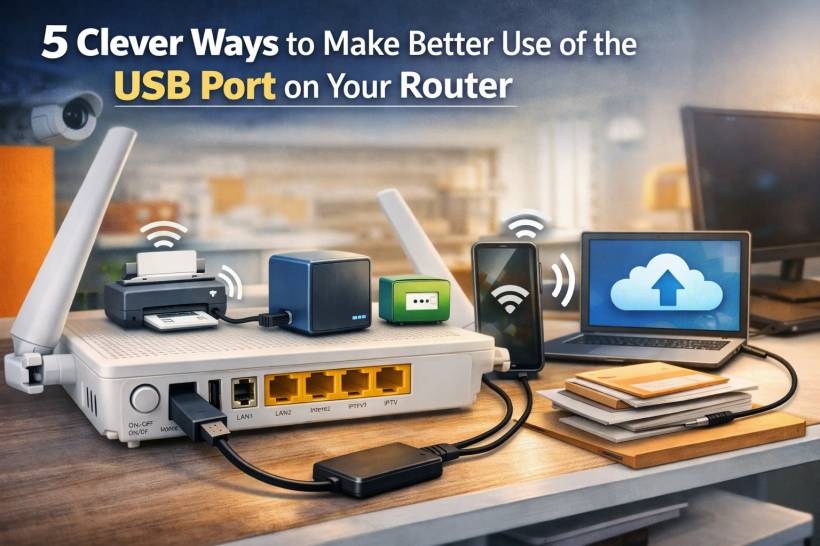
For many people, a router is just one of those devices that quietly sits in a corner doing its job. It powers the Wi-Fi, keeps the internet running, and only gets attention when something stops working. But if your router has a USB port on it, there is a good chance you are sitting on a feature that can do much more than most people realize.
A lot of modern routers include one or even two USB ports, yet they often go completely unused. Most households focus on the obvious parts of the setup: the power cable, the WAN or LAN connection, and the wireless network itself. That is understandable, because for everyday internet use, that is usually enough. Still, those extra USB ports can sometimes unlock a surprisingly useful set of features, including storage sharing, printer sharing, local backups, backup internet access, and even simple device charging.
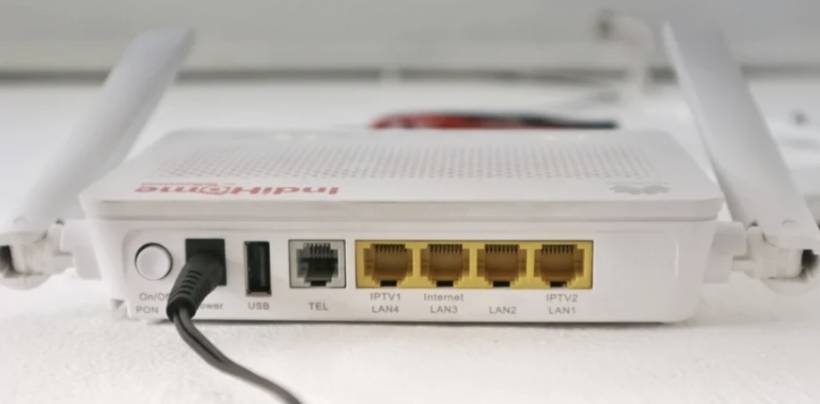
Of course, not every router offers the same capabilities. Some USB ports are only there for very basic functions, while others support much more. The easiest way to find out what your router can handle is by checking its admin panel or user manual. If you see options such as USB Storage, Media Server, File Sharing, Print Server, or Mobile Broadband, then that small port may be far more useful than it first appears.
Turn an Old Wired Printer Into a Wireless One
One of the smartest uses for a router's USB port is giving new life to an older printer. Plenty of printers still work perfectly well, but they lack built-in Wi-Fi. That often pushes people to think about replacing them earlier than necessary. In many cases, though, the router can solve that problem.
By connecting the printer to your router's USB port, you may be able to share it across your home network. That means computers and other devices on the same network can send print jobs without needing to be directly connected to the printer with a cable. It is a simple idea, but it can be a real money-saver if the printer itself is still doing a good job.
Setting it up usually involves opening the router's admin page and looking for a Print Server option. Once enabled, the router may detect the connected printer automatically. Some brands also provide a utility or small software tool to help computers recognize the shared printer properly. Once that is in place, you can continue using the printer almost as if it had wireless support from the start.
This is especially useful in homes or small offices where the printer sits in one fixed location but needs to be accessed by several users.
Turn an Old Wired Printer Into a Wireless One
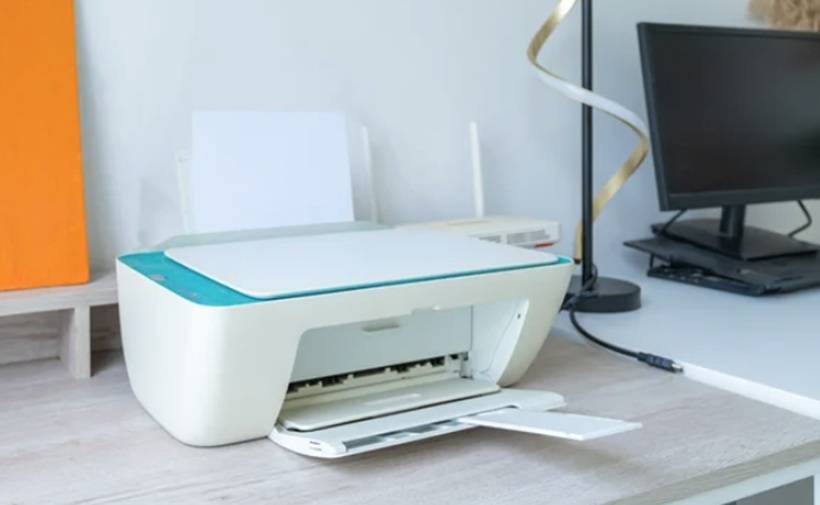
One of the smartest uses for a router's USB port is giving new life to an older printer. Plenty of printers still work perfectly well, but they lack built-in Wi-Fi. That often pushes people to think about replacing them earlier than necessary. In many cases, though, the router can solve that problem.
By connecting the printer to your router's USB port, you may be able to share it across your home network. That means computers and other devices on the same network can send print jobs without needing to be directly connected to the printer with a cable. It is a simple idea, but it can be a real money-saver if the printer itself is still doing a good job.
Setting it up usually involves opening the router's admin page and looking for a Print Server option. Once enabled, the router may detect the connected printer automatically. Some brands also provide a utility or small software tool to help computers recognize the shared printer properly. Once that is in place, you can continue using the printer almost as if it had wireless support from the start.
This is especially useful in homes or small offices where the printer sits in one fixed location but needs to be accessed by several users.
Turn a USB Drive Into a Simple Home NAS
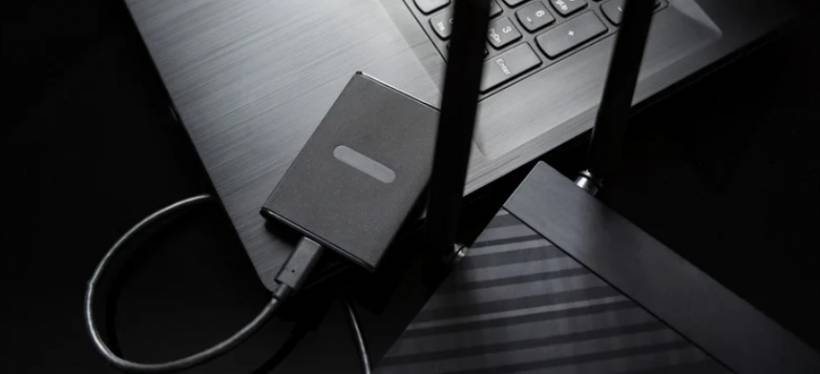
Another very practical use for a router's USB port is file sharing. Connect a USB flash drive, portable SSD, or external hard drive to the router, and in many cases, it can act as a lightweight network storage device. It is not a full-blown NAS in the professional sense, but for casual home use, it can still be surprisingly handy.
This setup works well if you want one shared place for family photos, downloaded files, documents, or media that multiple devices in the house can access. Instead of plugging a drive into one specific PC, the storage becomes available over the network. That alone makes it much more flexible.
Some people even take this a step further by reusing older laptop drives. If you have an old machine collecting dust, its internal storage can often be removed and connected to the router using a SATA-to-USB adapter. That gives old hardware a second life without much cost.
Still, it is worth keeping expectations realistic. A router-based storage setup is convenient, but it is not the same as a dedicated NAS box. Transfer speeds are usually lower, and the router's processor is not designed for heavy storage workloads. Security also deserves attention, especially if the router relies on older sharing protocols. So while it is a clever solution for general file access, it is better treated as a convenience tool than a high-performance storage system for mission-critical data.
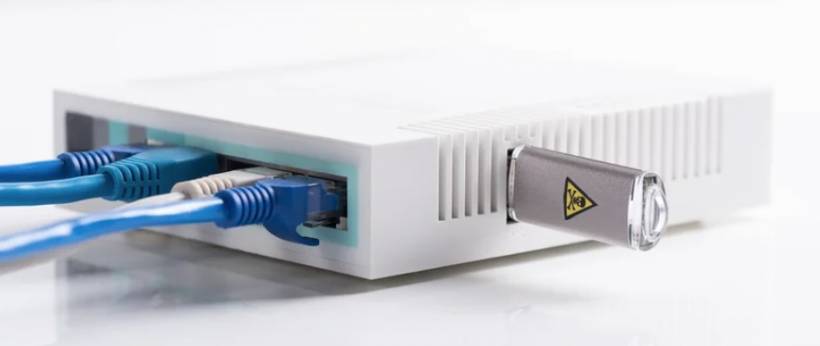
Create a Budget-Friendly Backup Destination
Backups are one of those things people know they should do, but often delay until after something goes wrong. A failed hard drive, accidental deletion, or software issue can wipe out important files much faster than most people expect. The good news is that you do not always need a paid cloud service or expensive backup appliance to protect your data.
If your router supports shared USB storage properly, the connected drive can also serve as a basic backup location. That means you can point Windows Backup, File History, or macOS Time Machine to a network-accessible drive and use it as part of a regular backup routine.
This approach has a few clear advantages. First, it is local, so it does not depend on your internet connection. Second, it avoids using bandwidth or eating into data caps. Third, it can be much cheaper than subscribing to cloud storage, especially if you already own a spare drive.
That said, local backup is only one layer of protection. If the router fails, the drive fails, or something happens in the house itself, your backup could still be affected. So while a router-connected drive is a good step forward, it works best as part of a broader backup strategy rather than the only copy of your important files. Even so, for many households, it is a solid and affordable starting point.
Use It as a Backup Internet Connection
The USB port on a router can sometimes do something even more useful than file sharing: help keep your network online during an internet outage. This feature is especially valuable for homes or offices that rely on constant connectivity for work, cameras, smart home devices, or security systems.
Many people use their phone's hotspot when broadband goes down, but that usually helps only one or two devices at a time. A router with USB modem or tethering support can sometimes use a phone's mobile data connection as a fallback WAN source instead. In other words, when the main internet connection drops, the router can switch to the mobile connection and keep the wider network online.
This can be done through USB tethering if both the phone and router support it. In some cases, Ethernet tethering with an adapter can also work. The exact method depends heavily on the router model and firmware, so this is one of those features where checking compatibility matters a lot.
For homes with IP cameras, remote access tools, or smart systems that need to stay connected, this can make a real difference. It is not just about browsing the web during downtime. It is about keeping the whole network functioning.
The main catch, of course, is mobile data usage. If the router switches over during a long outage, it can burn through a data plan quickly. So it is useful, but it works best when planned carefully rather than treated as unlimited backup internet.
Use It for Simple Charging and Power
Not every use for a router's USB port has to be advanced. Sometimes the simplest use is the one that ends up being genuinely helpful. Because the USB port provides power, it can also be used to charge small devices or power accessories.
This is not going to replace a fast charger. In most cases, the output is modest, so charging will be slower than what you get from a dedicated modern phone charger. Still, it can be useful for topping up smaller gadgets such as wireless earbuds, smartwatches, or older phones when no other port is available nearby.
It can also be handy for powering low-draw devices that need to stay on continuously, such as a small USB lamp, tiny fan, or similar accessory placed near the router. Since the router is already running all day, its USB port can serve as a convenient power source without requiring another wall adapter.
This may not be the flashiest use, but it is probably the most universally supported one. Even routers with limited software features can usually provide basic USB power, which makes this the easiest function to take advantage of right away.
Not Every Router Can Do Everything
Before getting too excited, it is worth repeating one important point: router USB ports are not all the same. Some exist purely for very basic purposes, while others support a broad set of tools through the router's firmware. The port may look identical from one model to another, but the actual functionality behind it can vary quite a bit.
That is why the admin interface matters so much. If you log in and see menus for file sharing, printer sharing, media serving, mobile broadband, or backup services, then your router likely has a richer feature set. If none of that appears, the port may only be intended for power or very limited storage use.
In other words, the presence of a USB port alone does not guarantee every trick listed above will work. But if your router does support even one or two of them, that little port can be much more useful than it first seems.
Final Thoughts
The USB port on a router is one of those small features that many people ignore simply because the router already does its main job well enough. But with the right model, that extra port can help you squeeze more value out of hardware you already own.
It can make an old printer feel modern again, turn a spare drive into shared household storage, provide a no-frills backup destination, help maintain internet access during outages, or just power a device when you need it. None of these uses are particularly flashy, but together they show that a router can be more than just a Wi-Fi box.
So if your router has a USB port that has been sitting empty since day one, it might be worth taking a closer look. There is a decent chance it can do a lot more than you expected.











Comments