

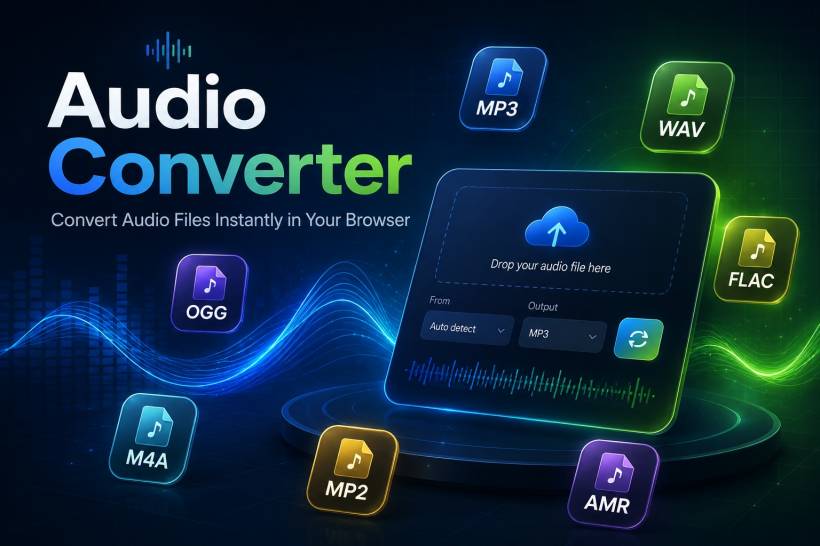
There are some tools that sound simple on paper, but somehow become more complicated than they should be when you actually need to use them. Audio conversion is one of them. Most of us do not think about file formats until the moment we have to convert something quickly. Maybe an audio file is in OGG format but the system you are using only accepts MP3. Maybe you need a WAV file for better compatibility. Maybe you have several files to convert and you just want the job done without installing another bulky program.
That is exactly why I developed the Audio Converter web app. The goal was not to create something overly complicated or packed with unnecessary features. I wanted a clean, practical, privacy-friendly tool that allows users to convert common audio formats directly from the browser. No server upload, no confusing interface, no forced registration, and no unnecessary waiting behind artificial limits.
Why I Decided To Build This App
The idea started from a very normal problem. I was using free web-based audio converters, and while many of them worked, they often came with limitations. Some only allowed one file at a time. Some had file size limits that were too restrictive. Some pushed users toward paid software. Others were filled with ads, waiting screens, or unnecessary steps that made a simple conversion feel more troublesome than it needed to be.
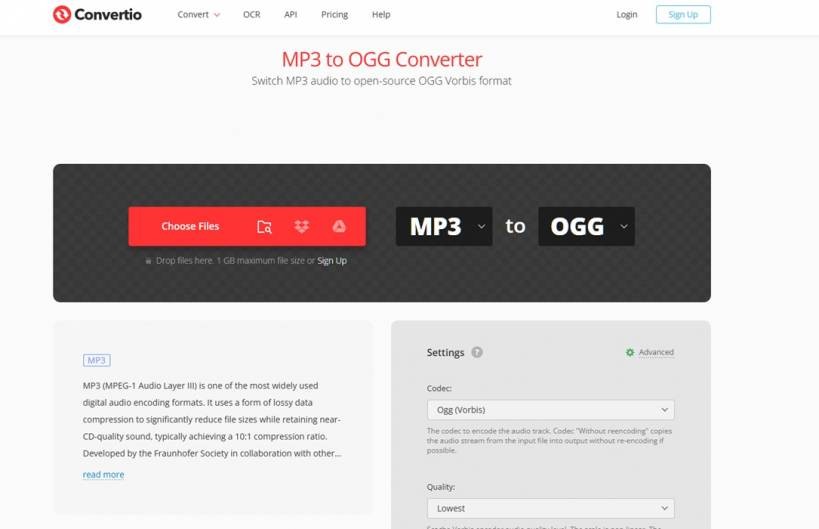
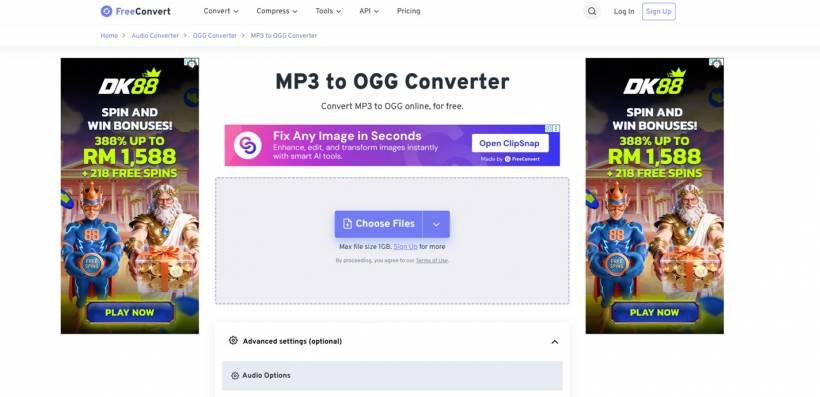
For occasional use, those limitations may be acceptable. But when you need to convert more than one file, especially repeatedly, the experience quickly becomes frustrating. A task that should take a few seconds can turn into a repetitive process of uploading, waiting, downloading, and repeating the same thing again and again. That was the moment I started thinking that there had to be a better way.
At first, I solved the problem locally using FFmpeg. For example, when I needed to convert OGG files into MP3, I used a simple batch file command like this:
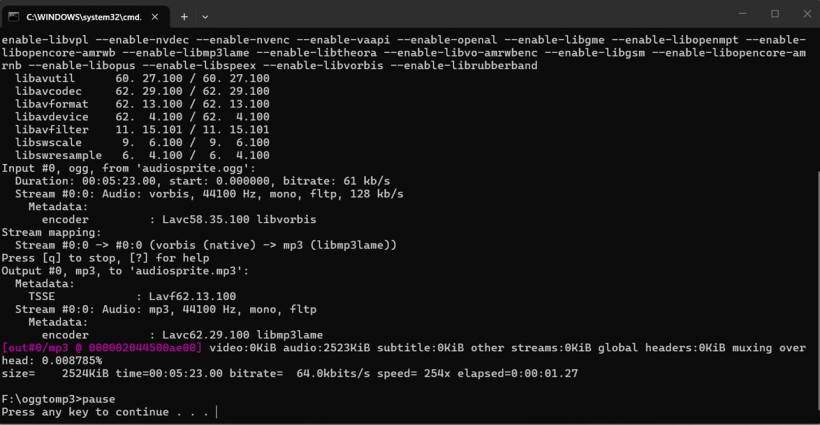
That method worked very well. It was fast, reliable, and perfect for batch conversion on my own computer. But it also required users to know how to install FFmpeg, open the command prompt, place files in the right folder, create a batch file, and understand what the command is doing. For technical users, that is perfectly fine. For regular end users, it can feel intimidating.
Turning A Command-Line Solution Into A Friendly Web App
After using the local FFmpeg method, I realised the same idea could be made more useful for others if it was turned into a simple web-based app. Not everyone wants to install FFmpeg or deal with command-line scripts. Some users just want to open a page, choose an audio file, select the output format, and click convert.
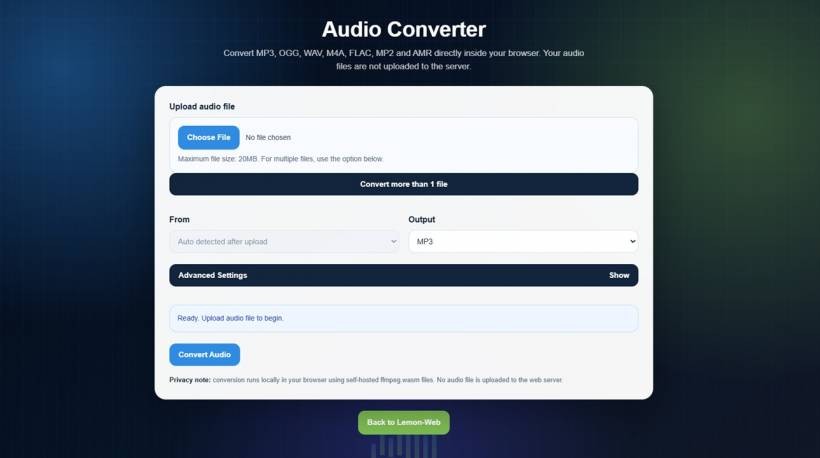
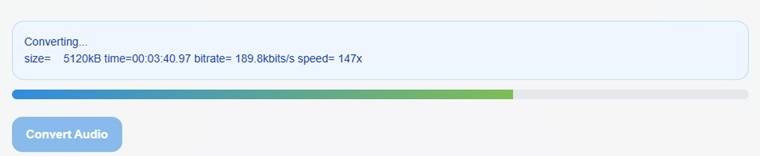
That became the foundation of the Audio Converter app. It takes the power of FFmpeg and presents it in a way that feels much more approachable. Instead of asking users to type commands, the app provides a clean interface with upload options, format selection, conversion settings, and a download button.
The important part is that the conversion still runs inside the browser. The audio files are not uploaded to a server for processing. This makes the app more privacy-friendly because the files remain on the user's own device during the conversion process. For users who work with personal recordings, audio clips, voice notes, or internal project files, that matters.
A Cleaner Experience For Everyday Users
One of the main goals of this app is to reduce friction. Audio conversion should not feel like a technical project. It should feel like a normal web tool that anyone can use. That is why the interface starts with a simple single-file upload option by default. Users who only need to convert one file can do so without seeing too many advanced options upfront.
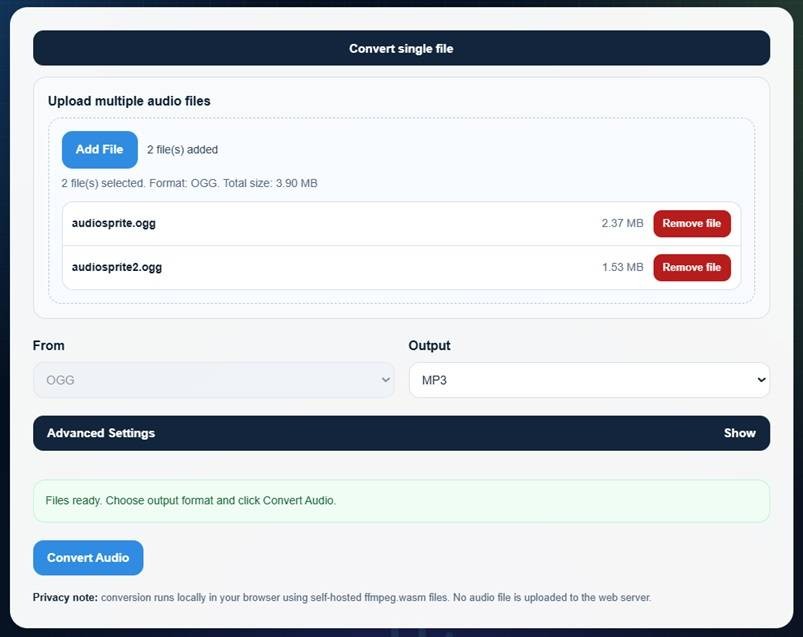
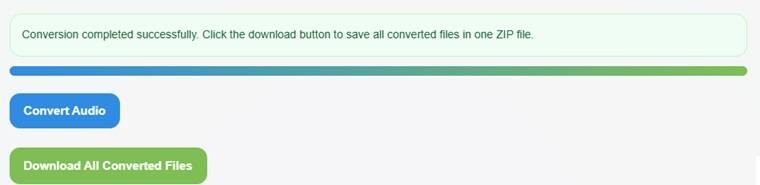
At the same time, I also wanted to support users who need more flexibility. That is why the app includes a multiple-file conversion mode. Instead of forcing users to convert one file at a time, they can switch to multiple-file mode, add several files, remove individual files if needed, and convert them together. Once the conversion is completed, the app can provide the converted files in one download, making the process cleaner and less repetitive.
This is one of the biggest reasons I wanted to build the app in the first place. Many free online converters make batch conversion inconvenient or lock it behind paid plans. For something as common as audio conversion, I felt that a simpler and more generous approach would be useful.
Supporting Common Audio Formats
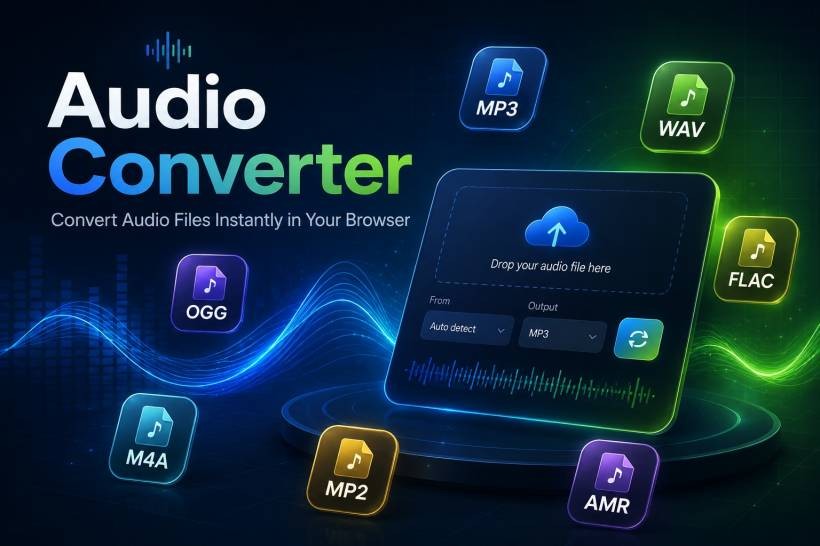
The Audio Converter app is designed to support common audio formats such as MP3, OGG, WAV, M4A, FLAC, MP2, and AMR. These formats cover many everyday use cases, from compressed music files to higher-quality audio storage and compatibility-focused formats.
MP3 remains one of the most widely supported audio formats, making it useful when compatibility is the priority. OGG is often used in games, web projects, and open-source environments. WAV is useful when users need uncompressed audio. M4A is commonly used across modern devices and platforms. FLAC is preferred when users want lossless quality. MP2 and AMR are more specific formats, but they can still be useful depending on older systems, telephony-related files, or special compatibility needs.
There is one small technical note with AMR. Whether AMR conversion works depends on the FFmpeg WebAssembly build and whether the required encoder is included. For most common formats such as MP3, OGG, WAV, M4A, FLAC, and MP2, the app is intended to work more predictably.
Built With Privacy In Mind
A major concern with online converters is file handling. Many web-based converters require users to upload files to a server before conversion can begin. That may be acceptable for public or non-sensitive files, but it is not always ideal. Users may not know where the file is being processed, how long it is retained, or whether the file is stored temporarily after conversion.
This app takes a different approach by using browser-based conversion. The process runs locally in the user's browser using self-hosted FFmpeg WebAssembly files. In simple terms, the conversion engine loads into the browser, and the file is processed on the user's device instead of being sent to a remote server.
That does not only improve privacy. It also makes the app feel more self-contained. There is no need for server-side FFmpeg, no need to upload audio files, and no need for backend processing. The page acts as the interface, while the browser does the conversion work.
Advanced Settings For Users Who Need More Control
While the app is designed to be simple, I also wanted it to have enough flexibility for users who need more control over the output. That is why the advanced settings are hidden by default and only appear when the user chooses to open them.
This keeps the main interface clean for casual users, while still offering useful options for more specific needs. Users can adjust quality, bitrate, sample rate, and channels. They can also apply simple effects such as fade in, fade out, or reverse audio.
This balance is important. Some users just want a quick conversion. Others may want to reduce file size, improve compatibility, or prepare audio for a specific use case. By keeping advanced settings optional, the app avoids overwhelming new users while still giving extra control to those who want it.
Why Browser-Based Conversion Makes Sense
Browser-based apps have become more powerful over time. In the past, something like audio conversion usually required desktop software or a server-side process. Today, with technologies such as WebAssembly, it is possible to run more advanced processing directly in the browser.
For this app, that makes a lot of sense. Audio conversion is useful, but it should not always require a full software installation. A browser-based tool is easier to access, easier to share, and easier for casual users to understand. As long as the file size is reasonable and the user's device can handle the processing, the experience can be smooth and practical.
This approach also fits the purpose of Lemon Web Apps. The idea is to create useful web-based tools that solve real problems without making the user jump through unnecessary hoops. Audio Converter follows that same direction.
Designed For Practical Use, Not Just Technical Demonstration
There is a big difference between building something just to prove it works and building something people can actually use. The command-line FFmpeg batch file was already enough for my personal use, but it was not friendly enough for everyone. The web app version is meant to close that gap.
The design focuses on clarity. Upload the file, choose the output format, optionally adjust advanced settings, then convert. The app also validates file formats, prevents mixed-format uploads during multiple-file conversion, and limits total upload size to keep the browser workload reasonable.
These details may seem small, but they help make the tool feel more reliable. A good utility app should guide the user, prevent common mistakes, and give clear feedback when something goes wrong.
A Tool Built From A Real Need
Many useful apps begin with a small personal frustration. In this case, the frustration was simple: I needed a better way to convert audio files without dealing with the limitations of free online converters or expecting every user to understand FFmpeg commands.
The local batch file method worked, but it was not something I could easily recommend to everyone. The Audio Converter app turns that same idea into a friendlier experience. It keeps the usefulness of FFmpeg while removing the technical barrier for normal users.
That is what makes the app meaningful to me. It is not just another converter. It is a tool built from an actual workflow, refined into something more accessible, and shared so others can benefit from it too.
Final Thoughts
Audio Converter was developed because audio conversion should be simple, private, and convenient. Users should not have to install paid software just to convert a few files, and they should not have to upload personal audio to unknown servers just to change a format. By using browser-based FFmpeg conversion, the app offers a practical middle ground between powerful command-line tools and easy everyday usability.
What started as a small local batch file solution has now become a web-based tool that can help other users handle common audio conversion tasks more easily. Whether someone needs to convert a single file, process several files at once, adjust output quality, or simply avoid the limitations of other online converters, Audio Converter is built to make that process cleaner and more user-friendly.











Comments 0