

Windows updates are supposed to be the boring kind of news. You install them, reboot, and move on with your life. But every so often, an update lands that turns everyday tasks into a mess of freezing apps, stuck processes, and confused users wondering what they did wrong.
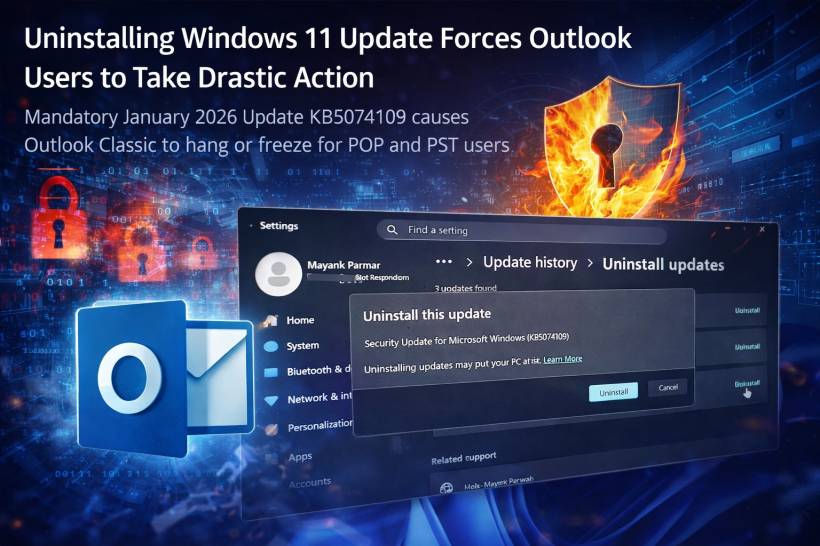
That's the vibe around Windows 11 update KB5074109, which started rolling out as a mandatory January 2026 update on January 13, 2026. Reports say it can cause Outlook Classic to hang or freeze, especially for people using POP accounts or working with PST files. And as a bonus problem, Microsoft has also acknowledged that some apps can become unresponsive when they try to open or save files inside cloud-synced folders like OneDrive or Dropbox.
Let's break down what this actually means in normal human language, why it happens, and what you can do if your Outlook suddenly acts like it's glued to the screen.
First, how do you know you even have KB5074109?
Because it's a mandatory update, a lot of people didn't choose it. It just… showed up.
A quick way to confirm is to check your Windows build number:
f you have that update installed and Outlook Classic is suddenly misbehaving, you're not imagining things.
Why this hits Outlook Classic, not "New Outlook"
One confusing part is that people hear "Outlook" and assume everything is broken. But this issue is mostly aimed at Outlook Classic (the traditional desktop app).
The newer web-based "New Outlook" behaves differently. It leans much more on online services, and it doesn't depend on the same local-storage workflow in the same way. So if you switch to webmail or the newer Outlook experience, you might find things magically stop freezing.
That's also why Microsoft's temporary advice leans heavily toward:
Use webmail for now.
POP accounts and PST files: why they matter here
If you're using POP (Post Office Protocol), Outlook typically downloads mail to your device and stores it locally. That's one of the reasons people still like POP: it's simple, it works offline, and it keeps everything on one machine unless you manually sync or copy it elsewhere.
To store all that mail and related data, Outlook uses PST files (Personal Storage Table). A PST isn't just email. It can also contain:

So when Outlook Classic + POP is involved, the PST becomes the "brain" of your mailbox on that PC.
The real problem: cloud sync and file locking
Here's the core idea behind what appears to be happening:
One very annoying symptom: Outlook.exe stays running in the background even after you close the window, because it never cleanly finishes the final write/close process.
And it's not just "the app is slow." It becomes a loop where Outlook can't recover properly unless you kill the process or reboot.
What it looks like when you're affected
People hit different combinations of symptoms, but the common ones include:
If your PST is also being synced to OneDrive, the chances of trouble go up.
Microsoft's workarounds (and why they're not fun)
Microsoft has acknowledged the issue and has basically offered three temporary paths:
1) Use webmail (the simplest "keep working" option)
If you can access your mailbox through Outlook on the web (or your provider's webmail portal), this avoids the whole PST file drama.
This is the path Microsoft calls the least complicated.
2) Move PST files out of OneDrive (effective, but annoying)
This is one of the more "proper" fixes, but it can be fiddly because PST location changes are not something most people do every day.
The concept is simple: don't keep active PST files in a cloud-synced folder. Put them somewhere local that OneDrive won't touch.
3) Uninstall KB5074109 (the blunt instrument that works)
If you need Outlook Classic working right now and webmail isn't an option, uninstalling the update is the quickest way to stop the freezing.
But it comes with a big tradeoff: security.
Microsoft has warned that removing the January 2026 update could expose you to risk, because that update reportedly fixes a large number of security vulnerabilities (over 100 issues mentioned in reports). So while uninstalling may restore functionality, it can also roll back important protections.
How to uninstall the Windows 11 January 2026 update (KB5074109)
If you're going this route, here's the standard Windows method:


After reboot, Outlook Classic should behave normally again.
One important detail: if updates continue installing automatically, Windows may reinstall the same patch, and the problem can come back. If you're relying on Outlook Classic daily, you'll want to be careful with update reinstallation until Microsoft releases a fixed version.
The "other apps freezing with OneDrive/Dropbox" issue
Separately, Microsoft has also acknowledged that some applications may become unresponsive or error out when opening or saving files in OneDrive or Dropbox folders.
That matters because it suggests this isn't just an "Outlook issue." It may be a wider problem involving:
Microsoft's guidance here is not especially satisfying: they suggest contacting the app developer for alternate methods of accessing files, while Microsoft continues working on a resolution.
The useful takeaway is this: if KB5074109 is installed and you notice unrelated apps randomly freezing when saving to OneDrive, it may be the same underlying file-access behavior causing trouble.
Practical advice if you want stability without jumping straight to uninstalling
If you're trying to keep things working while staying reasonably secure:
And if uninstalling is the only way you can function, treat it as temporary and keep an eye out for Microsoft's corrected update so you can get patched again as soon as the fix lands.
The bigger picture: why this one feels extra painful
Email is one of those "it has to work" tools. You can live with a UI change. You can live with an odd new taskbar behavior. But if your email client freezes, that's a productivity brick wall.
That's why KB5074109 is getting attention: it isn't breaking some obscure feature. It's interfering with a very normal setup that lots of people still use, especially anyone who prefers local archives, offline access, or a single device workflow.
For now, the situation is basically:
Use webmail, move the PST out of OneDrive, or uninstall the update.
Not glamorous, but at least you've got options.











Comments 0